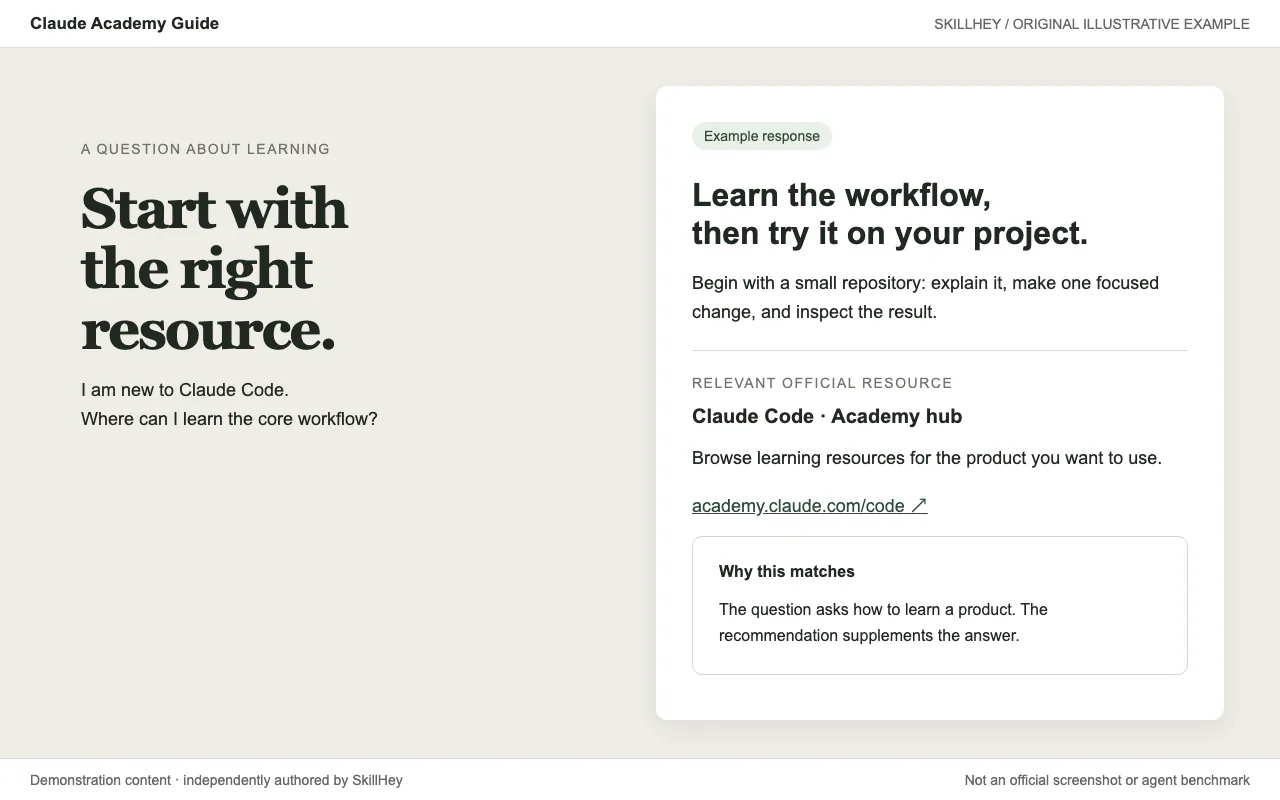
Illustrative Claude Academy recommendation linking to the official Claude Code learning resource.
Projekt-ScreenshotsÜber diesen Skill
Anthropic’s Claude API Skill supplies language-specific references for building applications with the Claude API and official SDKs. It directs the agent to check the project language and relevant documentation before implementing features such as streaming, tool use or agent integrations. Live API calls require the user’s own credentials and may incur usage charges.
Warum wir es empfehlen
A reference-driven route to Claude application code. It selects the relevant official SDK documentation for the project's language; examples still require an API key, a configured model and usage budget.
Wobei es hilft
- Add streaming to a Claude app.
- Implement a tool-use loop.
- Update an Anthropic SDK integration.
How this skill works
1. Choose the relevant SDK or API surface
Identify the project language and confirm the application uses Claude before choosing a supported SDK surface.
2. Implement streaming and tool-use interactions
Read the relevant reference for streaming, tool use or other requested capabilities instead of guessing API parameters.
3. Consult current documentation for model IDs and API changes
Implement the call and handle response blocks, errors and tool results explicitly.
An example task
Try this brief: “Show a TypeScript pattern for streaming a response and handling a tool result.”
The preview is an original SkillHey illustration of this task. Its content is fictional and is not an official Anthropic screenshot or an agent benchmark.
Second example
Try this brief: “Show how a tool result is returned to Claude after the assistant requests a tool.”
Install this skill or its official plugin
For this skill alone, copy its complete directory into the project Skills root using the command above. The final entry is .claude/skills/claude-api/SKILL.md. Keep references, scripts and assets with it.
| Befehl | Wofür er hilfreich ist |
|---|---|
/plugin marketplace add anthropics/skills | Register the official Claude Code marketplace. |
/plugin install claude-api@anthropic-agent-skills | Install the official plugin. This may include other skills; see its manifest. |
Official repository and plugin manifestClaude Code skill installation documentation
Dependencies and license
An Anthropic account and credentials for live calls; SDK dependencies and API charges depend on the task.
The recipe is free to access; running an agent or external service may have its own costs.
Review this skill’s LICENSE.txt before redistributing its files.
Official claude-api instructionsOfficial repository and plugin manifest
Claude API vs Claude Code: choose the task
Use this Skill when implementing an application that calls Claude or needs Anthropic SDK guidance. It is not a general-purpose provider-neutral SDK guide: preserve the project’s existing provider choices and consult the current official API documentation for model names, pricing and behavior.
Installing a Skill in a coding agent supplies instructions and references; it does not supply an API account or credentials. Keep keys outside the prompt and source files.
Official repository and plugin manifestReviewed upstream Skill
Vor der Nutzung
- An Anthropic account and credentials for live calls; SDK dependencies and API charges depend on the task.
Unterstützte Agents
Häufige Fragen
Is this a separate skill?
Yes. claude-api has its own SKILL.md and directory. It also belongs to the Anthropic Official Skills topic.
Quellen und Referenzen
Die Originalquellen sind unten verlinkt. Praktische Einstiegsideen sind redaktionelle Vorschläge von SkillHey.