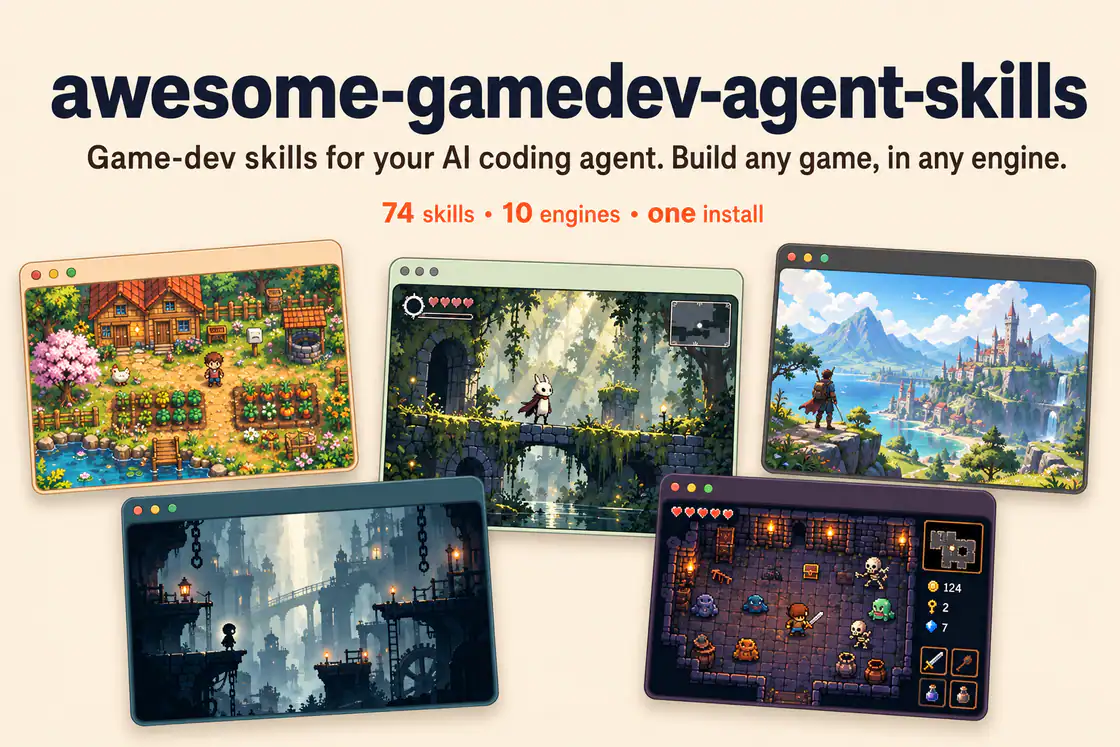
Author-provided banner showing five game scenes. Its 74-skill label reflects an earlier edition; the reviewed catalog contains 76 specialized skills plus a router.
Projekt-ScreenshotsÜber diesen Skill
Create Lua game loops, delta-time motion, input handling, screen states, and window settings in LÖVE.
Warum wir es empfehlen
Provides a focused workflow, implementation patterns, and common failure checks for löve 2d game loops. Pair it with the detected engine and any related systems required by the task.
Wobei es hilft
- Use when your game task needs löve 2d game loops.
What this skill helps you build
Create Lua game loops, delta-time motion, input handling, screen states, and window settings in LÖVE.
Patterns in the upstream playbook
The entrypoint covers: main.lua skeleton (the callback loop + input); Frame-rate independence (the single most common bug); conf.lua (window + version; runs before main.lua); Color is 0–1 in LÖVE 11.x (not 0–255); Screen states (brief — full manager in references).
Use it in your project
Inspect the existing project
Describe the desired behavior and share the relevant project files, engine version, and current failure or target result.
Apply the focused playbook
Create Lua game loops, delta-time motion, input handling, screen states, and window settings in LÖVE.
Verify in the matching runtime
Run the project or workflow with its actual dependencies and check the changed behavior before accepting the result.
Original love2d-core instructionsEngine versions and upgrade policy
Shared collection installation
Install the complete upstream collection with its router and keep each skill’s bundled references, scripts, and assets. The dispatcher selects an engine and the smallest relevant task set; a member listing is a focused entry into that shared package.
| Befehl | Wofür er hilfreich ist |
|---|---|
npx skills add gamedev-skills/awesome-gamedev-agent-skills | Keep the router and supporting skill folders available together. |
Vor der Nutzung
- The matching game engine or framework and its normal development environment; this skill supplies agent instructions rather than an engine executable.
Unterstützte Agents
Quellen und Referenzen
Die Originalquellen sind unten verlinkt. Praktische Einstiegsideen sind redaktionelle Vorschläge von SkillHey.