Build beautiful, native-feeling Expo screens. Covers Apple HIG styling, semantic colors, native controls, SF Symbols, media, visual effects, gradients, storage, and responsive layout. For routing and navigation, use the expo-router skill; for motion and animation, use the expo-animation skill.
Build and maintain a design system inside an Expo app - a reusable theme of design tokens (color, spacing, typography, radius, shadow, motion), reusable component structure with variant/size/state prop conventions, and rules for when to extract a repeated view into a shared component. Use when creating or organizing theme files and design tokens (theme.ts / theme/), extending an existing theme or styling library (NativeWind, Tamagui, Restyle, Unistyles) in its own idiom, standardizing styles so screens (including AI-generated ones) look consistent and polished, fixing an app that looks AI-generated or generic instead of native (the named native-slop tells), building an in-app component library, or auditing an app for design-system drift (hardcoded colors, spacing, fonts). For platform styling specifics (semantic colors, HIG rules, native controls) use expo-native-ui; for folder layout of a new app use expo-project-structure.
Build animations in React Native and Expo, making the decisions in the order that determines whether they feel right — should it animate, which thread it runs on, which properties, spring or timing, how the gesture hands off, how it degrades. Writes the implementation with Reanimated, Gesture Handler, Expo Router and expo-haptics. Use when animating anything in an Expo app, adding gestures, sheets, screen transitions, press feedback or haptics, or fixing motion that stutters on device. For web animation use `animate`.
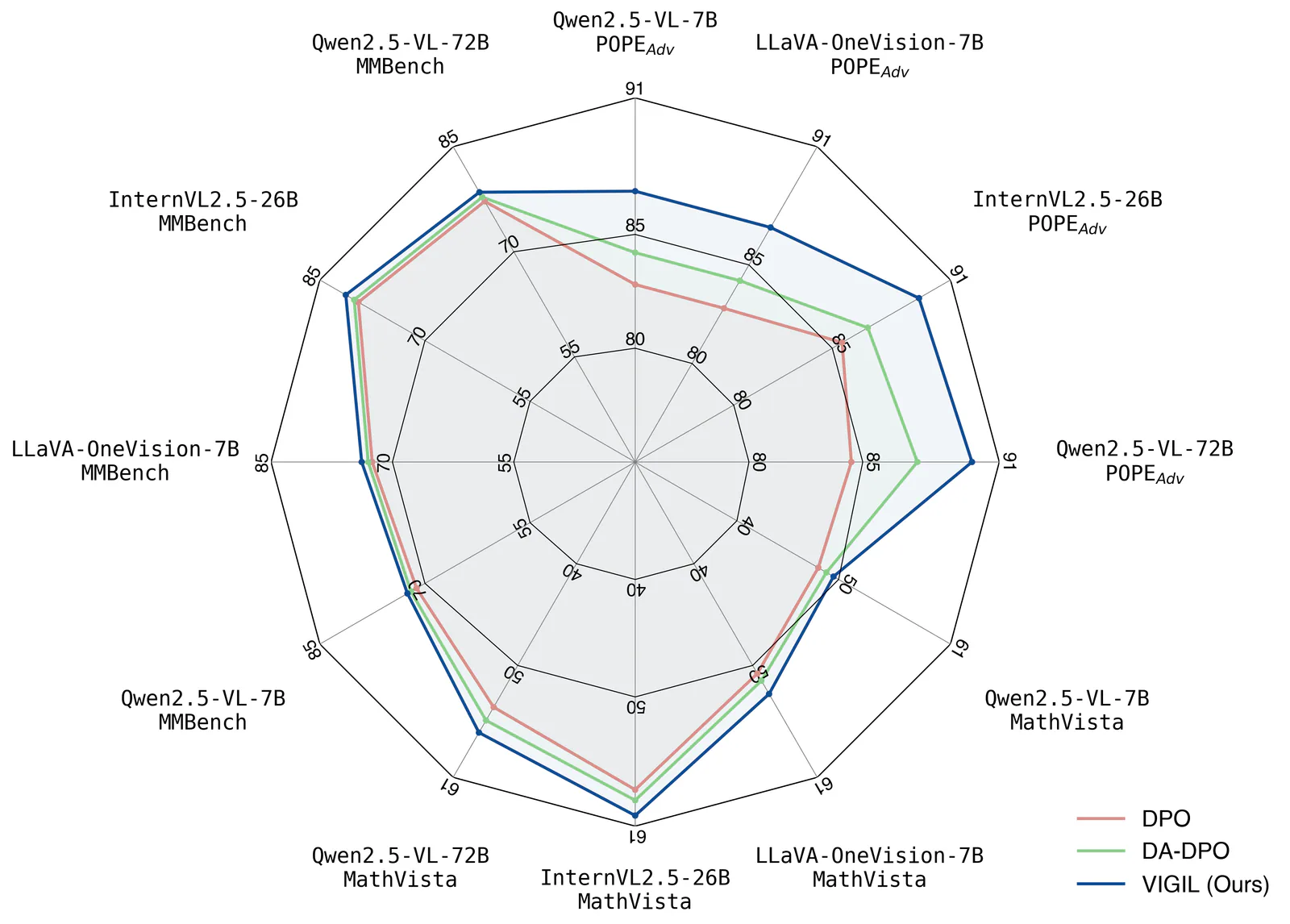
Create publication-style Matplotlib charts with an AI agent, using scientific plotting conventions, reference scripts and print or vector export guidance.
Turn English or Chinese descriptions into technical SVG diagrams with Codex or Claude Code. Create architecture and workflow diagrams, export PNG or offline interactive HTML, and animate supported scenes as GIFs.
Build native-feeling, benchmark-quality mobile app screens (Expo / React Native). Use when designing or implementing any mobile UI — screens, flows, onboarding, paywalls, tab bars, sheets, settings, empty states — or when polishing motion, navigation, typography, dark mode, or perceived performance. Enforces Apple HIG fidelity, semantic colors, native controls, anti-slop discipline, navigation semantics (push vs replace, modal vs sheet vs overlay, the one-way doors where back must not exist), purposeful Reanimated motion, a full-motion simulator-verified iteration loop, and a study-real-apps-first workflow (pairs with the Appllama MCP). Trigger on "build a screen", "make this screen better", "design the onboarding", "wire up this flow", "polish the UI", "make it feel native", or any mobile design/implementation task.
Make launch videos, motion graphics and explainers as editable HTML. Review frames in a local studio, leave targeted comments, and export with music and effects.
security skill for Claude AI. Grade A. Continuous security vulnerability scanning for OWASP Top 10, common vulnerabilities, and insecure patterns. Use when reviewing code, before deployments, or on file changes. Scans for SQL injection, XSS, secrets exposure, auth issues. Triggers on file changes, security mentions, deployment prep.
Ship TanStack Charts with meaningful accessibility, deterministic SSR and hydration, correct adapter lifecycle, renderer and export choices, exact package subpaths, and explicit React Native validation.
Deterministic design critique for HTML/CSS screens. Runs 73 slop guards extracted from the set of rules professional designers use in production-grade designs to catch the tells that make UI read as AI-generated (gradient-clipped headlines, the default indigo accent, puffy shadows, emoji icons, fake dot charts and decorated gauges, badges floated over the hero, eyebrow kickers above the H1, fake magazine mastheads, colored edge-stripe rails, two-tone headlines, over-designed list rows, layout-collapse bugs, em-dash copy, placeholder imagery), auto-fixes what can be safely rewritten, and reports the rest with concrete edits. Use whenever generated or hand-written HTML/CSS is about to be shown, exported, shipped, or committed, or when asked to critique a design, check it for slop, or give a second opinion on a generated screen.