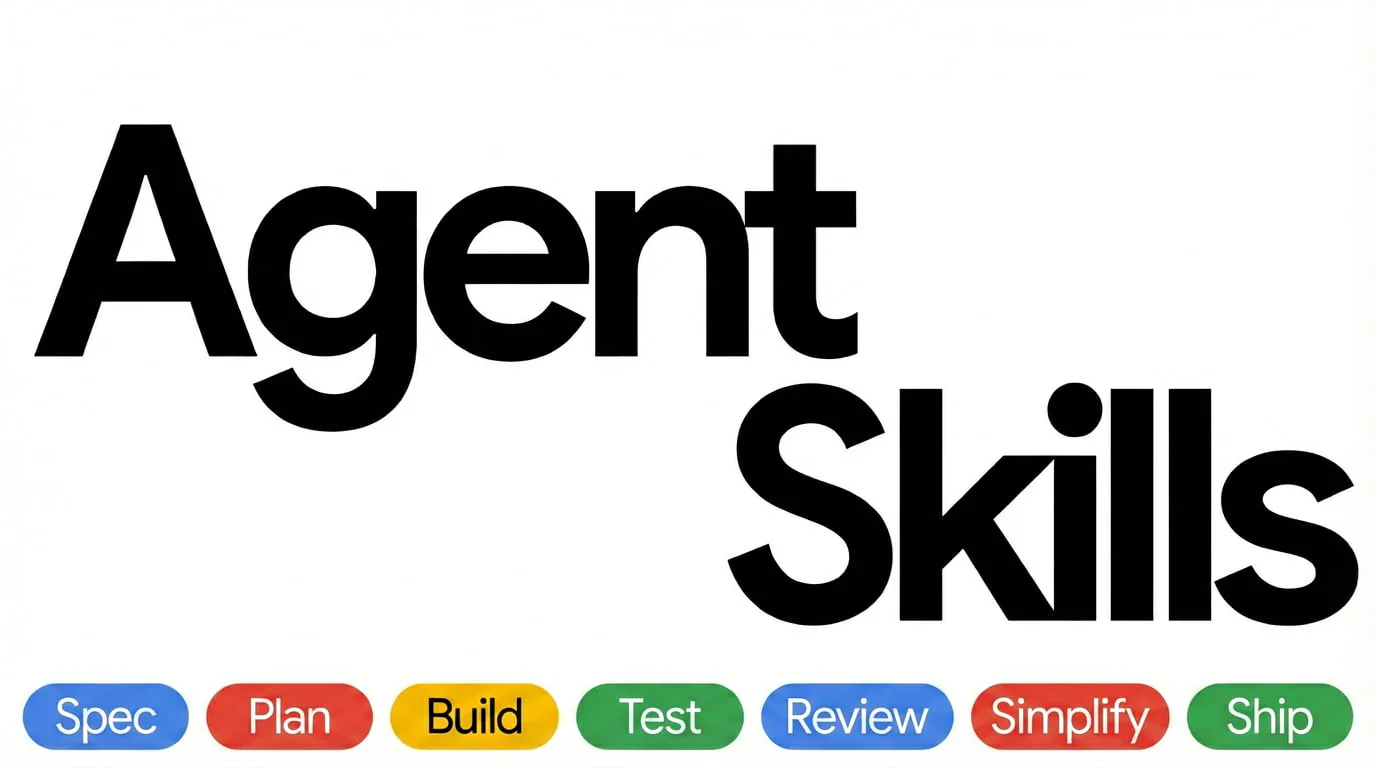
Agent Skills cover with Spec, Plan, Build, Test, Review, Simplify and Ship workflow labels.
Schermate del progettoInformazioni sullo Skill
Build CI pipelines with ordered quality gates, failure feedback, deployment strategies and rollback paths. Place inexpensive checks early, feed failures into development and choose a deployment strategy with a recovery path.
SKILL.md
Autore: Addy Osmani, Federico Bartoli and Joan León · addyosmani/agent-skills · MIT · SKILL.md @ 39b723c
---
name: ci-cd-and-automation
description: Automates CI/CD pipeline setup. Use when setting up or modifying build and deployment pipelines. Use when you need to automate quality gates, configure test runners in CI, or establish deployment strategies.
---

# CI/CD and Automation

## Overview

Automate quality gates so that no change reaches production without passing tests, lint, type checking, and build. CI/CD is the enforcement mechanism for every other skill — it catches what humans and agents miss, and it does so consistently on every single change.

**Shift Left:** Catch problems as early in the pipeline as possible. A bug caught in linting costs minutes; the same bug caught in production costs hours. Move checks upstream — static analysis before tests, tests before staging, staging before production.

**Faster is Safer:** Smaller batches and more frequent releases reduce risk, not increase it. A deployment with 3 changes is easier to debug than one with 30. Frequent releases build confidence in the release process itself.

## When to Use

- Setting up a new project's CI pipeline
- Adding or modifying automated checks
- Configuring deployment pipelines
- When a change should trigger automated verification
- Debugging CI failures

## The Quality Gate Pipeline

Every change goes through these gates before merge:

```
Pull Request Opened
    │
    ▼
┌─────────────────┐
│   LINT CHECK     │  eslint, prettier
│   ↓ pass         │
│   TYPE CHECK     │  tsc --noEmit
│   ↓ pass         │
│   UNIT TESTS     │  jest/vitest
│   ↓ pass         │
│   BUILD          │  npm run build
│   ↓ pass         │
│   INTEGRATION    │  API/DB tests
│   ↓ pass         │
│   E2E (optional) │  Playwright/Cypress
│   ↓ pass         │
│   SECURITY AUDIT │  npm audit
│   ↓ pass         │
│   BUNDLE SIZE    │  bundlesize check
└─────────────────┘
    │
    ▼
  Ready for review
```

**No gate can be skipped.** If lint fails, fix lint — don't disable the rule. If a test fails, fix the code — don't skip the test.

## GitHub Actions Configuration

### Basic CI Pipeline

```yaml
# .github/workflows/ci.yml
name: CI

on:
  pull_request:
    branches: [main]
  push:
    branches: [main]

jobs:
  quality:
    runs-on: ubuntu-latest
    steps:
      - uses: actions/checkout@v4

      - uses: actions/setup-node@v4
        with:
          node-version: '22'
          cache: 'npm'

      - name: Install dependencies
        run: npm ci

      - name: Lint
        run: npm run lint

      - name: Type check
        run: npx tsc --noEmit

      - name: Test
        run: npm test -- --coverage

      - name: Build
        run: npm run build

      - name: Security audit
        run: npm audit --audit-level=high
```

### With Database Integration Tests

```yaml
  integration:
    runs-on: ubuntu-latest
    services:
      postgres:
        image: postgres:16
        env:
          POSTGRES_DB: testdb
          POSTGRES_USER: ci_user
          POSTGRES_PASSWORD: ${{ secrets.CI_DB_PASSWORD }}
        ports:
          - 5432:5432
        options: >-
          --health-cmd pg_isready
          --health-interval 10s
          --health-timeout 5s
          --health-retries 5

    steps:
      - uses: actions/checkout@v4
      - uses: actions/setup-node@v4
        with:
          node-version: '22'
          cache: 'npm'
      - run: npm ci
      - name: Run migrations
        run: npx prisma migrate deploy
        env:
          DATABASE_URL: postgresql://ci_user:${{ secrets.CI_DB_PASSWORD }}@localhost:5432/testdb
      - name: Integration tests
        run: npm run test:integration
        env:
          DATABASE_URL: postgresql://ci_user:${{ secrets.CI_DB_PASSWORD }}@localhost:5432/testdb
```

> **Note:** Even for CI-only test databases, use GitHub Secrets for credentials rather than hardcoding values. This builds good habits and prevents accidental reuse of test credentials in other contexts.

### E2E Tests

```yaml
  e2e:
    runs-on: ubuntu-latest
    steps:
      - uses: actions/checkout@v4
      - uses: actions/setup-node@v4
        with:
          node-version: '22'
          cache: 'npm'
      - run: npm ci
      - name: Install Playwright
        run: npx playwright install --with-deps chromium
      - name: Build
        run: npm run build
      - name: Run E2E tests
        run: npx playwright test
      - uses: actions/upload-artifact@v4
        if: failure()
        with:
          name: playwright-report
          path: playwright-report/
```

## Feeding CI Failures Back to Agents

The power of CI with AI agents is the feedback loop. When CI fails:

```
CI fails
    │
    ▼
Copy the failure output
    │
    ▼
Feed it to the agent:
"The CI pipeline failed with this error:
[paste specific error]
Fix the issue and verify locally before pushing again."
    │
    ▼
Agent fixes → pushes → CI runs again
```

**Key patterns:**

```
Lint failure → Agent runs `npm run lint -- --fix` and commits
Type error  → Agent reads the error location and fixes the type
Test failure → Agent follows debugging-and-error-recovery skill
Build error → Agent checks config and dependencies
```

## Deployment Strategies

### Preview Deployments

Every PR gets a preview deployment for manual testing:

```yaml
# Deploy preview on PR (Vercel/Netlify/etc.)
deploy-preview:
  runs-on: ubuntu-latest
  if: github.event_name == 'pull_request'
  steps:
    - uses: actions/checkout@v4
    - name: Deploy preview
      run: npx vercel --token=${{ secrets.VERCEL_TOKEN }}
```

### Feature Flags

Feature flags decouple deployment from release. Deploy incomplete or risky features behind flags so you can:

- **Ship code without enabling it.** Merge to main early, enable when ready.
- **Roll back without redeploying.** Disable the flag instead of reverting code.
- **Canary new features.** Enable for 1% of users, then 10%, then 100%.
- **Run A/B tests.** Compare behavior with and without the feature.

```typescript
// Simple feature flag pattern
if (featureFlags.isEnabled('new-checkout-flow', { userId })) {
  return renderNewCheckout();
}
return renderLegacyCheckout();
```

**Flag lifecycle:** Create → Enable for testing → Canary → Full rollout → Remove the flag and dead code. Flags that live forever become technical debt — set a cleanup date when you create them.

### Staged Rollouts

```
PR merged to main
    │
    ▼
  Staging deployment (auto)
    │ Manual verification
    ▼
  Production deployment (manual trigger or auto after staging)
    │
    ▼
  Monitor for errors (15-minute window)
    │
    ├── Errors detected → Rollback
    └── Clean → Done
```

### Rollback Plan

Every deployment should be reversible:

```yaml
# Manual rollback workflow
name: Rollback
on:
  workflow_dispatch:
    inputs:
      version:
        description: 'Version to rollback to'
        required: true

jobs:
  rollback:
    runs-on: ubuntu-latest
    steps:
      - name: Rollback deployment
        env:
          VERSION: ${{ inputs.version }}
        run: |
          # Deploy the specified previous version. Pass the input through env,
          # never interpolate it into the script (shell injection).
          npx vercel rollback "$VERSION"
```

## Environment Management

```
.env.example       → Committed (template for developers)
.env                → NOT committed (local development)
.env.test           → Committed (test environment, no real secrets)
CI secrets          → Stored in GitHub Secrets / vault
Production secrets  → Stored in deployment platform / vault
```

CI should never have production secrets. Use separate secrets for CI testing.

## Automation Beyond CI

### Dependabot / Renovate

```yaml
# .github/dependabot.yml
version: 2
updates:
  - package-ecosystem: npm
    directory: /
    schedule:
      interval: weekly
    open-pull-requests-limit: 5
```

### Build Cop Role

Designate someone responsible for keeping CI green. When the build breaks, the Build Cop's job is to fix or revert — not the person whose change caused the break. This prevents broken builds from accumulating while everyone assumes someone else will fix it.

### PR Checks

- **Required reviews:** At least 1 approval before merge
- **Required status checks:** CI must pass before merge
- **Branch protection:** No force-pushes to main
- **Auto-merge:** If all checks pass and approved, merge automatically

## CI Optimization

When the pipeline exceeds 10 minutes, apply these strategies in order of impact:

```
Slow CI pipeline?
├── Cache dependencies
│   └── Use the setup-node cache option (or actions/cache) for the package manager cache, not node_modules
├── Run jobs in parallel
│   └── Split lint, typecheck, test, build into separate parallel jobs
├── Only run what changed
│   └── Use path filters to skip unrelated jobs (e.g., skip e2e for docs-only PRs)
├── Use matrix builds
│   └── Shard test suites across multiple runners
├── Optimize the test suite
│   └── Remove slow tests from the critical path, run them on a schedule instead
└── Use larger runners
    └── GitHub-hosted larger runners or self-hosted for CPU-heavy builds
```

**Example: caching and parallelism**
```yaml
jobs:
  lint:
    runs-on: ubuntu-latest
    steps:
      - uses: actions/checkout@v4
      - uses: actions/setup-node@v4
        with: { node-version: '22', cache: 'npm' }
      - run: npm ci
      - run: npm run lint

  typecheck:
    runs-on: ubuntu-latest
    steps:
      - uses: actions/checkout@v4
      - uses: actions/setup-node@v4
        with: { node-version: '22', cache: 'npm' }
      - run: npm ci
      - run: npx tsc --noEmit

  test:
    runs-on: ubuntu-latest
    steps:
      - uses: actions/checkout@v4
      - uses: actions/setup-node@v4
        with: { node-version: '22', cache: 'npm' }
      - run: npm ci
      - run: npm test -- --coverage
```

## Common Rationalizations

| Rationalization | Reality |
|---|---|
| "CI is too slow" | Optimize the pipeline (see CI Optimization below), don't skip it. A 5-minute pipeline prevents hours of debugging. |
| "This change is trivial, skip CI" | Trivial changes break builds. CI is fast for trivial changes anyway. |
| "The test is flaky, just re-run" | Flaky tests mask real bugs and waste everyone's time. Fix the flakiness. |
| "We'll add CI later" | Projects without CI accumulate broken states. Set it up on day one. |
| "Manual testing is enough" | Manual testing doesn't scale and isn't repeatable. Automate what you can. |

## Red Flags

- No CI pipeline in the project
- CI failures ignored or silenced
- Tests disabled in CI to make the pipeline pass
- Production deploys without staging verification
- No rollback mechanism
- Secrets stored in code or CI config files (not secrets manager)
- Long CI times with no optimization effort

## Verification

After setting up or modifying CI:

- [ ] All quality gates are present (lint, types, tests, build, audit)
- [ ] Pipeline runs on every PR and push to main
- [ ] Failures block merge (branch protection configured)
- [ ] CI results feed back into the development loop
- [ ] Secrets are stored in the secrets manager, not in code
- [ ] Deployment has a rollback mechanism
- [ ] Pipeline runs in under 10 minutes for the test suite
Perché lo abbiamo scelto
A task workflow in Addy's Agent Skills. Follow the upstream instructions and retain referenced shared files; host capabilities and project configuration determine which steps can run.
A cosa serve
- A repository needs repeatable checks on pull requests and deployment.
Workflow and deliverables
Place inexpensive checks early, feed failures into development and choose a deployment strategy with a recovery path.
Pipeline configuration, gate ordering, secret handling and deployment or rollback procedures appropriate to the project.
Install with the required references
Install the complete pack through a documented repository integration when shared references are needed. A per-skill skills CLI install copies only skills/<name>/ and can omit the repository-level references/ checklists; keep the needed shared files with the workflow.
Prima di usarlo
- An Agent that can load Skill Markdown and access your project. File edits, shell commands, builds and checks depend on the selected workflow and its environment.
- Use your project's own runtimes, dependencies and verification commands. The Skill files provide instructions and do not install those project tools.
- Install the complete pack through a documented repository integration when shared references are needed. A per-skill skills CLI install copies only skills/<name>/ and can omit the repository-level references/ checklists; keep the needed shared files with the workflow.
Agenti supportati
Fonti e riferimenti
Le fonti originali sono collegate qui sotto. Gli spunti pratici sono suggerimenti editoriali di SkillHey.