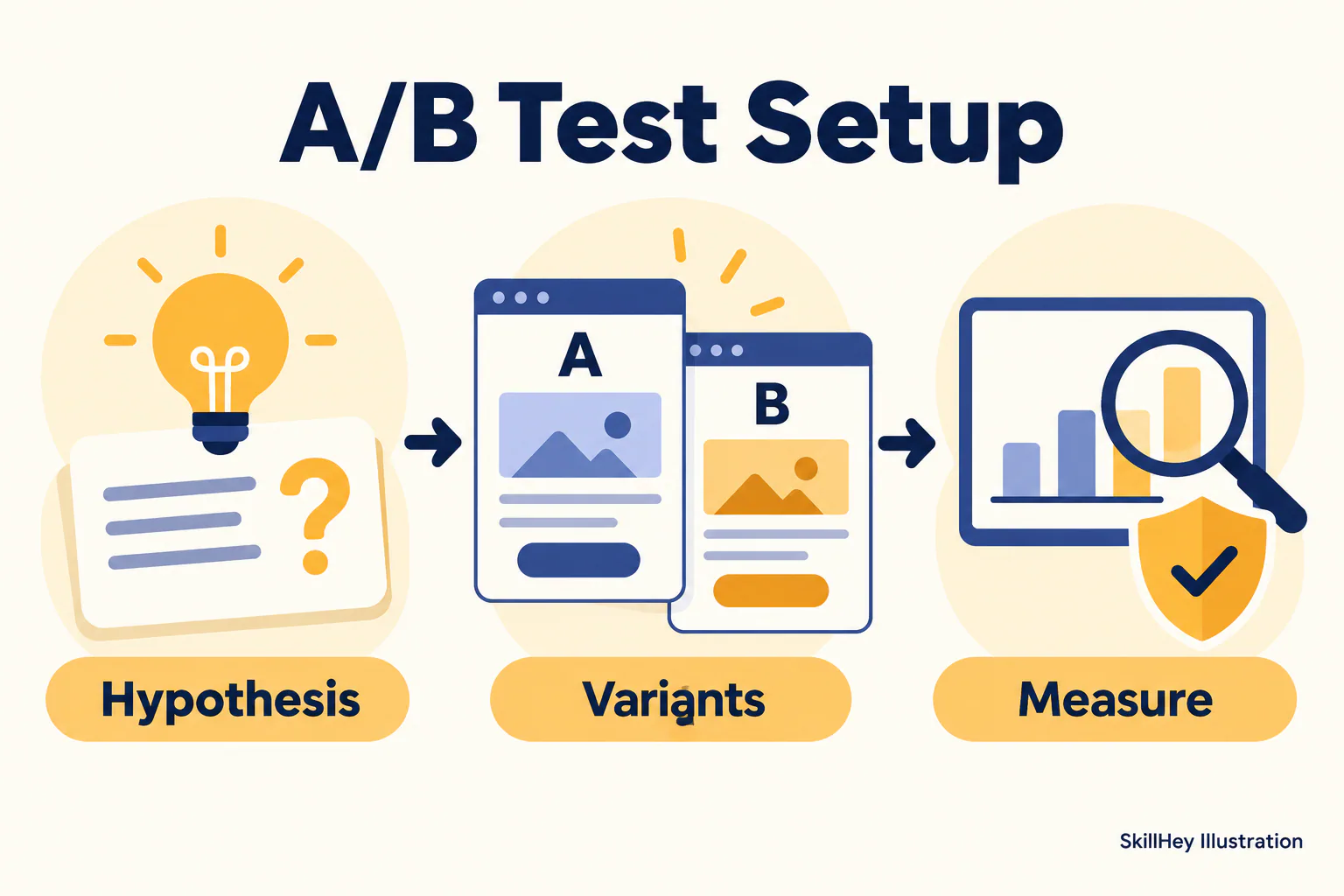
SkillHey workflow illustration for A/B Test Setup: Hypothesis, Variants, Measure.
Schermate del progettoInformazioni sullo Skill
Define recurring agent workflows with cadence, inputs, outputs and review boundaries. This is the marketing-loops Skill in Corey Haines’s Marketing Skills collection. It gives an Agent a focused workflow and task references; it can work from information you supply, and the repository documents optional tools for tasks needing live websites or account data. Start with the product, audience and decision you need help with, then review the proposed work against your actual evidence.
SKILL.md
Autore: Corey Haines · coreyhaines31/marketingskills · MIT · SKILL.md @ 1efedbc
---
name: marketing-loops
description: "When the user wants to set up a recurring, self-running marketing workflow — a repeatable loop an AI agent runs on a cadence (weekly, daily, on a trigger) rather than a one-off task. Also use when the user mentions 'marketing loop,' 'recurring marketing workflow,' 'automate my marketing,' 'marketing on autopilot,' 'weekly marketing review,' 'ad fatigue check,' 'content refresh loop,' 'churn watch,' 'ranking drop alert,' 'run my SEO,' 'SEO operator,' 'daily SEO agent,' 'run my outbound,' 'AI SDR,' 'reply triage,' 'always-on marketing,' 'marketing automation workflow,' or 'run this every week.' Use this to pick, adapt, and schedule an ongoing marketing loop that orchestrates the other marketing skills. For one-off marketing ideas, see marketing-ideas. For the experimentation loop specifically, see ab-testing."
metadata:
  version: 1.4.0
---

# Marketing Loops

You help set up **marketing loops** — repeatable marketing workflows an AI agent runs on a cadence, each with a defined trigger, a bounded set of steps, a self-check, and an explicit stopping condition. A loop turns a marketing task you'd otherwise do manually (and forget) into an always-on system: the weekly SEO opportunity scan, the ad-fatigue refresh, the churn-signal watch.

This is the operational cousin of `marketing-ideas`. Ideas tell you *what to try once*. Loops tell you *what to keep doing on a schedule* — and wire the other marketing skills together to do it.

## How to Use This Skill

**Check for product marketing context first:** if `.agents/product-marketing.md` exists (or `.claude/product-marketing.md`, or the legacy `product-marketing-context.md`), read it before asking questions. Use that context and only ask for what's missing.

Then:
1. **Clarify the job.** What outcome should this loop protect or grow? (rankings, ad efficiency, activation, retention, revenue, referrals)
2. **Pick a loop** from the catalog in `references/loop-catalog.md` — or adapt the closest one.
3. **Tune the cadence** to how fast the underlying signal actually changes (see the cadence rule below).
4. **Confirm the human checkpoint.** Decide what the loop does autonomously vs. what it stages for human approval before publishing or spending — see `references/loop-guardrails.md`.
5. **Schedule it** (see "Scheduling a loop" below).

Building more than one loop, or a whole marketing operating system? See `references/loop-orchestration.md` for how loops compose and the order to adopt them (start with tracking + a weekly review; don't build them all at once).

## Anatomy of a Marketing Loop

Every loop in the catalog has these nine parts. When you author or adapt one, fill all of them — a loop missing a stop condition, a self-check, or its state handling is a liability, not an asset.

| Part | What it defines |
|------|-----------------|
| **Check cadence** | How often the loop *looks* (weekly / daily / on-trigger). Match it to signal speed. |
| **Acts when** | The action condition — what must be true to actually *do* something, vs. just check and skip. Most runs of a good loop are "checked, nothing to do." |
| **Purpose** | The one outcome this loop exists to move. |
| **Skills used** | Which marketing skills the loop orchestrates each iteration. |
| **Loop body** | The ordered steps run each iteration. |
| **Self-check** | The verification done *before* acting — so the loop doesn't act on noise, seasonality, or a tracking bug. |
| **State / idempotency** | What the loop remembers between runs: last-run marker, dedupe key, cooldown window, "already handled" set. Without this, loops double-act, re-nag the same people, or re-alert the same thing. Non-negotiable for anything scheduled — see `references/loop-state.md` for where state lives and the idempotency patterns. |
| **Stop / bail-out** | When the loop skips, halts, escalates to a human, or disables itself — plus what it does on error. Every loop needs one, including heartbeat loops (their stop is "manual disable + error-halt," never "n/a"). |
| **Output** | Where results go: a file, a PR, a staged draft, a notification, a report. |

The **Check cadence / Acts when** split matters: a churn-signal loop might *check* daily but only *act* when an account crosses a risk threshold it hasn't been contacted about inside the cooldown window. Conflating the two produces loops that either miss the window or spam.

## The cadence rule

Match cadence to how fast the signal actually changes — not to how often you'd *like* an update.

| Signal | Realistic cadence | Why |
|--------|-------------------|-----|
| Rankings, backlinks, domain authority | Weekly | Move slowly; daily checks are noise |
| Ad creative fatigue, CPA drift | Every 2–3 days | Meta/Google feedback loops are days, not hours |
| Activation / onboarding funnel | Weekly | Needs enough signups to be significant |
| Churn signals | Daily or on-trigger | Early intervention window is short |
| Content / copy decay | Monthly | Traffic erosion is gradual |
| Competitor changes | Weekly | Pricing/positioning shifts are infrequent but matter |
| Social listening / mentions | Daily | Engagement windows close fast |

Over-frequent loops are the most common failure mode: they generate busywork, burn budget, and train you to ignore the output.

## When NOT to loop

Not everything should be automated on a cadence. Skip a loop — or add a mandatory human checkpoint — when:

- **Strategy or creative direction is the real work.** Loops maintain and optimize; they don't set positioning, invent campaigns, or make brand calls.
- **The action publishes or spends without review.** Auto-*drafting* an ad, email, or post is fine. Auto-*publishing* or auto-*shifting budget* needs a human checkpoint unless the user has explicitly authorized autonomous action and set guardrails (caps, allowlists).
- **The signal is too sparse to be significant.** A weekly conversion-rate loop on 40 visitors/week is measuring noise.
- **It's a vanity loop.** If nobody acts on the output, delete the loop. A loop that emails a dashboard nobody reads is worse than nothing.

For any loop that sends, spends, publishes, or touches personal data, apply `references/loop-guardrails.md` — the two-tier action model (autonomous-safe vs. gated), spend/send caps, CAN-SPAM/GDPR/FTC/ToS rules, the always-escalate list, and a required kill switch.

## Scheduling a loop

These loops are agent-agnostic — the *body* works in any agent. The *scheduling* depends on your environment:

- **Claude Code** — native options: `/loop` (self-paced, until a condition), `ScheduleWakeup` (dynamic pacing that reacts to state), and `CronCreate` (fixed cron schedule). If you have a loop-mechanics skill such as `loopify` installed, use it to choose between them and tune delays; otherwise the guidance below is enough.
- **Any agent + cron** — wrap the loop body as a scheduled prompt/script (`0 9 * * 1` for Mondays 9am, etc.).
- **Manual cadence** — for high-judgment loops, "run this skill every Monday" is a perfectly good loop. The value is the repeatable *body*, not the automation.

Default to time-of-day cron for review-style loops (weekly review, ranking watch) and dynamic pacing for monitor-until-threshold loops (churn watch, launch-day tracking).

## The Catalog

`references/loop-catalog.md` holds the full library — 52 marketing loops with thorough funnel coverage: SEO & Content, Paid, Earned/Social/Partnerships, Outbound, Activation, Retention, Revenue, Referral & Advocacy, and Ongoing Ops. Each is a complete, adaptable spec. Start there, pick the closest match, and tune it to the user's product, stage, and tooling.

## Running a whole channel: the SEO operator

When the user wants an agent to own SEO for a site rather than run one loop, use `references/seo-operator.md`. It bundles the SEO loops (site health, claim drift, striking-distance push, AI-answer check, keyword gap, content decay, competitor watch, and more) into one schedule with shared memory in `.agents/seo/`, a first-run checklist, operating rules, a writing gate, and a one-screen weekly report.

## Running outbound: the outbound operator

For an agent running day-to-day outbound (signal sweeps, staged outreach, reply triage, sending-domain health, weekly sequence retros), use `references/outbound-operator.md`. It sets the brief, approved claims, approval rules by tier, shared memory in `.agents/outbound/`, and a weekly report.

## Authoring a new loop

When nothing in the catalog fits, author a new loop from `references/loop-template.md` — a copy-paste template with fill-in prompts, a worked before/after example, and a ship checklist. Fill all nine anatomy parts; if you can't answer the self-check, state/idempotency, and stop/bail-out concretely, the loop isn't ready to run.

## Anti-patterns

- Looping without a stop condition → runaway spend or infinite churn.
- Same cadence for every loop → most run too often and get ignored.
- No self-check → the loop acts on noise, seasonality, or a tracking bug.
- No human checkpoint on spend/publish actions.
- Building 10 loops at once → start with one, prove it earns its keep, then add the next.

## Banned vocabulary

Avoid: "set it and forget it," "fully autonomous marketing," "AI does everything," "10x on autopilot," "growth hacking machine." Loops are disciplined systems with checkpoints, not magic. Describe them honestly.

## Related Skills

- **marketing-ideas** — one-off tactics and inspiration (what to try). Loops operationalize the ones worth repeating.
- **ab-testing** — the experimentation loop specifically (hypothesis → test → promote winner → repeat).
- **analytics** — most loops read from analytics to decide whether to act.
- Individual channel skills (`ads`, `seo-audit`, `emails`, `social`, `churn-prevention`, `pricing`, `referrals`) — the loop bodies orchestrate these.
Perché lo abbiamo scelto
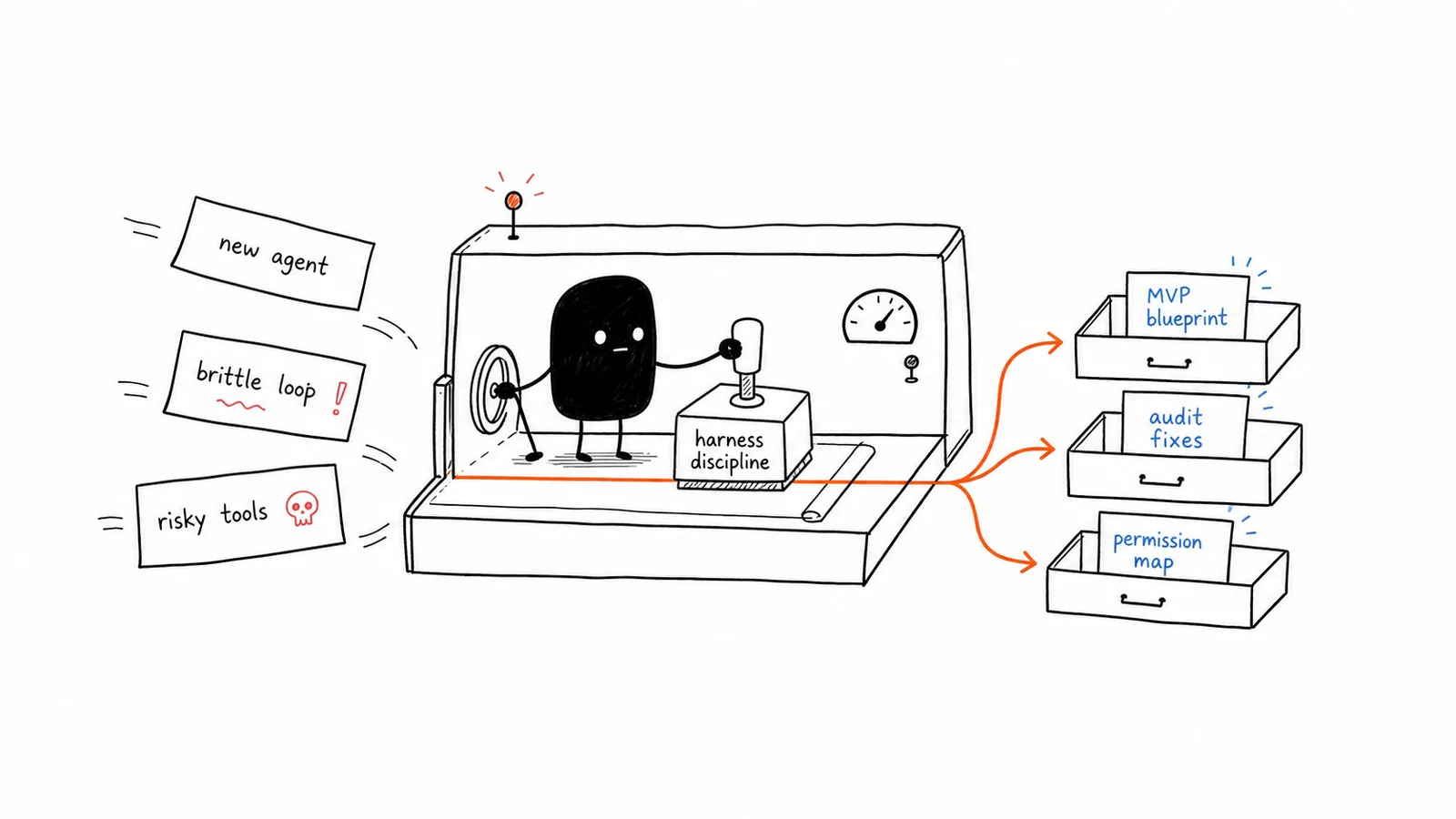
A focused starting point for marketing loops. Pair it with product-marketing to reuse product and audience context. The two SkillHey illustrations explain the workflow and a conceptual use case; the original repository remains the installation source.
A cosa serve
- Founders and marketing teams working on marketing loops.
- Agent users who can provide product context and review proposed marketing work.
A practical starting workflow
Tell the Agent the task, intended audience and relevant constraints. Define recurring agent workflows with cadence, inputs, outputs and review boundaries.
Inputs
Use this focus to guide the marketing loops task, and check the result against your source material.
Cadence
Use this focus to guide the marketing loops task, and check the result against your source material.
Review
Use this focus to guide the marketing loops task, and check the result against your source material.
Reuse product and audience context
The repository’s product-marketing Skill creates .agents/product-marketing.md. This Skill checks that shared context first; supply task-specific material and update the context when positioning or audience changes.
Install the original Skill
Install the selected Skill, or include the shared context Skill. In an Agent session, specify Claude Code explicitly when installing for that host. Keep the Skill folder and its references together.
| Comando | A cosa serve |
|---|---|
npx skills add coreyhaines31/marketingskills --skill marketing-loops | Install this Skill. |
npx skills add coreyhaines31/marketingskills --skill product-marketing marketing-loops -a claude-code | Install with shared product context for Claude Code. |
npx skills add coreyhaines31/marketingskills --list | List the collection’s available Skills. |
Try a focused request
“Use marketing-loops for my product. Define recurring agent workflows with cadence, inputs, outputs and review boundaries. Read the product-marketing context first, ask only for missing task information, and show the evidence and assumptions behind your recommendations.”
Requirements and review
The Skill provides instructions and references. Some workflows need browsing, data exports or connected tools, and image/video tasks need a suitable creation tool. Installing it does not by itself run a campaign or guarantee a performance outcome. Use current account data and platform documentation for implementation decisions.
Prima di usarlo
- An Agent that supports SKILL.md, plus the supplied business context and relevant source material.
- Account access, API credentials or paid tools only when your chosen task and integration need them; they are separate from the free Skill.
Agenti supportati
Domande frequenti
Is this a free Skill?
The source library is free and MIT-licensed. Model usage and optional third-party tools follow their own pricing.
Do I need every Skill in the collection?
No. Install marketing-loops for this task; product-marketing is a useful companion for shared context. Add other Skills when the workflow needs them.
What do the preview images represent?
SkillHey created an explanatory workflow illustration and a conceptual application example for this listing. The linked SKILL.md and references define the author’s actual workflow.
Fonti e riferimenti
Le fonti originali sono collegate qui sotto. Gli spunti pratici sono suggerimenti editoriali di SkillHey.