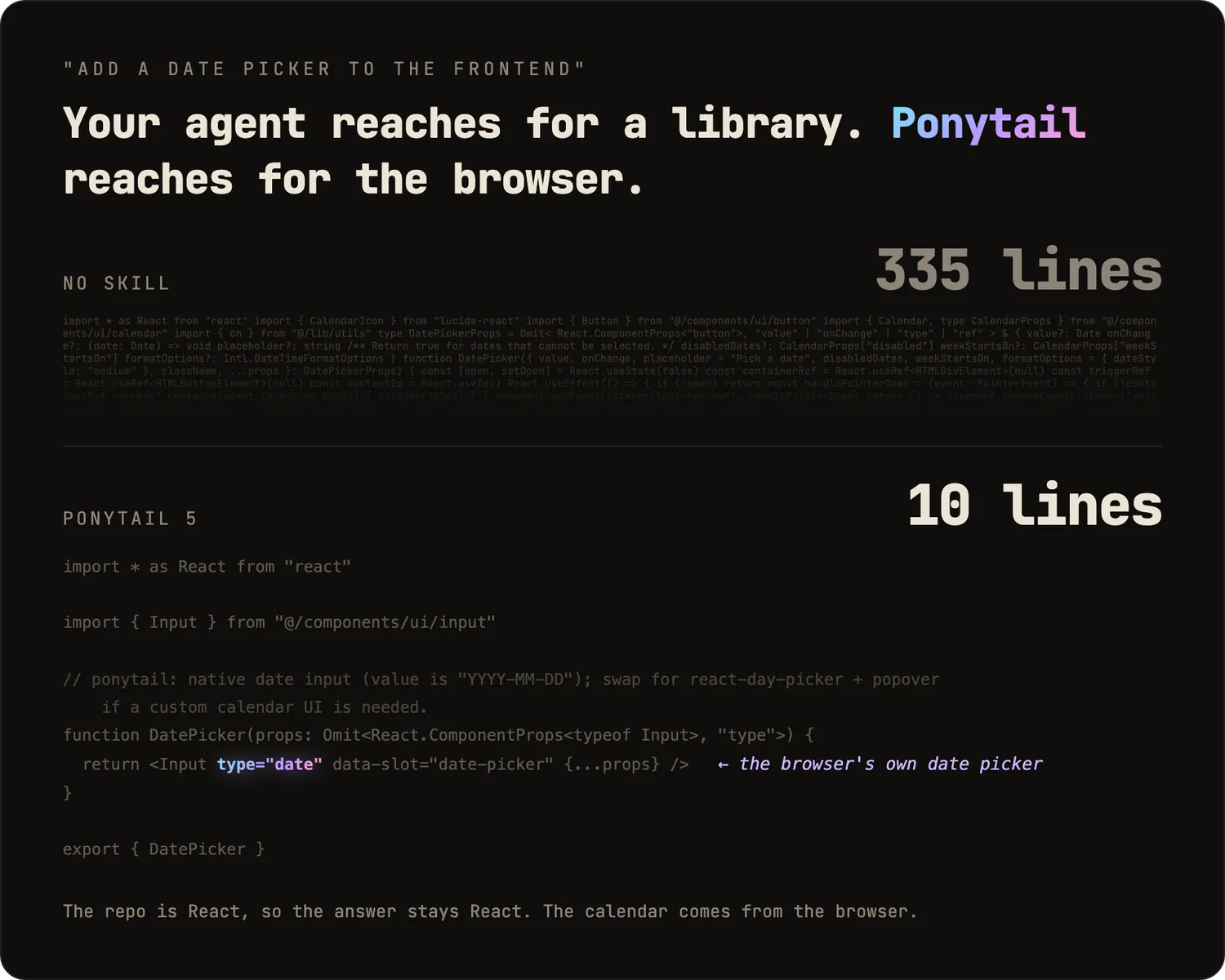
Ponytail code reuse example
Schermate del progettoInformazioni sullo Skill
Ponytail combines a coding ruleset with focused review, audit, debt, benchmark and help workflows. Its OpenClaw files mirror the six canonical Skills; they are not extra tasks. Benchmark commands display the upstream project’s measurements, rather than a promised result for your codebase.
Perché lo abbiamo scelto
Useful when generated changes grow beyond the task. Start with the review or audit workflow, then choose a focused coding mode; the debt ledger helps keep deferred work visible.
Skill di questa raccolta
6 skill- Visualizza →
Ponytail: Minimal Code Changes
Make the smallest complete change, with adjustable coding intensity and concise explanations.
- Visualizza →
Ponytail: Code Review
Review a change and its connected code for correctness, safety, performance and unnecessary complexity.
- Visualizza →
Ponytail: Codebase Audit
Produce a ranked repository audit covering bugs, risky untested code, slow paths and code bloat.
- Visualizza →
Ponytail: Technical Debt Ledger
Collect shortcut comments into a read-only ledger of deliberately deferred work.
- Visualizza →
Ponytail: Benchmark Scoreboard
Display Ponytail’s recorded benchmark results for code size, cost and execution speed.
- Visualizza →
Ponytail: Command Reference
Show a quick reference for Ponytail modes, Skills and commands.
A cosa serve
- Keep code changes small, review connected code and track deliberate technical debt.
Setup and use
This terminal command installs the Codex plugin. In Claude Code, add the marketplace and install ponytail@ponytail as two separate /plugin prompts. Start a new session after setup.
| Comando | A cosa serve |
|---|---|
codex plugin marketplace add DietrichGebert/ponytail && codex plugin add ponytail@ponytail | Get the upstream package or workspace using the documented setup route. |
Prima di usarlo
- Use the official plugin or the complete Skill folders. Lifecycle hooks require the host’s own trust setup; instruction-only adapters do not expose every command.
Agenti supportati
Fonti e riferimenti
Le fonti originali sono collegate qui sotto. Gli spunti pratici sono suggerimenti editoriali di SkillHey.