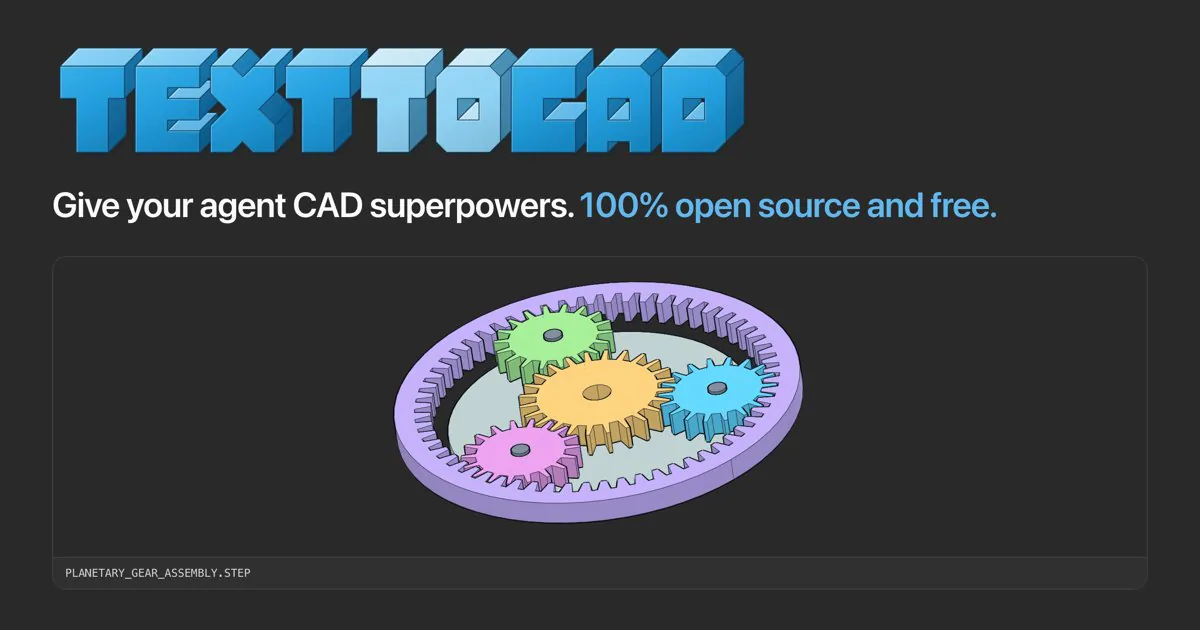
text-to-cad cover with blue lettering and a planetary gear CAD assembly.
プロジェクトのスクリーンショットこのスキルについて
Choose the correct official desktop app for the file: sliced jobs open in Bambu Connect, while unsliced models open in Bambu Studio. The workflow prepares a local file handoff and asks the user to check printer, plate, nozzle and filament before starting.
おすすめする理由
Useful after slicing for a Bambu Lab printer: it uses the official application and keeps printer selection and Print in the user’s hands.
役立つこと
- Hand a Bambu-compatible print file or model to the official desktop application.
How to use this Skill
Identify the file
Determine whether the input is a sliced Bambu job or an unsliced model.
Open the official app
Use the documented Bambu Connect import link for a sliced file, or open the model in Bambu Studio.
Finish with the user
The user confirms printer, plate, nozzle and filament in the app and starts the print. Report the handoff without claiming a print has started.
Try a first task
Send a concrete brief
Provide the real input files and replace example dimensions or machine details with your own.
Open this sliced .gcode.3mf in Bambu Connect and tell me which printer, plate, nozzle and filament settings to verify before I press Print.
Install the shared library
Use the official text-to-cad plugin for your agent, or install the complete Skill folders with the Skills CLI below. Choose one route in each app, then restart it. The plugin includes a CAD server; Skills-only installations use a browser viewer. Keep the bundled references and scripts with each entrypoint.
| コマンド | 用途と使いどころ |
|---|---|
npx skills add earthtojake/text-to-cad#latest | Install the released Skill library; the CLI asks which agents and installation scope to use. |
Scope and limits
The agent does not start, pause or cancel prints, read printer status or request access codes. The user finishes in the official app.
使う前に
- Needs Bambu Connect on a supported Windows/macOS system and an available printer/account, or Bambu Studio for unsliced models and the documented Linux route.
対応エージェント
よくある質問
Do I install this as a separate product?
This is one task in the shared text-to-cad library. Use the official plugin or the complete Skill installation, then select this workflow for the task.
Is the Skill free?
The upstream code is MIT-licensed. Your agent provider, hardware, materials and any fabrication service can have separate costs.
資料・参照元
元の資料は以下のリンクから確認できます。実践のヒントは SkillHey による編集上の提案です。