無料
ウェブ・UI
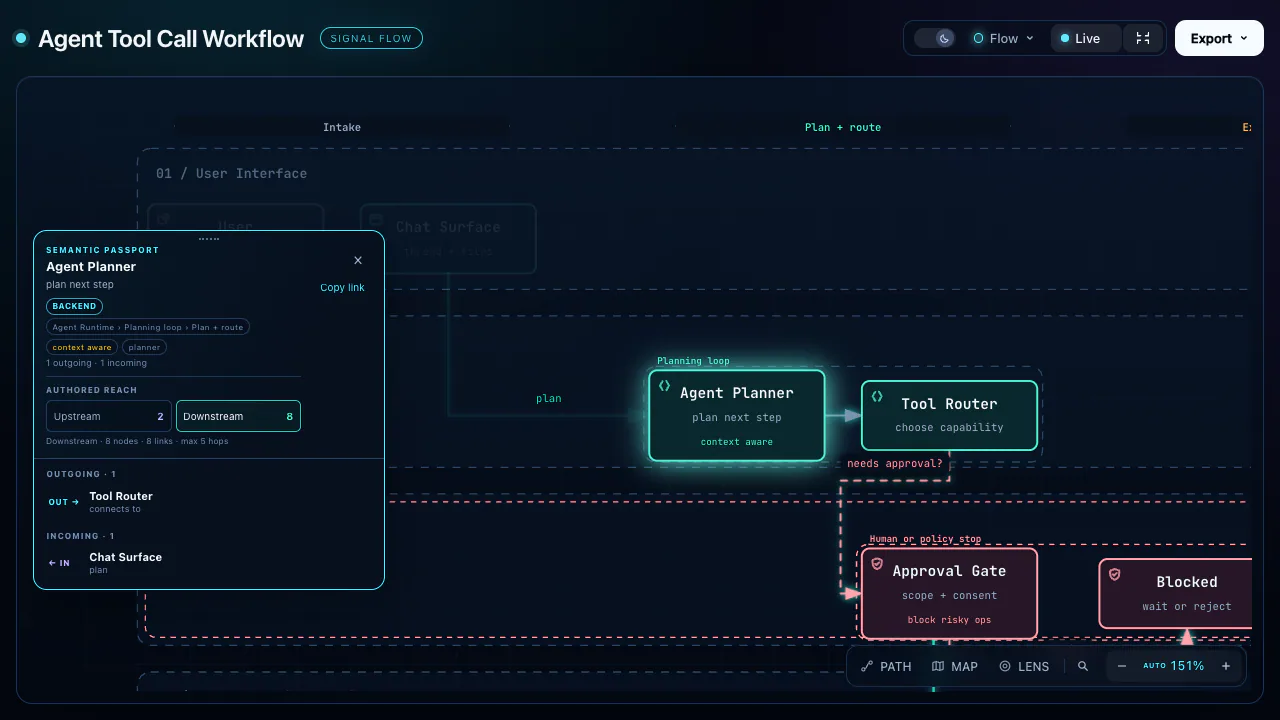
Archify: Diagram Creation
Create explorable HTML diagrams for architectures, workflows, state, schemas, timelines and everyday plans.
9.6万スター6549フォーク
リポジトリの最終プッシュ
tt-a1i
ウェブサイト、画像、プレゼンテーション、動画のためのオリジナルワークフロー。
Create explorable HTML diagrams for architectures, workflows, state, schemas, timelines and everyday plans.
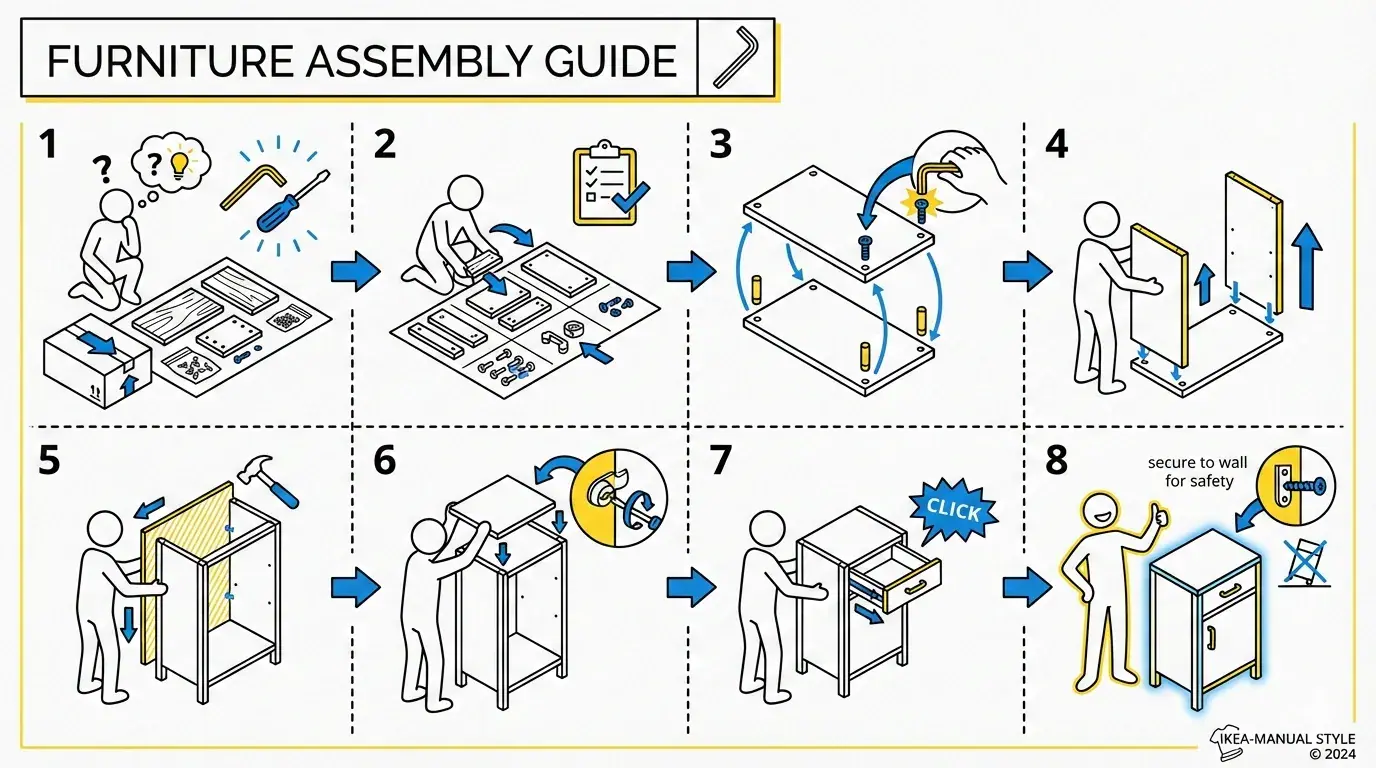
Create standalone SVG diagrams for flows, architecture, timelines and other structured explanations.

Create editorial diagrams in your brand with an AI agent. Supports architecture, flowcharts, data charts, and redraws from Mermaid, draw.io, and Excalidraw, with HTML, SVG, and PNG output.
Create patent-style flowcharts and block diagrams with reference numbers.
Create an HTML architecture overview with SVG data flows and deployment context.
SVG diagramming conventions blending a technical look with CJK-friendly typography. Use when creating flowcharts, architecture diagrams, and similar SVG figures. For one-shot generation, prefer invoking it from a subagent so the main context does not have to carry this skill plus the SVG XML; for multi-round tweaking, use it directly in the main context.
Generate Excalidraw diagrams from text content. Supports three output modes - Obsidian (.md), Standard (.excalidraw), and Animated (.excalidraw with animation order). Triggers on "Excalidraw", "diagram", "standard excalidraw", "animate".
Transform text content into professional Mermaid diagrams for presentations and documentation.
Create animated and explorable diagrams from compact JSON specifications, with scripted layout, styling, motion, and export workflows.
Trace real triggers, call chains, payloads and state changes into compact ASCII flow diagrams.
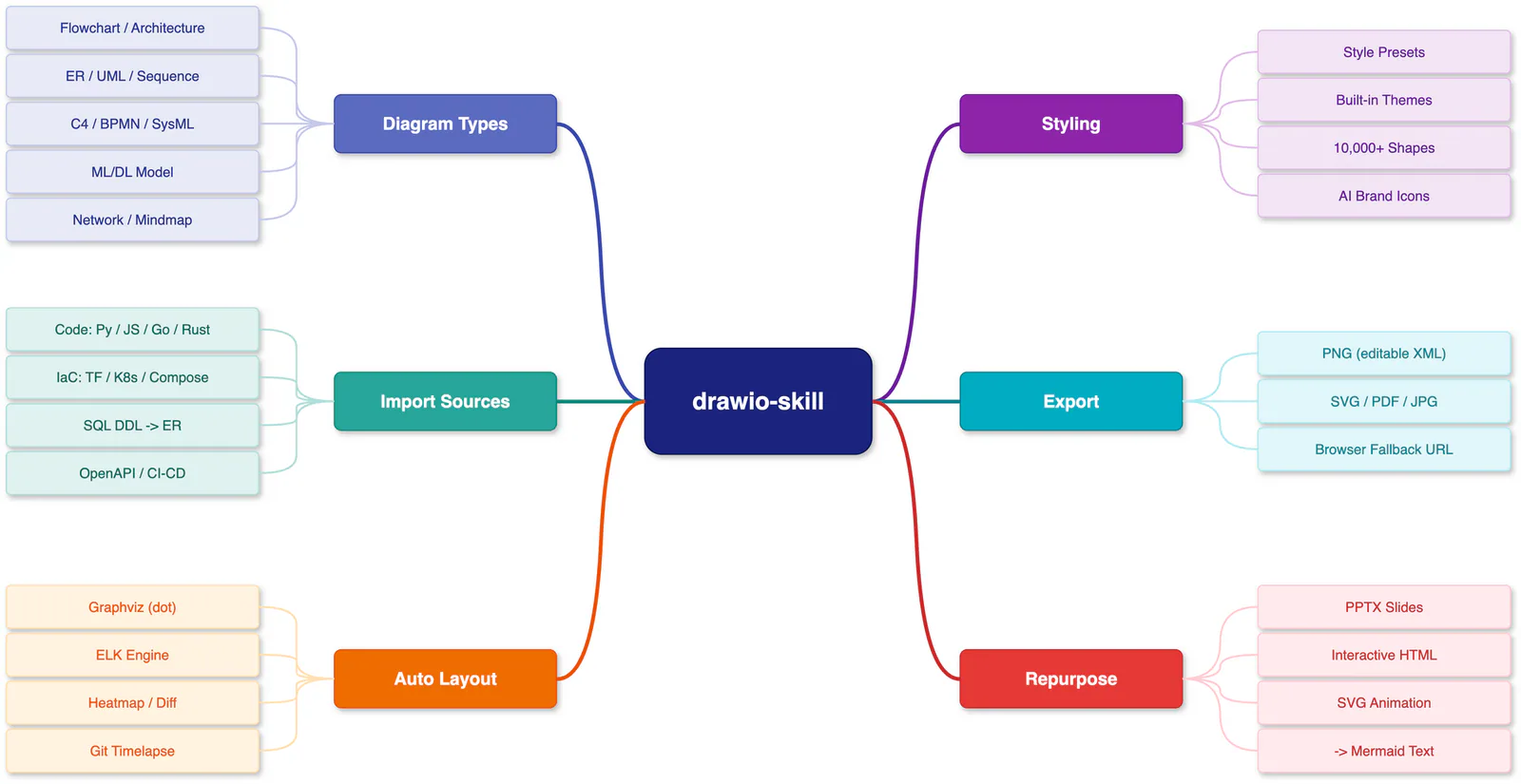
Create editable draw.io diagrams from descriptions, code, infrastructure, and data schemas.
Convert Markdown into styled, WeChat-compatible HTML with support for code, math and diagrams.
Turn English or Chinese descriptions into technical SVG diagrams with Codex or Claude Code. Create architecture and workflow diagrams, export PNG or offline interactive HTML, and animate supported scenes as GIFs.
Run Happy workspaces and use session, browser, terminal, diagram and observability workflows.
Create explorable HTML diagrams from requirements, Mermaid or repository evidence.
Create Mermaid diagrams and design documents from requirements or source code using focused reference guides.
Prepare SAP technical articles with research, diagrams, images and Word document output.
Parse and edit Markdown and work with Mermaid diagrams using bundled CLI utilities.
Turn systems, code changes and plans into visual HTML pages, diagrams and slide decks.
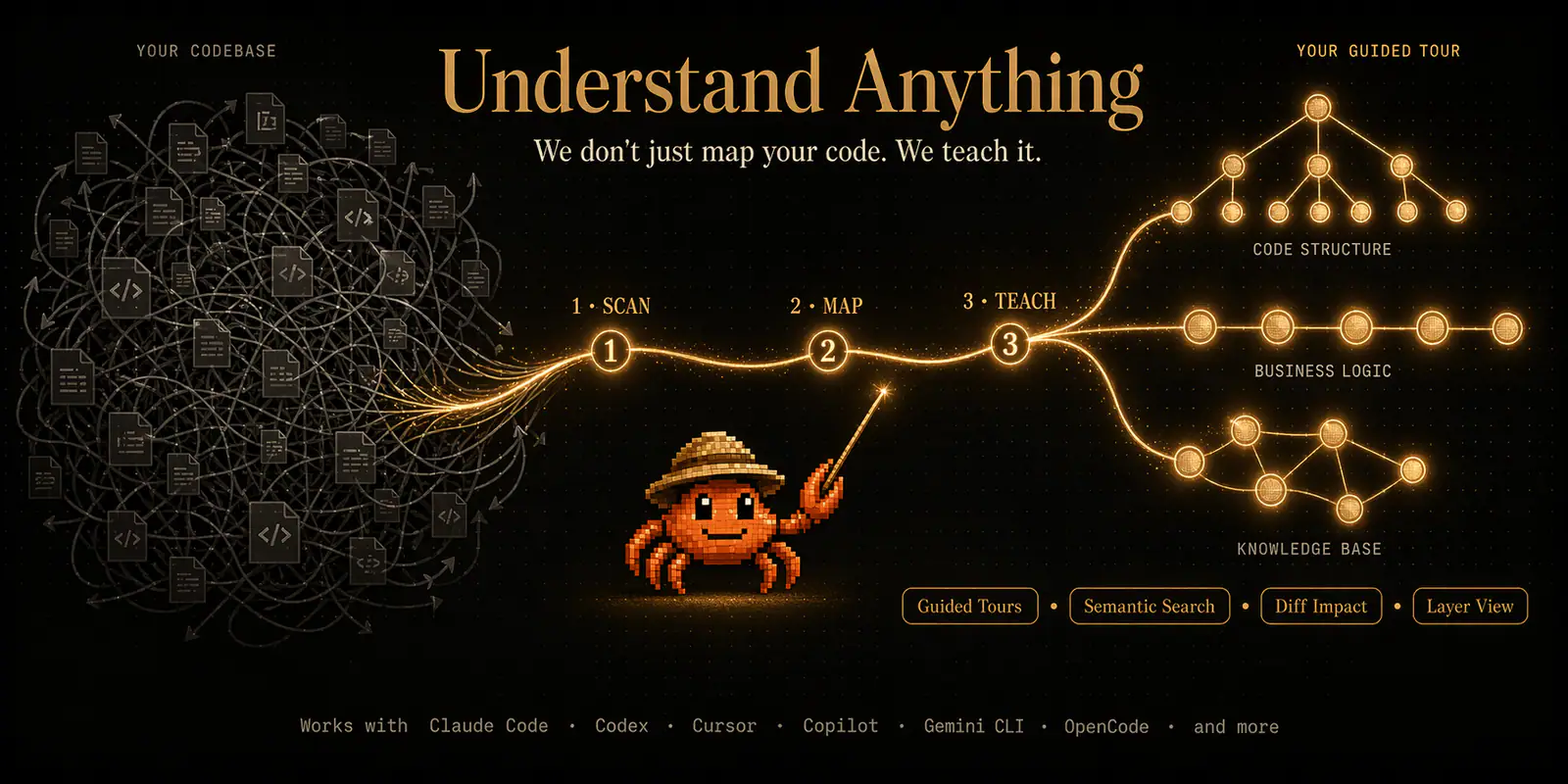
Extract business concepts and workflows into an interactive domain flow graph.
Create an HTML flowchart with process nodes, decisions and connectors.
Create and edit JSON Canvas files (.canvas) with nodes, edges, groups, and connections.
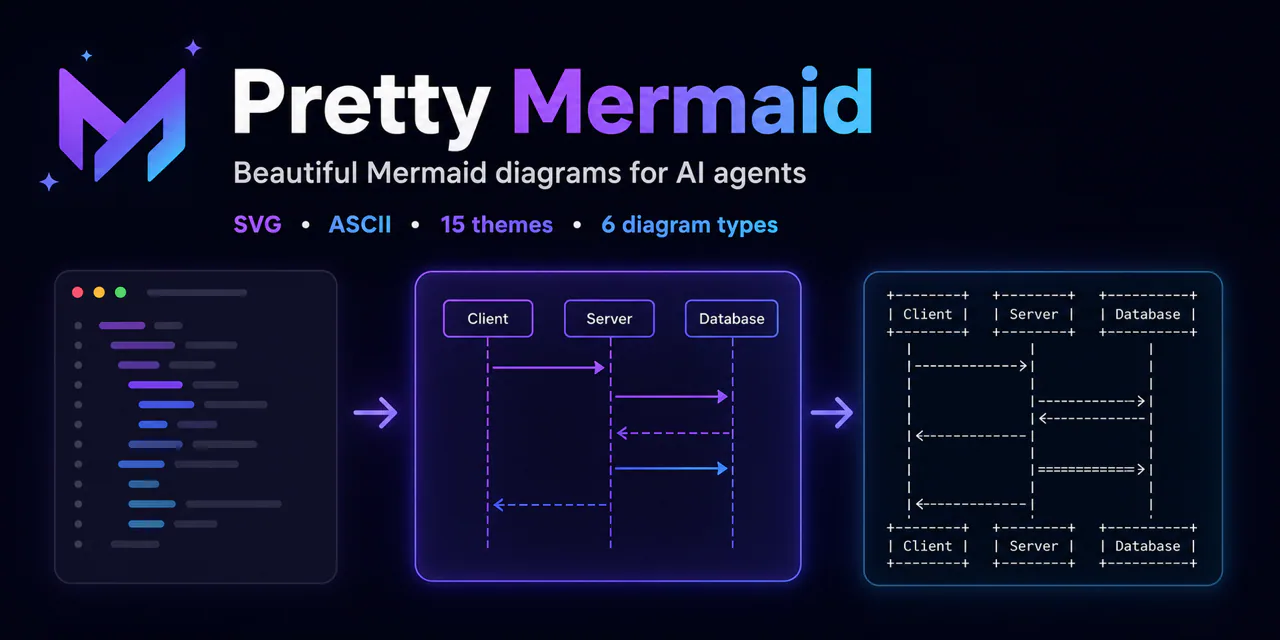
Create and render Mermaid diagrams as themed SVG, PNG, or terminal-friendly text for architecture notes, READMEs, and technical discussions.
Create and refine Mermaid diagrams with a live browser preview and export through an MCP server.