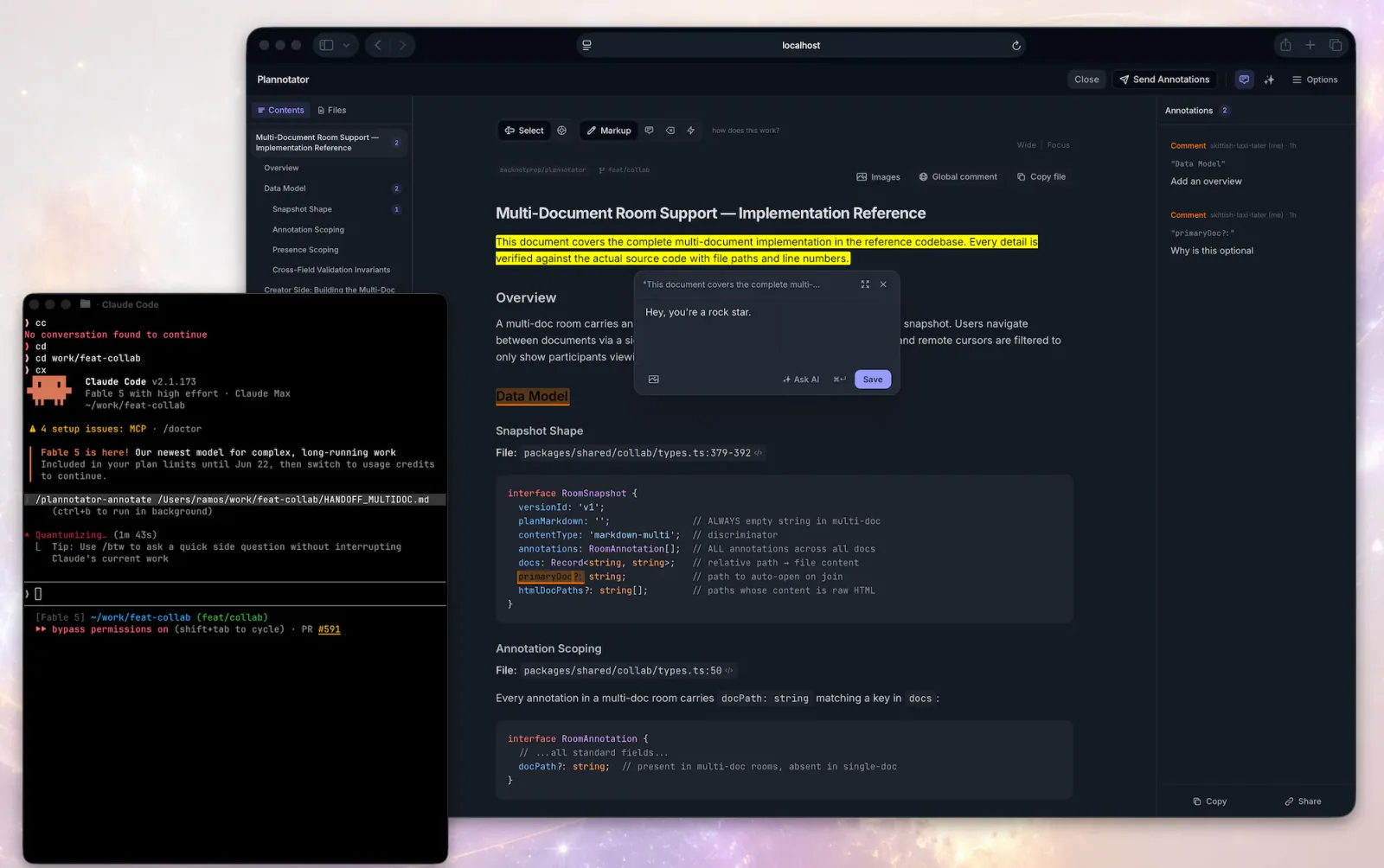
Plannotator inline annotation interface
Скриншоты проектаОб этом Skill
Open Plannotator's annotation UI for a markdown file, plain-text config file (.yaml, .json, .toml, .ini, .csv, .log, …), HTML file, URL, or folder and then respond to the returned annotations.
Почему мы его выбрали
Upstream Plannotator workflow. Open Plannotator's annotation UI for a markdown file, plain-text config file (.yaml, .json, .toml, .ini, .csv, .log, …), HTML file, URL, or folder and then respond to the returned annotations.
Перед использованием
- Install Plannotator and the dependencies of the selected workflow. Maintenance tasks require the Plannotator working tree; visual explanations may also use visual-explainer.
Источники и материалы
Ссылки на оригинальные материалы приведены ниже. Практические идеи предложены редакцией SkillHey.