Audit web accessibility using WCAG guidance, keyboard checks and evidence-led issue reporting.
3,1 тыс.Звёзды266Форки
Последний push репозитория
Авторские процессы для сайтов, изображений, презентаций и анимации.
Audit web accessibility using WCAG guidance, keyboard checks and evidence-led issue reporting.
Apply accessibility worklists through a baseline, scoped source changes and verification loop, while deferring contextual judgments.
Locate mechanically detectable accessibility issues on one rendered page, with DOM selectors, evidence and source locations when available.
Plan a sampled site accessibility assessment, combine automated and interaction checks, and report pass, fail or undetermined per criterion.
Use a WCAG 2.1-oriented checklist for semantic HTML, keyboard access, contrast and accessible form behavior.
Review keyboard focus, ARIA, forms, screen readers, motion and zoom against WCAG 2.2.
Compare a rendered page with a change baseline and report newly introduced, resolved and pre-existing accessibility issues.
Inspect keyboard behavior, focus, widget states, reflow and other checks that an automated accessibility scanner cannot settle.
Expert guidance on iOS accessibility best practices, patterns, and implementation. Use when developers mention: (1) iOS accessibility, VoiceOver, Dynamic Type, or assistive technologies, (2) accessibility labels, traits, hints, or values, (3) automated accessibility testing, auditing, or manual testing, (4) Switch Control, Voice Control, or Full Keyboard Access, (5) inclusive design or accessibility culture, (6) making apps work for users with disabilities.
Five workflows for rendered-page scanning, interaction inspection, sampled site audits, scoped fixes and accessibility regression checks.
Audit and fix HTML accessibility issues including ARIA labels, keyboard navigation, focus management, color contrast, and form errors. Use when adding interactive controls, forms, dialogs, or reviewing WCAG compliance.
Web UI accessibility lead. Use before writing or changing HTML, JSX, TSX, Vue, Svelte, CSS or templates. Picks specialists and merges their findings.
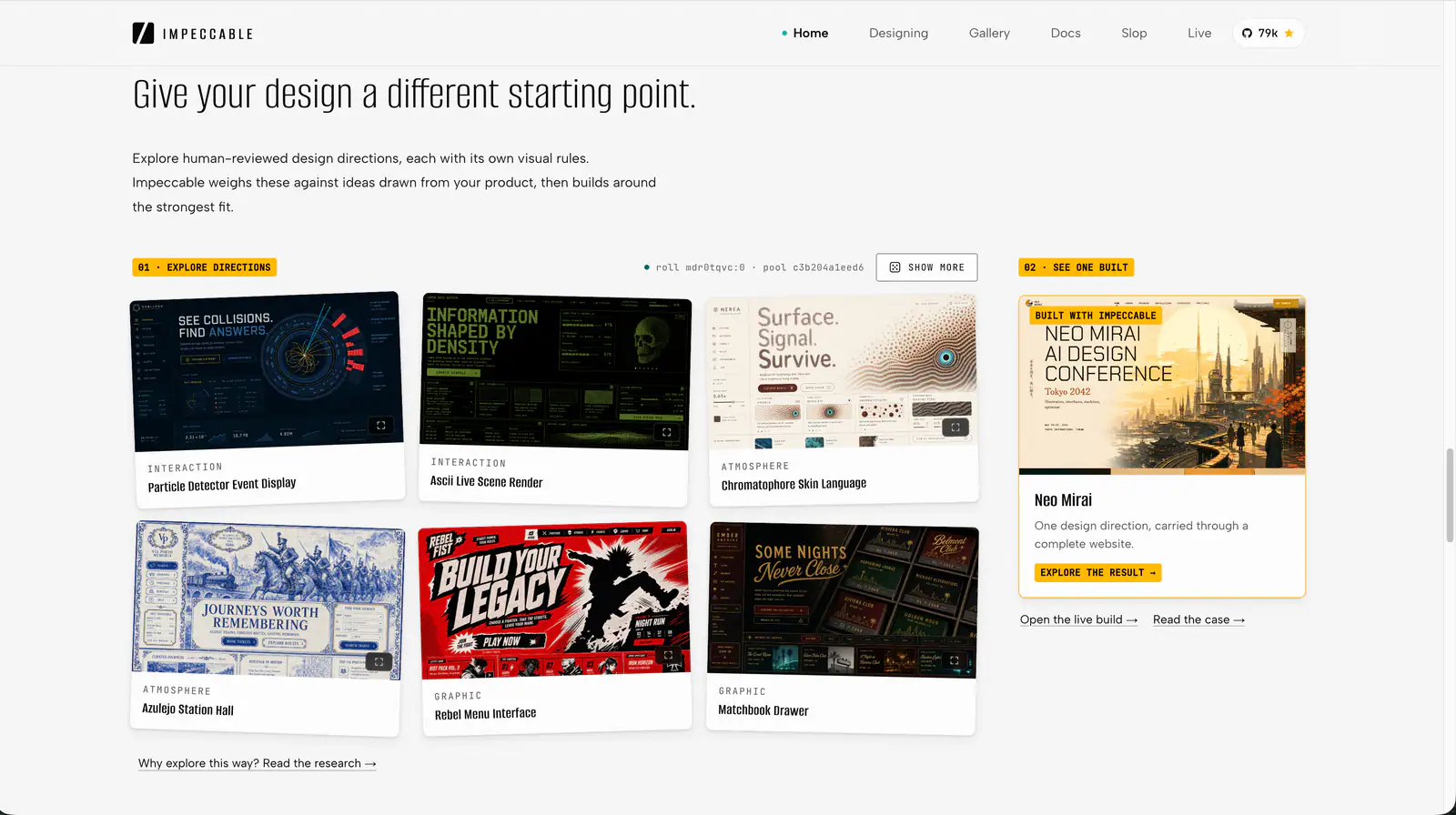
Impeccable is an AI frontend design Skill for building and refining interfaces: typography, layout, accessibility, responsive behavior and browser iteration.
design skill for Claude AI. Grade A. Mobile app UI design expert for iOS and Android. Use when designing app interfaces, creating design systems, ensuring accessibility, or following platform guidelines. Covers Material Design 3, Human Interface Guidelines, color theory, typography, and 2025 trends.
Use when working with color naming, color theory, color spaces, color definitions, or any task involving color knowledge - palettes, ramps, gradients, conversions, accessibility, perceptual matching, pigment mixing, print-vs-screen color, CSS color syntax, or historical color terminology. Use this skill whenever the user is choosing, comparing, generating, naming, converting, or explaining colors, even if they do not explicitly ask for "color theory."

Build HUDs and menus with responsive anchors, safe areas, focus navigation, screen state, and event-driven updates.
Review a screen or flow across accessibility, layout, copy, typography, color and UI polish.
Apply focused rules for interface design, mobile layout, accessibility, writing and code comments.
Web platform design and accessibility guidelines. Use when building web interfaces, auditing accessibility, implementing responsive layouts, or reviewing web UI code. Triggers on tasks involving HTML, CSS, web components, WCAG compliance, responsive design, or web performance.
Scan React projects for correctness, accessibility, security, architecture and performance findings; triage and fix issues with the upstream workflow.
Human and accessibility skill for antislop. Contrast, keyboard, focus, and states for real people. Includes the contrast checker.
Audit a design against Dieter Rams’ ten principles, score cited evidence, and hand off a concrete design improvement plan.
Review and improve SwiftUI state management, layouts, accessibility and performance, with Instruments trace guidance.
Review SwiftUI code for modern API usage, accessibility, data flow and performance.