Create animated HTML presentations with a coding agent. Compare visual style previews, build a single-file deck, or turn an existing PowerPoint into web slides.
Extract a comprehensive design system (DESIGN.md) directly from frontend source code — React, Vue, Svelte, Angular, plain HTML/CSS, or any web framework. Analyzes component files, stylesheets, Tailwind configs, theme definitions, and design tokens to produce a rich, Stitch-compatible design system document. Use this skill whenever the user wants to reverse-engineer a design system from an existing codebase, audit the visual language of a project, extract design tokens from source files, or understand the styling patterns in a frontend repo — even if they just say "what does this app look like?" or "pull out the design from this code."
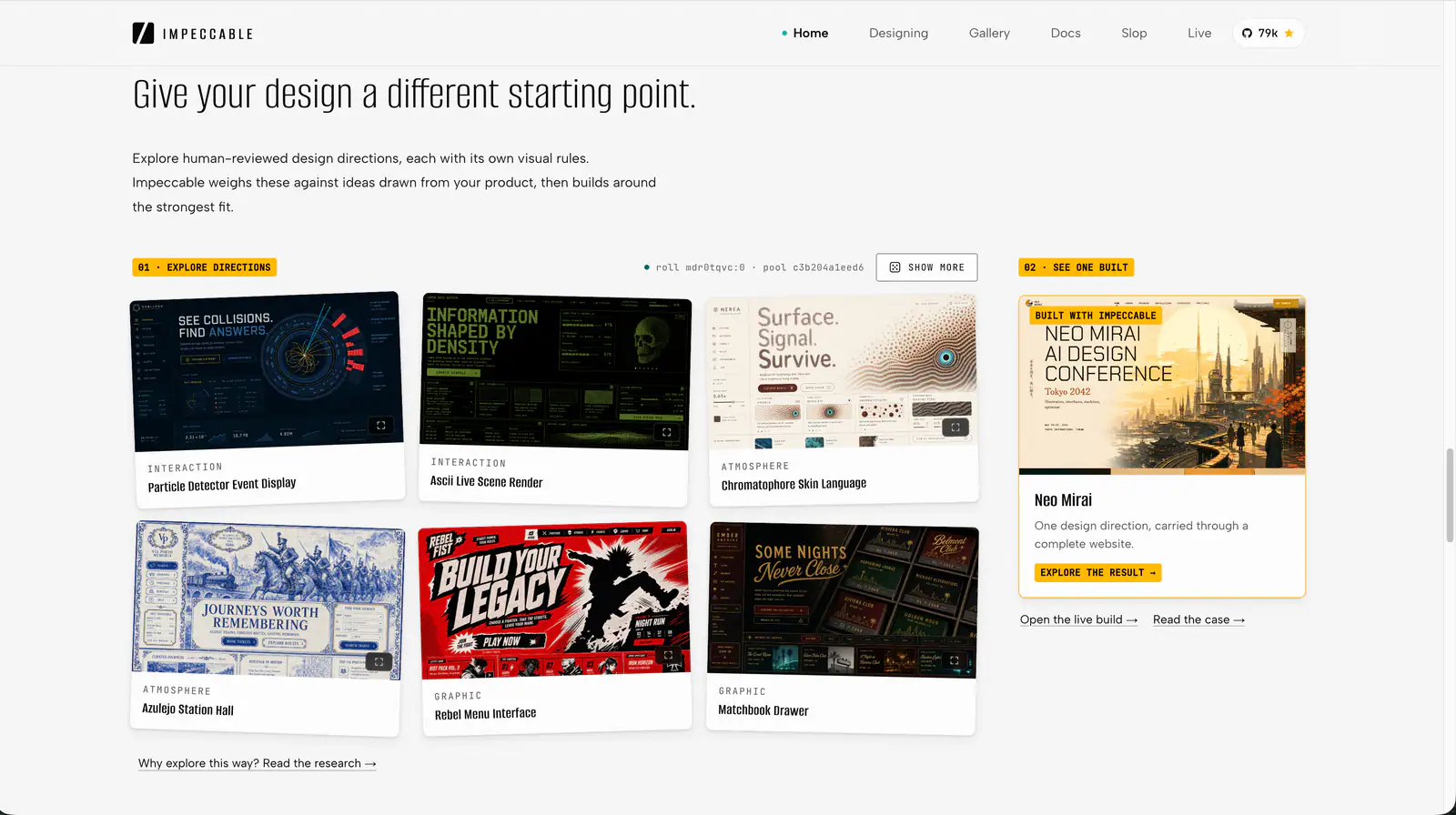
Impeccable is an AI frontend design Skill for building and refining interfaces: typography, layout, accessibility, responsive behavior and browser iteration.
Audit and fix visual hierarchy, spacing, color, and depth in web UIs. Use when the user mentions "my UI looks off" (or amateur/unprofessional), "fix the design", "Tailwind styling", "color palette", "visual hierarchy", "design system", "spacing scale", or "component styling". Also trigger when building consistent design tokens, creating dark mode themes, improving data-visualization clarity, or polishing UI details before launch. Covers grayscale-first workflow, constrained design scales, shadows, and component styling. For typeface selection, see web-typography. For usability audits, see ux-heuristics.
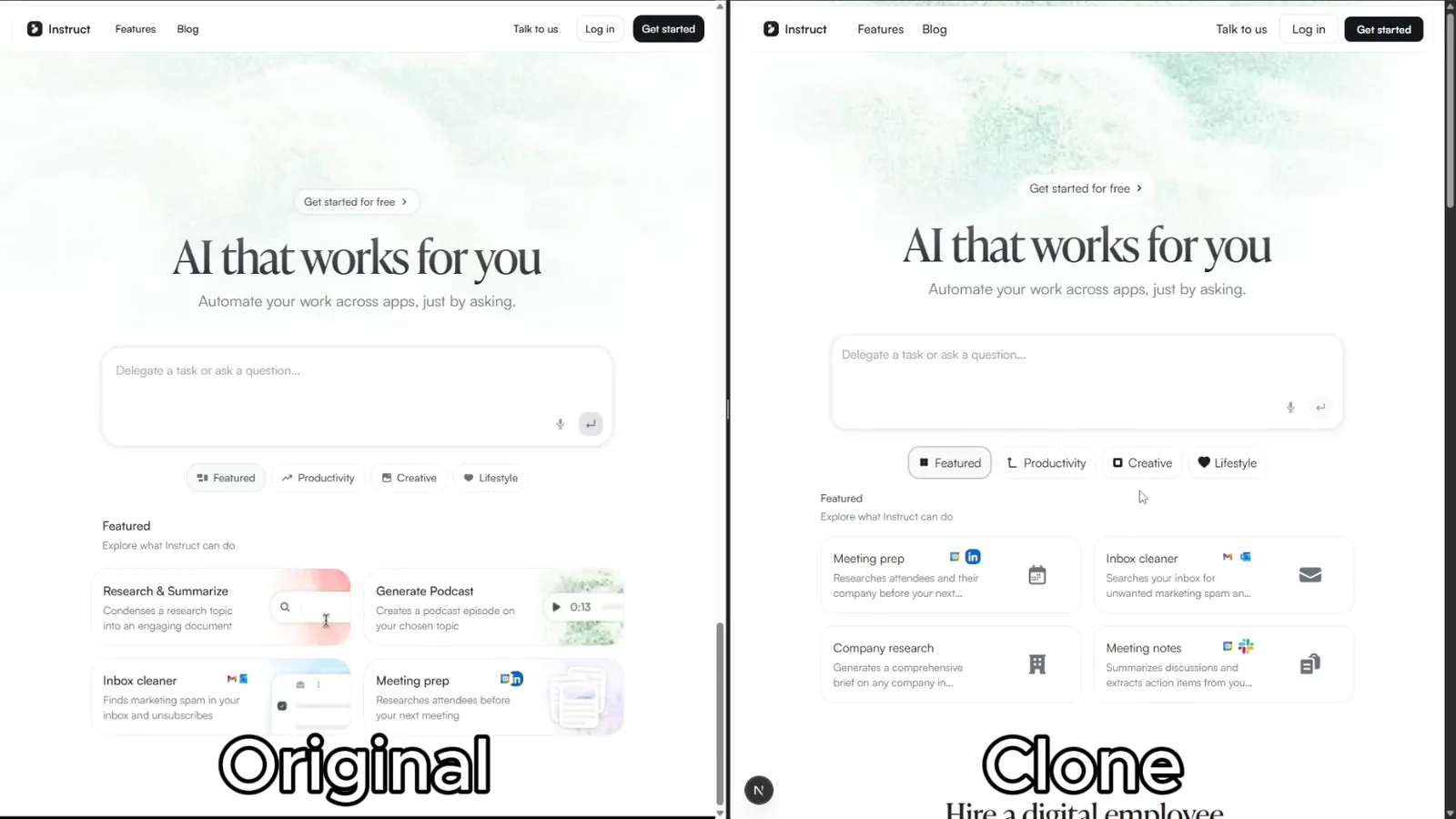
Rebuild reference websites as editable Next.js pages with an AI coding agent. Inspect responsive layouts, assets and interactions, then compare the result with the source.
Polish frontend interfaces with concrete rules for typography, nested corners, shadows, icons, hit areas and restrained motion, plus structured quick or full reviews.
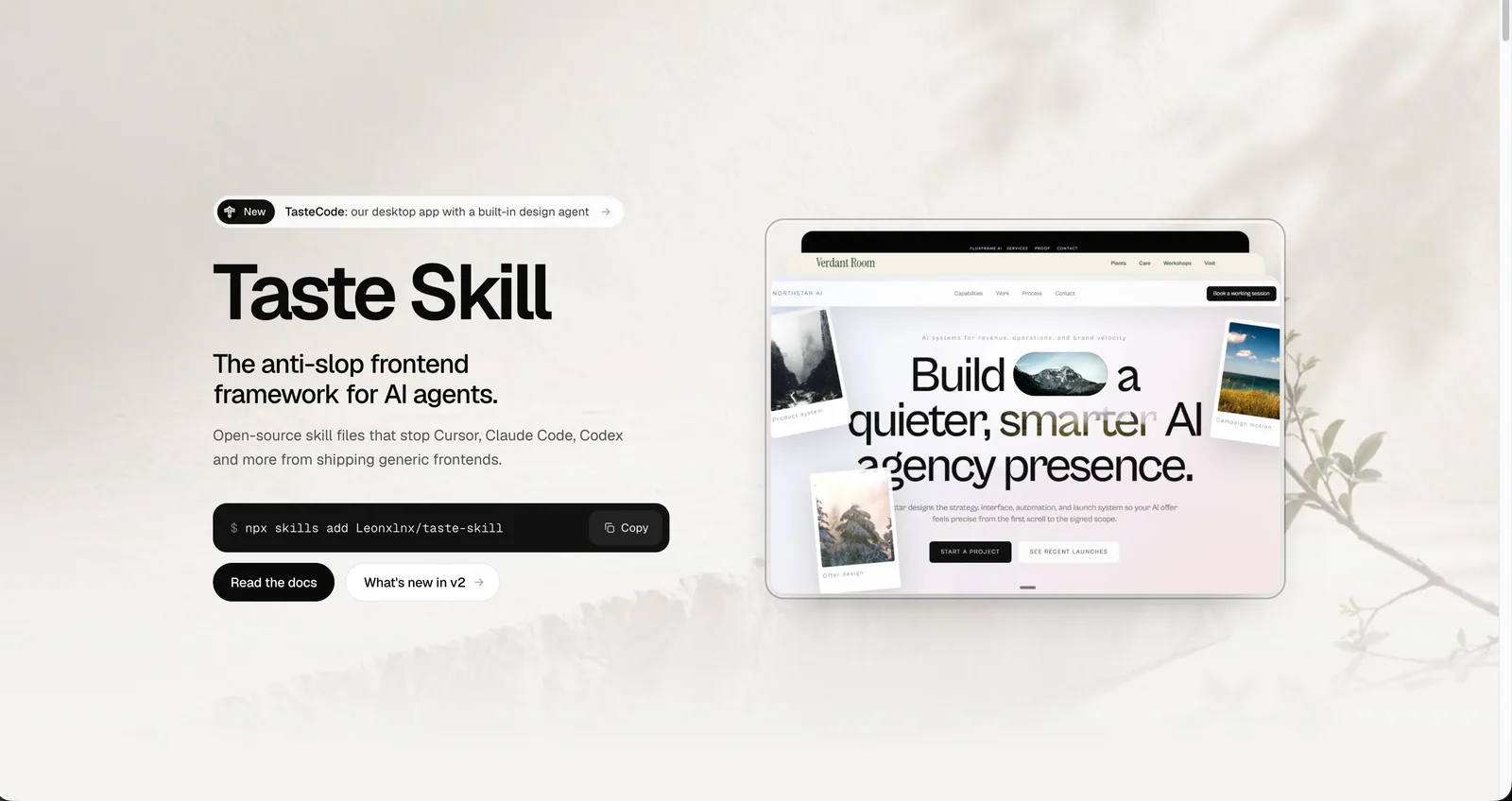
Use for UI design and implementation work to avoid generic AI-looking interfaces. Provides anti-slop rules, a required discovery phase before coding, and guidance for layout, typography, color, motion, accessibility, dashboards, tables, landing pages, theming, and polish. Trigger when editing UI code or reviewing and refining components, pages, screens, layouts, animations, responsive behavior, or design systems.
design skill for Claude AI. Grade A. SwiftUI frontend visual design skill. Creates beautiful, distinctive iOS/macOS interfaces that avoid generic AI slop patterns. Covers design direction, layout systems, typography, color, spacing, brand integration, and design review. Use when designing new SwiftUI views, reviewing UI quality, creating iOS prototypes, choosing visual styles, improving app aesthetics, or when the UI looks generic or AI-generated.
Art direction for AI-built websites and app screens, with real imagery, separate page and app workflows, and browser inspection. The main entry is design-taste-frontend.