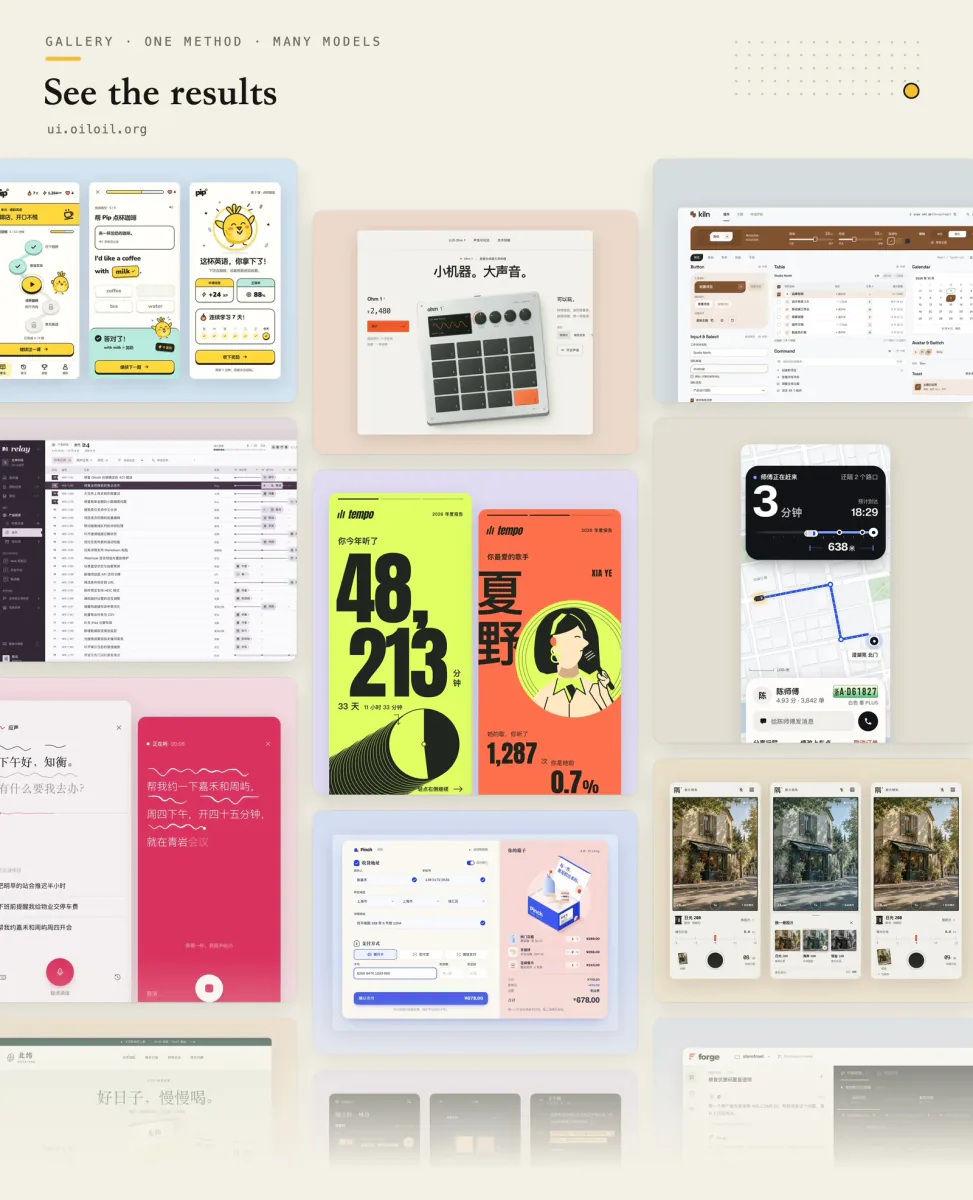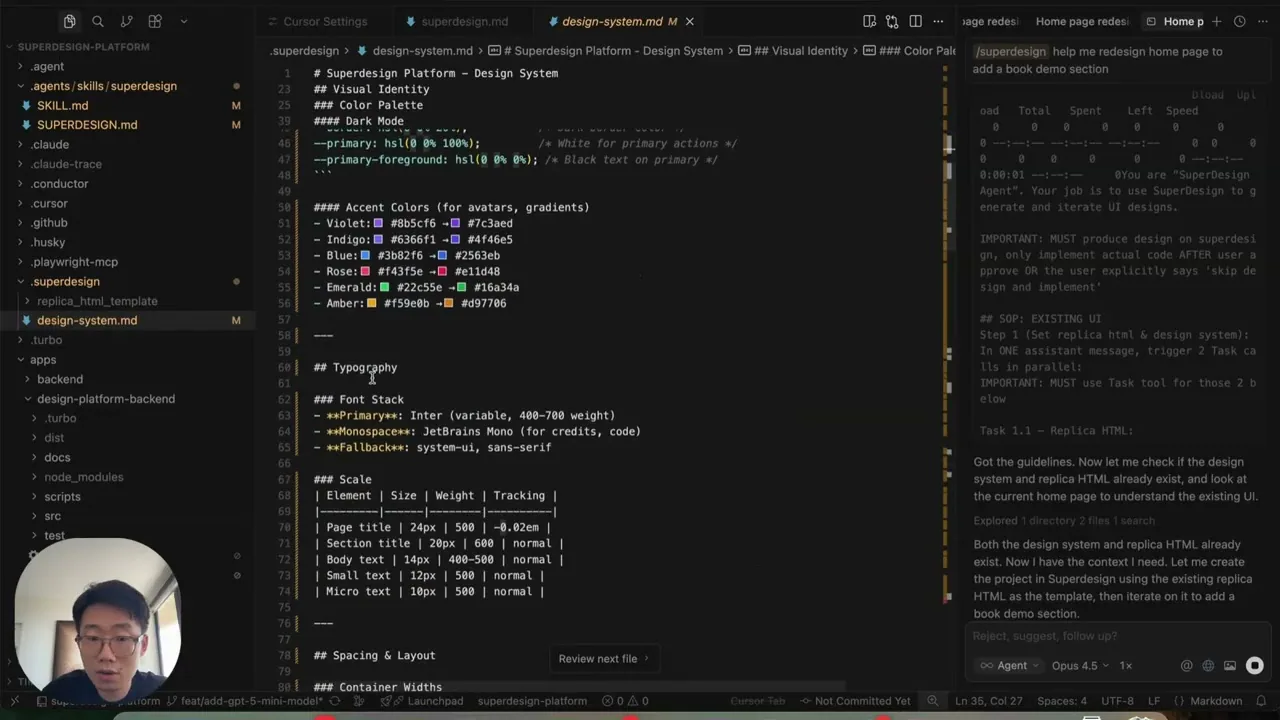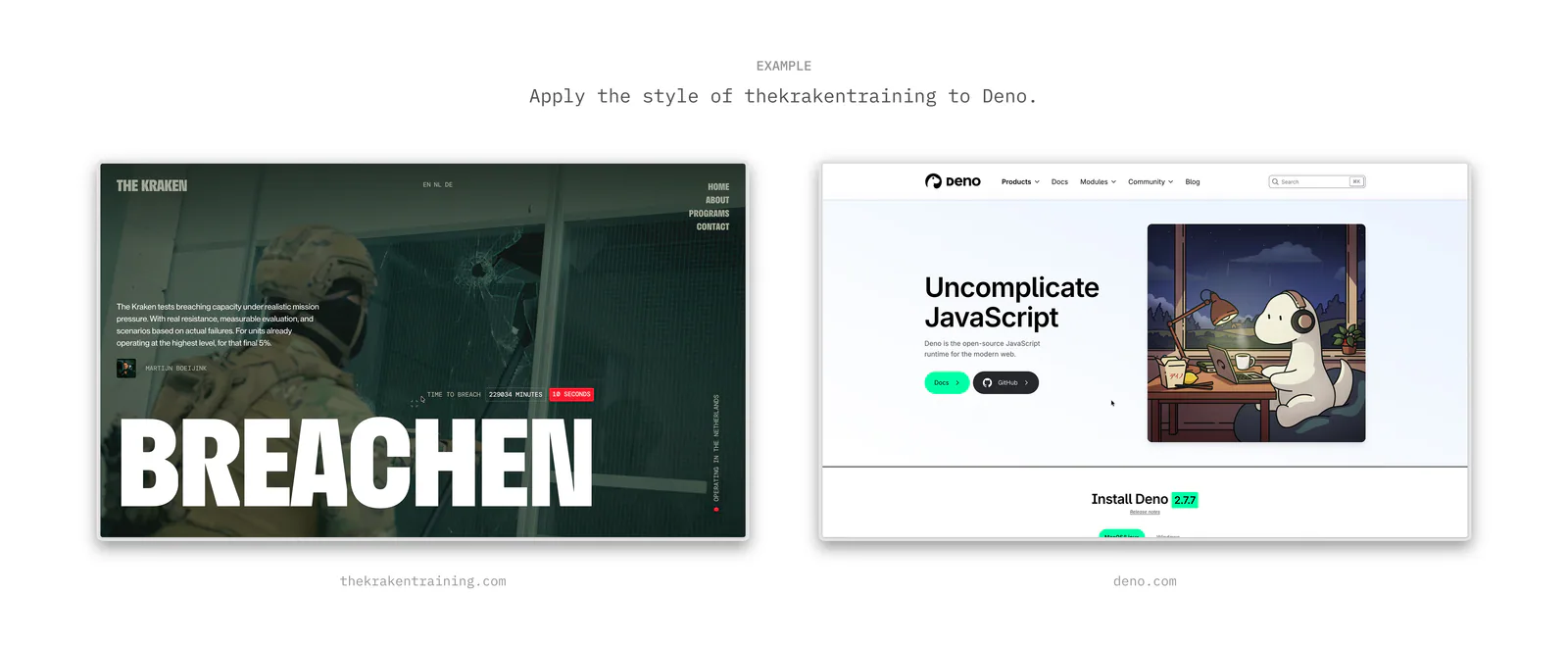
Official Hallmark cover: black headline on a pale grid above three overlapping website examples.
Projekt-ScreenshotsÜber diesen Skill
Hallmark is a web and UI design skill made by Together AI. It guides a coding agent through project inspection, the visitor’s main task, a choice from 48 visual themes or a custom direction, a hero-first build, and source and browser checks. The same skill supports new pages, explicit redesigns and audit reports; themes and references are supporting material rather than separate installable Skills.
Warum wir es empfehlen
Useful when a coding agent needs a concrete design process alongside implementation. Hallmark combines a visual theme catalog with source and rendered checks, and separates new builds, named redesigns and audit reports. The original repository supplies the runtime and installation instructions.
Wobei es hilft
- Create a new landing page or interface with an intentional visual direction and a clear primary action.
- Redesign a named existing page while checking that content, links, fields and handlers are retained.
- Audit frontend files or a running route for design defaults, accessibility issues and responsive layout problems.
From a brief to a checked page
Hallmark reads the existing project and asks for materials, audience, the intended action and tone. It proposes a page structure, deals three relevant themes or follows an explicitly requested custom direction, and builds the hero before the rest of the page. Brand claims, numbers and testimonials must come from supplied facts.
Its local lint tools separate non-waivable Floor failures from Reflex defaults that can be justified and Finish details for craft review. Rendered checks inspect multiple viewport widths. These checks guide implementation; they do not guarantee a particular aesthetic or production readiness.
Build, redesign or audit
These are modes of one installed Skill. The upstream instructions activate redesign and audit only when Hallmark is named, so ordinary edits can keep the project’s existing design system.
| Befehl | Wofür er hilfreich ist |
|---|---|
/hallmark <prompt> | Create a new page from a brief; Codex users can invoke $hallmark. |
/hallmark redesign <path> | Explicitly request a redesign that retains existing content and behavior. |
/hallmark audit <path> | Produce an audit report for the selected target. |
Installation and local checks
Use the installation command to choose a compatible agent and install into the current project. Add -g for a user-level installation. The README also documents a Claude Code plugin and a clone-based installer. Keep the whole Skill directory, not only SKILL.md.
| Befehl | Wofür er hilfreich ist |
|---|---|
node <skill-dir>/scripts/sloplint.mjs <file-or-dir> --render | Run the upstream source and rendered checks after installing their documented browser dependencies. |
Source and preview
Hallmark is made by Together AI and maintained in Nutlope’s repository. This listing links to the original MIT-licensed project. The supplied preview is the official OG-hallmark.png promotional cover, compressed to WebP; it is not an interactive website demonstration or a new design produced during this listing update.
Upstream READMEMIT licenseOfficial Hallmark cover; compressed for this listingAuthor on X: @nutlope
Vor der Nutzung
- The upstream README documents Claude Code, Codex CLI, Cursor and OpenCode. Install the entire hallmark folder so its themes, references and helper scripts remain available. Node.js 18+ is required for the installer and local helpers.
- Rendered checks and screenshots require Chrome and puppeteer-core; without them static checks still run. Existing applications also need their own framework dependencies and a running preview when browser auditing a route.
- The Skill is MIT-licensed and free to install. Coding-agent usage can have a separate cost. Optional image generation uses Together AI credentials and provider billing; source photos keep their own licenses and attribution requirements.
Unterstützte Agents
Quellen und Referenzen
Die Originalquellen sind unten verlinkt. Praktische Einstiegsideen sind redaktionelle Vorschläge von SkillHey.