Free
Web & UI
Impeccable
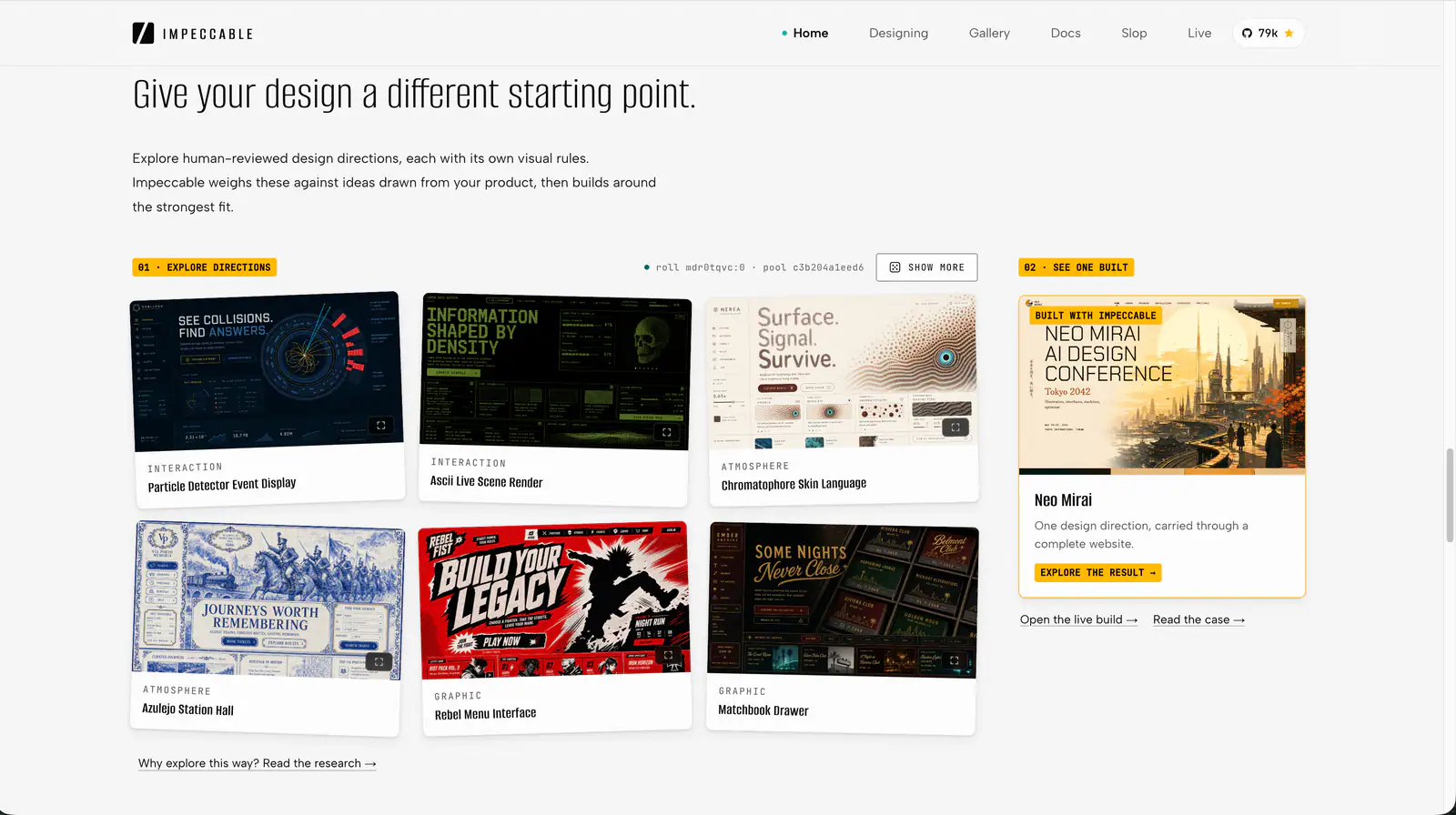
Impeccable is an AI frontend design Skill for building and refining interfaces: typography, layout, accessibility, responsive behavior and browser iteration.
98.9KStars5.8KForks
Repository last pushed
pbakaus
Explore practical workflows for designing interfaces and visual systems. Find tools for both early concepts and detailed reviews.
126 skillsImpeccable is an AI frontend design Skill for building and refining interfaces: typography, layout, accessibility, responsive behavior and browser iteration.
Create animated HTML presentations with a coding agent. Compare visual style previews, build a single-file deck, or turn an existing PowerPoint into web slides.
Create mathematical explanations and 3D animations in Python, inspect their layout and timing, and export MP4 videos with editable scene source.

Design guidance for AI coding agents: generate a project design system, search styles, colors and typography, and apply framework-specific UI/UX recommendations to web and app interfaces.
Impeccable is an AI frontend design Skill for building and refining interfaces: typography, layout, accessibility, responsive behavior and browser iteration.
Create animated HTML presentations with a coding agent. Compare visual style previews, build a single-file deck, or turn an existing PowerPoint into web slides.
Create mathematical explanations and 3D animations in Python, inspect their layout and timing, and export MP4 videos with editable scene source.
Design guidance for AI coding agents: generate a project design system, search styles, colors and typography, and apply framework-specific UI/UX recommendations to web and app interfaces.
Apply Anthropic’s documented colors and typography to documents, slides and other artifacts.
Build HUDs and menus with responsive anchors, safe areas, focus navigation, screen state, and event-driven updates.
Review a screen or flow across accessibility, layout, copy, typography, color and UI polish.
Build multiple component variants in the real page and compare their tradeoffs.
Turn player movement metrics into blockouts, encounter pacing, gated routes, and a reachable critical path.
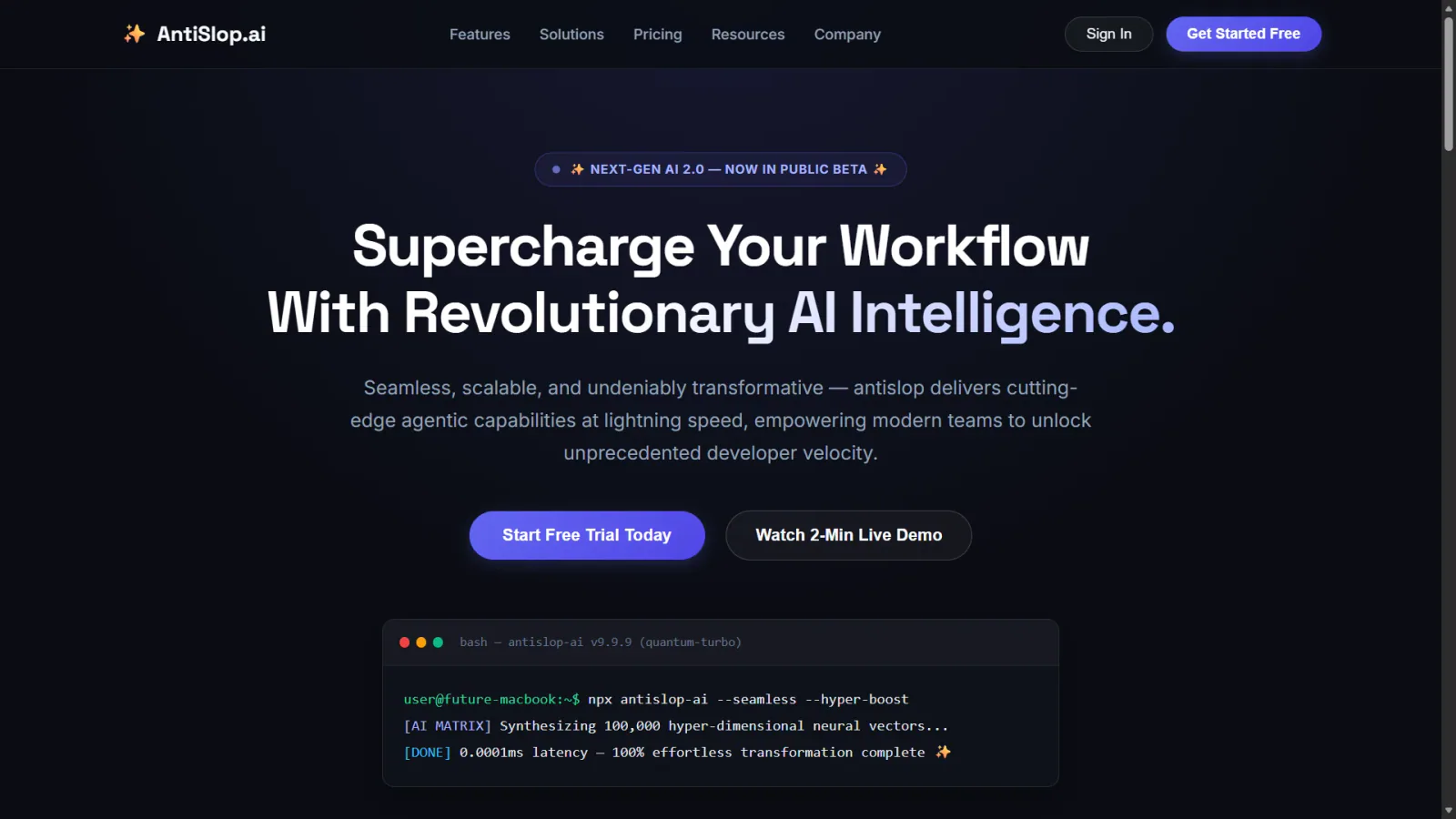
Human and accessibility skill for antislop. Contrast, keyboard, focus, and states for real people. Includes the contrast checker.
Implement an interface from a screenshot or mockup and compare the rendered result with the reference.
Build or audit interface motion using context-sensitive design guidance and an HTML or terminal report.
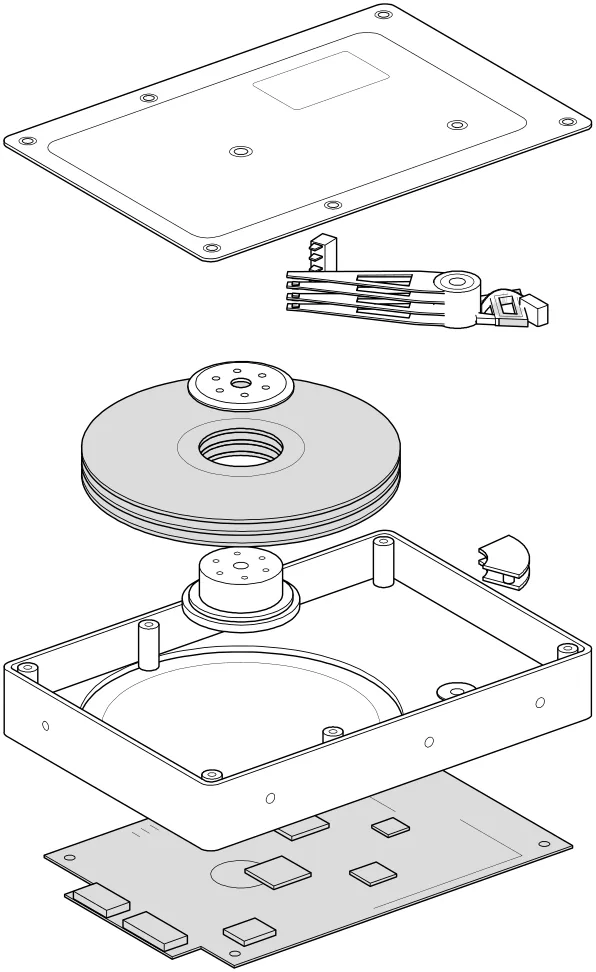
Turn technical concepts into interactive isometric machines: detailed SVG illustrations, WebGL effects and optional 3D motion, as HTML, SVG or React components.
Audit web accessibility using WCAG guidance, keyboard checks and evidence-led issue reporting.
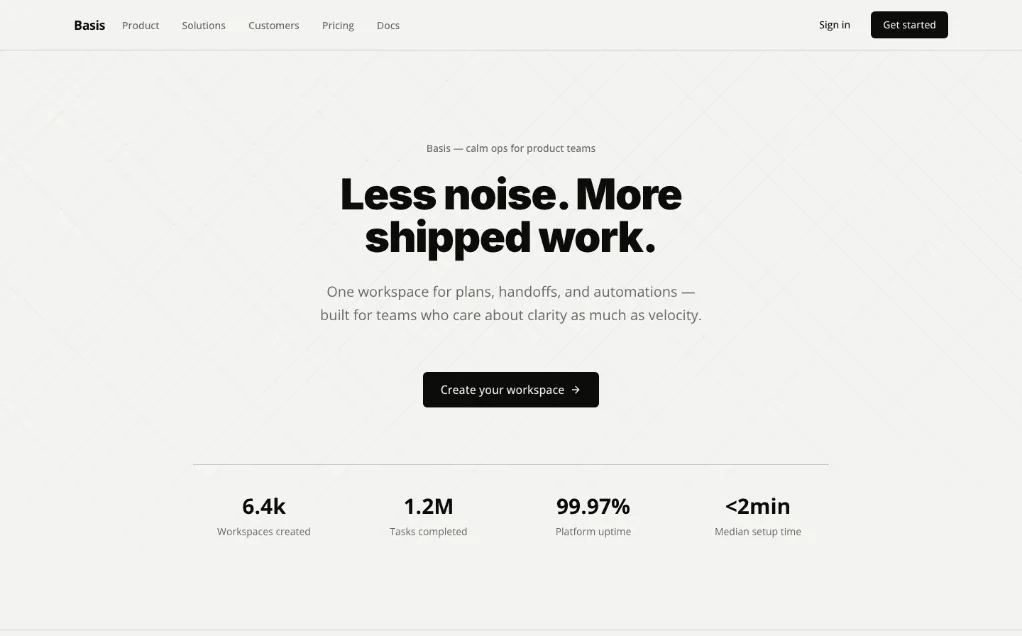
A unified design Skill library with selectable visual templates, reusable UI tokens, component rules and implementation checks for AI coding assistants.
Audit a design against Dieter Rams’ ten principles, score cited evidence, and hand off a concrete design improvement plan.
Render a chosen component in a temporary page under relevant stress scenarios.
Apply accessibility worklists through a baseline, scoped source changes and verification loop, while deferring contextual judgments.
Locate mechanically detectable accessibility issues on one rendered page, with DOM selectors, evidence and source locations when available.
Plan a sampled site accessibility assessment, combine automated and interaction checks, and report pass, fail or undetermined per criterion.
Turn vague UI feedback into focused changes using practical heuristics for spacing, typography, color, hierarchy, icons and interaction.
Make launch videos, motion graphics and explainers as editable HTML. Review frames in a local studio, leave targeted comments, and export with music and effects.
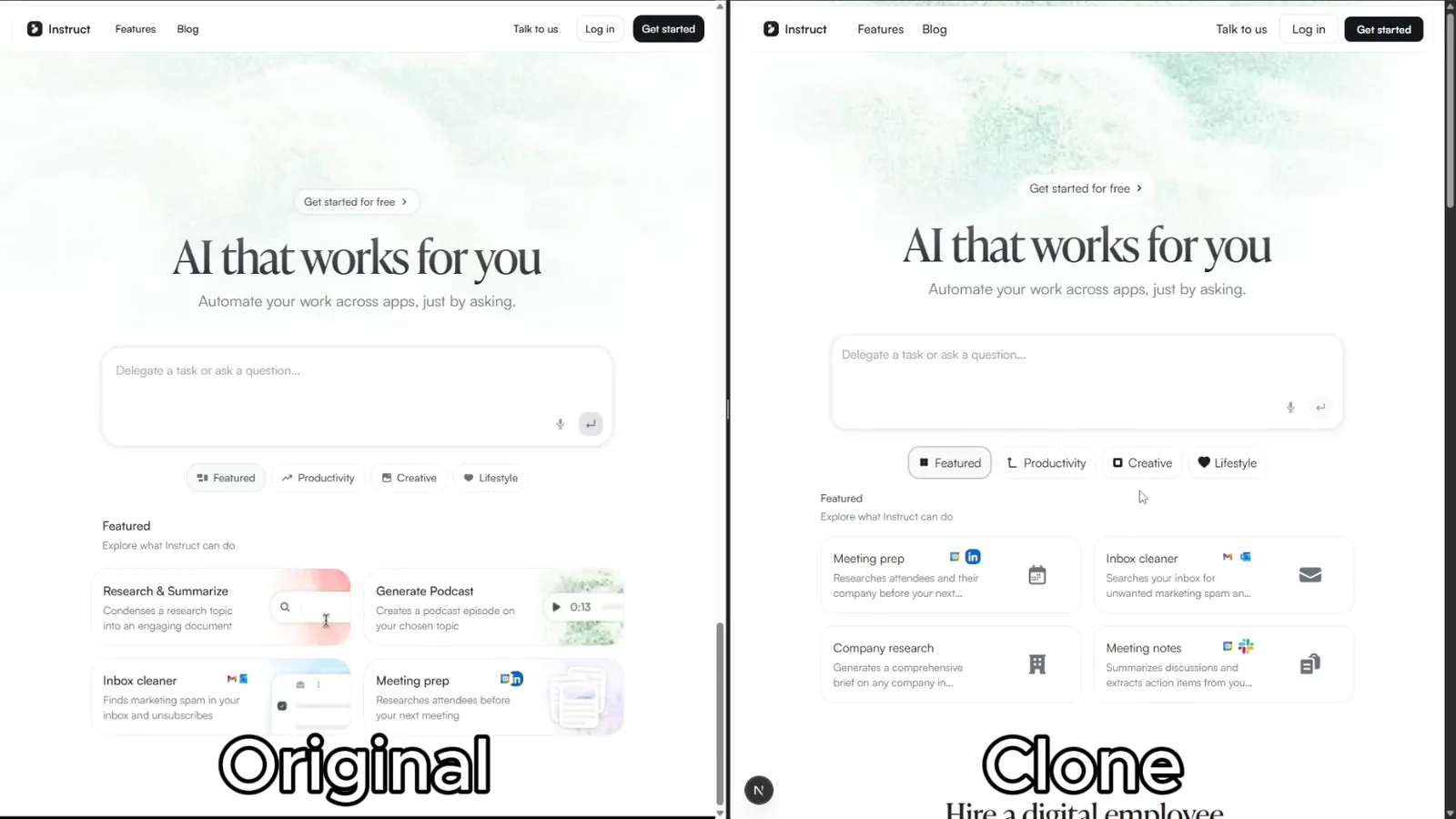
Rebuild reference websites as editable Next.js pages with an AI coding agent. Inspect responsive layouts, assets and interactions, then compare the result with the source.
Create short animated GIFs for Slack with frame generation, palette optimization and size validation.
Render a component’s states on a temporary page with mock data and a switcher.
Design and refine dashboards, SaaS apps and admin interfaces with deliberate hierarchy, shared tokens, complete states and reusable design memory.
Apply Vue 3 component, reactivity and SSR guidance in a Vue project.
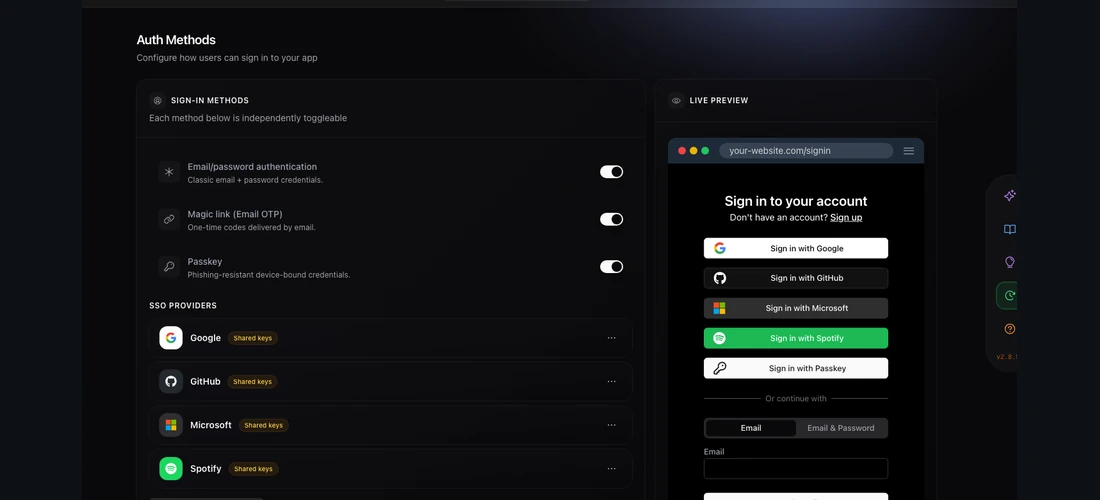
Prepare comparable interface variants so the user can preview and choose a direction.
Generate or edit raster visuals with cc-haha desktop's configured ImageGen and ImageEdit tools.
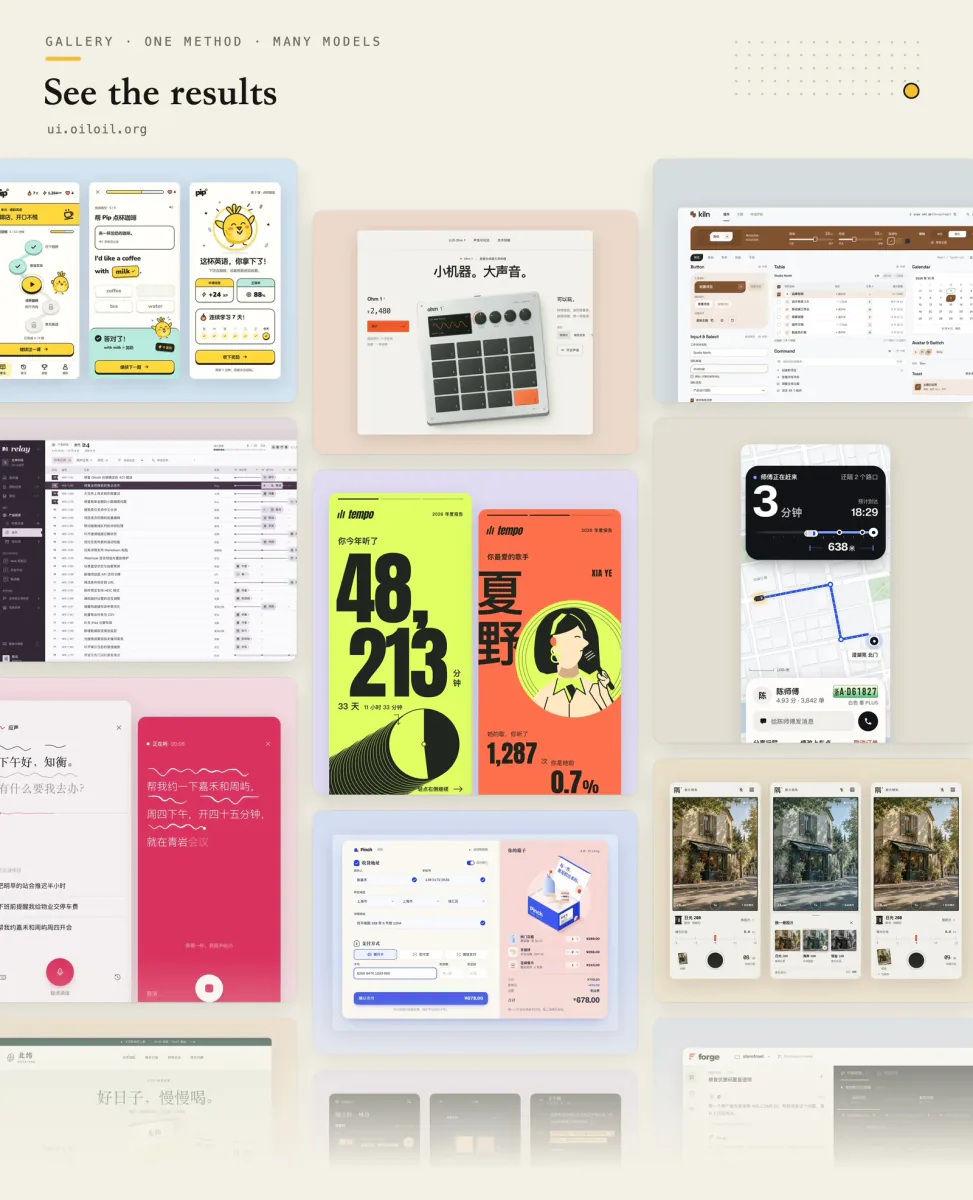
Explore and refine interface design through visual directions, same-screen style comparisons, screenshot review, and runnable UI deliverables.
Use a WCAG 2.1-oriented checklist for semantic HTML, keyboard access, contrast and accessible form behavior.
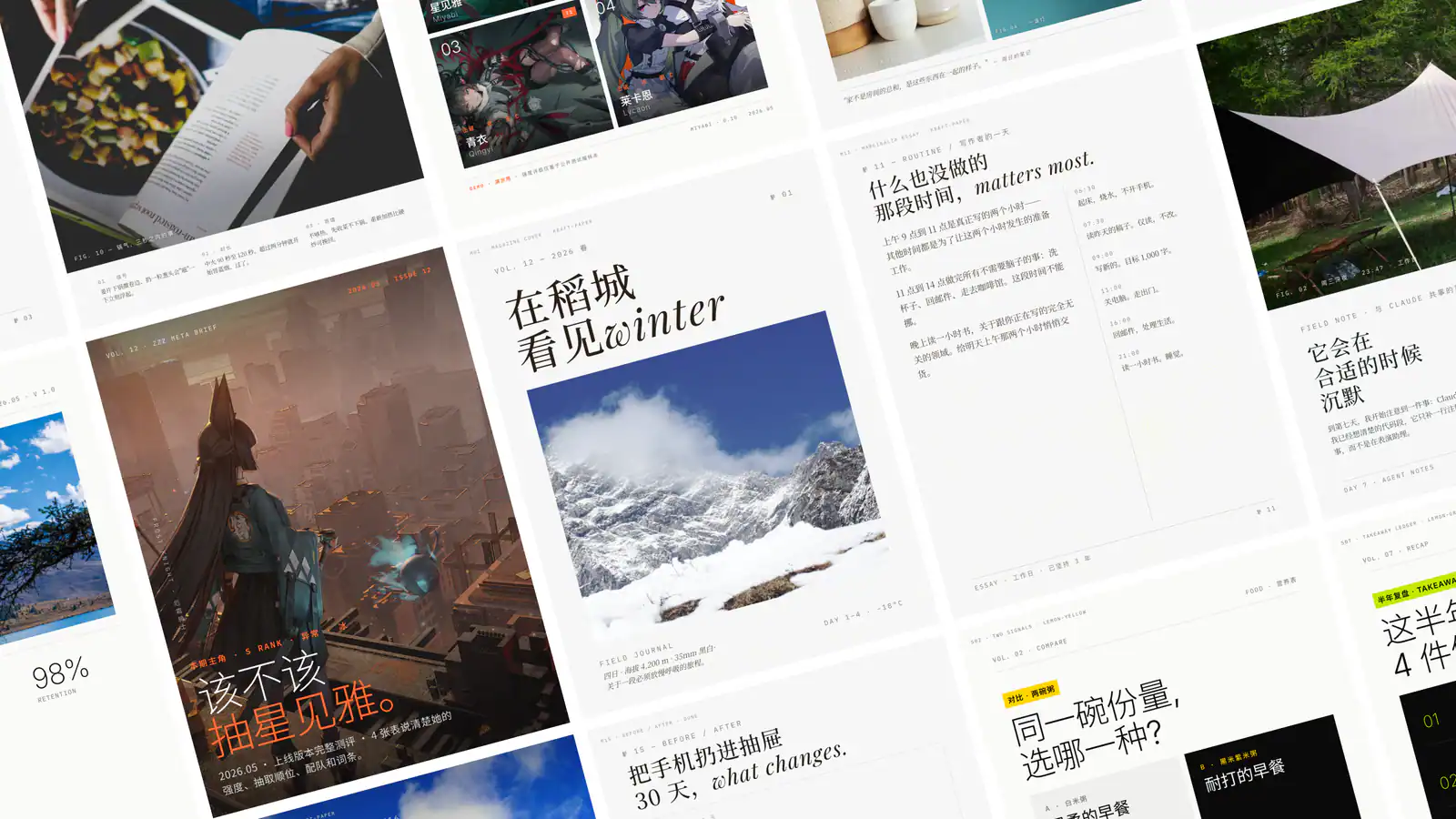
Create single-file HTML presentations in editorial magazine or Swiss style, with horizontal navigation, speaker notes, rehearsal timers and a synchronized audience window.
Review mobile and desktop interfaces against topic-routed Apple Human Interface Guidelines, with findings and fixes adapted to the application's framework.
Build distinctive web interfaces with content-informed typography, composition and visual direction.
Implement UI from Figma or an image with the project’s existing components and tokens.

Direct code-based motion graphics for launch films, product promos, brand stings, and kinetic typography using explicit craft rules.
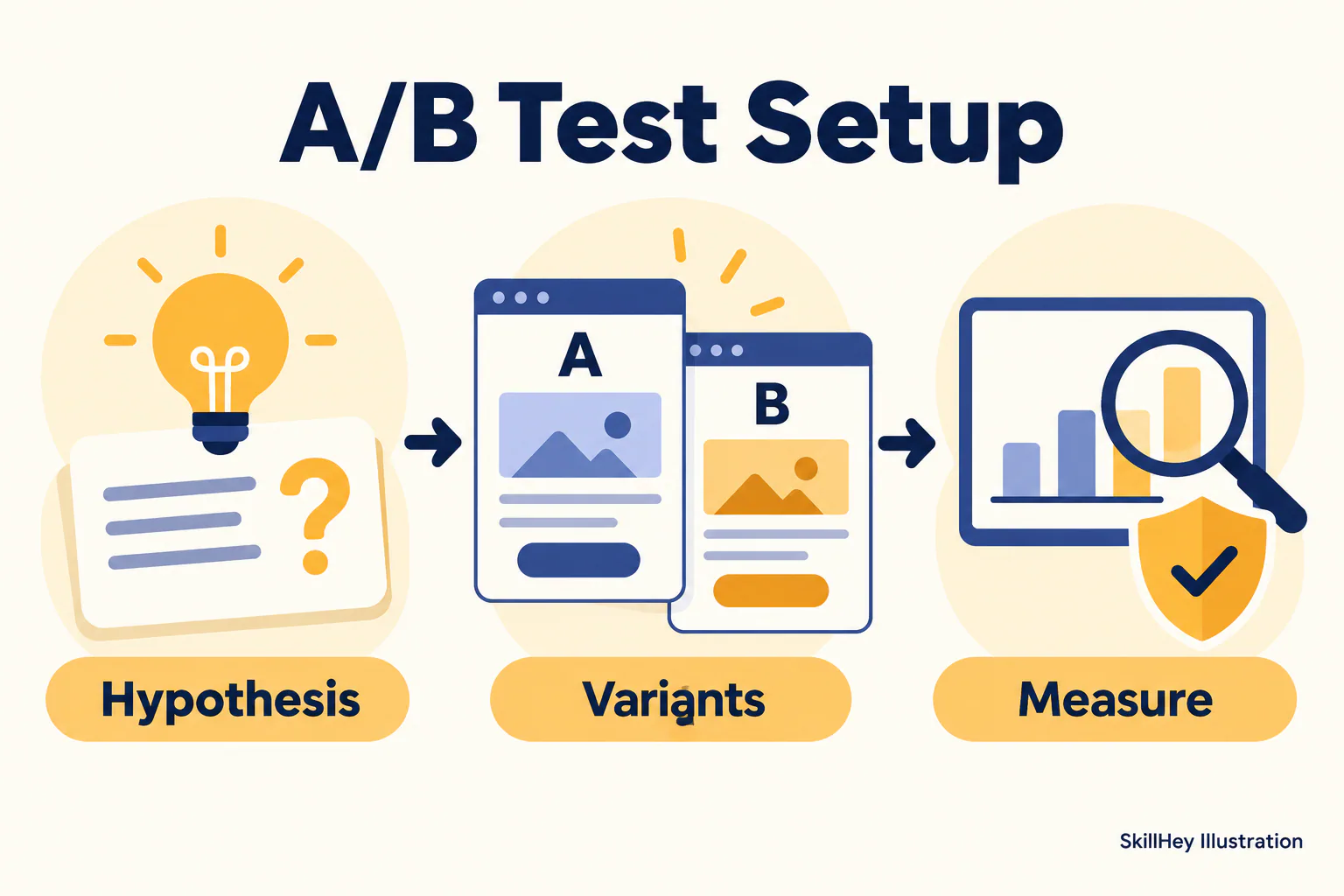
Review registration fields, error states and verification steps to identify signup friction.
Build a Remotion walkthrough video from Stitch project screens.
Review keyboard focus, ARIA, forms, screen readers, motion and zoom against WCAG 2.2.
A collection of 14 agent skills for interface reviews, UI implementation, component testing and technical illustration.
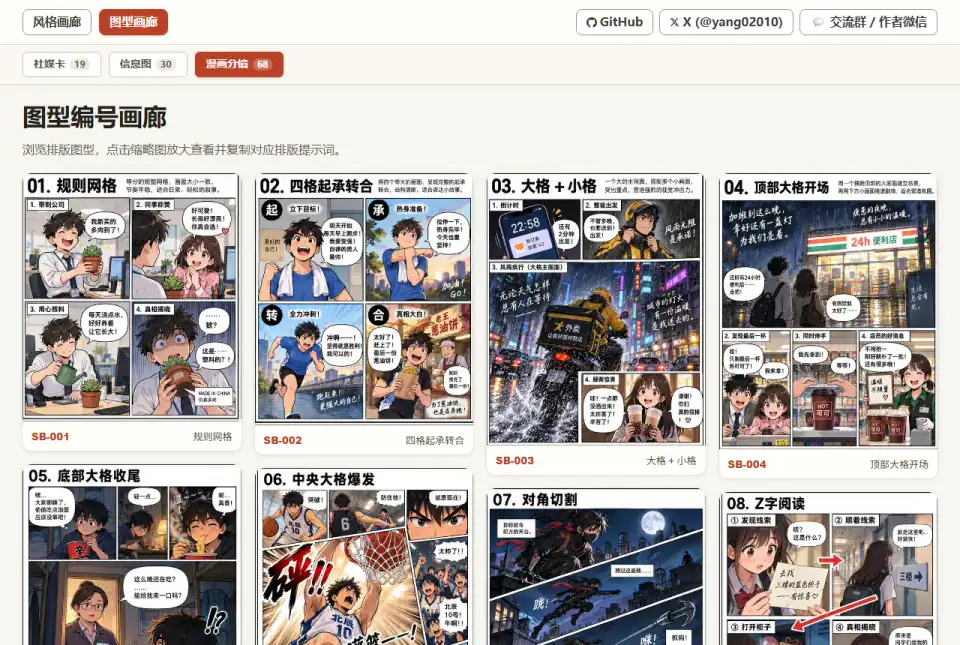
Produce browser-route hand-drawn and picturebook videos from an approved plan and reviewed media.
Polish frontend interfaces with concrete rules for typography, nested corners, shadows, icons, hit areas and restrained motion, plus structured quick or full reviews.
A collection of design workflows for accessibility, product design, critique, workshops and interface writing.

Turn one picture into an approximately five-second seamless loop in MP4 or GIF, with WebP, sticker GIF and macOS Live Photo exports on request.
Build respawn-safe character logic with scoped cleanup, Humanoids, Animator tracks, rigs, tools, and movement ownership.
Animate a finished dimensional drawing into an 8–15 second film with progressive strokes, camera moves, and lifted layers, using Claude Motion or a headless renderer.
Create a semantic DESIGN.md with typography, color and interface guidance.
Work with Vite configuration, plugins, server-side rendering and library builds.
Compare AI design skills for design systems, shadcn/ui, frontend creation and interface refinement, with practical briefs to help you choose a workflow.
Explore four Skills for geometric logos, brand identity systems and animated isometric illustrations, and choose the right workflow for your brief.
Explore practical workflows for designing interfaces and visual systems. Find tools for both early concepts and detailed reviews.