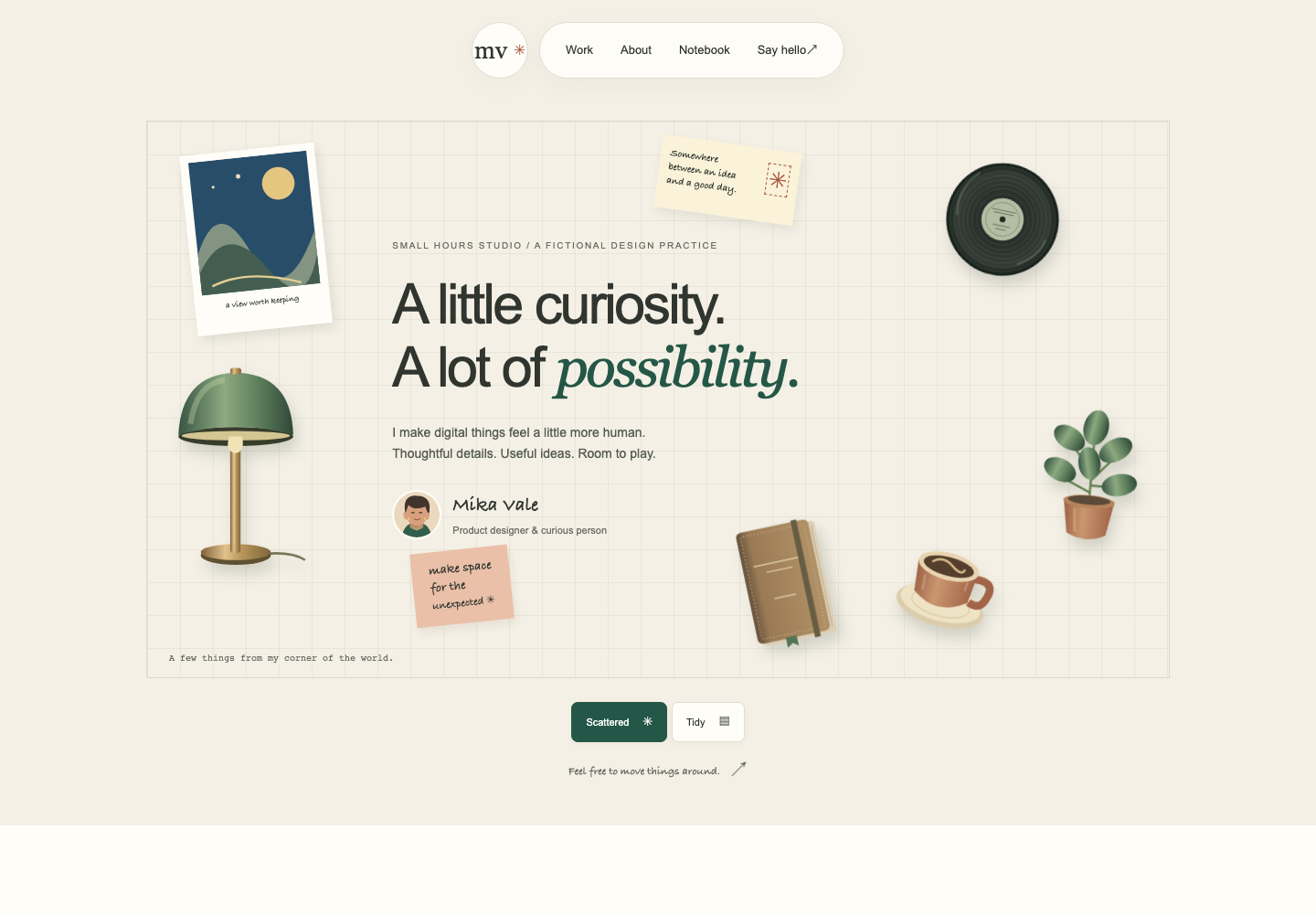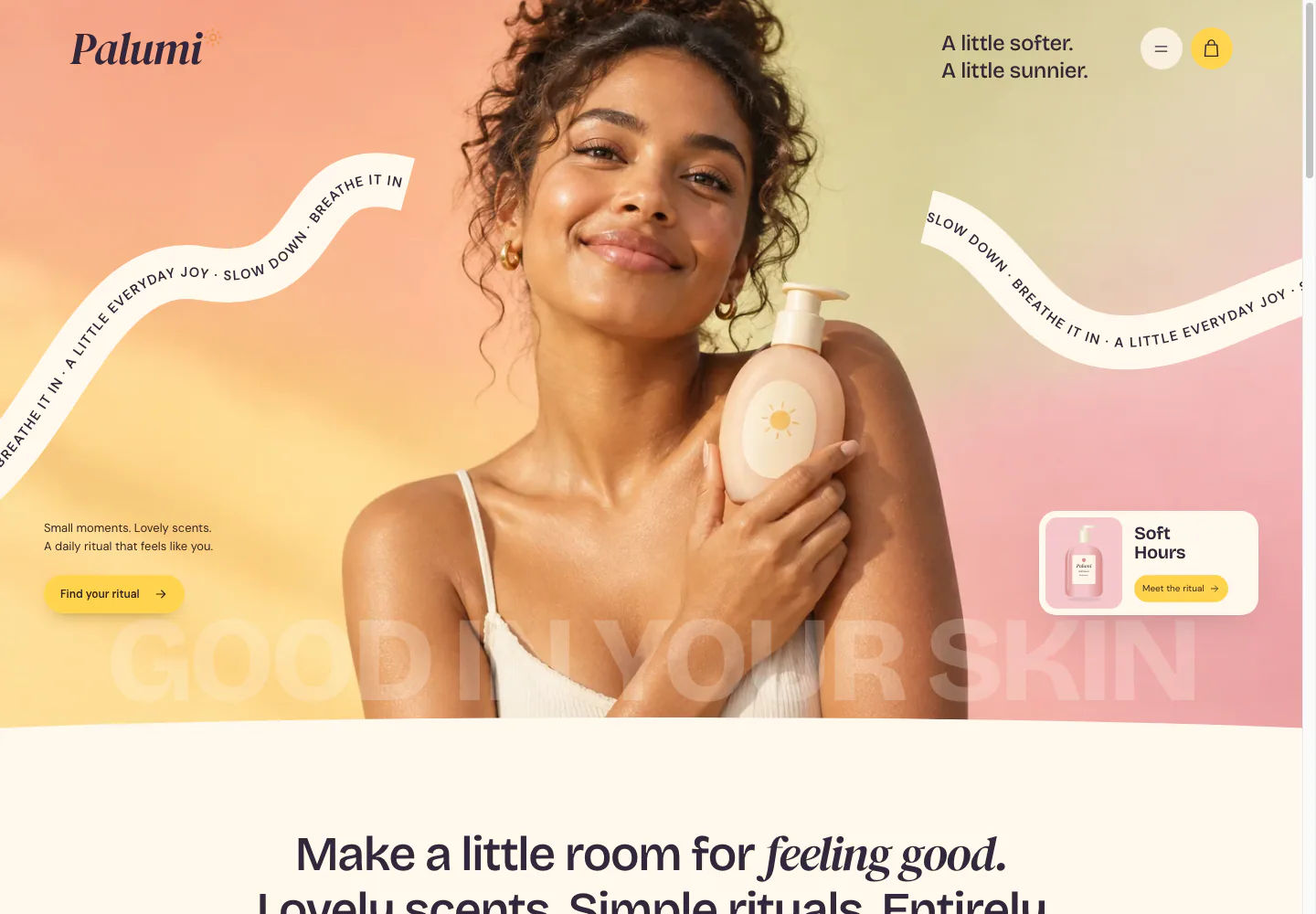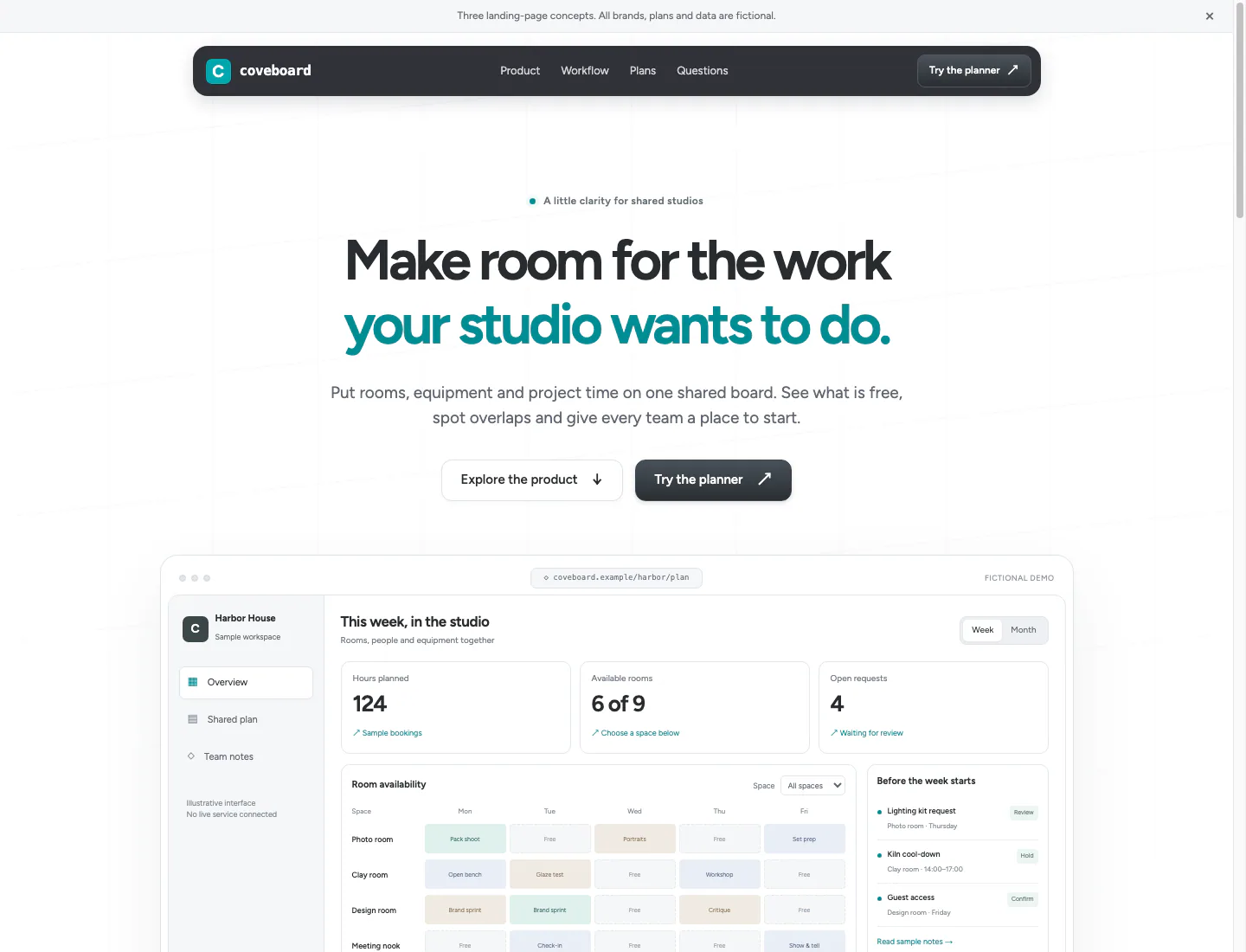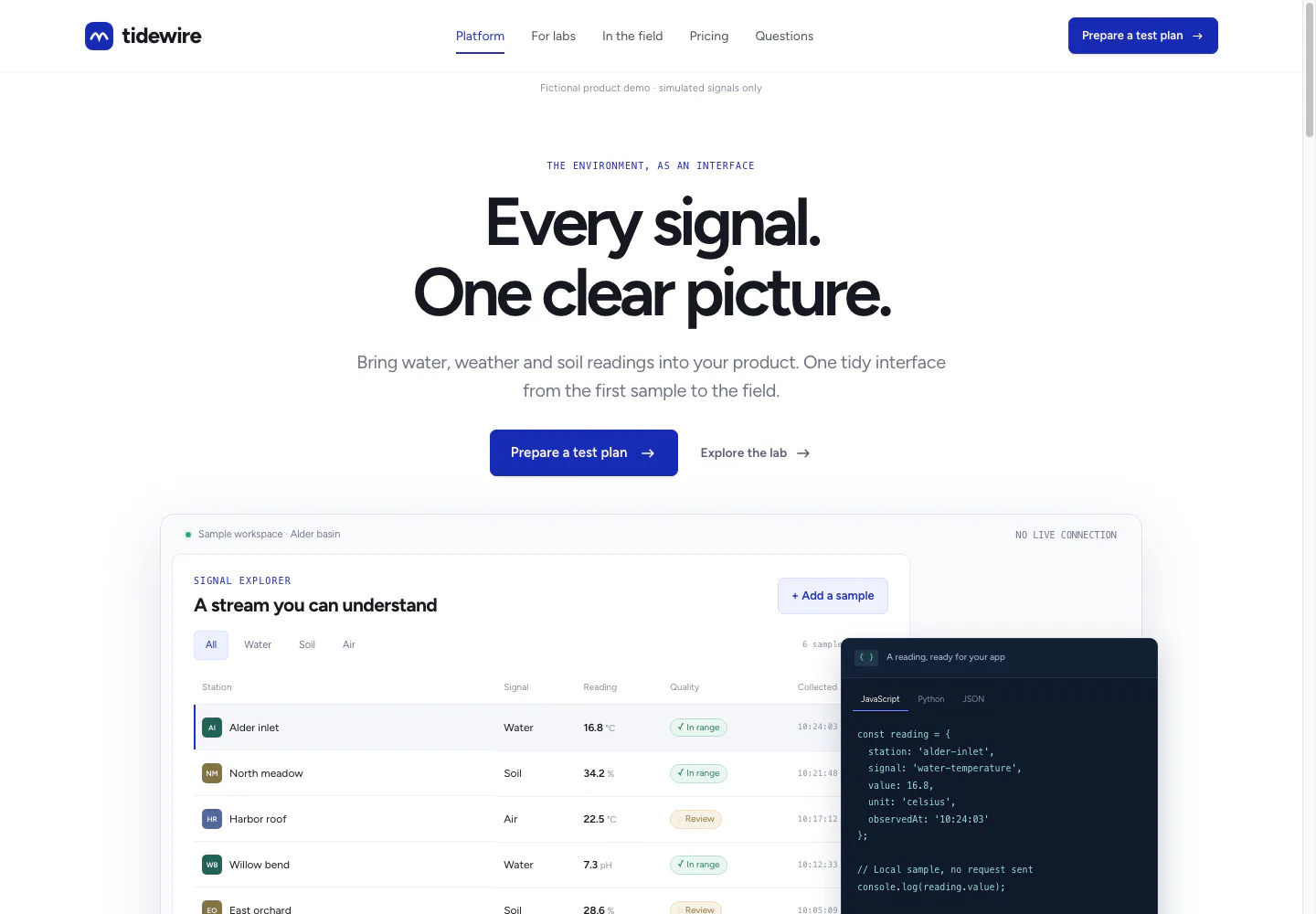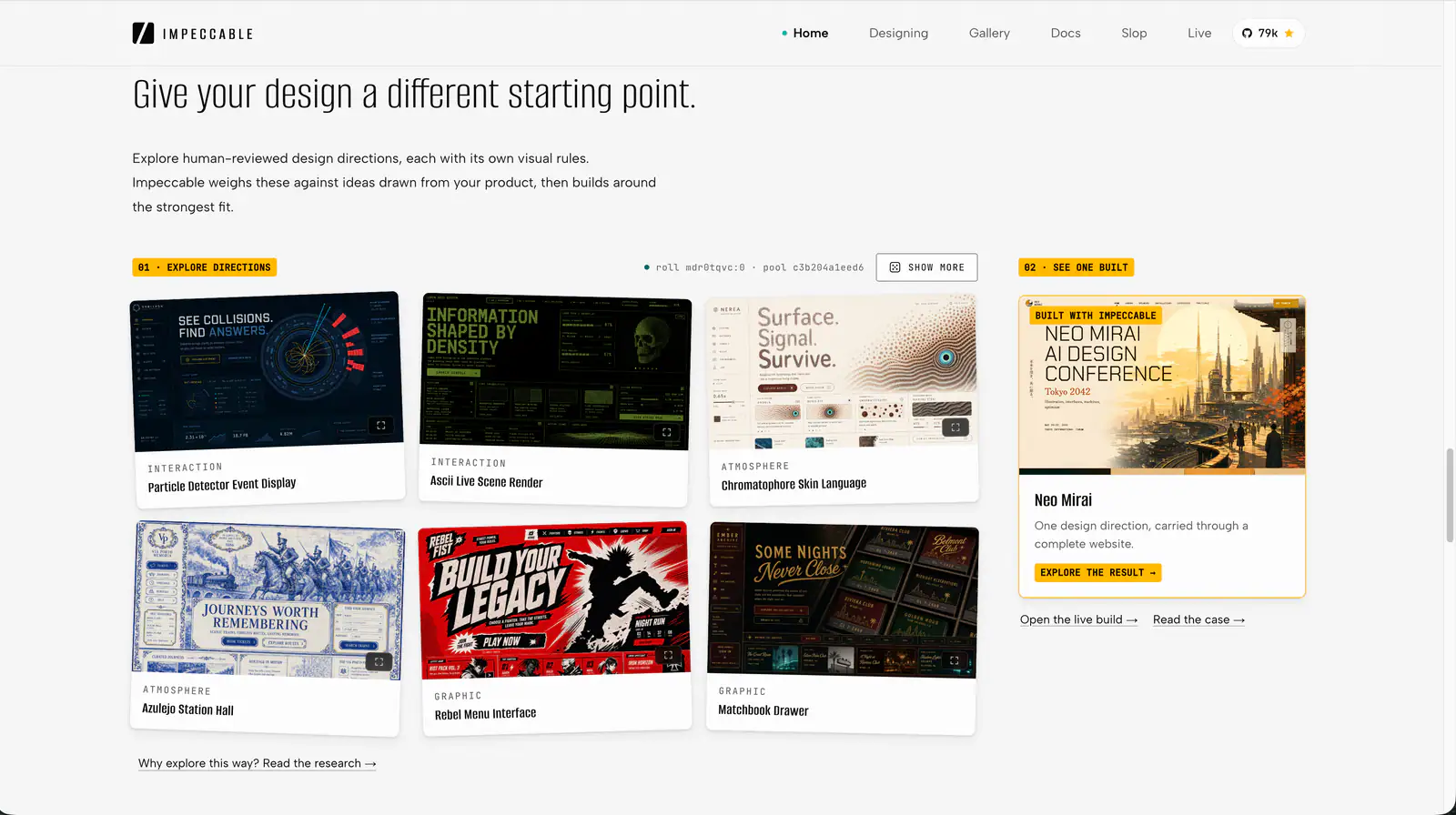
Impeccable — design directions and gallery
Project screenshotsAbout this Skill
Impeccable is Paul Bakaus's open-source design guidance for AI coding agents. It gives a coding tool a vocabulary and workflow for creating or improving interfaces, from choosing a visual direction to reviewing the result. You use it inside your existing project and agent conversation. Its focus is the quality of the interface: what people notice first, how easily they read content, and whether the design remains usable across screens and states.
Why we picked it
A useful choice when you can describe an interface problem but struggle to turn it into an actionable request. Instead of repeatedly asking an agent to make a page look better, you can name the task: clarify the reading order, simplify competing content, or improve one component while preserving the surrounding design. Our recommendation is to start with a small, visible problem and review the result before expanding the scope.
What it helps with
- Independent developers and founders: you already use an AI coding tool to build a product, and want to make a landing page or core screen easier to understand before launch.
- Frontend engineers: you have a working implementation, but headings, spacing, density or mobile layouts need a focused refinement pass.
- Designers who work with code: you want to explain a visual problem to an agent, inspect alternatives in context, and decide which change should enter the implementation.
- Small product teams: several contributors work on related screens, and you want shared design decisions to survive between tasks and agent sessions.
What can Impeccable help you do?
The official workflows cover both new work and focused improvements. Choose the scope before you start: one label, a component, a page, or a broader design direction. A smaller target makes it easier to judge whether the result solves the original problem.
Make content easier to read
Typography and layout commands help refine text and composition. A practical brief might ask the agent to make the main result easier to find, separate supporting details, and preserve enough space around the primary action.
Review a design before choosing fixes
Critique assesses the design; audit looks for implementation issues. Use a critique when a page feels confusing but you cannot name the cause. Use an audit when you want a more technical review before delivery.
Refine an existing interface
Focused refinement lets you preserve useful decisions while adjusting the weak parts. Tell the agent which product facts, navigation, branding and behaviors must stay. This is especially useful when a working page needs finishing rather than an entirely new direction.
Develop a new visual direction
For new work, Impeccable supports a design workflow that can start from a visual mockup or go directly to code. Bring a clear audience and purpose. References help explain your preferred composition, but the finished interface still needs usable content and interactions.
Official command referenceImproving an existing designBuilding a new interface
Practical use cases to start with
These are suggested starting briefs, not claims of measured conversion or performance gains. Pick the example closest to the problem in your own project and replace the details with real content.
A product landing page with competing messages
Ask which message a first-time visitor should understand first. Then give one refinement task: simplify the hero, explain the main benefit, or make the next action easier to locate. Keep the product's actual claims and signup flow intact.
A dashboard that is difficult to scan
Choose the question the user needs to answer, such as whether an order requires attention. Ask the agent to group related data and reduce competing emphasis. Evaluate the result using realistic labels and values rather than empty placeholder cards.
An article or documentation page
Give the agent a representative long page. Ask it to improve heading hierarchy, paragraph width and separation between prose and examples. Keep links and code readable, and include a small-screen view in your acceptance criteria.
A settings screen with incomplete states
Name the states that matter: saving, success, invalid input and network failure. Ask for clear feedback without shifting the surrounding layout. Include long names and translated labels if those occur in the product.
Common commands and when to use them
Most supported tools use /impeccable followed by a task or command. Codex uses $impeccable. The examples below use the slash form; in Codex, replace that entry with the dollar form. Add the page or component you want to work on.
| Command | What it helps with |
|---|---|
/impeccable critique | Understand what is holding a design back before choosing changes. |
/impeccable audit | Review implementation concerns such as accessibility, performance and responsiveness. |
/impeccable polish | Finish an existing page with focused refinements. |
/impeccable typeset | Refine text readability and typographic hierarchy. |
/impeccable layout | Improve composition, grouping and the order of attention. |
/impeccable distill | Simplify a crowded screen so important information stands out. |
/impeccable clarify | Make labels, explanations and next steps easier to understand. |
/impeccable adapt | Adapt an existing design for another screen, device or platform. |
/impeccable harden | Improve how the interface handles unexpected data and failures. |
/impeccable document | Record shared visual decisions for later work. |
/impeccable generate | Compare alternatives for a named element. |
/impeccable live | Select and refine elements in the running page. |
A suggested first workflow
You do not need to use every command. For a working page, a short sequence with a clear goal is easier to evaluate than asking for an unrestricted redesign.
Describe the user task and what must stay
For example: customers need to compare plans, and existing plan names, prices and signup behavior must remain. Also name the problem you see, such as weak hierarchy or too much decoration.
Ask for a critique of one target
Read the findings and choose the ones that match the problem. Our example targets a subscription comparison rather than the entire application.
/impeccable critique the subscription comparisonApply one focused refinement
State both the desired improvement and the decisions to preserve. A narrow instruction makes reviewing the code and visual result more straightforward.
/impeccable layout the subscription comparison. Keep plan names and signup behavior.Judge the outcome against the original task
Can the user compare the relevant information more easily? Try representative content and a narrow viewport. Keep useful changes, give specific feedback on remaining issues, and only then expand to other parts of the page.
How to install and get started
Run the installer in your terminal
Open the project folder and use the author's recommended installer. Follow the official guide's runtime prerequisites.
npx impeccable installChoose your coding tool and scope
Follow the installer prompts, then reload your coding tool. The installer handles tool-specific locations; use its generated instructions if your tool needs an additional setup step.
Give the agent product context
Run init in the agent conversation to establish the audience and goals in PRODUCT.md. In Codex, use $impeccable init. Review the saved context before asking for design work.
/impeccable initChoose one page, then keep the installation current
Start with a concrete task from the examples above. For an installation made with the recommended npx installer, use the update command below; marketplace installations follow their own update route.
npx impeccable update
Browser iteration and automatic design checks
Compare changes in Live Mode
Live Mode connects a running page with your agent session. You can select an element, describe a change, compare alternatives and accept the one you want in the project. Give the page enough real content to assess the result in context.
Scan supported UI code or a rendered page
The deterministic detector can flag supported issues such as low contrast, overflow and design-system drift. It does not need an LLM or model API key for the scan itself. Its findings cover defined rules; broader design judgement still belongs in a critique and your own review.
Enable hooks where your tool supports them
Automatic hooks send detector feedback while the agent works on UI code. Setup and approval differ between coding tools, so follow the official hook guide. Installing the Skill and allowing its hooks are separate setup steps.
Live Mode browser iterationDeterministic detectorAutomatic design checks
Keeping later pages consistent
If an existing product has visual decisions you want to keep, document them before asking the agent to add more screens. The document workflow records the current system in DESIGN.md, while PRODUCT.md holds audience and product context. Review those records so future tasks inherit deliberate choices.
For a small team, we suggest using a representative screen as a reference and naming the shared controls that must be reused. When a repeated pattern is ready to become a component, ask for extraction explicitly. Refresh the design record after an accepted change so it stays useful for the next contributor.
When to choose a different approach
You need a ready-to-use hosted website
Plan for an implementation workflow: an agent, a project and a place to run the result. If you need hosting, deployment or business integrations, those remain part of your project setup.
You are solving backend or business problems
Use this Skill where the interface is the part that needs attention. Database correctness, permissions, payments and domain-specific rules require their own implementation and review.
You need a guaranteed commercial outcome
Define a hypothesis and measure it in your own product. A clearer interface may be worth trying, but screenshots and design commands alone cannot establish a conversion improvement. The scenarios here are starting briefs, not performance results.
Before you use it
- An AI coding tool that can load the Skill, plus access to the project you want to change. Choose the appropriate tool and installation scope in the installer.
- For the recommended npx installer, follow the official getting-started guide's Node.js requirement. Other installation routes are documented by the author.
- For Live Mode, keep a local web page and the agent session running. Browser integration and automatic hooks depend on the tool's supported capabilities and trust settings.
- Provide real product context and representative content. Review changes against the task you care about, especially important flows, long labels and narrow screens.
Supported agents
Frequently asked questions
Can I use it on an existing project?
Yes. The official improvement workflow starts with an existing page. Explain the problem and what must remain, then choose a focused task. You can begin with one component without changing the whole visual identity.
Do I need to know design terminology?
You can describe the problem in ordinary language. For example, say that people cannot find the primary action or that a table is hard to scan. Focused commands are useful when you already know which kind of improvement you want.
Why do command examples differ in Codex?
The official documentation uses /impeccable for most tools and $impeccable for Codex. Installation scope and tool integration also matter. If the Skill is missing, reload the tool and check the official installation guidance.
Does the detector require a model API key?
The deterministic detector does not need an LLM or model API key for its checks. Agent-led design work still uses your coding tool's model access, and image-generation workflows need their own supported setup. Those capabilities have different requirements.
Where can I see an official example?
The Neo Mirai case study describes a fictional conference site built from a mockup and a brand toolkit. It shows how a visual direction became a responsive implementation and how browser iteration addressed layout and interaction issues. The link is included in the sources below.
Official sources
Based on official documentation, with practical scenarios suggested by SkillHey.