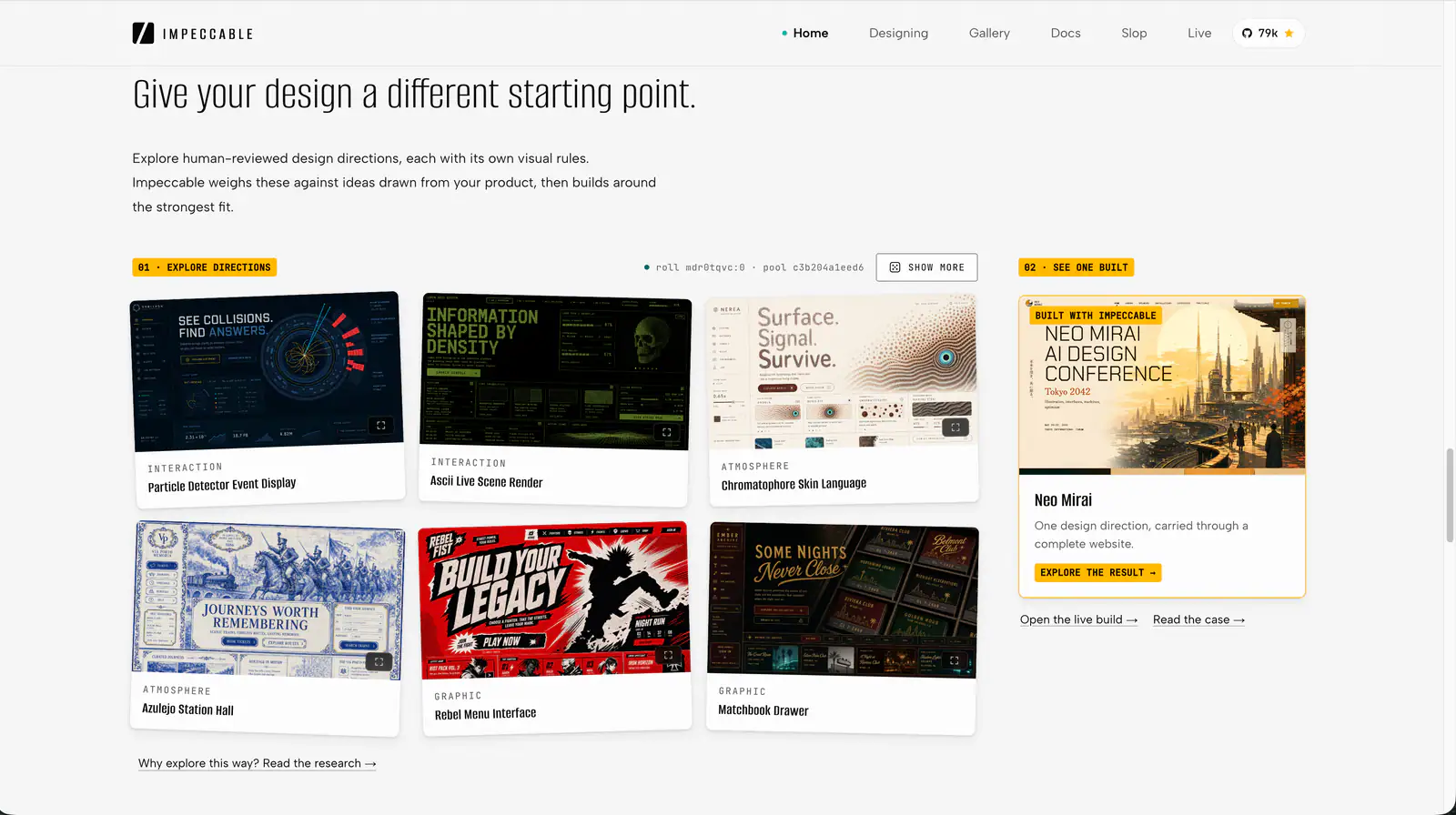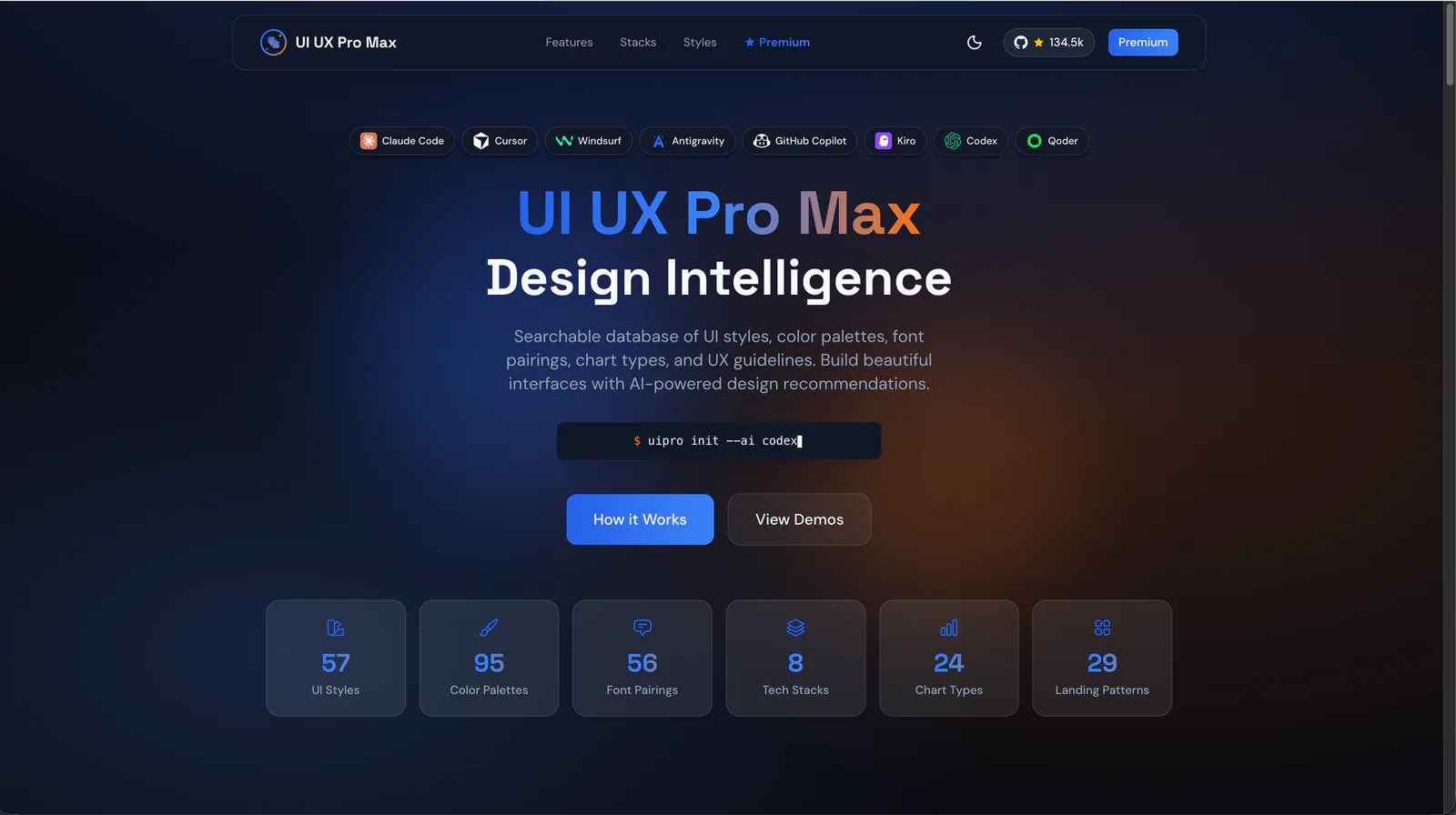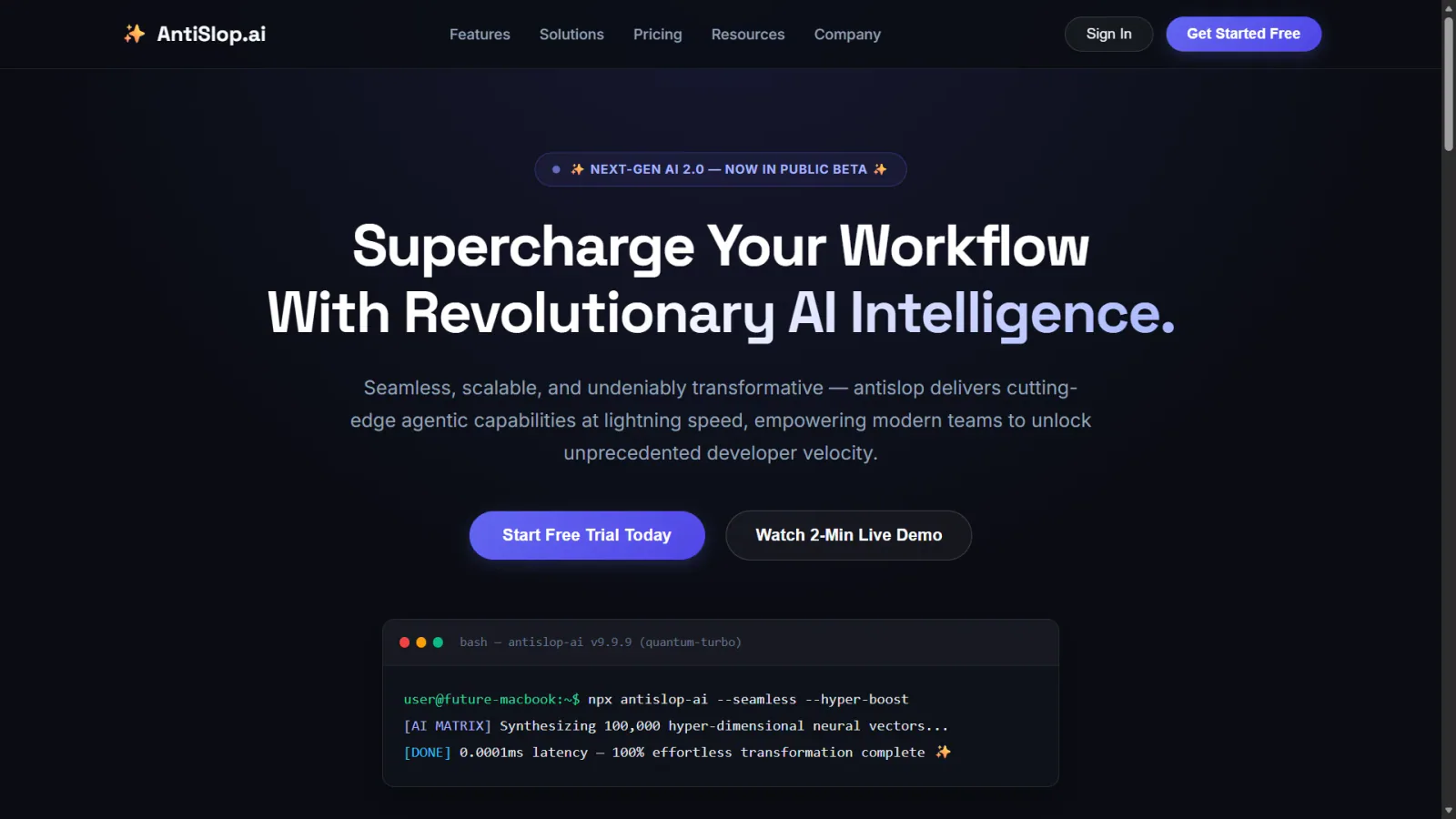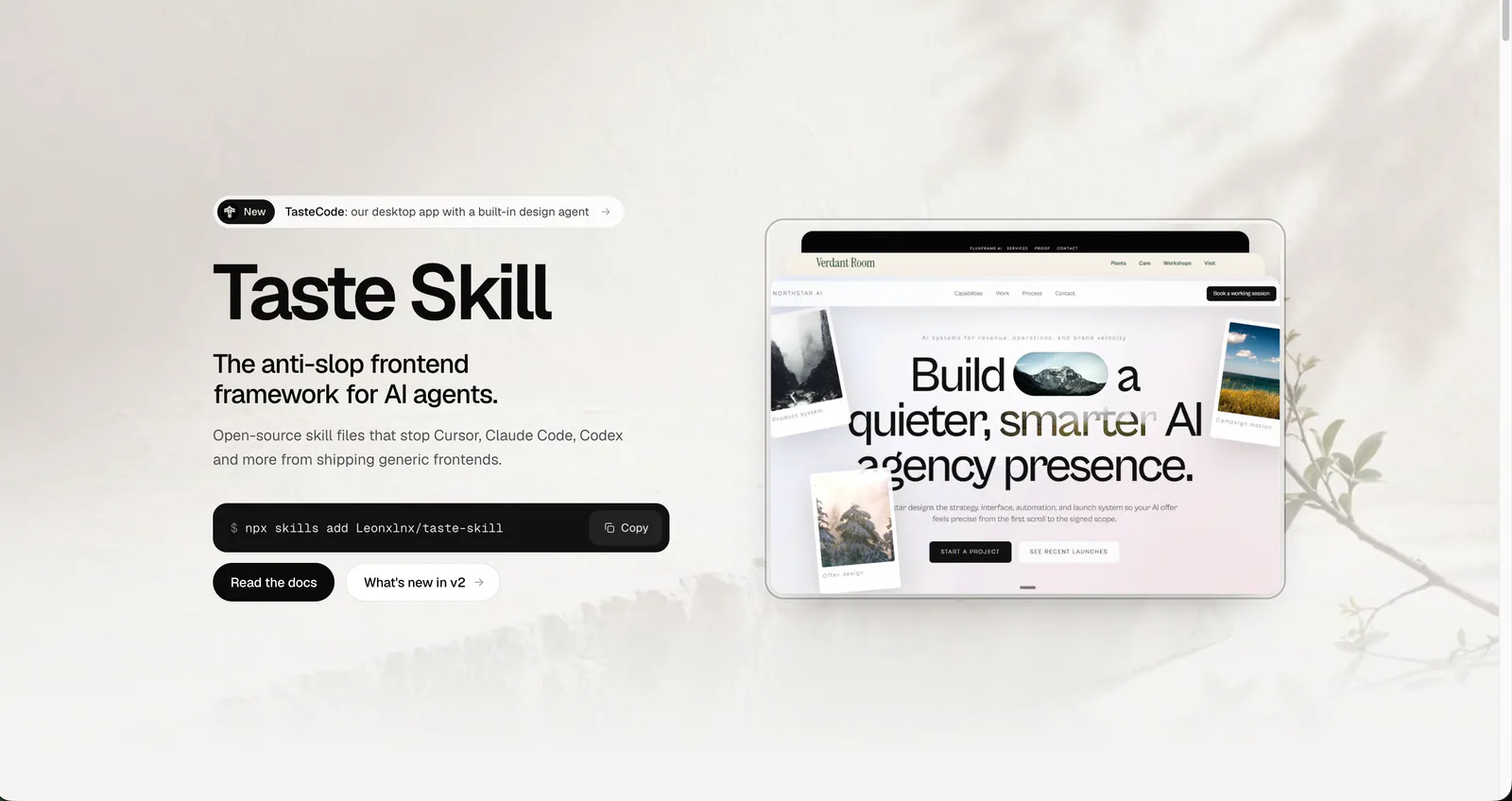
Taste Skill homepage with its frontend framework introduction, installation command and website examples.
Project screenshotsAbout this Skill
Taste Skill is Leonxlnx’s frontend design Skill. Its main repository now contains one entry, design-taste-frontend. The v2.1 series separates public pages from app screens, chooses a direction from researched references, builds with subject-specific content and imagery, and checks the result in a real browser. Older styles and image-generation Skills have moved to separate repositories.
Why we picked it
Useful when generated pages feel generic. Provide the audience, subject-specific content and brand assets, then let the workflow choose a direction and review actual screenshots. The main repository now contains one Skill; older styles and image workflows live in separate repositories.
What it helps with
- Marketing sites and landing pages that need a distinct visual direction.
- Developer, designer and creative studio portfolios.
- Website redesigns that should preserve brand assets, content and navigation.
- Dashboards, analytics, admin views, settings and other app screens that need their own interaction and layout rules.
Start with the brief
Read the brief and build the argument
Identify the subject, audience, goal, assets and constraints. Plan sections around real claims and evidence rather than a fixed landing-page template.
Choose a researched direction
The draw script offers researched directions. The agent chooses one that fits the subject, then develops composition, type and palette. The current main entry no longer uses the old three-dial workflow as its setup.
Inspect and improve the actual result
Use a real-browser inspector at desktop, tablet and phone widths, inspect screenshots and fix the highest-impact issues. Passing automated checks still requires a visual review.
Use the app-screen route for working interfaces
Dashboards, settings and admin screens use app-specific direction, data, chart, table and navigation rules, with draw.mjs --app and inspect.mjs --app.
Audit before a redesign
Redesign is now part of design-taste-frontend. It audits the existing page in a real browser before making changes. Specify the brand, content, URLs and interactions that should be preserved, then review the changed page at relevant screen widths.
Current entry and moved Skills
Main entry: design-taste-frontend
The install name is unchanged. The current changelog lists v2.1.4, dated October 20, 2026. Do not describe the default as the old v2 experimental variant.
Classic styles and earlier versions
gpt-taste, high-end-visual-design, minimalist-ui, industrial-brutalist-ui, stitch-design-taste, design-taste-frontend-v1 and design-taste-frontend-v2-experimental now live in Leonxlnx/taste-skill-classics with their existing install names.
Image-generation workflows
imagegen-frontend-web, imagegen-frontend-mobile, brandkit and image-to-code now live in Leonxlnx/imagegen-skills. Install them from that repository for image tasks.
Redesign and removed entries
redesign-existing-projects is included in the main Skill. full-output-enforcement was removed; the author points users with that need to Leonxlnx/unlazy.
Official repository and READMEVersion and migration notesClassic styles and earlier versionsImage-generation Skills repository
Install or update
Claude Code: project Skills root .claude/skills/; the main Skill entry is .claude/skills/design-taste-frontend/SKILL.md when installed at that root. Select project or global scope in the installer.
Codex CLI: project Skills root .agents/skills/; the main Skill entry is .agents/skills/design-taste-frontend/SKILL.md when installed at that root. Select project or global scope in the installer.
Cursor: project Skills root .cursor/skills/; the main Skill entry is .cursor/skills/design-taste-frontend/SKILL.md when installed at that root. Select project or global scope in the installer.
| Command | What it helps with |
|---|---|
npx skills add https://github.com/Leonxlnx/taste-skill-classics --skill "design-taste-frontend-v1" | Install the earlier v1 entry from its new repository. |
npx skills add https://github.com/Leonxlnx/taste-skill-classics --skill "gpt-taste" | Install the classic GPT-oriented entry from its new repository. |
npx skills add https://github.com/Leonxlnx/imagegen-skills --skill "imagegen-frontend-web" | Install the web image-generation entry from its new repository. |
Install the main Skill
Run the author’s command in a terminal and select your coding agent. --skill uses the frontmatter name design-taste-frontend, not the folder name taste-skill. Re-run the same command to update.
npx skills add https://github.com/Leonxlnx/taste-skill --skill "design-taste-frontend"
Official repository and READMEClassic styles and earlier versionsImage-generation Skills repository
Claude Code plugin option
Claude Code can also install the repository as a plugin. Run the following inside Claude Code; plugin Skills use the taste-skill: namespace. The normal npx installation remains an alternative.
| Command | What it helps with |
|---|---|
/plugin marketplace add Leonxlnx/taste-skill | Add the author’s marketplace. |
/plugin install taste-skill@taste-skill | Install the repository plugin. |
/plugin update | Update installed plugins later. |
Codex plugin option
Run these terminal commands to add the author’s marketplace and install the plugin. Start a new Codex session afterward so the Skill loads.
| Command | What it helps with |
|---|---|
codex plugin marketplace add Leonxlnx/taste-skill | Add the author’s Codex marketplace. |
codex plugin add taste-skill@taste-skill | Install the main Taste Skill plugin. |
A useful first request
Use design-taste-frontend to redesign this portfolio for hiring managers. Keep the existing logo, copy and URLs. Audit the current site first, then use an editorial direction with restrained motion and medium layout variance. Show the proposed design read before implementing, and check mobile layout, keyboard behavior and reduced motion.
Before you use it
- A coding agent with access to your project. Choose its integration in the installer and reload the tool after installing.
- Node.js 22 or newer and installed Chrome, Edge or Chromium for the bundled scripts and real-browser inspection. Picture discovery needs network access; the main Skill requires no API keys.
- The Skill is MIT-licensed. Agent usage and hosting may incur separate costs. Review image credits, generated code, interactions and screenshots before delivery.
Supported agents
Frequently asked questions
Which entry should I install now?
Install design-taste-frontend from Leonxlnx/taste-skill. This is the only Skill in the main repository; rerun the same install command to update.
Where did the old variants move?
Classic styles and earlier versions moved to taste-skill-classics; image-generation workflows moved to imagegen-skills. Their install names remain the same, but the source repository has changed.
Does it support app screens?
Yes. The v2.1 series has a separate workflow for dashboards, admin, analytics and settings, including app-specific layout and browser inspection.
What runtime does it need?
The bundled scripts need Node.js 22+ and Chrome, Edge or Chromium. Picture discovery needs network access. The main Skill needs no API keys.
Sources & references
Original sources are linked below. Practical starting points are editorial suggestions from SkillHey.