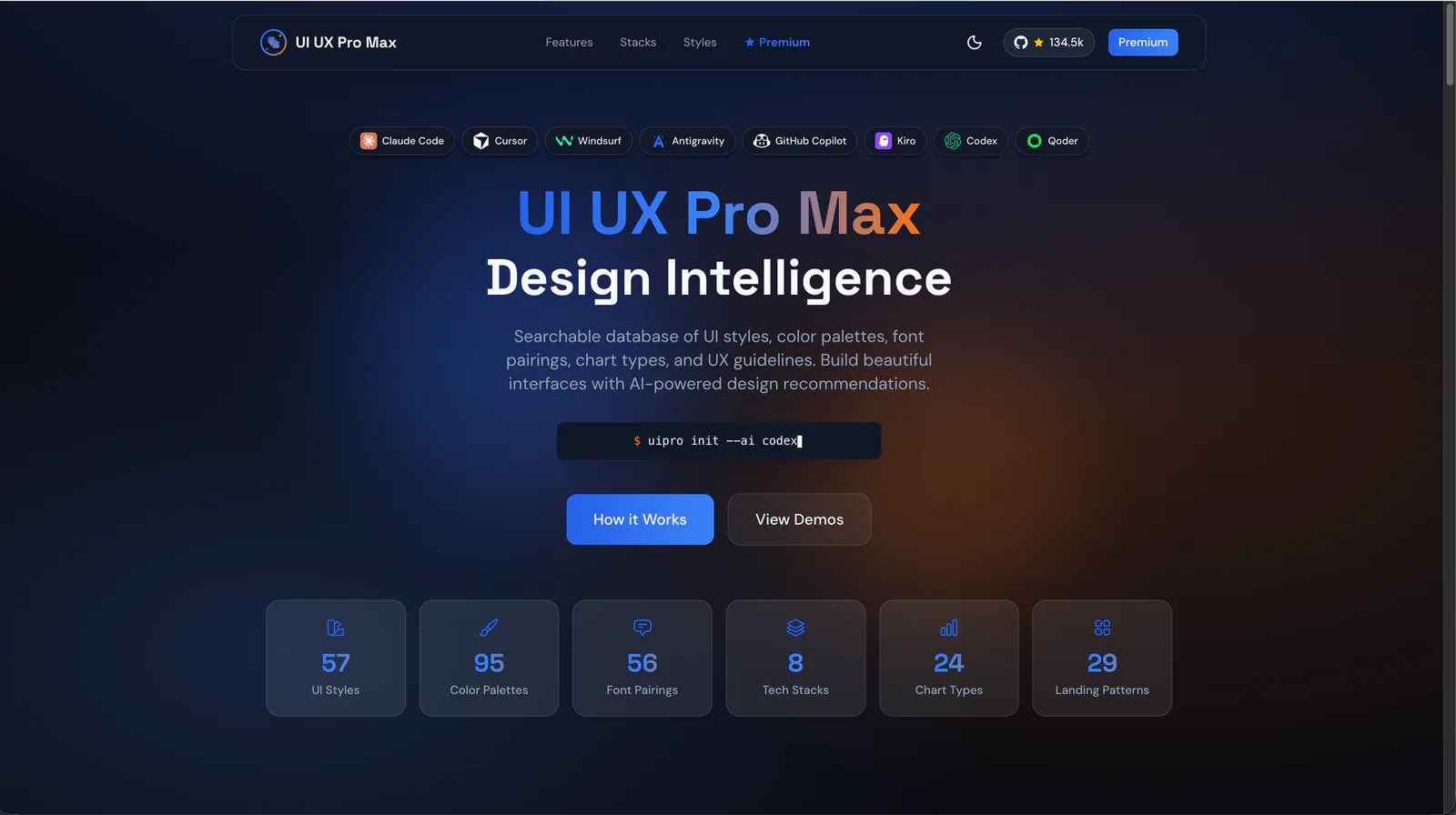
UI UX Pro Max website introduction — user-supplied screenshot; website figures may differ from the current repository.
Project screenshotsAbout this Skill
UI UX Pro Max is an MIT-licensed Skill from Next Level Builder. It adds searchable design data and a design-system workflow to an AI coding assistant. Describe the product, audience and stack, then use the recommendations to guide implementation or review an existing interface. The assistant produces the code; the bundled Python tools search local data and generate design guidance.
Why we picked it
Useful when an agent needs a concrete design direction before writing interface code. Its local search combines product context with styles, palettes, typography and UX guidance; saved design-system files help carry those decisions into later pages.
What it helps with
- Developers building a landing page, product interface or dashboard with an AI coding assistant.
- Teams choosing a coherent palette, typography and component direction before implementation.
- Frontend engineers improving responsive layout, accessibility and interface consistency in an existing project.
What it helps you design
A design system matched to the product
Combine a page pattern, visual style, colors, typography and interaction guidance. Persist a master design system and page overrides so later work can reuse the decisions.
Focused design searches
Search individual domains such as styles, typography, charts and UX. Use a narrow query when you need help with a particular component, interaction or layout problem.
Guidance for the implementation stack
The upstream data covers web, mobile and desktop stacks, including React, Next.js, Vue, SwiftUI and Flutter. Its UX guidance also addresses text reflow, keyboard focus and reduced motion.
Upstream README: capabilities, installation and usageUpstream UI UX Pro Max Skill instructions
Install and start with your project
| Command | What it helps with |
|---|---|
uipro init --ai claude | Install for Claude Code. |
uipro init --ai cursor | Install for Cursor. |
uipro init --ai gemini | Install for Gemini CLI. |
uipro init --ai universal | Use the upstream universal Agent Standard installation. |
/plugin marketplace add nextlevelbuilder/ui-ux-pro-max-skill | Add the upstream marketplace in Claude Code, then run the next plugin command. |
/plugin install ui-ux-pro-max@ui-ux-pro-max-skill | Install the Claude Code plugin from that marketplace. |
Install the current upstream CLI
The npm package is ui-ux-pro-max-cli and its executable is uipro. The README identifies older uipro-cli releases as stale.
npm install -g ui-ux-pro-max-cliInstall into the project for your assistant
Run from the project directory. This example selects Codex; choose the corresponding --ai value for your own assistant. Use --dry-run to preview the installation.
uipro init --ai codexGive the agent a concrete brief
For example: design a SaaS analytics dashboard in React, keep our existing brand colors, and make the navigation and tables usable on mobile. Name the stack and constraints in your request.
Upstream README: capabilities, installation and usageUpstream Codex installation template
Search and save a design system
These commands use the Codex installation path. For another assistant, use the search.py path generated by its installation. The local search does not require a model API key; the agent still uses its configured model when writing code.
| Command | What it helps with |
|---|---|
python3 .agents/skills/ui-ux-pro-max/scripts/search.py "SaaS analytics dashboard" --design-system -f markdown | Generate design recommendations as Markdown. |
python3 .agents/skills/ui-ux-pro-max/scripts/search.py "SaaS analytics dashboard" --design-system --persist -p "MyApp" | Save a project master design system for later sessions. |
python3 .agents/skills/ui-ux-pro-max/scripts/search.py "form validation" --stack react | Look up React guidance for form validation. |
python3 .agents/skills/ui-ux-pro-max/scripts/search.py "keyboard focus" --domain ux | Look up UX guidance for keyboard focus. |
Upstream README: capabilities, installation and usageUpstream Codex installation template
Explore the upstream examples
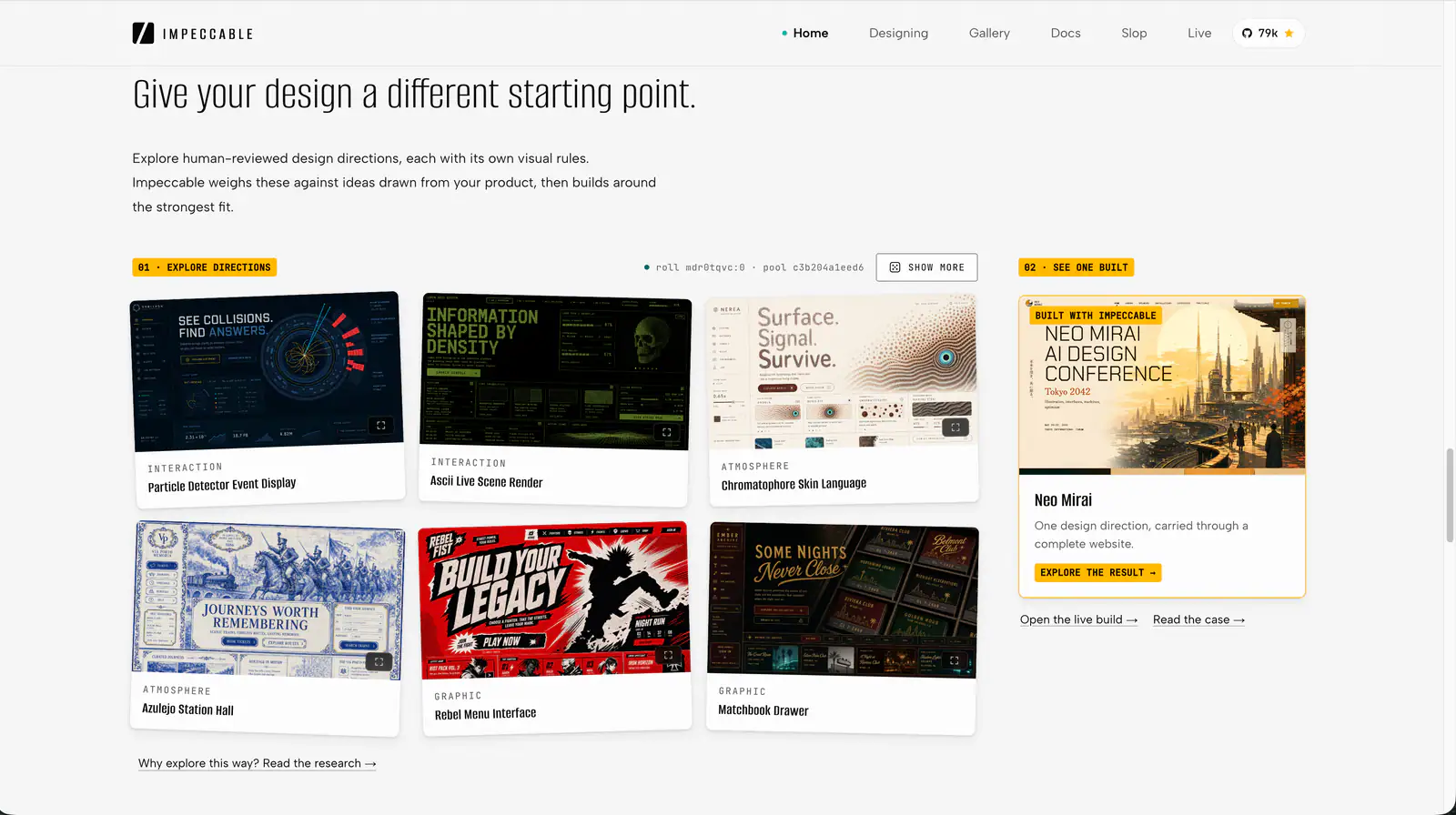
The gallery above uses the two website screenshots supplied for this listing: the project introduction and a selection of design examples. Figures in the website screenshot may reflect an earlier catalog. Use the current README for feature coverage and installation instructions.
The README also links an operations dashboard before-and-after comparison. The maintainer labels it an illustrative community contribution; it is useful for exploring a visual direction.
Upstream README: capabilities, installation and usageProject website and examples
Before you use it
- An AI coding assistant and a project it can read and edit; model usage follows that assistant's own plan.
- Node.js and npm for the CLI installation route. Claude Code also has an upstream plugin installation route.
- Python 3 for the local search and design-system scripts. These scripts use the standard library.
Supported agents
Frequently asked questions
Is this GitHub Skill free?
The linked repository is open source under the MIT license. Its website separately offers a premium tier. Your coding assistant's model fees follow its own service plan.
Can I use it to improve an existing interface?
Yes. Describe the screen, the problem and the rules to keep, such as an existing brand palette or component library. The Skill supports designing, reviewing and fixing interfaces.
Does local search require a model API key?
No. The bundled Python search uses local data and the standard library. AI-assisted implementation uses the model configured in your coding tool.
Where should I check current installation details?
Use the upstream README linked below. Choose the CLI --ai target for your assistant, or the Claude Code plugin route. The current CLI package name is ui-ux-pro-max-cli.
Official sources
Based on official documentation, with practical scenarios suggested by SkillHey.