Best Design Skills for AI Websites and UI Workflows
Latest update at: 2026-10-22
Design skills at a glance
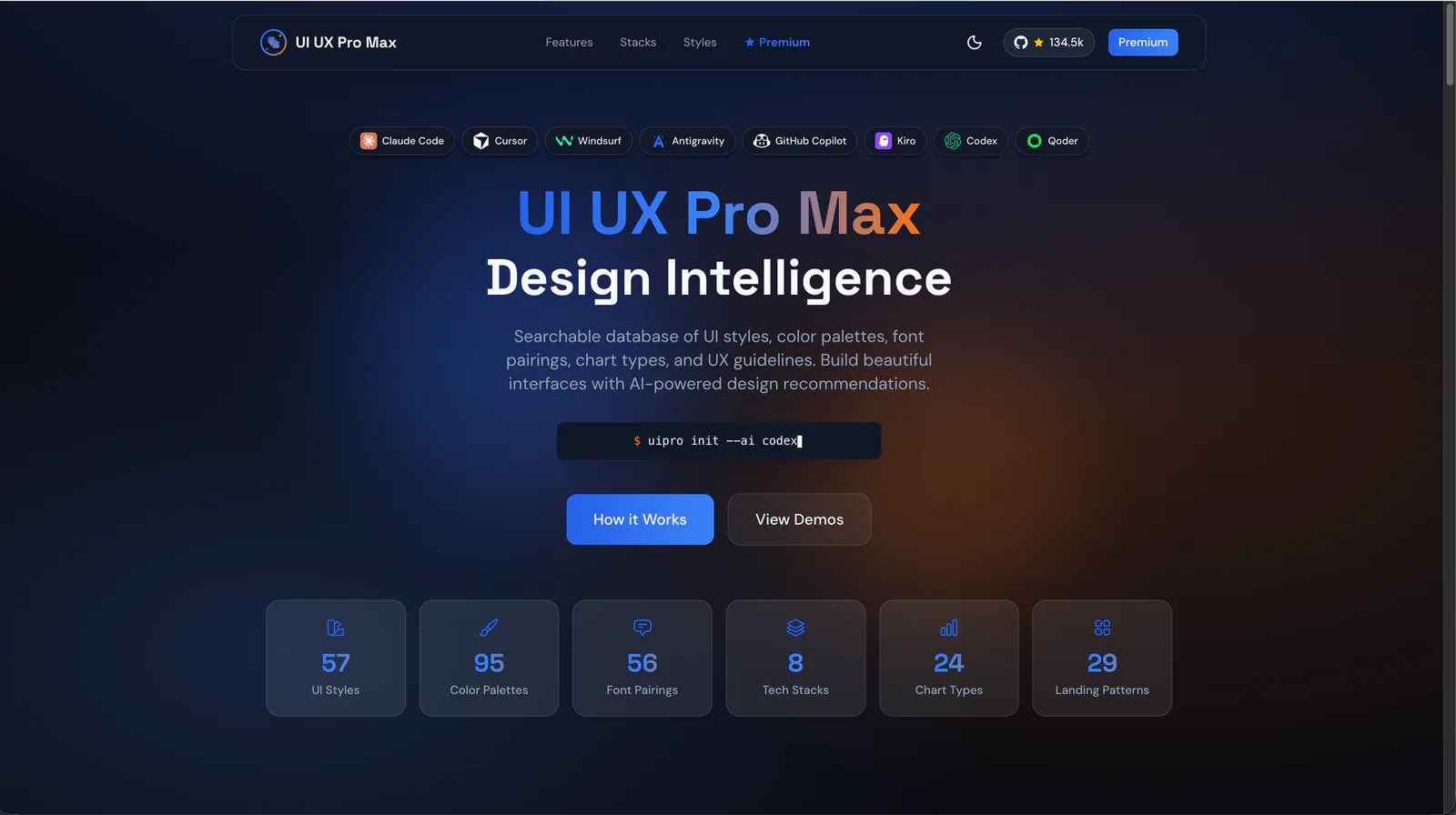
UI UX Pro Max
Design guidance for AI coding agents: generate a project design system, search styles, colors and typography, and apply framework-specific UI/UX recommendations to web and app interfaces.
136.3KStars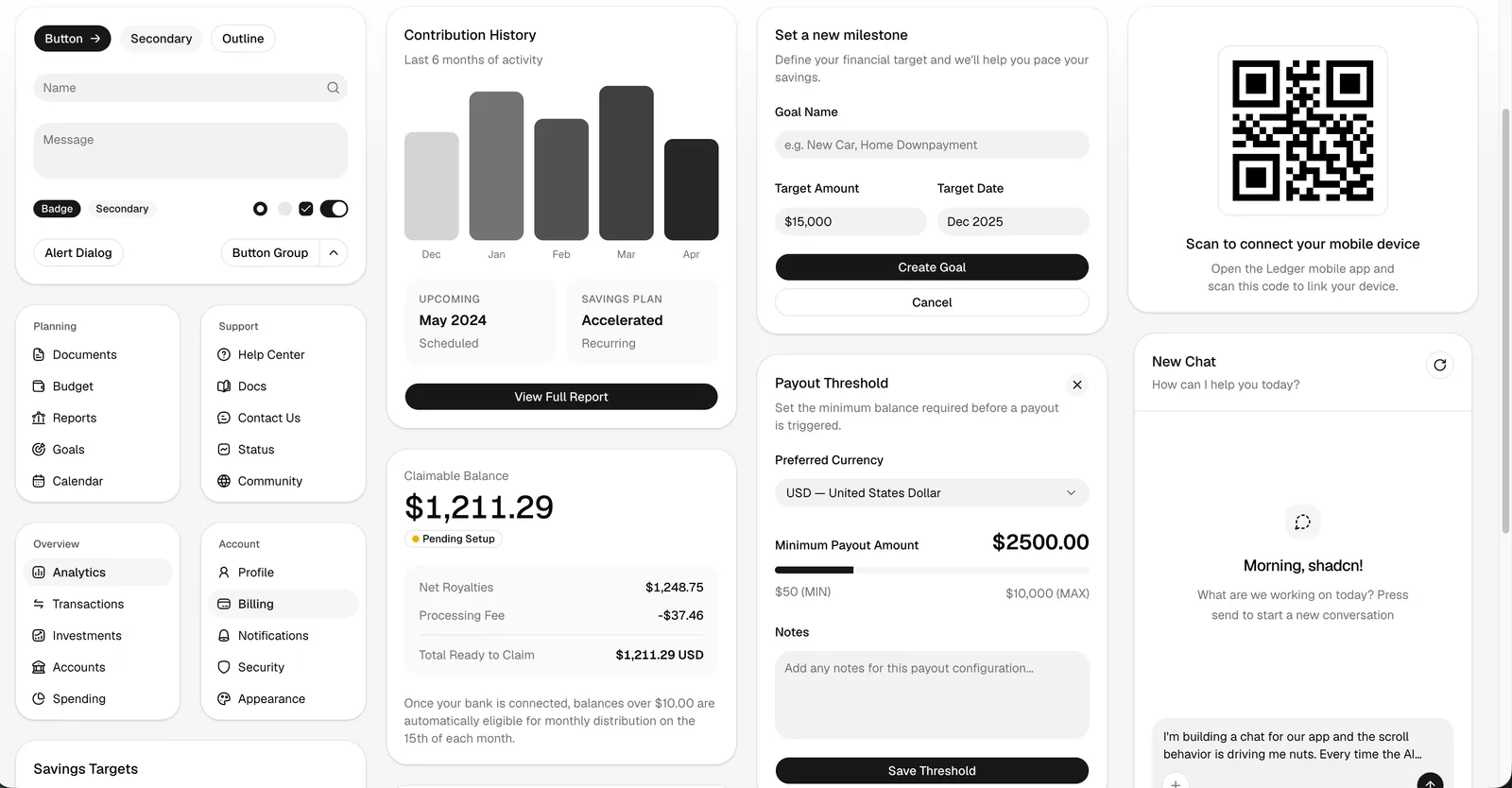
shadcn/ui
The official shadcn/ui skill for AI agents. Find, add, compose, customize, and debug UI components using your project configuration, current component docs, and the shadcn CLI.
125.7KStars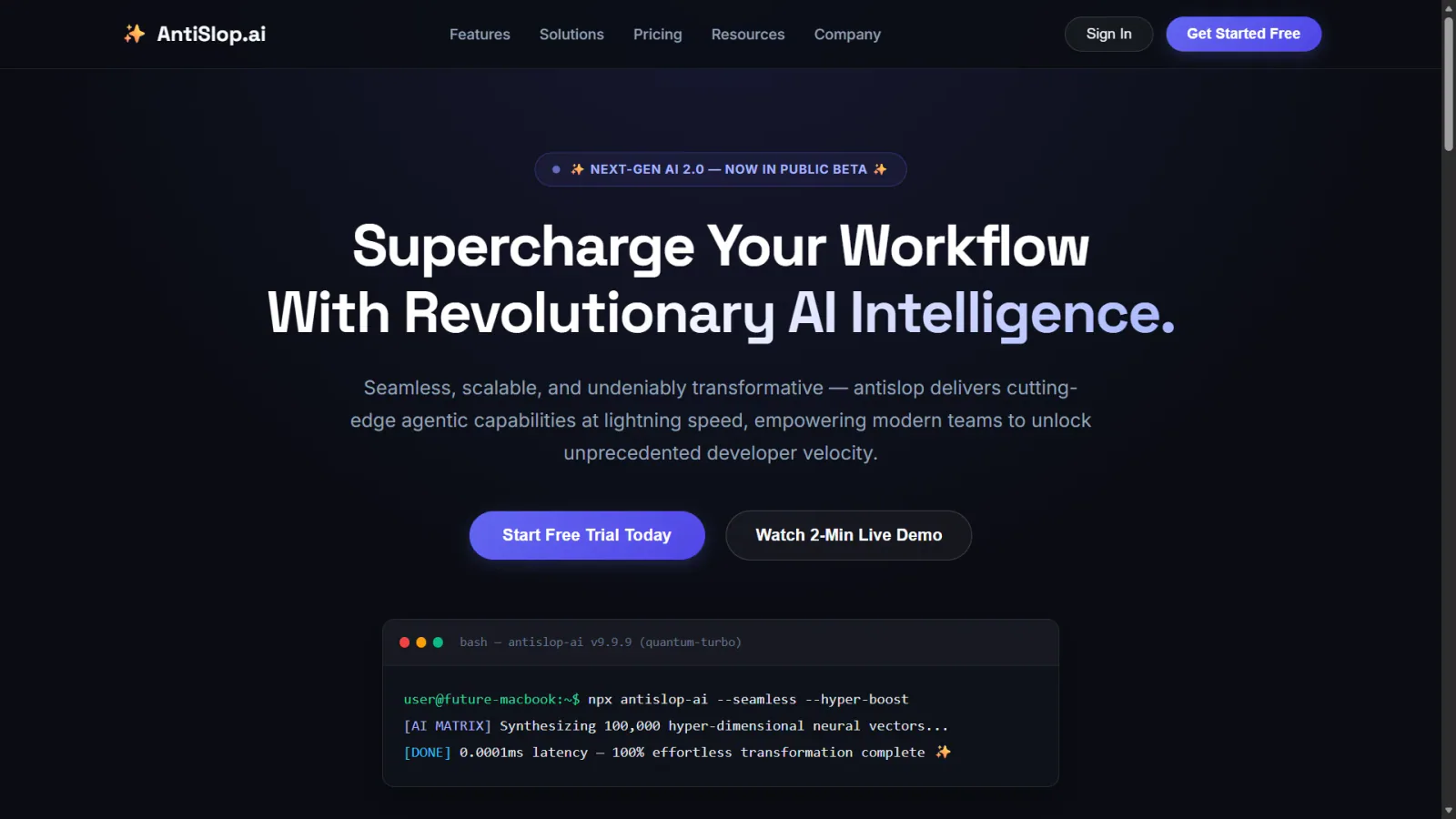
Anti Slop Skills
Apply focused rules for interface design, mobile layout, accessibility, writing and code comments.
6.2KStars
Frontend Design
Build distinctive web interfaces with content-informed typography, composition and visual direction.
183.4KStars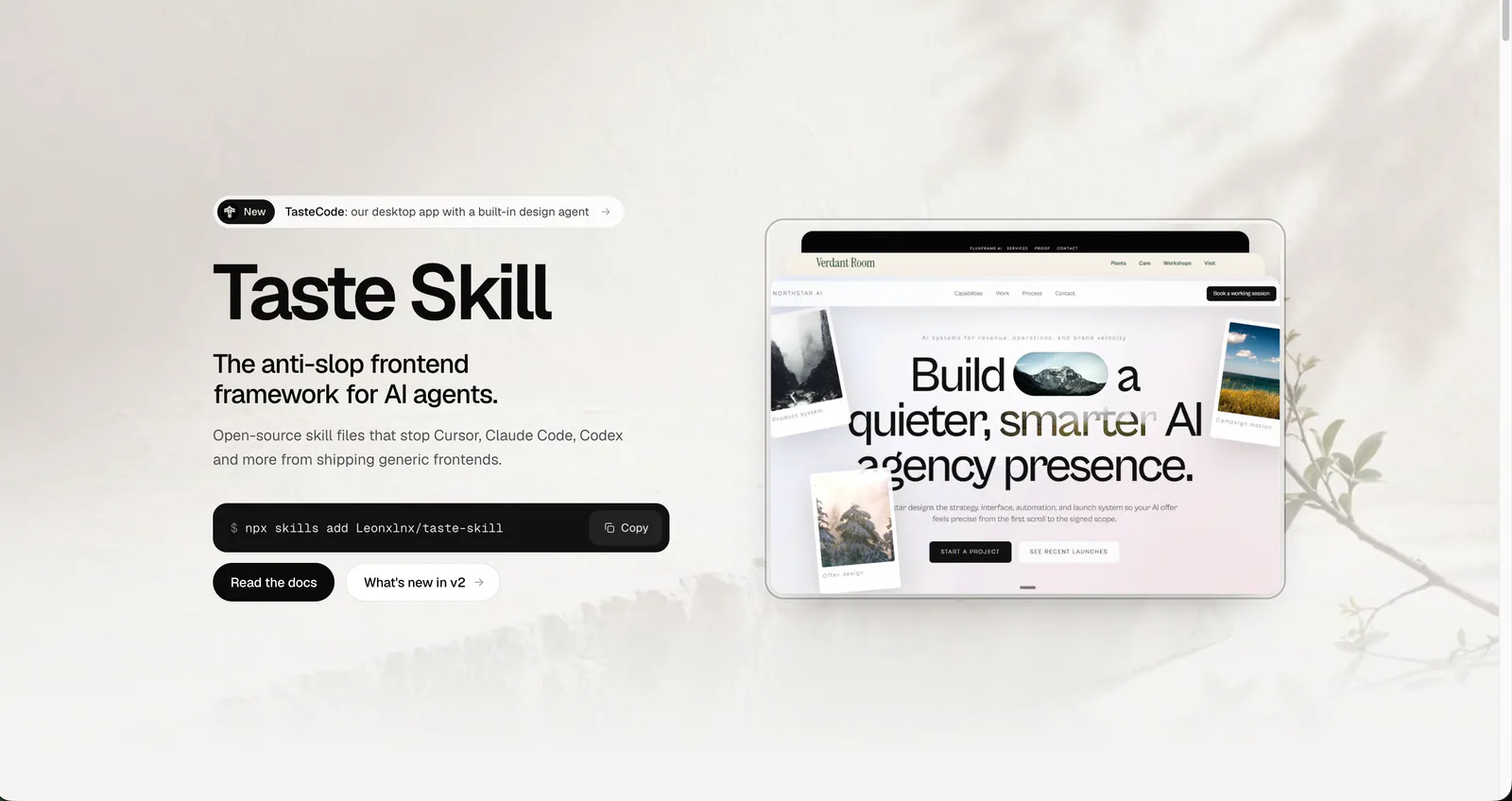
Taste Skill
Art direction for AI-built websites and app screens, with real imagery, separate page and app workflows, and browser inspection. The main entry is design-taste-frontend.
100.1KStars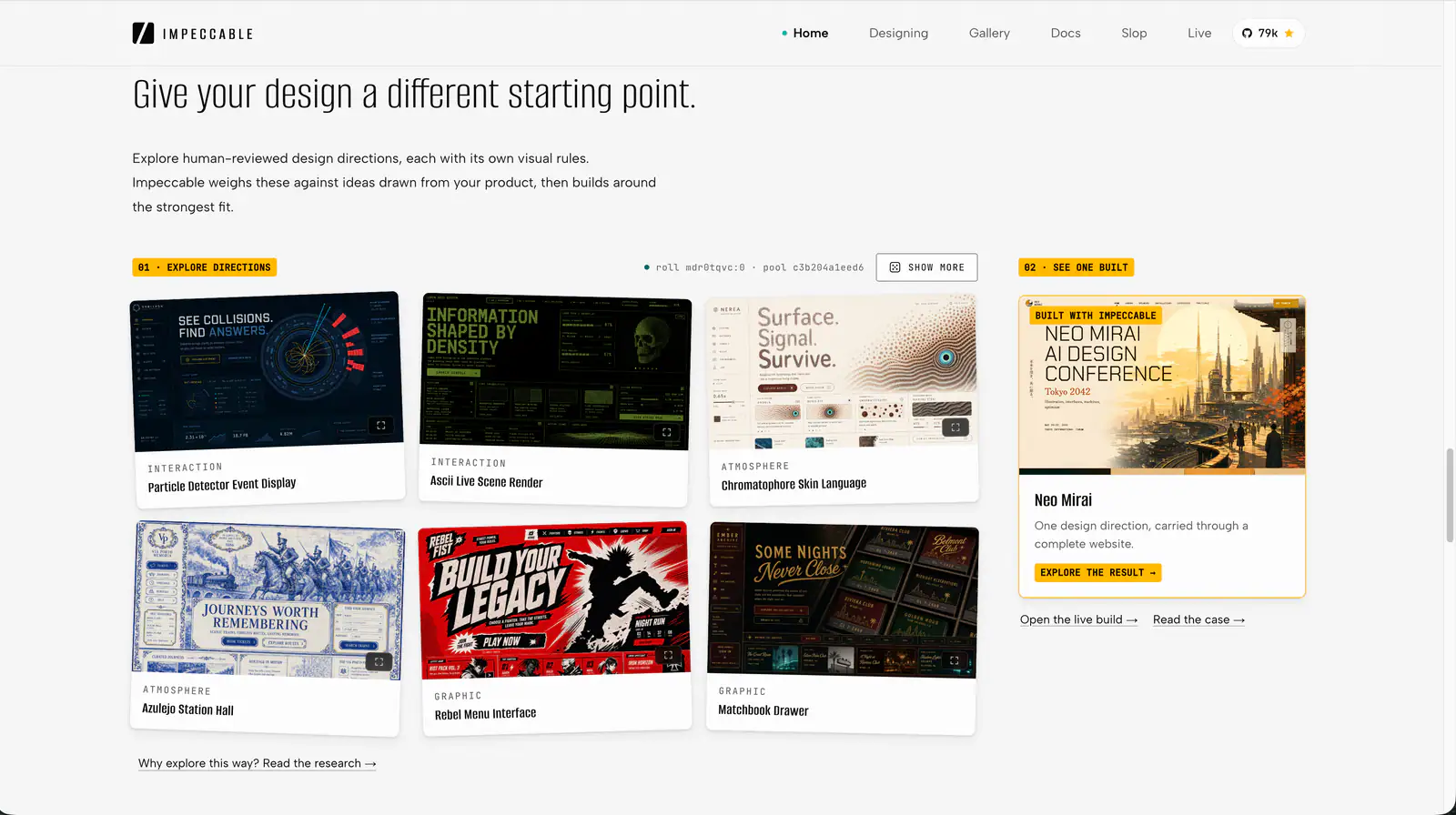
Impeccable
Impeccable is an AI frontend design Skill for building and refining interfaces: typography, layout, accessibility, responsive behavior and browser iteration.
84KStarsAbout design skills
AI design work often gets stuck in familiar places: a page lacks a clear identity, typography feels inconsistent, or a finished interface still needs a thorough review. A new screen also needs choices about components, states and responsive behavior.
A design skill gives your agent a method for making those decisions. It can help establish a direction, guide implementation and define what to inspect before calling the work finished.
The skills below cover design planning, component-based implementation and interface refinement. Recommendations follow each author's published workflow; the sample briefs are starting points you can adapt to your own project.
UI UX Pro Max: turn a product brief into design decisions
UI UX Pro Max helps when you need to decide how a product should look and behave before building it. Its searchable design references cover visual styles, color, typography and UX guidance. The design-system workflow combines recommendations around the brief and chosen technology stack. See the official repository.
I would start here when a project needs consistent choices across several screens. Treat the suggestions as a starting point, then check them against your brand, content and user tasks.
A useful brief:
Use UI UX Pro Max to propose a design system for a small-business invoicing app. Explain the typography, colors, spacing and form states. Apply it to the invoice list and editor, preserving our existing brand assets.
Explore UI UX Pro Max on SkillHey.
shadcn/ui: build with the components your project uses
The official shadcn Skill helps an agent work with shadcn/ui components and project configuration. It guides component discovery, installation, composition, styling and debugging. Reading the project context helps it respect installed components, import paths and the selected component base. See the official Skill instructions and shadcn documentation.
This is a useful choice for forms, settings pages and dashboards in a shadcn/ui project. Give the agent a concrete screen and the behavior it must preserve.
For example:
Use the shadcn Skill to build a profile settings page with our installed components. Preserve the current theme and import aliases. Include field validation, keyboard navigation and visible save feedback, and check the current component documentation first.
Explore shadcn/ui on SkillHey.
Anti Slop Skills: inspect generic patterns with focused rules
Anti Slop Skills pairs a core filter with task-specific instructions for UI, copy, accessibility, responsive layout and code comments. Its rules help an agent examine decisions that otherwise pass as generic AI output. See the author's repository.
The project makes an important distinction: filtering weak patterns does not supply an art direction. Provide a brief or design specification, then choose the companion instructions that fit the work.
A focused starting task:
Use antislop with antislop-ui and antislop-layoutmobile to review this landing page. Preserve our visual direction and working interactions. Report problems with layout, repetition and narrow-screen behavior, then identify the changes worth making.
Explore Anti Slop Skills on SkillHey.
Anthropic Frontend Design: build a visual language around the brief
Frontend Design is a useful starting point when creating a page or rethinking its identity. It asks the agent to work from the subject, audience and real content, then plan the palette, typography, layout and design principles before implementation.
Typography should carry the page's personality, structure should explain the content, and motion should communicate something useful. The instructions also call for mobile responsiveness, visible keyboard focus and respect for reduced-motion preferences. See Anthropic's official instructions.
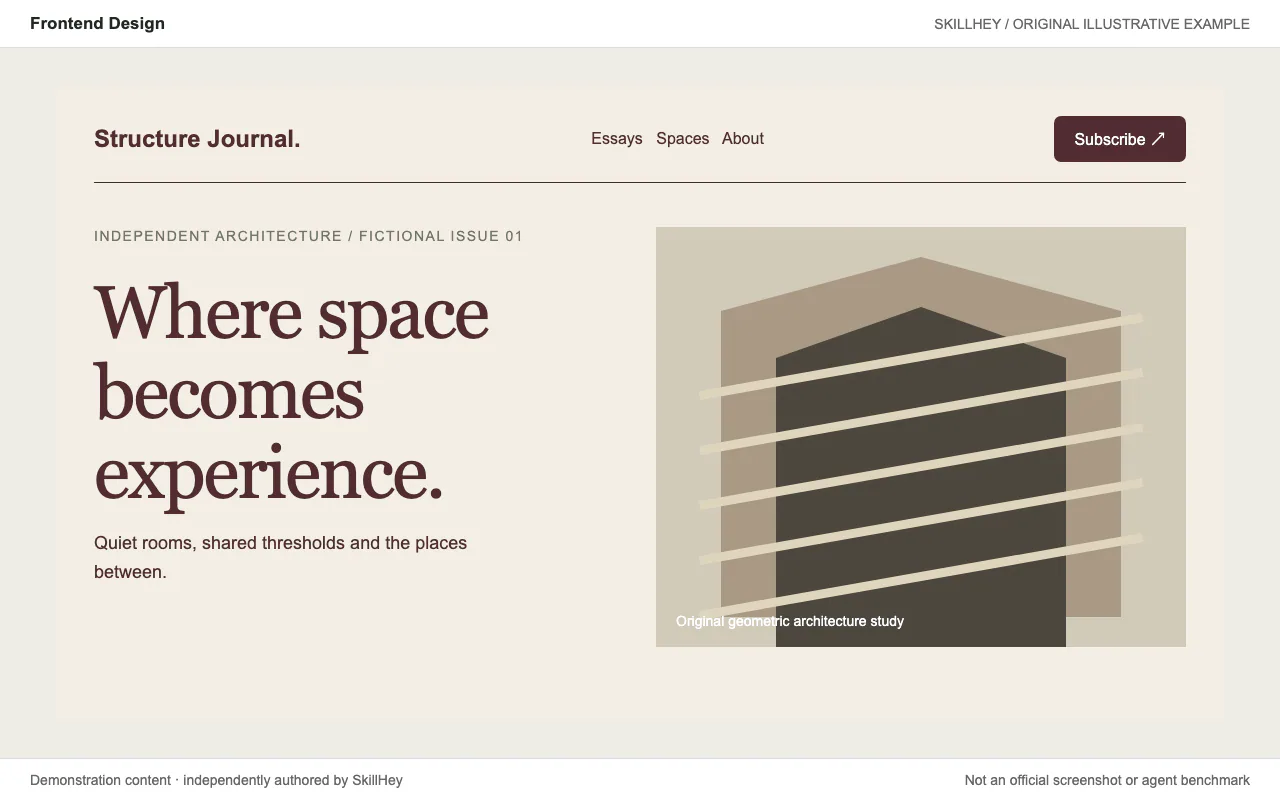
I would start here for a product homepage, editorial website, portfolio or important component that needs a coherent visual direction.
A useful brief might be:
Use frontend-design to create a homepage for an architecture studio that renovates old buildings. Build around existing project photographs. Help visitors understand the studio's work and book a consultation. Propose the typography, palette and layout before implementing a responsive page.
Bring the materials that make your project specific: product details, photographs, actual copy and brand constraints. They give the agent something concrete to design around.
Explore Frontend Design on SkillHey.
Taste Skill: connect art direction, real material and browser checks
Taste Skill organizes visual exploration and inspection into a single workflow. Its main entry, design-taste-frontend, reads the brief, chooses from researched directions, builds around the subject's material and checks the result in a real browser. Screenshot review then informs further improvements.
Public pages and working app screens have separate routes. Dashboards, settings and admin interfaces receive their own treatment of data, charts, tables and navigation. See the author's overview and current main instructions.
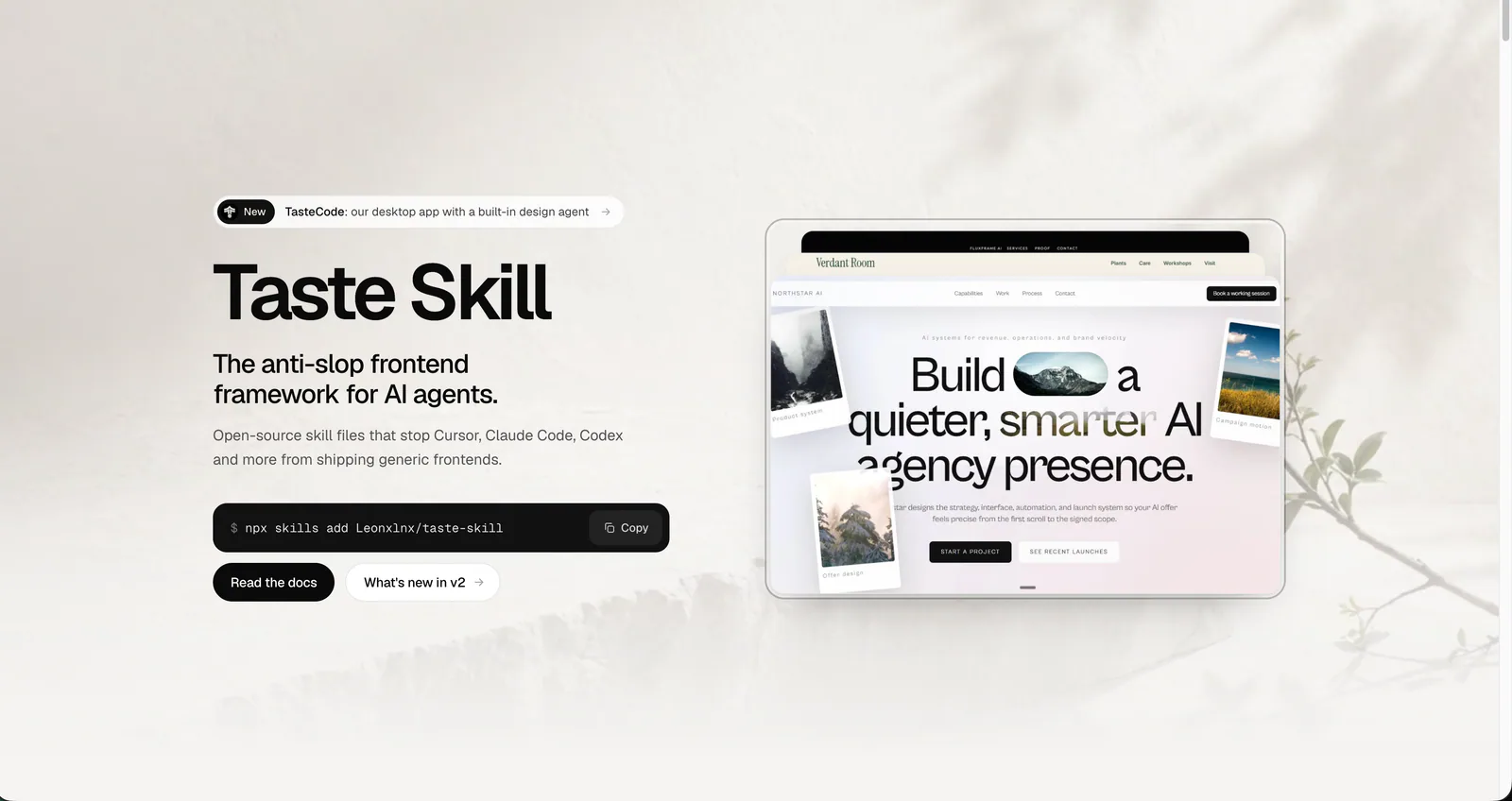
I would consider it for a brand website, creative portfolio, event page or project whose real content should drive a strong visual theme. The official launch film and examples show how the author presents its approach.
Install the current main entry from your terminal:
npx skills add https://github.com/Leonxlnx/taste-skill --skill "design-taste-frontend"
Then give it a concrete brief:
Use design-taste-frontend to build a neighborhood bakery website. Highlight the baking schedule, seasonal products and directions to the shop. Keep the storefront photos and packaging colors. Choose an art direction first, then inspect the finished desktop and mobile pages.
For older entries, check the author's moved skills list. Classic styles and earlier versions now have a separate repository, as do image-generation workflows.
Explore Taste Skill on SkillHey.
Impeccable: turn vague design feedback into a focused task
Impeccable is worth considering when an interface already exists and you want to improve its hierarchy, readability, density or interaction states.
It provides a shared vocabulary: critique reviews the design, audit checks implementation quality, typeset addresses typography, layout works on composition, distill simplifies crowded screens, and harden addresses edge cases. Browser workflows also let you compare variations of a chosen element. See the official task reference.
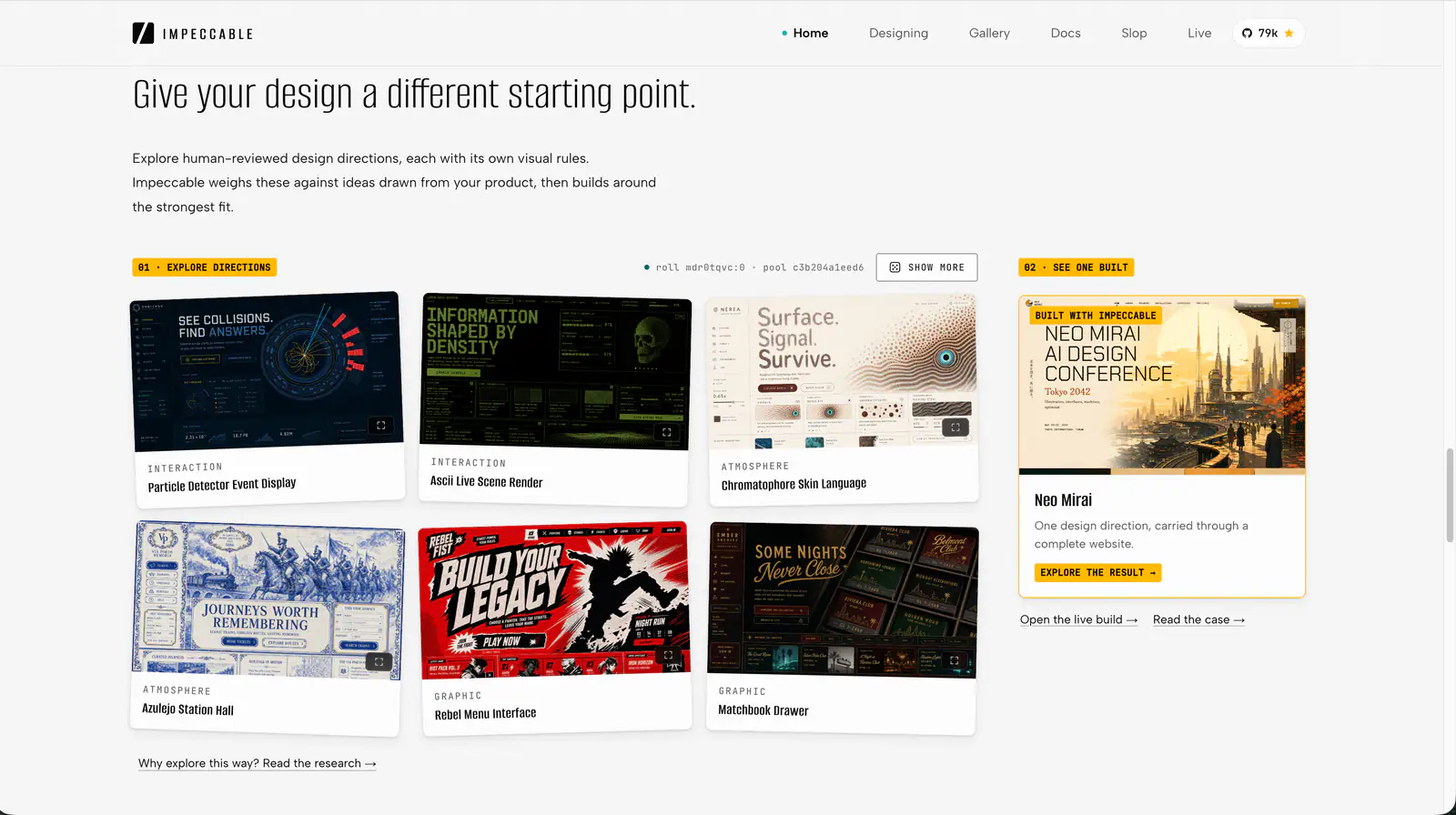
A practical place to start is one pricing comparison, form or navigation area. A small scope makes it easier to judge whether a change solves the original problem.
The recommended terminal installer is:
npx impeccable install
In the agent conversation, most tools use /impeccable; Codex uses $impeccable. Follow the getting-started guide for your tool. A Codex request could look like this:
$impeccable layout the pricing comparison.
Help mobile visitors find the price and main differences first.
Preserve purchase links and analytics events.
Explain the problems, change this section, and check wrapping with long plan names.
For a closer look at the process, browse the Neo Mirai case study and Live Mode tutorial.
Explore Impeccable on SkillHey.
Start with the task in front of you
Use UI UX Pro Max to explore a design system, or shadcn/ui to work with your project’s components. For a new website, consider Frontend Design or Taste Skill. For existing work, use a focused Anti Slop Skills review or an Impeccable task.
Write a brief with the audience, primary purpose, available assets and decisions that must be preserved. Review the result using representative content and screen sizes, then walk through the main actions.
Frequently asked questions
Which design skill should I try first?
Start with the task. UI UX Pro Max helps establish design decisions; shadcn/ui works with component-based interfaces. Frontend Design and Taste Skill suit new websites, while Anti Slop Skills and Impeccable help review or refine existing work.
How do Frontend Design and Taste Skill differ?
Frontend Design emphasizes visual decisions grounded in the brief. Taste Skill adds an organized process for direction selection, imagery and real-browser inspection. Their website design capabilities overlap.
Should I install every skill?
Choose for your current task. Complete a small piece of work with one skill, then decide whether you need a separate review or implementation workflow.
How do I invoke Impeccable in Codex?
Use $impeccable, followed by the task and target, such as $impeccable layout the pricing page.
When should I use the shadcn Skill?
Use it when building or debugging a shadcn/ui interface. Ask the agent to inspect the project configuration and current component documentation before changing code.
How can I make the result fit my project?
Provide the real audience, content, imagery, brand constraints and primary user actions. Check the visual result, readability and interactions against that brief.
Browse more options in SkillHey's design skills directory. For your first installation, start with the getting-started guide.
For other workflows, compare SEO skills, presentation skills and video skills.