Best Presentation Skills for PowerPoint and HTML Slides
Latest update at: 2026-10-22

Presentation skills at a glance

PowerPoint Presentations
Create and edit PowerPoint decks with varied layouts, editable charts and document validation.
183.4KStars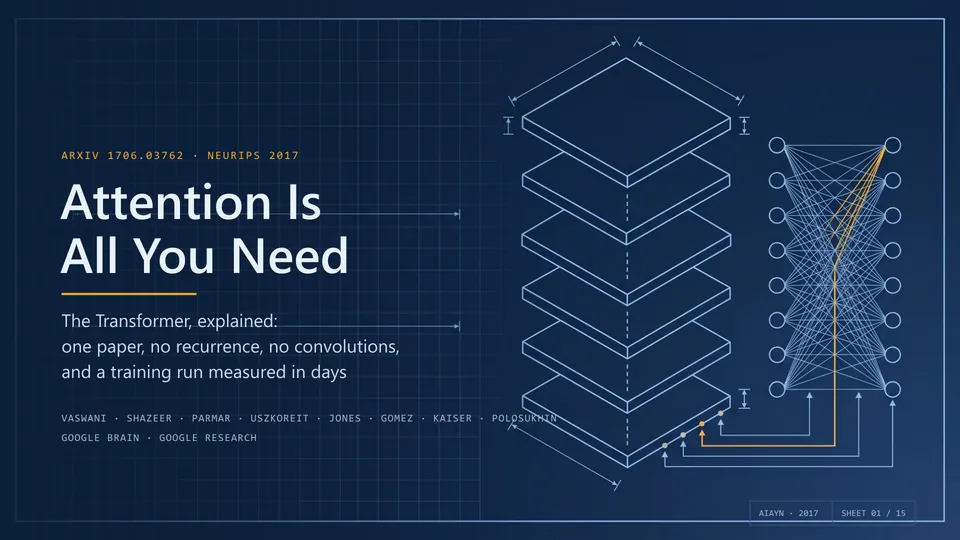
PPT Master
Create editable PowerPoint presentations from documents, reuse presentation templates and revise existing PPTX files through a local Python workflow.
62.4KStars
Dashi PPT
Turn documents into browser-editable presentations with per-page controls, built-in themes and exports to offline HTML, PDF and editable PPTX.
9.6KStarsFrontend Slides
Create animated HTML presentations with a coding agent. Compare visual style previews, build a single-file deck, or turn an existing PowerPoint into web slides.
30.7KStars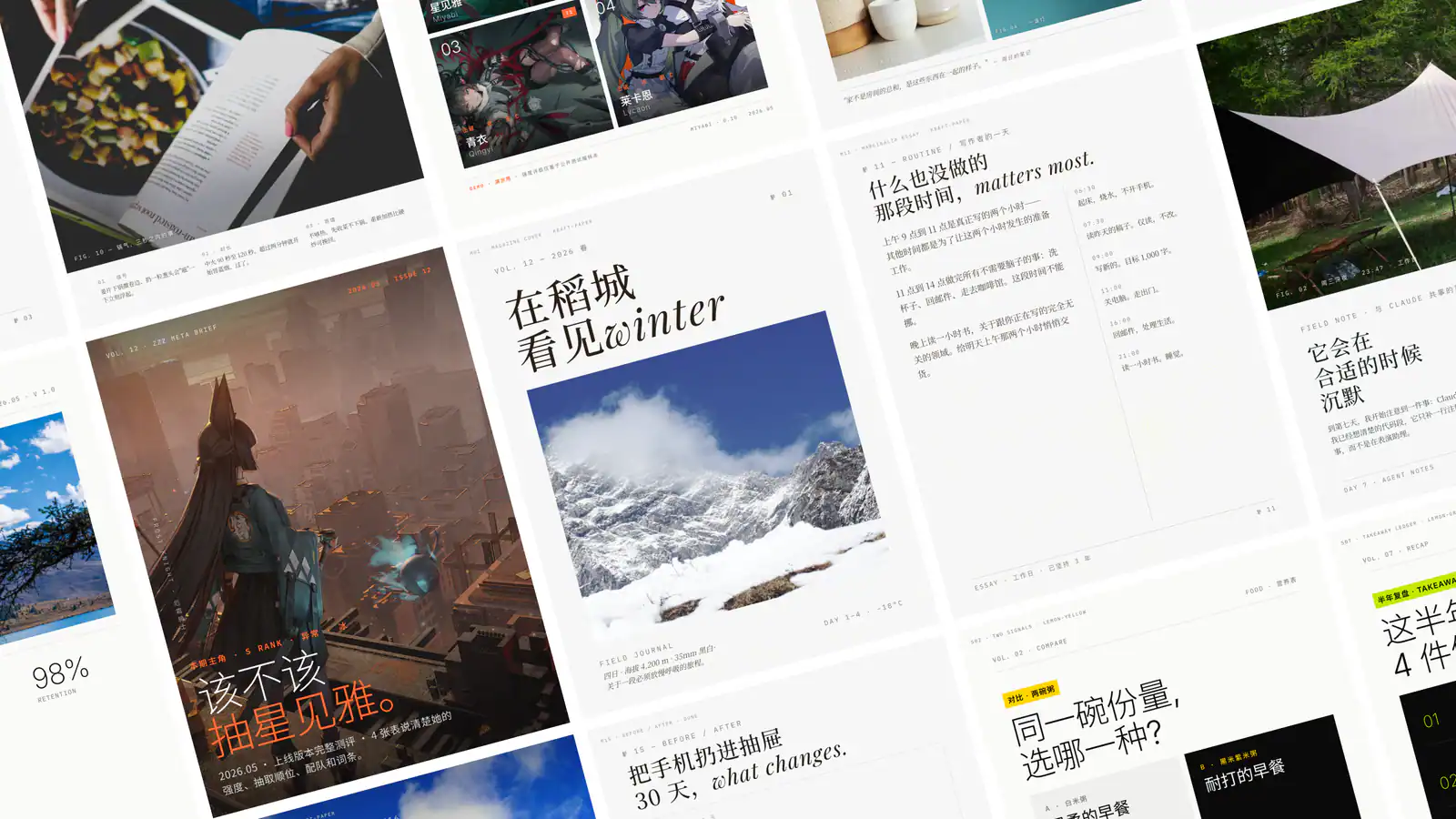
Guizang PPT Skill
Create single-file HTML presentations in editorial magazine or Swiss style, with horizontal navigation, speaker notes, rehearsal timers and a synchronized audience window.
28KStars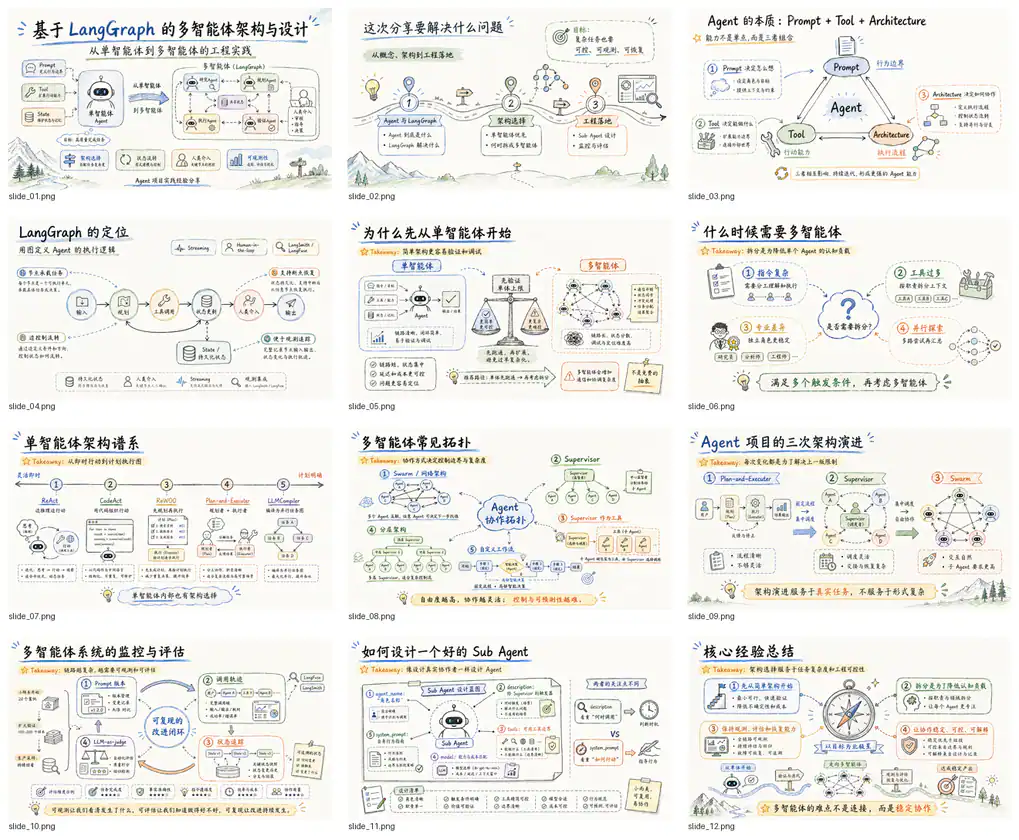
Codex PPT
Turn articles, reports, papers, and outlines into visually consistent image-based PPTX decks.
6.9KStarsChoose the handoff before the theme
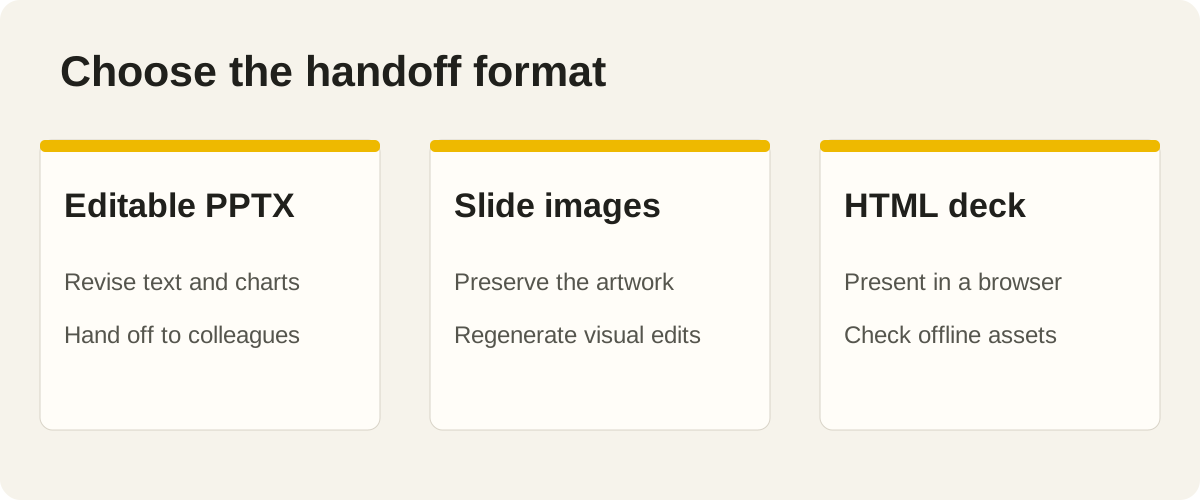
A presentation can look right in a preview and still be wrong for the person receiving it. A colleague may need to update the forecast in PowerPoint. A speaker may want notes, a timer and a browser window. A visual pitch may prioritize consistent artwork and accept that each slide is an image.
Those requirements should determine the workflow before you choose a style. A PPTX extension alone does not tell you whether individual text boxes, charts and shapes remain editable. An HTML deck can provide useful presentation controls, but you still need to check the delivery environment, offline assets and any export you plan to send.
This selection compares the authors' documented workflows, formats and requirements. It is not a benchmark of slide quality or generation speed. The sample briefs are practical starting points; judge actual output with your own content, fonts and receiving application.
| Skill | Main workflow | A useful starting task | Handoff check |
|---|---|---|---|
| Anthropic PPTX | Create, edit and inspect PowerPoint files | Revise an existing business deck | Open the file and edit representative objects |
| PPT Master | Document-to-PowerPoint and template-based work | Turn a source report into an editable deck | Check charts, templates and text in PowerPoint |
| Dashi PPT | Browser editing with HTML, PDF and editable PPTX exports | Refine a deck visually before exporting | Test the specific export you will deliver |
| Frontend Slides | Animated HTML presentations | Build a browser presentation from a brief or PPTX | Check navigation, assets and the target browser |
| Guizang PPT | Single-file HTML decks with speaker tools | Prepare an editorial talk or live presentation | Rehearse notes, timers and the audience window |
| Codex PPT | Image-based PPTX | Create a visually unified deck from source material | Confirm that full-slide images suit later revisions |
1. Anthropic PPTX: work directly with PowerPoint files
Anthropic's PPTX skill, listed as PowerPoint Presentations on SkillHey, covers creating, editing and analyzing .pptx files. The official instructions include workflows for existing templates, content inspection and visual quality checks.
This is a good starting point when your main artifact is a PowerPoint file. You might need to update an existing sales deck, preserve a company's layout or create charts that a colleague can revise. Make the existing file, source data and required edits available before asking the agent to redesign anything.
Specify what should remain native and editable. “Keep the revenue chart editable” is more useful than “make this professional.” Ask the agent to inspect the exported file as well as the generation source, and use the application that matters to your team for the final check.
A practical brief:
Update this quarterly review deck using the attached spreadsheet. Preserve the master styling, section order and speaker notes. Replace the two revenue charts with editable charts, shorten the summary and flag claims without a source. Render the result for visual inspection and list any objects that remain images.
The limitation is that file correctness and visual quality are separate concerns. A deck that opens can still contain clipped labels, awkward spacing or a chart that no longer supports the speaker's point. Include both kinds of review in the task.
2. PPT Master: turn source documents into editable decks
PPT Master is another option when editable PowerPoint is central to the handoff. Its repository describes a local workflow for transforming documents, reusing templates and revising existing decks with Python-based tooling.
Choose it for a report-to-presentation task where the structure and sources matter. A long document needs a clear argument, not one slide for every heading. Tell the agent which decision the audience needs to make, which evidence must survive the transformation and what can move into an appendix.
A useful brief:
Turn this customer research report into a ten-slide decision deck. The audience is our product team, deciding which onboarding problem to tackle. Use the supplied template, preserve citations beside key findings and make comparison charts editable. Put detailed interview excerpts in an appendix. Draft the narrative before generating the full file.
Local tooling is part of the choice. Follow the current prerequisites rather than assuming a plain Markdown file can perform the complete conversion. Optional image services also need their own setup.
For the review, ask someone who did not write the report to read the deck. Can they identify the recommendation, evidence and unresolved question? Then try a routine revision, such as changing one chart label and adding a longer customer name. That is a realistic test of the promised handoff.
3. Dashi PPT: revise in the browser, then export
Dashi PPT combines a browser-based presentation with per-page editing controls and export options. The author's documentation describes offline HTML, PDF and editable PPTX output, with local browser requirements for the latter exports.
This is useful when the person reviewing the deck wants to adjust layout, modules, charts or colors before delivery. Browser controls can shorten the distance between “this slide feels too dense” and a concrete layout change. They do not remove the need to check the receiving format.
A first brief:
Make a product launch deck from this outline and brand kit. Give us a browser-editable version so the team can review each page. Keep the comparison table and roadmap easy to revise. After layout approval, export an offline HTML copy and an editable PPTX, then check both against the approved version.
Treat the HTML deck, PDF and PPTX as separate deliverables. A browser effect may not transfer exactly to PowerPoint, and installed fonts or browser rendering can affect the result. Test the format your audience will actually receive instead of accepting a screenshot of the authoring view as proof.
If your team will only use PowerPoint, compare this route with the direct file workflows above. If your review process benefits from visual browser edits, that additional step can be a reason to choose Dashi.
4. Frontend Slides: create a presentation for the browser
Frontend Slides makes HTML presentations from a brief or existing PowerPoint content. Its official repository documents style exploration, animated slides and a single-file presentation workflow.
Choose it when a browser is the intended stage: a technical talk, a shareable walkthrough or a presentation that benefits from web typography and motion. Start with the story and the viewing setup. A live talk on a projector needs different content density from a deck someone reads alone on a laptop.
A useful brief:
Create an HTML presentation explaining our new developer API to an engineering audience. Offer a few visual directions first. Use real request examples, include one architecture diagram and keep code readable from the back of a room. Check keyboard navigation, reduced-motion behavior and the deck with its final assets available offline.
Converting PowerPoint content into HTML changes its editing model. Your colleague will not necessarily be able to revise every slide using their familiar PowerPoint controls. Agree on that tradeoff before investing in a browser-specific design.
Inspect the final viewport and presentation navigation, not just a long screenshot. Walk through the opening, a dense middle slide and the closing action. If the project offers an export, check that exported result separately before promising it as part of your delivery.
5. Guizang PPT: prepare the speaker's workflow
Guizang PPT Skill creates single-file HTML presentations and includes rehearsal and speaker features. Its documentation describes horizontal slide navigation, notes, timers and a synchronized audience window, alongside editorial and Swiss-style visual directions.
This is worth considering when the talk itself matters as much as the deck. A speaker needs to see notes and timing while the audience sees only the slide. A successful rehearsal checks both views and the transitions between them.
Try this brief:
Build a browser presentation for a fifteen-minute design review. Use our project screenshots and decision notes. Give each slide one clear claim, put detailed context in speaker notes and include a final slide that states the decision we need. Rehearse the timer, keyboard controls and audience window on the laptop we will use.
Ask how the deck will be opened and shared. Check images, fonts and other required assets in that environment. The phrase “single-file” should not substitute for verifying which external resources the final file still requests.
If the receiving team requires native PowerPoint objects, choose that requirement explicitly and inspect the project's current export support. Guizang's documented browser and speaker workflow is the clearer reason to start here; do not assume every presentation skill promises the same native file handoff.
6. Codex PPT: use image-based slides deliberately
Codex PPT takes a different route. Its published skill creates visually unified, image-based slides and assembles them into a PowerPoint deck. The workflow includes outline, style and sample-slide review before full generation.
Choose it when you accept full-slide artwork and want to review the visual direction early. A concept pitch, illustrated explanation or short narrative deck can suit that model. A financial report that colleagues must update cell by cell usually needs a different editing contract.
A clear brief:
Turn this article into a short visual briefing. Keep the argument and source references accurate. Propose an outline and visual direction, then create one representative slide for approval. We accept image-based slides. Preserve our supplied figures and explain how we should request later changes before generating the rest.
The limitation is significant: a full-slide image does not make its words, chart marks and shapes separately editable in PowerPoint. A small wording change may require editing or regenerating an image. Agree on that before delivery, and keep source material and generation records available for revisions.
Inspect typography and factual details carefully. Visual consistency cannot compensate for a wrong figure or unreadable label. Judge the compressed, assembled deck at the display size you expect to use.
Give every workflow a clear presentation brief
A useful brief identifies the audience, the decision or lesson, the delivery setting and the file format. Add the source material, brand assets, required charts and any template. Tell the agent which statements need citations and which figures must be preserved exactly.
Decide how revisions will happen. If your colleague will edit the deck tomorrow, specify editable objects and test that handoff. If the deck will be shown live from a browser, rehearse the actual machine and display. If it is image-based, decide how artwork changes will be requested and saved.
Approve an outline and a representative slide before producing a long deck. The sample should contain a real challenge: a chart, a long label, a required figure or a dense comparison. An attractive title slide does not prove that the difficult content will fit.
For installation, start with the getting-started guide, then follow the selected project's current runtime and agent requirements. Some workflows need Python, Node, a browser or an image backend. Those dependencies are part of the practical choice.
Inspect the final file and a routine revision
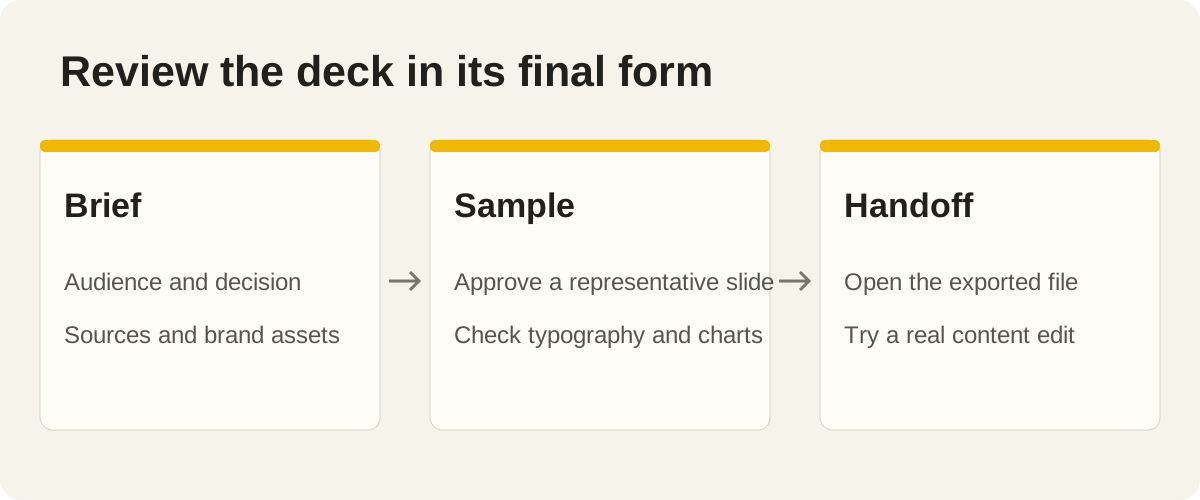
Open the exact file you plan to send. Check the first, densest and final slides, then review the entire deck in sequence. Look for truncated text, substituted fonts, unreadable charts and broken images. Verify important numbers against their sources.
Try one normal revision. Change a sentence, replace a chart label or update a source figure. That exercise reveals whether the delivery matches the promise better than a static preview does. For browser decks, also test keyboard navigation and the environment in which the talk will run.
Keep the editable source and the final export together, with a short note explaining how to regenerate or revise the deck. A good presentation skill should support the next change as well as the first attractive draft.
Frequently asked questions
Which presentation skill should I try first?
Choose the handoff first. Consider Anthropic PPTX or PPT Master for PowerPoint editing, Dashi PPT for browser editing with exports, Frontend Slides or Guizang for HTML presentations, and Codex PPT when full-slide images are acceptable.
Does a PPTX file always contain editable text and charts?
No. A PPTX can contain full-slide images. Ask which objects remain editable and try a real change in the receiving application. Codex PPT explicitly uses an image-based workflow.
Which options are suitable for HTML slides?
Frontend Slides and Guizang focus on browser presentations. Dashi PPT also provides an HTML workflow and export options. Compare their editing, navigation, speaker features and delivery requirements before choosing.
Can I start from an existing company template?
Anthropic PPTX and PPT Master document workflows for existing PowerPoint files or templates. Supply the actual template and explain which master styling, layouts, charts and notes must be preserved.
Can I use one skill for both PowerPoint and browser delivery?
Some projects support several formats, including Dashi PPT. Treat each export as a separate deliverable and check it in its target application. Do not assume that animations, fonts and editability transfer unchanged.
How should I compare slide quality fairly?
Use the same source material, audience, format and revision task. Inspect actual files, factual accuracy, readability and ease of editing. Screenshots and repository stars alone cannot establish which workflow suits your team.
Choose the format your audience needs
Start with the format and one representative slide. Check the result with the person who will present or revise it, then continue with the full deck.
Browse presentation skills. For related work, see our guides to design skills, SEO skills and video skills.