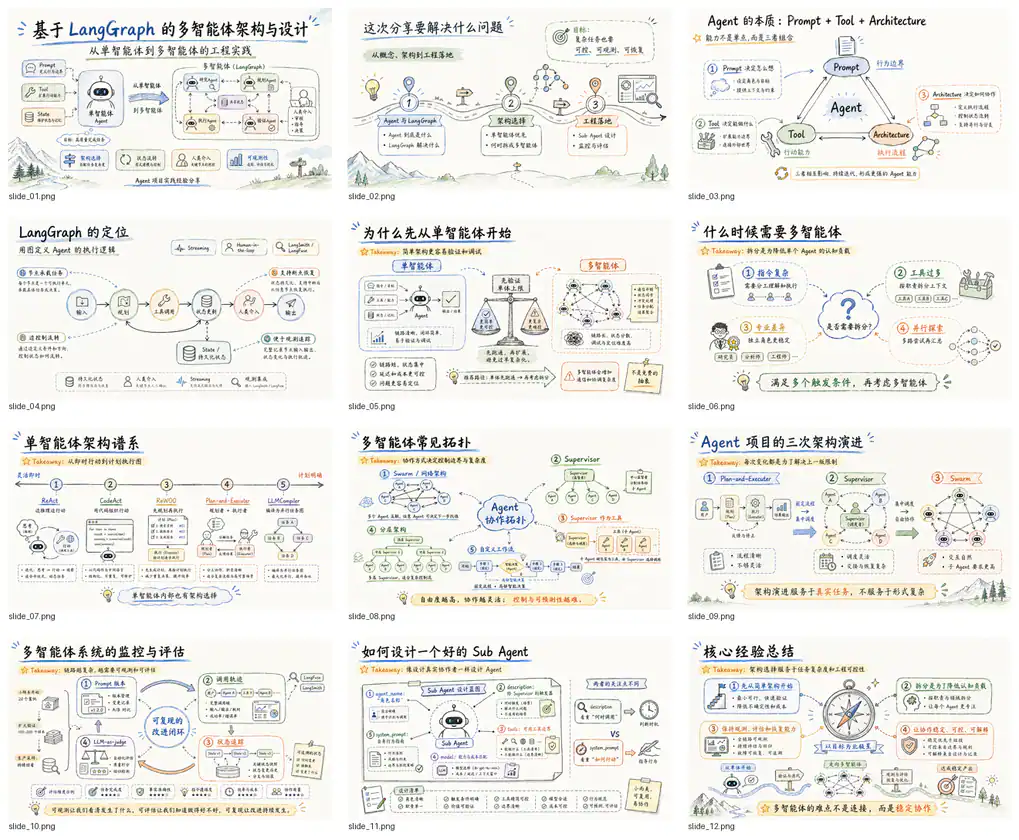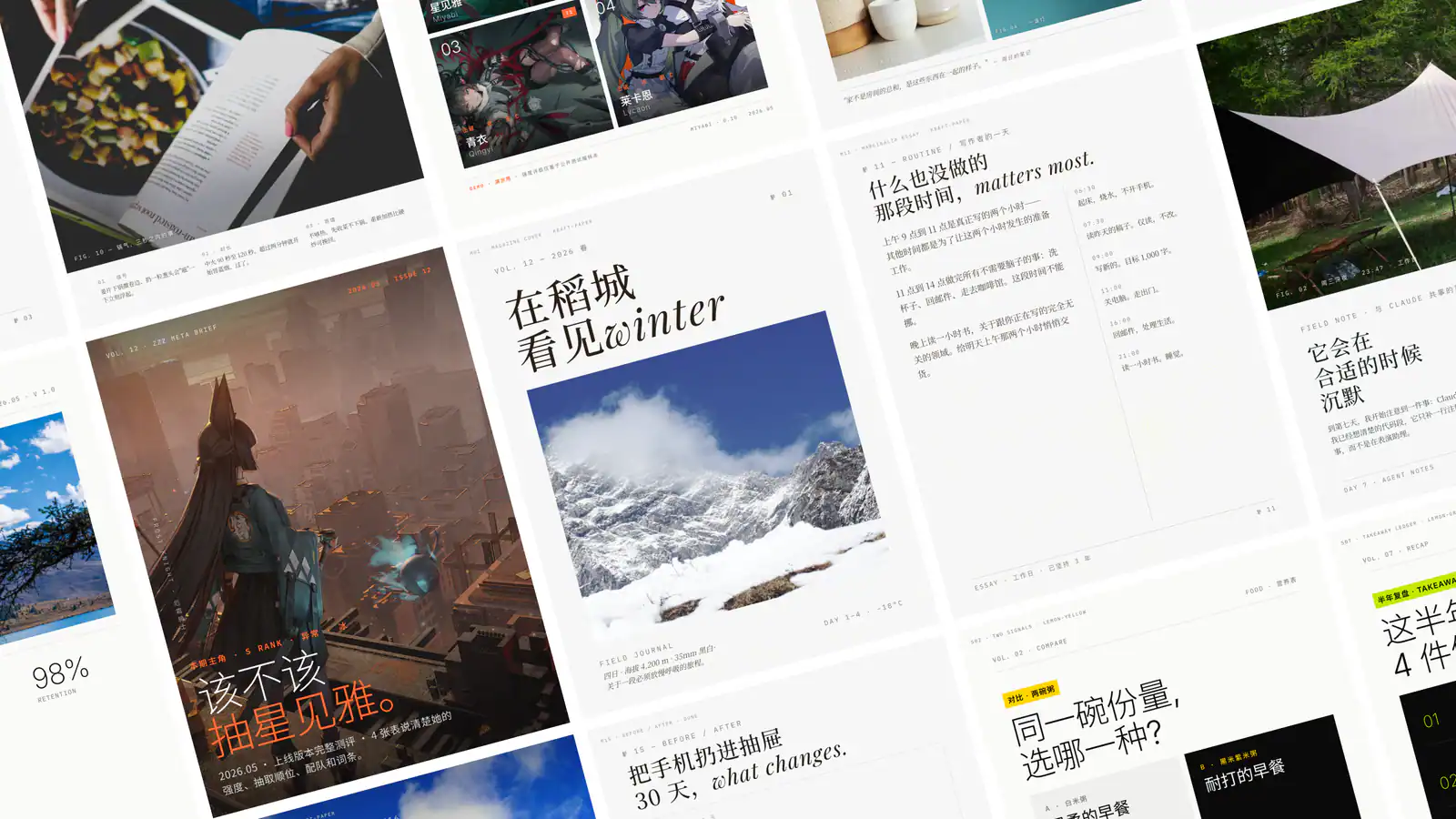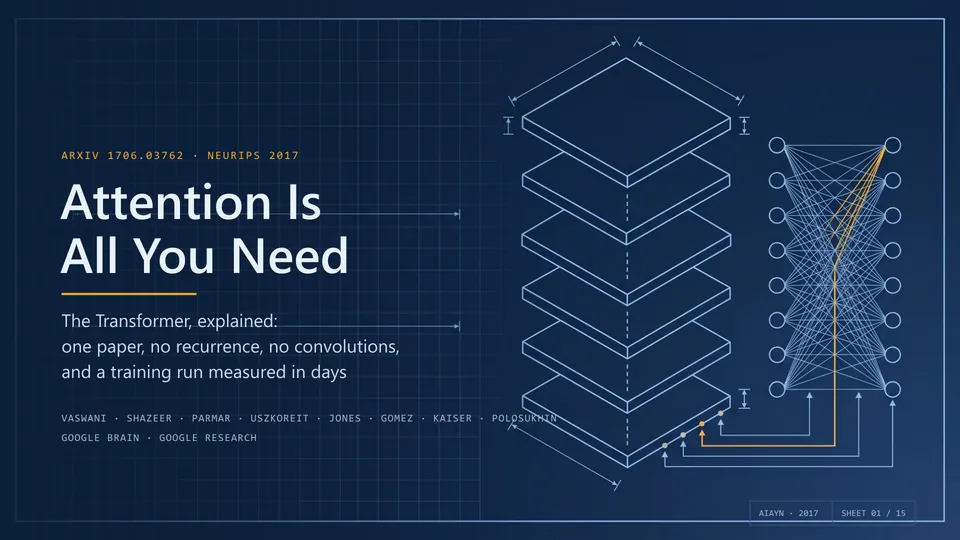
Technical blueprint cover for Attention Is All You Need, from the author's official presentation examples.
Project screenshotsAbout this Skill
PPT Master is an open-source presentation Skill by Hugo He. It runs inside an agent with local file access and shell execution. Its Python tools convert authored SVG content into editable PowerPoint objects, while separate workflows handle reusable Brand, Style, Layout and Deck templates or edits to an existing native PPTX. The gallery contains the author's published examples; SkillHey has not generated a new presentation for this listing.
Why we picked it
Useful when PowerPoint is the final deliverable and you need editable text and shapes rather than a slide image alone. Supply the source material, audience, page count and required output. The project also separates creating reusable design templates from filling an existing deck, so specify which result you want. Review the exported file in PowerPoint before handing it off.
What it helps with
- Reports, proposals, research summaries and training decks built from PDF, DOCX, Markdown, web pages or supplied text.
- Presentations that must remain editable in PowerPoint after AI-assisted drafting.
- Recurring presentations that reuse a design system, or an existing PPTX whose selected pages need new content.
Choose the presentation workflow
Generate a new deck
Provide documents or text and ask for a deck. Default mode confirms the communication brief and production plan; an explicit Quick request skips those interactive confirmations and produces a one-pass draft.
Create a reusable template
Explicitly request Create Template when you want a reusable Brand, Style, Layout or Deck workspace distilled from reference material, then use it for a new presentation.
Edit an existing PPTX
Provide the original PPTX and new material, specify which pages to change, and request the Edit Native PPTX route. This route works with the existing deck instead of generating a new design from scratch.
Install the Skill and Python dependencies
Use the cross-agent installer and select your agent and installation scope. Find the installed folder containing both SKILL.md and requirements.txt. Replace <installed-skill-dir> below with that actual path; it is distinct from the folder where your presentation projects will be saved.
| Command | What it helps with |
|---|---|
npx skills add hugohe3/ppt-master | Install the upstream Skill with the cross-agent installer. |
python3 -m pip install -r "<installed-skill-dir>/requirements.txt" | Install Python dependencies from the actual installed Skill folder. |
git clone https://github.com/hugohe3/ppt-master.git | Alternative: clone the full repository, then install requirements.txt from its root and open it as the working folder. |
Official repository and READMEGetting StartedPython dependencies
A useful first request
Use PPT Master to turn inputs/report.pdf into a 10-slide presentation for our product team. Preserve the source figures, separate facts from recommendations, and include a summary, comparison and next steps. Deliver an editable PPTX and report its exact path. Use Quick mode for this first draft and do not generate new images.
After generation, open the exported file in PowerPoint and check text, layout, figures and editability. Use the exact project path reported by the agent; each run has its own project and exports folder.
Editable output and author examples
Supported SVG elements compile into native editable PowerPoint shapes and text. Image assets remain images. Charts and tables use editable shapes by default; a separate --native-charts-and-tables export is available for supported data-backed PowerPoint chart and table objects. Review the chosen export in your intended viewer.
These three previews come from the official README: a technical blueprint cover for Attention Is All You Need, a pixel-art Chinese Breakfast Atlas, and a China Telecom results deck using a brand template. They are author examples, with their original text and branding; this listing does not imply affiliation with those subjects.
Official repository and READMEOutput capabilities and FAQAuthor presentation examples
Before you use it
- Python 3.10 or newer, the Python packages for the selected workflow, and an authenticated agent that can read and write local files and run shell commands.
- The cross-agent installer uses npx, normally provided by Node.js/npm. Install Python dependencies from the actual installed Skill directory, then start your agent in a persistent writable working folder.
- The Skill is free and open source. AI model usage and optional image-generation services have their own costs and may require API keys.
- General generation works with agents that provide the required local tools. The Image to PPTX reconstruction profile currently requires Codex; support for that profile is narrower than the general host list.
Supported agents
Frequently asked questions
Does it produce an editable PPTX?
The upstream workflow exports PPTX with editable native objects for supported content. Image assets remain raster images, and the degree of editability depends on the selected route and export. SkillHey reviewed the published documentation and examples for this listing and has not certified a new generation run.
Can a plain web chatbot run this?
It needs an agent environment with local file access, shell execution and Python. The supported agent list describes general generation with those tools; the Image to PPTX reconstruction profile currently requires Codex.
Is it free?
The project is free and uses the MIT license. Your agent or model provider and any optional image-generation service may charge separately. This external listing links to the upstream repository.
Sources & references
Original sources are linked below. Practical starting points are editorial suggestions from SkillHey.