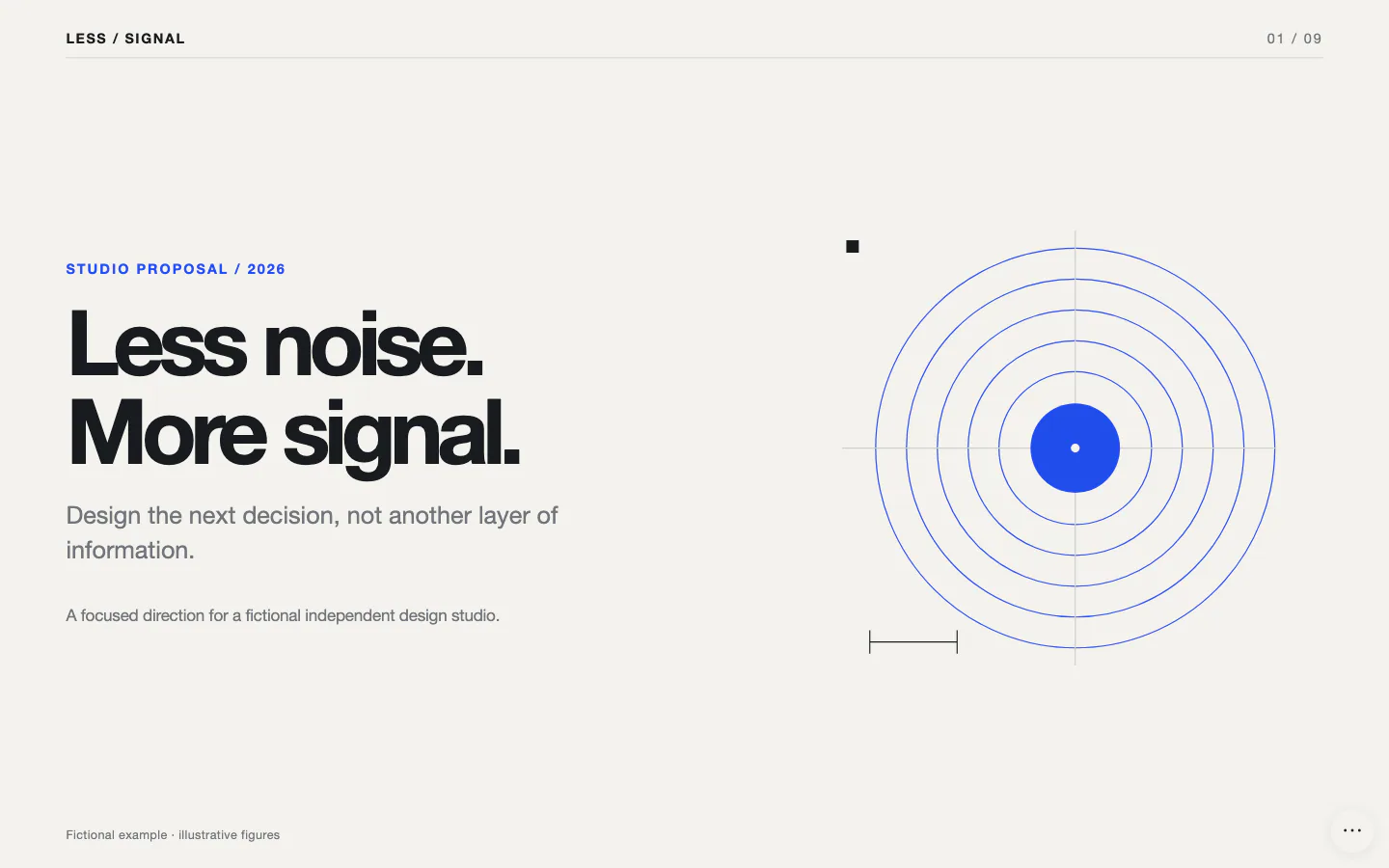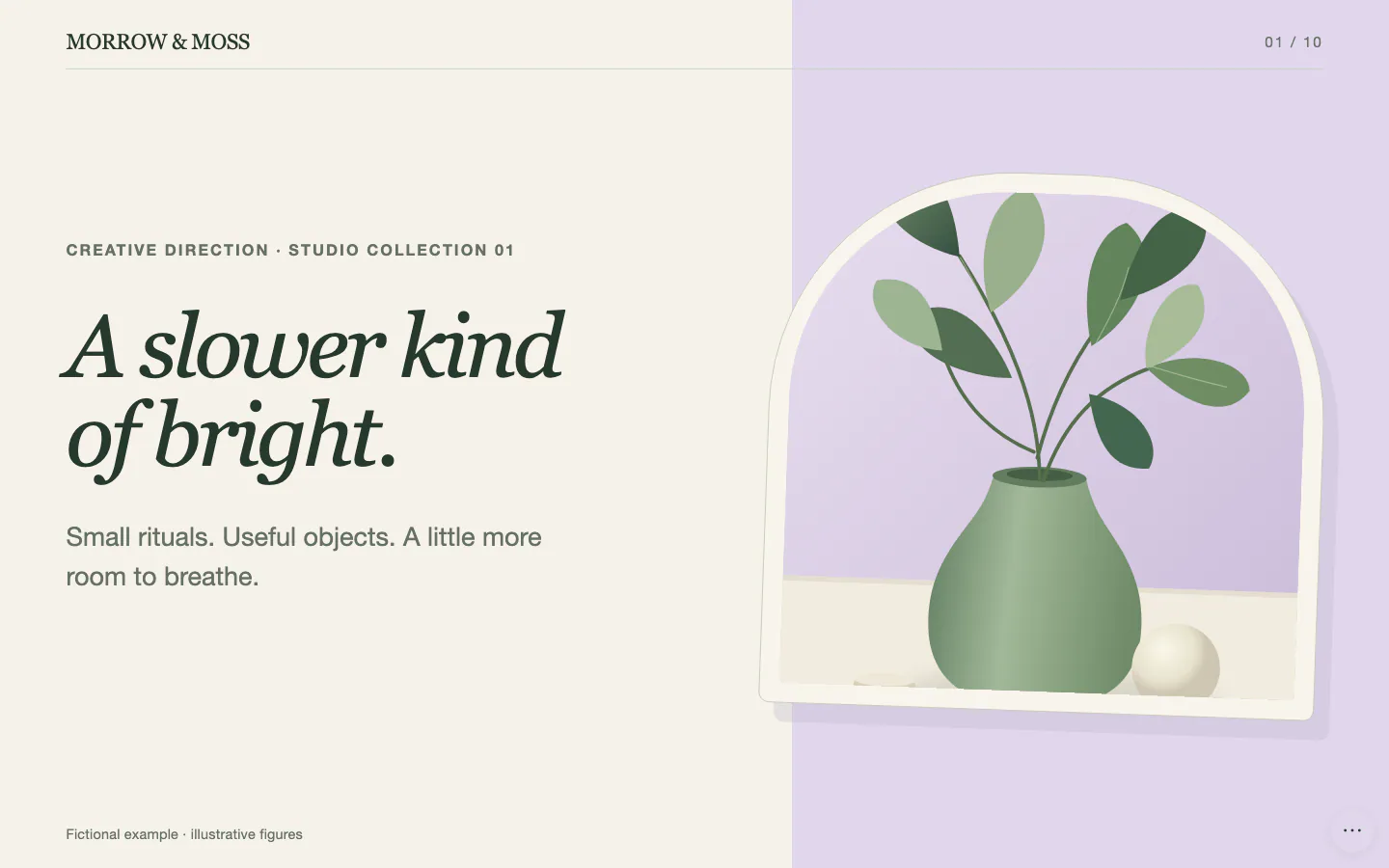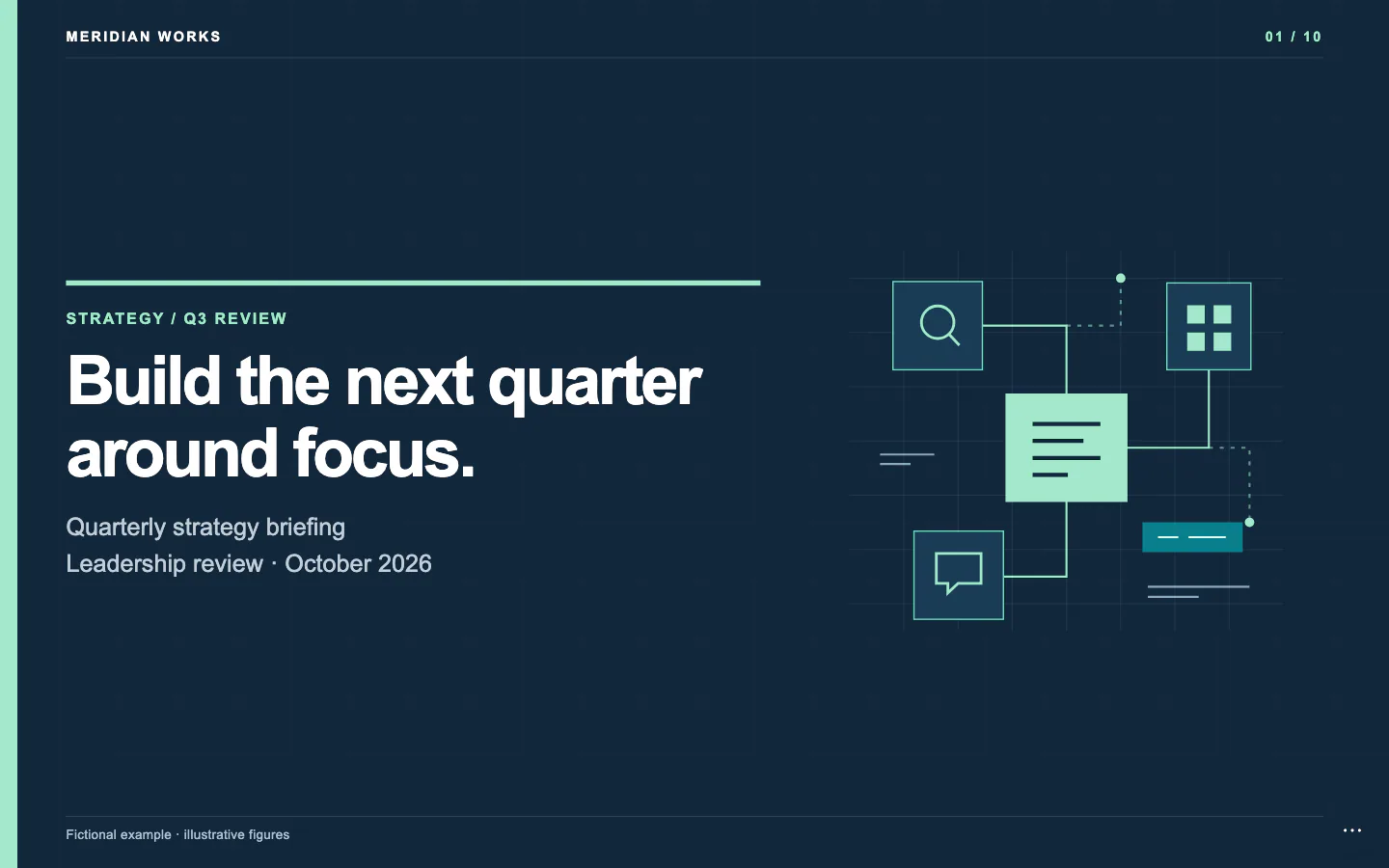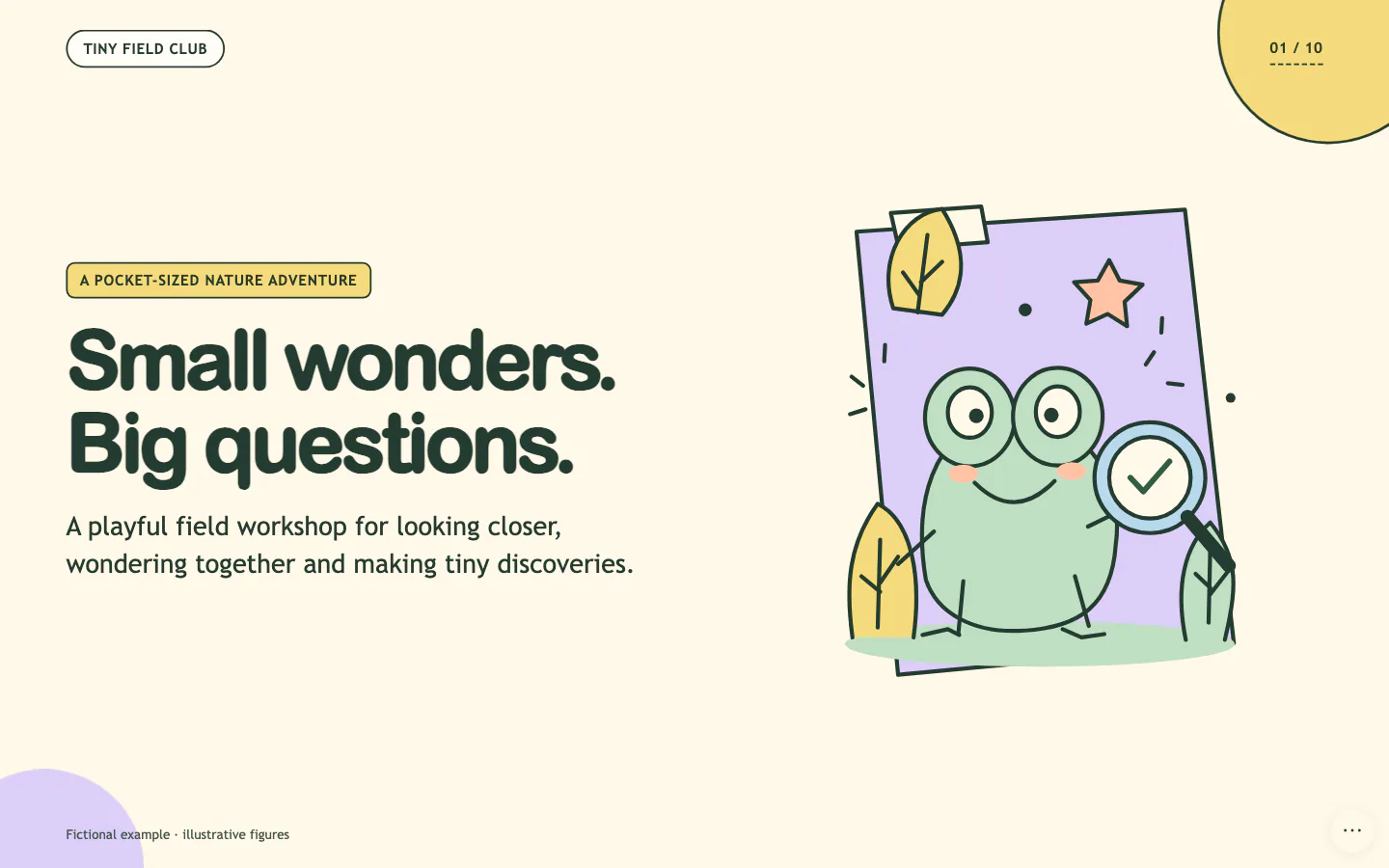
Animated comparison of the author's HTML slides and exported PPTX, from the official README.
Project screenshotsAbout this Skill
Dashi PPT is an Agent Skill by chuspeeism for turning source documents into presentations you can keep editing. Its local Node.js renderer builds HTML decks with text editing, media replacement and page-level layout controls. The repository provides 12 visual themes with their own layout libraries, plus offline HTML, PDF and editable PowerPoint export paths.
Why we picked it
The useful part is that the delivered deck remains an editor: you can adjust layouts, revise text and replace media in the browser before exporting. Start with a document, audience and target page count, then compare the theme and layout options. If PowerPoint is the final destination, request the PPTX file explicitly and review the export alongside the HTML deck.
What it helps with
- Research reports, competitive analysis and strategy presentations built from structured documents.
- Project updates, proposals, pitch decks and internal training that need consistent layouts and later revisions.
- Teams that want to review slides in the browser and then hand off an editable PowerPoint file.
From a document to a deck
Give the agent a document and explain who will see the deck. The workflow selects a visual theme, organizes the content into page roles and renders a local HTML presentation. You can compare layout alternatives and refine the delivered deck in the browser.
Layouts for different kinds of content
The theme libraries cover covers, outlines, metrics, comparisons, timelines, charts and analysis frameworks. Choose layouts that fit the information instead of forcing every page into one structure.
A console on each page
Use sliders, toggles and dropdowns to adjust the layout and its parameters. Edit text directly, replace media, and reorder, duplicate, remove or skip pages.
HTML, PDF and editable PPTX
Offline HTML
Keep the web presentation and its browser editing controls, transitions and theme switching in the HTML delivery.
Export a static document for sharing or review using the local browser rendering path.
Editable PowerPoint
The export engine reconstructs slide elements into a PPTX and keeps supported text editable. PowerPoint does not retain all HTML features; inspect the exported file in your target application. Explicitly ask for a PPTX when that is the required deliverable.
Install or update the Skill
| Command | What it helps with |
|---|---|
npx dashi-ppt-skill@latest --dir .claude/skills | Claude Code: project installation. Final entry: .claude/skills/dashi-ppt/SKILL.md. |
npx dashi-ppt-skill@latest --dir .agents/skills | Codex CLI: project installation. Final entry: .agents/skills/dashi-ppt/SKILL.md. |
npx dashi-ppt-skill@latest --dir .cursor/skills | Cursor: project installation. Final entry: .cursor/skills/dashi-ppt/SKILL.md. |
Run the npm installer
Run this in a terminal. The current installer prefers the shared personal Skills root and detects existing installations. Use --dir to choose one root explicitly; --all installs into all detected roots. Re-run the same command to update.
npx dashi-ppt-skill@latestChoose a project Skills root
The commands below target the selected agent's project Skills root. The installer creates a dashi-ppt folder inside it; do not add dashi-ppt to the --dir argument. Start a new agent session after installation.
A useful first request
Use Dashi PPT to turn this research document into a 12-page presentation for our product team. Keep the source figures and separate facts from recommendations. Show theme options first, include charts and a comparison page, and deliver both an editable HTML deck and a PPTX file.
Author examples and project licenses
The first gallery item is the author's HTML-versus-PPTX GIF, compressed into an animated WebP. The other two images are theme previews from the README. SkillHey reused these published examples and did not generate a new deck for this listing.
The root project uses AGPL-3.0. Its bundled html-deck-to-pptx export engine has separate proprietary terms allowing use as an integrated part of this Skill. Read both licenses for their respective scope.
Official repository and READMERoot AGPL-3.0 licenseExport engine license
Before you use it
- Node.js 20 or newer and npm, with permission for the agent to read and write local files and run shell commands.
- PDF and PPTX exports require a local Chrome, Chromium or Edge browser. Set CHROME_PATH if automatic detection fails.
- Supply your source document, audience, page count and desired output format. The Skill is free to install; your AI agent and optional image services have their own costs.
Supported agents
Frequently asked questions
Does this generate a native PowerPoint file?
The main working output is an HTML deck. You can export an editable PPTX using the bundled export engine, with a local compatible browser. Ask explicitly for the PPTX file and review its appearance and editability after export.
Can it run in a plain web chatbot?
The author recommends agents with local file access and shell execution. A plain chatbot without a Node.js runtime cannot run the local generation and export tools.
Are HTML and PPTX identical?
They have different capabilities. The HTML deck includes browser controls and motion that PowerPoint cannot fully reproduce. The first gallery animation shows the author's visual comparison; check your own exported deck before delivery.
Official sources
Based on official documentation, with practical scenarios suggested by SkillHey.