Free
Web & UI
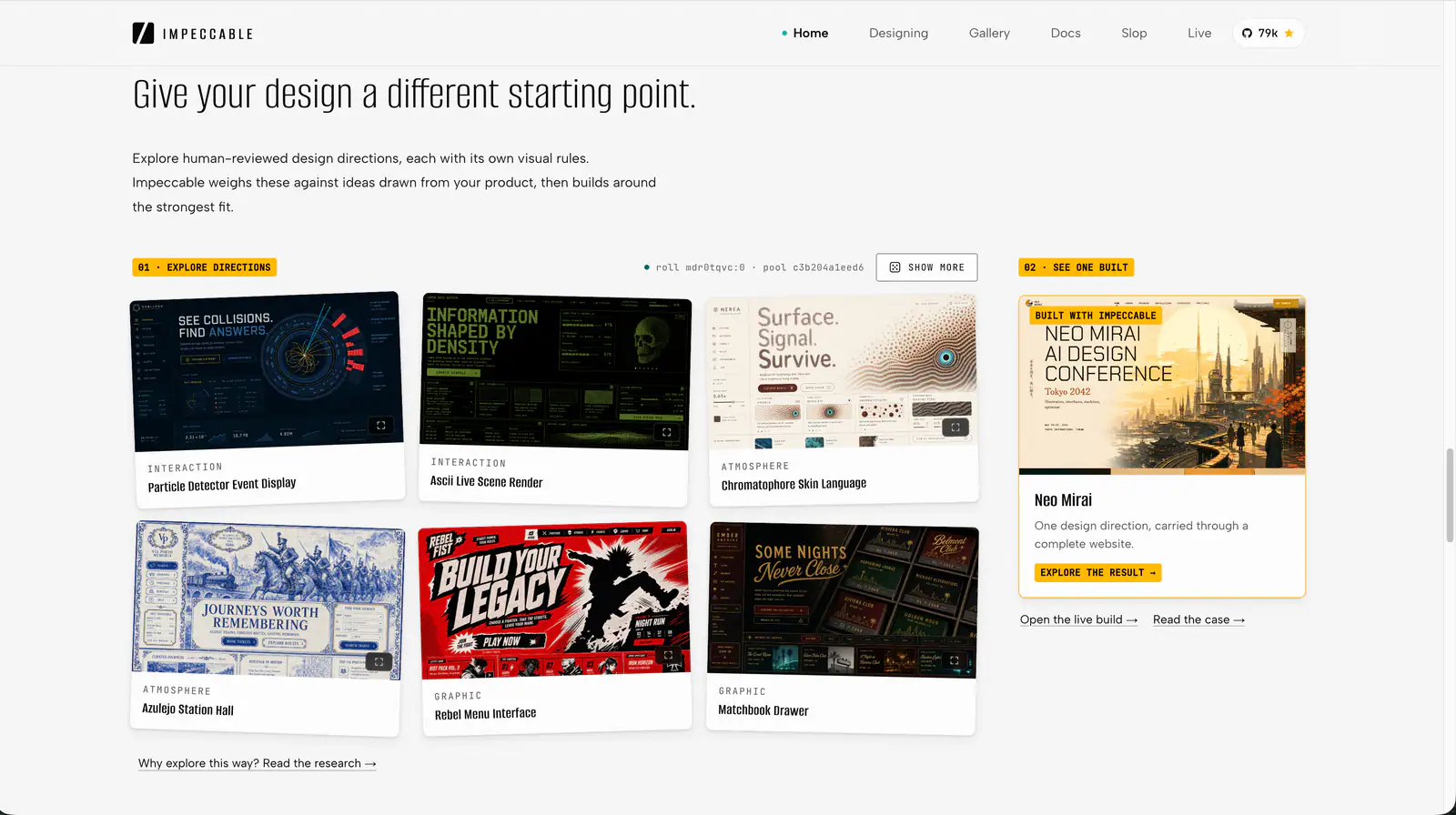
Impeccable
Impeccable is an AI frontend design Skill for building and refining interfaces: typography, layout, accessibility, responsive behavior and browser iteration.
98.9KStars5.8KForks
Repository last pushed
pbakaus
Explore practical workflows for designing interfaces and visual systems. Find tools for both early concepts and detailed reviews.
126 skillsImpeccable is an AI frontend design Skill for building and refining interfaces: typography, layout, accessibility, responsive behavior and browser iteration.
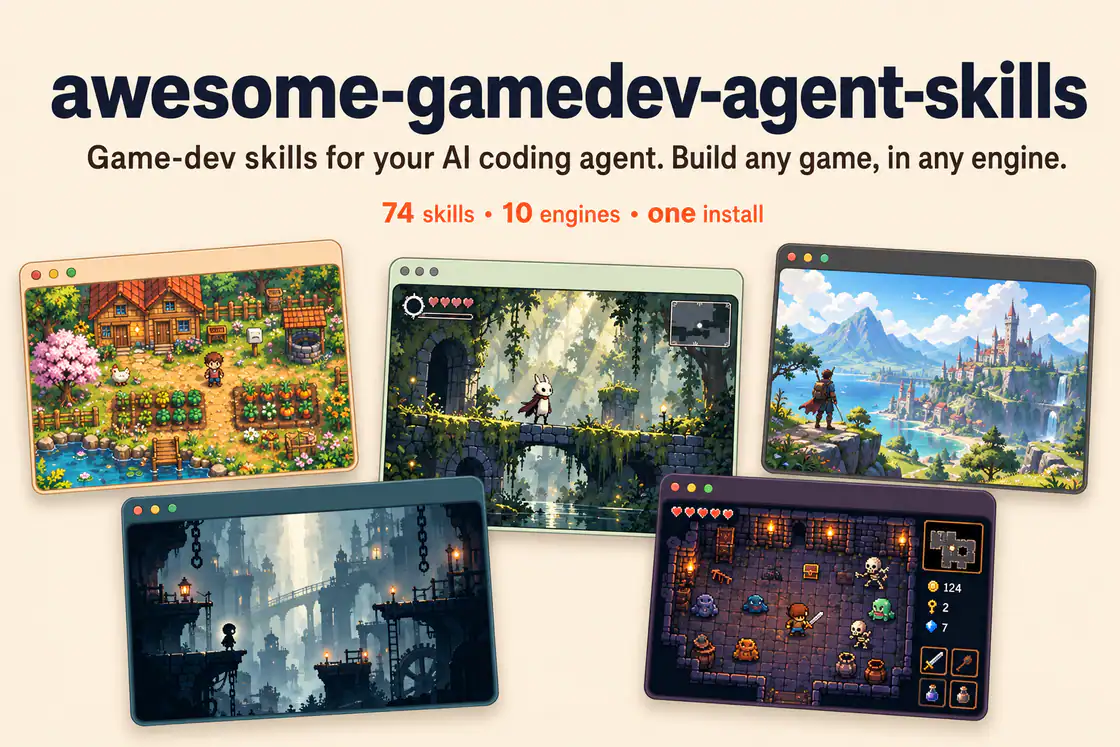
Build HUDs and menus with responsive anchors, safe areas, focus navigation, screen state, and event-driven updates.
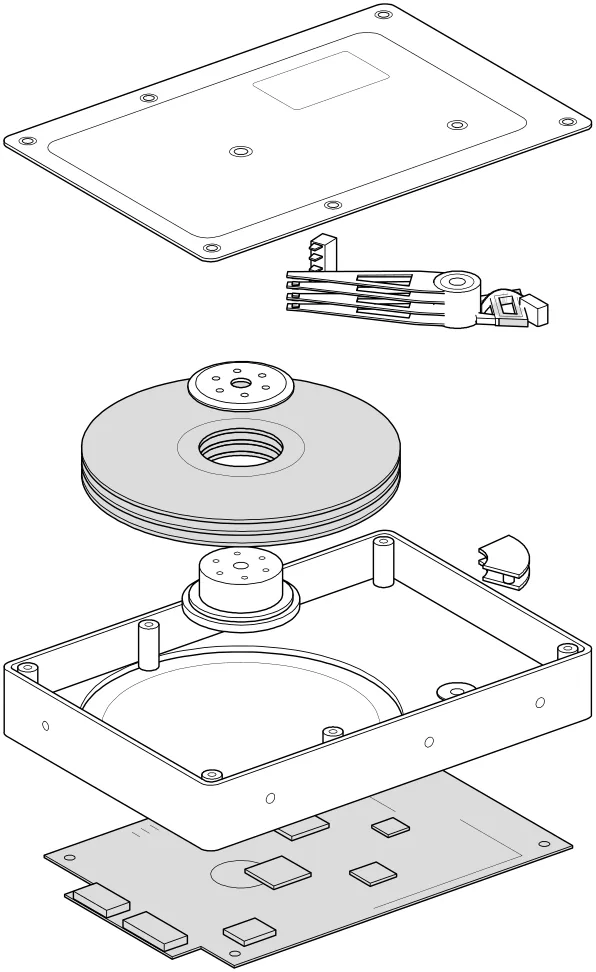
Review a screen or flow across accessibility, layout, copy, typography, color and UI polish.
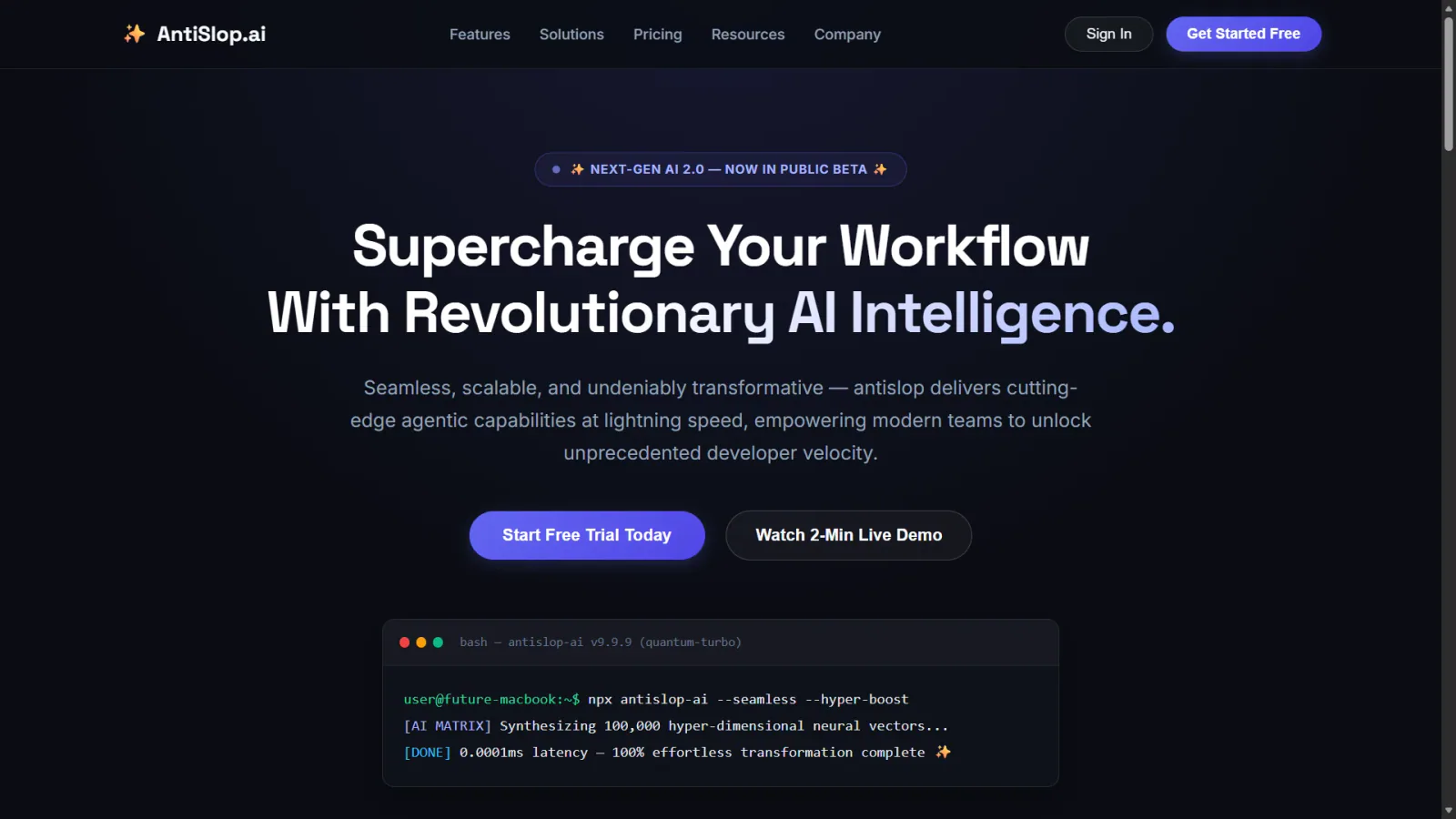
Human and accessibility skill for antislop. Contrast, keyboard, focus, and states for real people. Includes the contrast checker.
Audit web accessibility using WCAG guidance, keyboard checks and evidence-led issue reporting.
Audit a design against Dieter Rams’ ten principles, score cited evidence, and hand off a concrete design improvement plan.
Apply accessibility worklists through a baseline, scoped source changes and verification loop, while deferring contextual judgments.
Locate mechanically detectable accessibility issues on one rendered page, with DOM selectors, evidence and source locations when available.
Plan a sampled site accessibility assessment, combine automated and interaction checks, and report pass, fail or undetermined per criterion.
Use a WCAG 2.1-oriented checklist for semantic HTML, keyboard access, contrast and accessible form behavior.
Review mobile and desktop interfaces against topic-routed Apple Human Interface Guidelines, with findings and fixes adapted to the application's framework.
Review keyboard focus, ARIA, forms, screen readers, motion and zoom against WCAG 2.2.
Build responsive UI components with project design systems, accessible interactions and complete application states.
Design, refine and review native SwiftUI interfaces with adaptive layouts, coherent navigation, interruptible motion and accessibility checks.
Find modern web platform patterns and browser-compatibility guidance for HTML, CSS and client-side JavaScript tasks.
Design action maps, control rebinding, device support, analog deadzones, input buffering, and forgiving jump timing.
Make agent responses easier to follow with clear next actions, numbered steps and explicit state across turns.
Compare a rendered page with a change baseline and report newly introduced, resolved and pre-existing accessibility issues.
Inspect keyboard behavior, focus, widget states, reflow and other checks that an automated accessibility scanner cannot settle.
Five workflows for rendered-page scanning, interaction inspection, sampled site audits, scoped fixes and accessibility regression checks.
Compare AI design skills for design systems, shadcn/ui, frontend creation and interface refinement, with practical briefs to help you choose a workflow.
Explore four Skills for geometric logos, brand identity systems and animated isometric illustrations, and choose the right workflow for your brief.
Explore practical workflows for designing interfaces and visual systems. Find tools for both early concepts and detailed reviews.