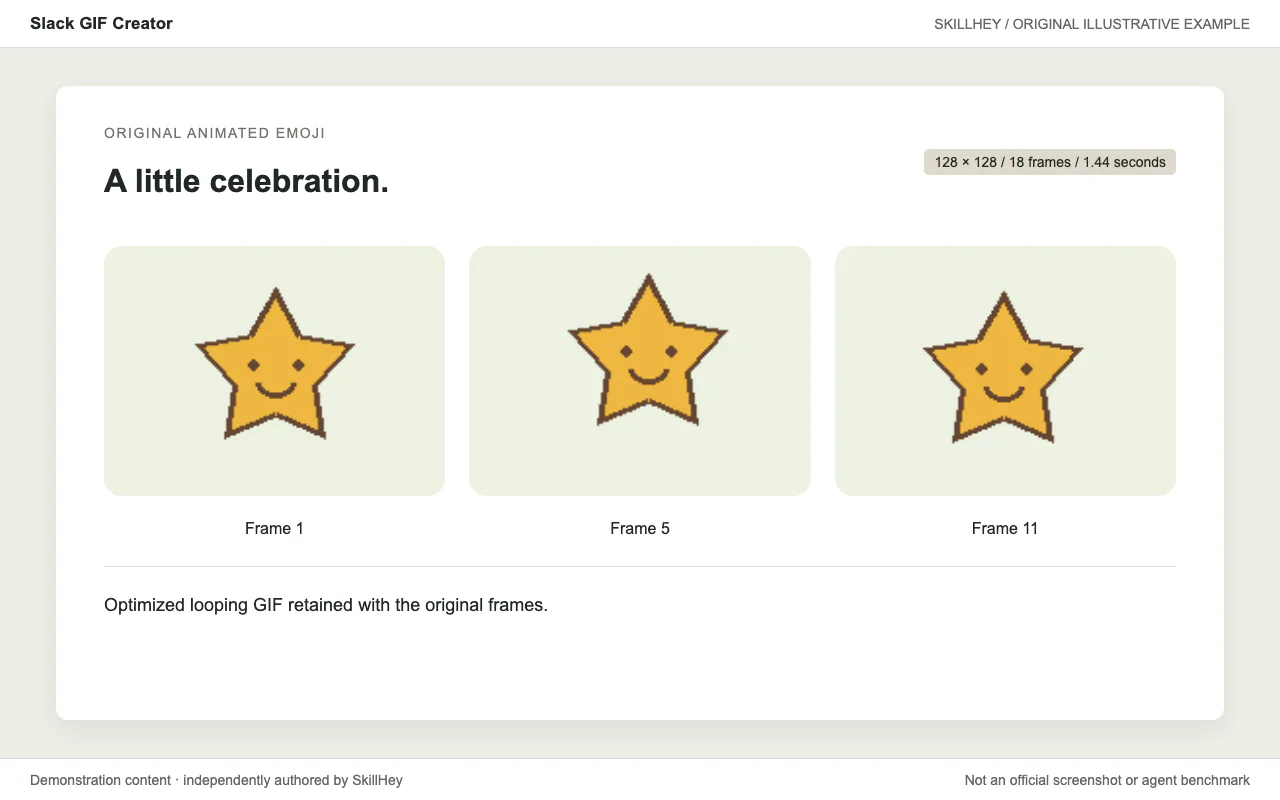
Three frames from an original star-celebration animation; a looping 128-by-128 GIF is retained.
Project screenshotsAbout this Skill
Create short animated GIFs for Slack with frame generation, palette optimization and size validation. Python, Pillow and the source core GIF utilities.
Why we picked it
Useful for a short, lightweight animation destined for Slack. It focuses on dimensions, frame count, timing and palette choices so the GIF remains readable and practical to upload.
What it helps with
- Create a looping Slack emoji.
- Animate a simple celebration.
- Optimize an existing GIF for Slack.
How this skill works
1. Choose emoji or message GIF dimensions
Choose emoji or message usage and plan a simple animation that reads at the target dimensions.
2. Animate original artwork as a sequence of frames
Draw the animation frames with deliberate timing and a clean looping transition.
3. Optimize the palette and validate Slack constraints
Validate dimensions and optimize the frame count and palette to control file size.
An example task
Try this brief: “Create a short looping celebration GIF with an original star character.”
The preview is an original SkillHey illustration of this task. Its content is fictional and is not an official Anthropic screenshot or an agent benchmark.
Second example
Try this brief: “Plan a short looping sprout animation for a Slack emoji.”
Install this skill or its official plugin
For this skill alone, copy its complete directory into the project Skills root using the command above. The final entry is .claude/skills/slack-gif-creator/SKILL.md. Keep references, scripts and assets with it.
| Command | What it helps with |
|---|---|
/plugin marketplace add anthropics/skills | Register the official Claude Code marketplace. |
/plugin install example-skills@anthropic-agent-skills | Install the official plugin. This may include other skills; see its manifest. |
Official repository and plugin manifestClaude Code skill installation documentation
Dependencies and license
Python, Pillow and the source core GIF utilities.
The recipe is free to access; running an agent or external service may have its own costs.
Review this skill’s LICENSE.txt before redistributing its files.
Official slack-gif-creator instructionsOfficial repository and plugin manifest
Before you use it
- Python, Pillow and the source core GIF utilities.
Supported agents
Frequently asked questions
Is this a separate skill?
Yes. slack-gif-creator has its own SKILL.md and directory. It also belongs to the Anthropic Official Skills topic.
Official sources
Based on official documentation, with practical scenarios suggested by SkillHey.