
Free
Tools & workflows
Claude Academy Guide
Find relevant Claude Academy learning resources when someone asks how to use Claude.
180.4KStars21.3KForks
Repository last pushed
Explore the individual skills in Anthropic’s official repository: documents, visual design, development and reusable workflows. Each entry includes its own introduction and two illustrative examples.
View original source ↗Find relevant Claude Academy learning resources when someone asks how to use Claude.
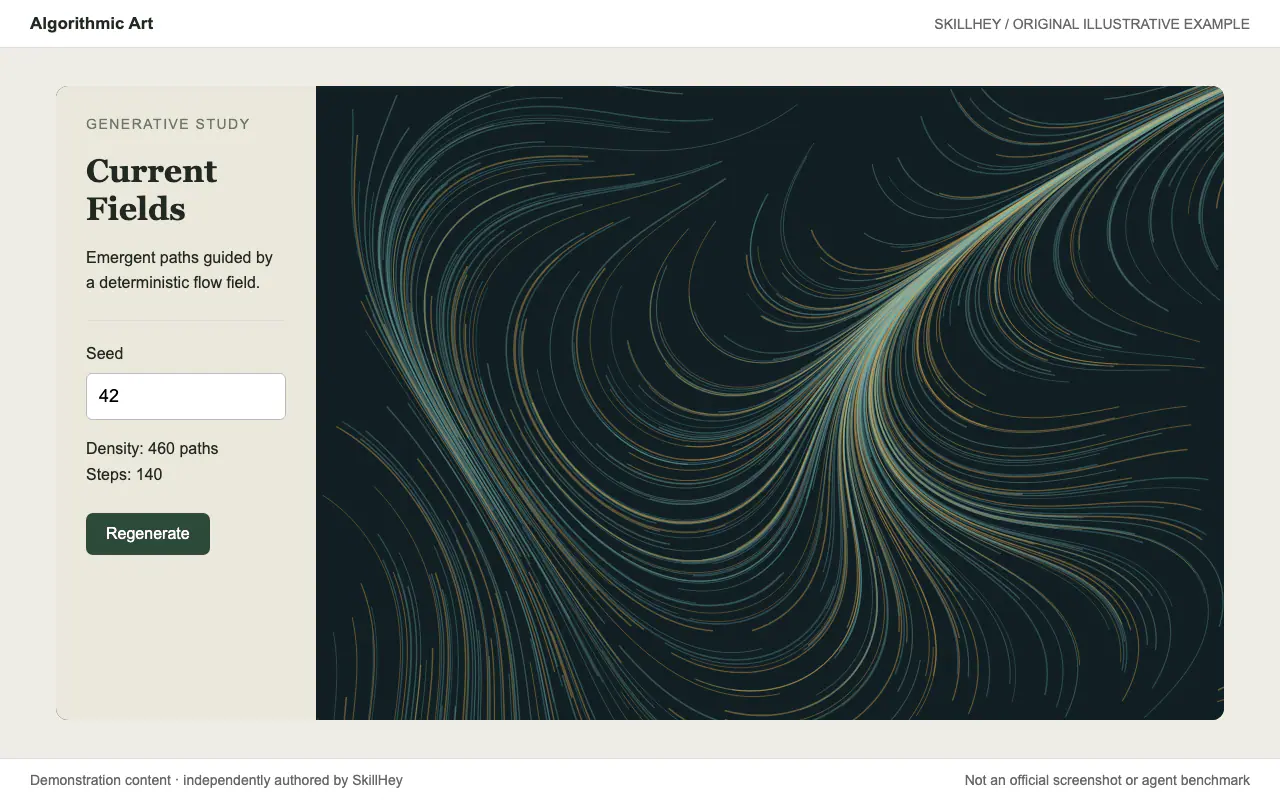
Create original seeded generative art with p5.js and an interactive parameter viewer.
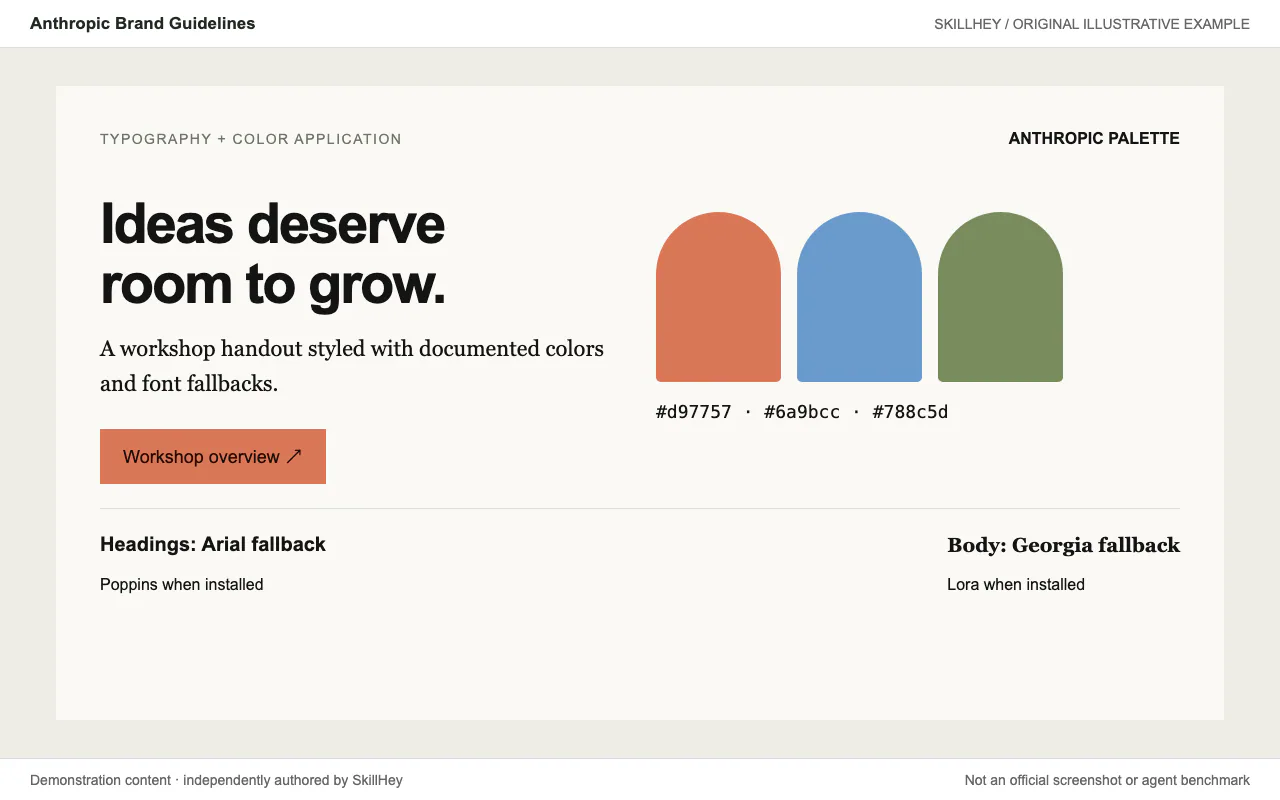
Apply Anthropic’s documented colors and typography to documents, slides and other artifacts.
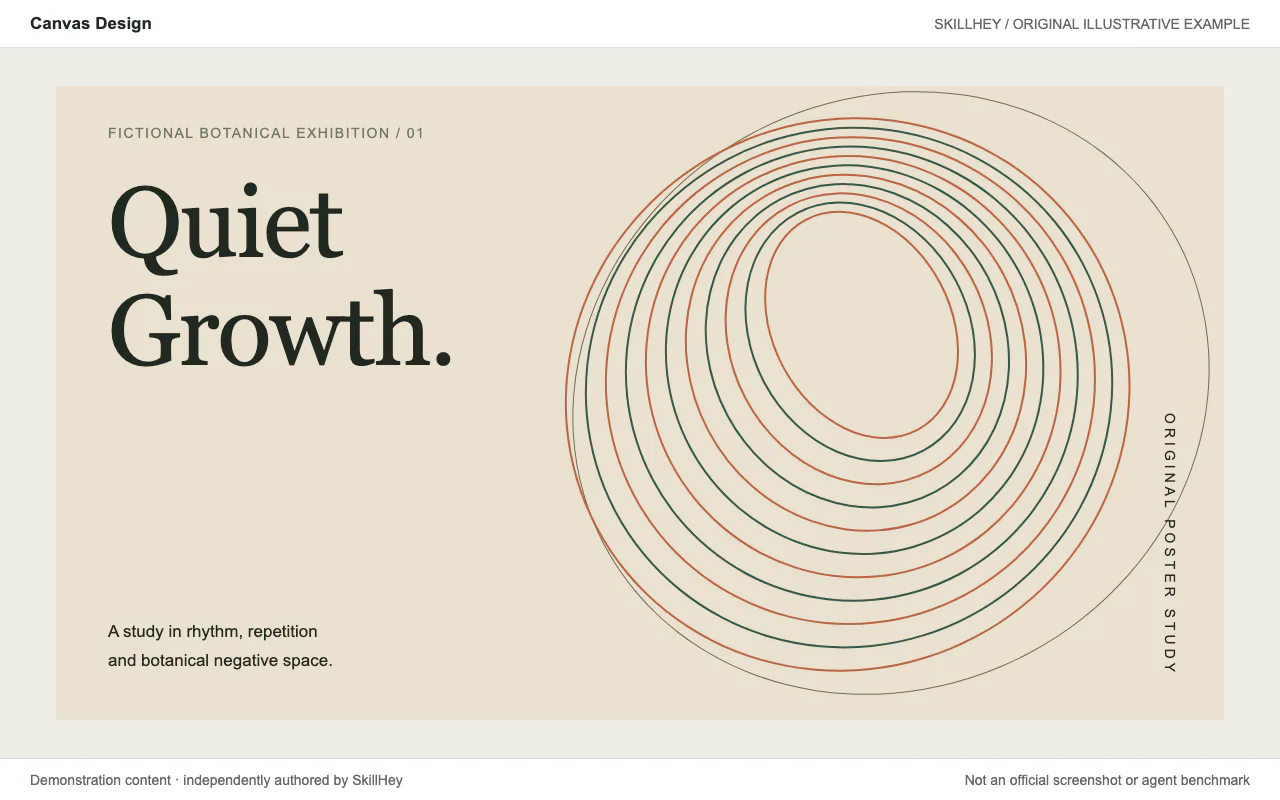
Turn a visual philosophy into original poster art and carefully composed PNG or PDF designs.
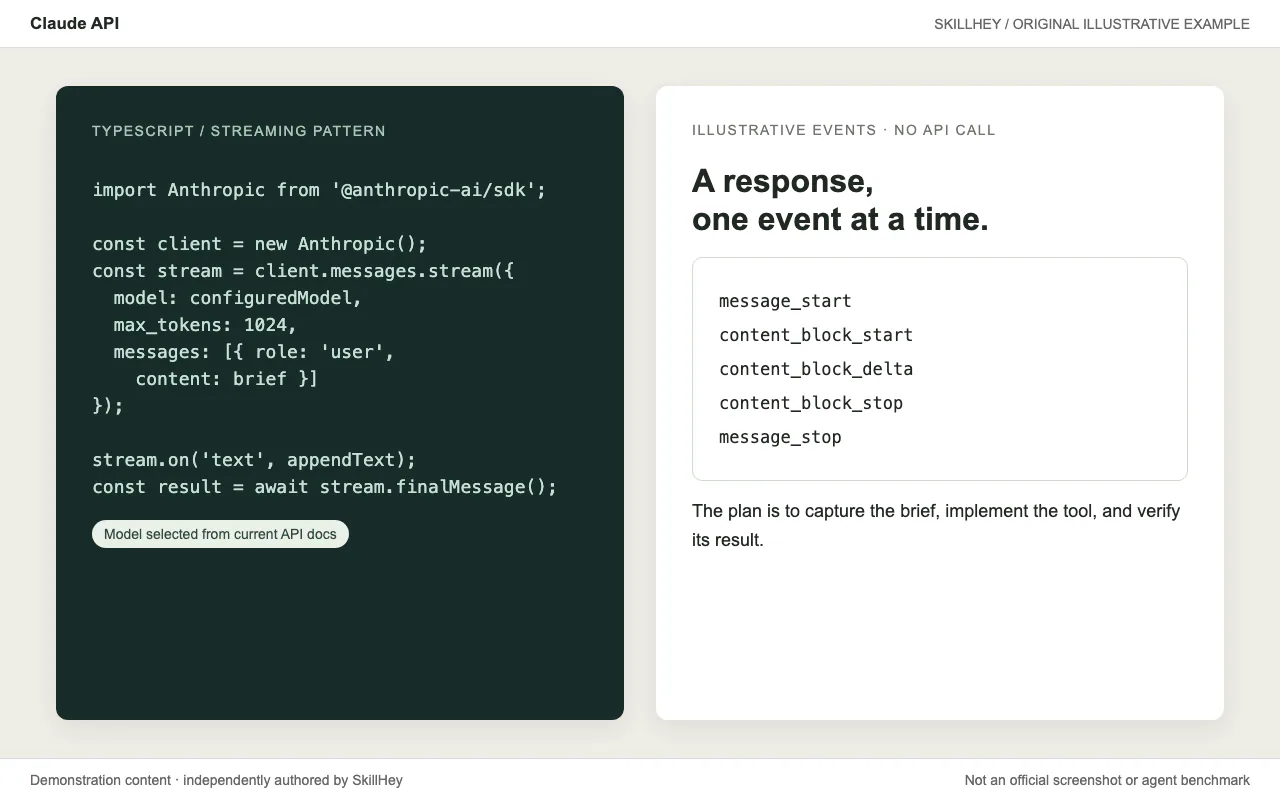
Use language-specific Claude API and SDK references for streaming, tools and agent integrations.
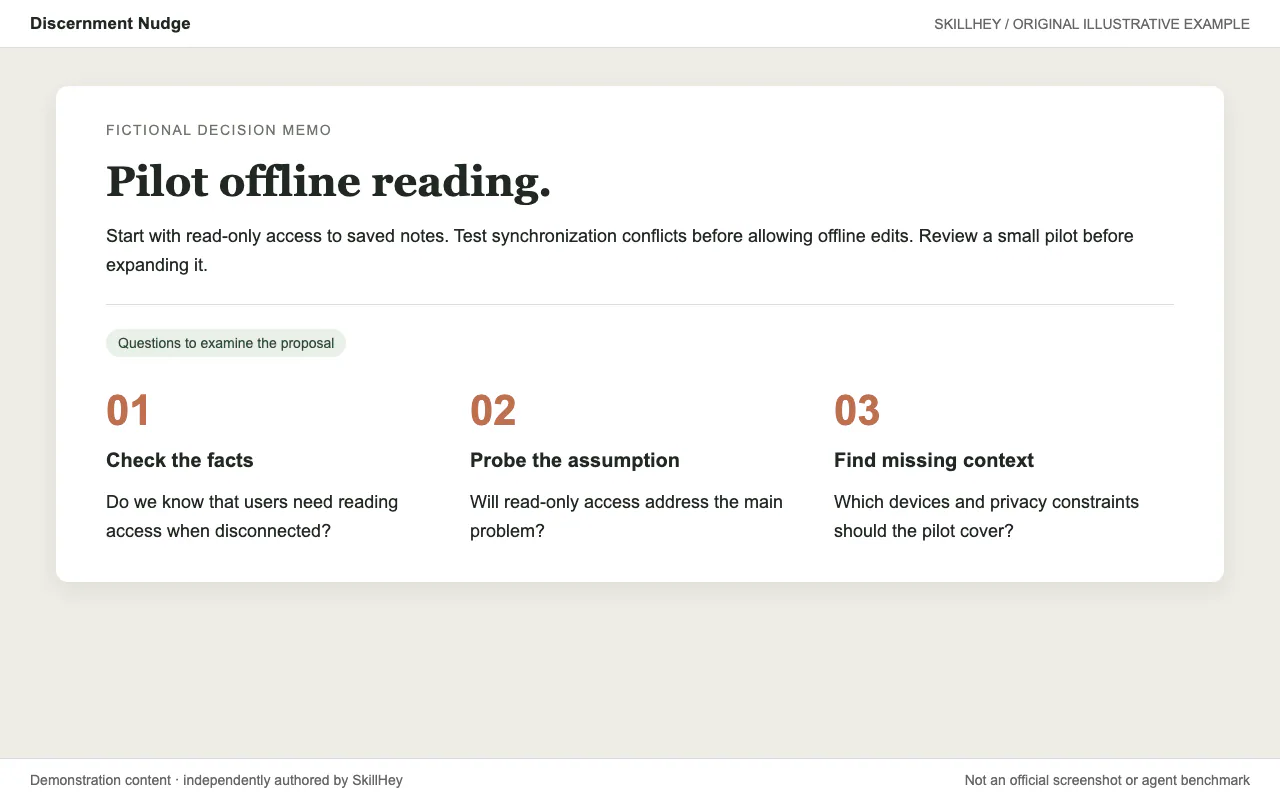
Add a few specific reflection questions after actionable answers to help examine facts and assumptions.
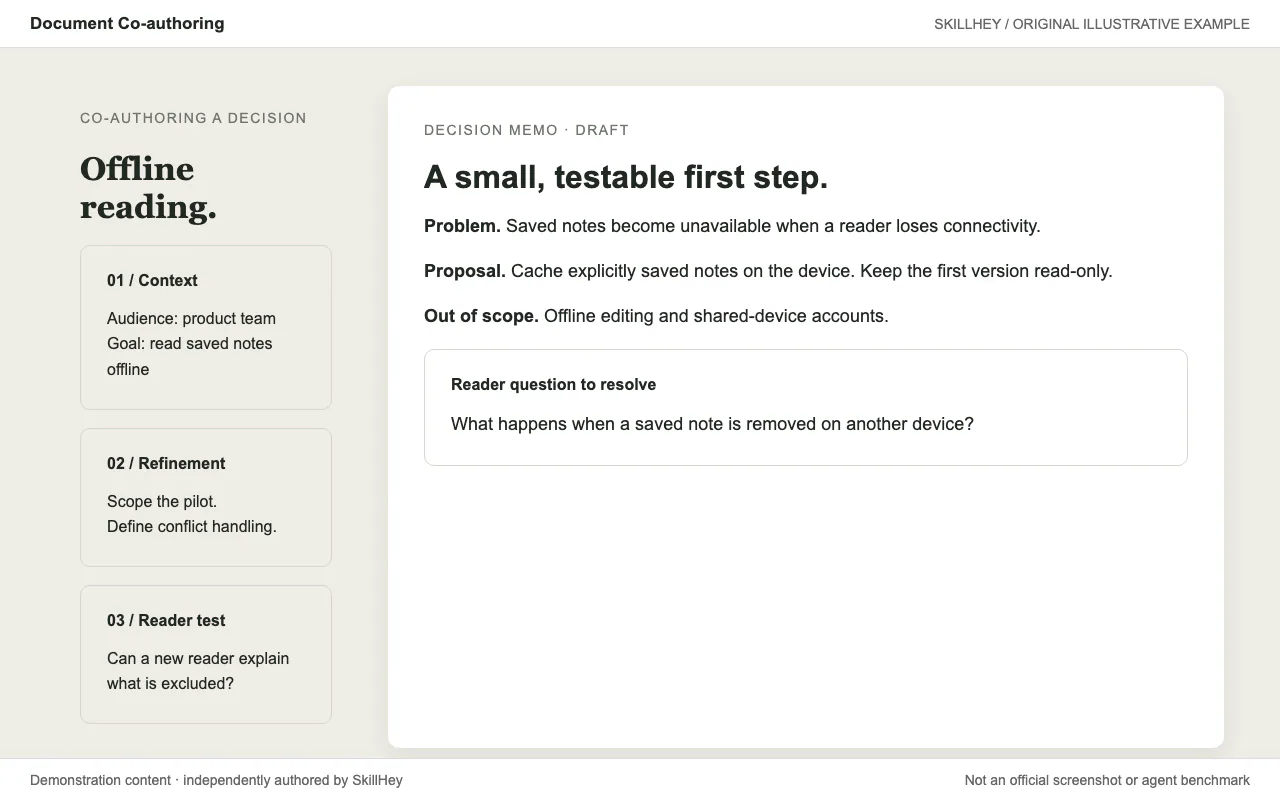
Co-author proposals, specifications and decision documents through context gathering, refinement and reader testing.
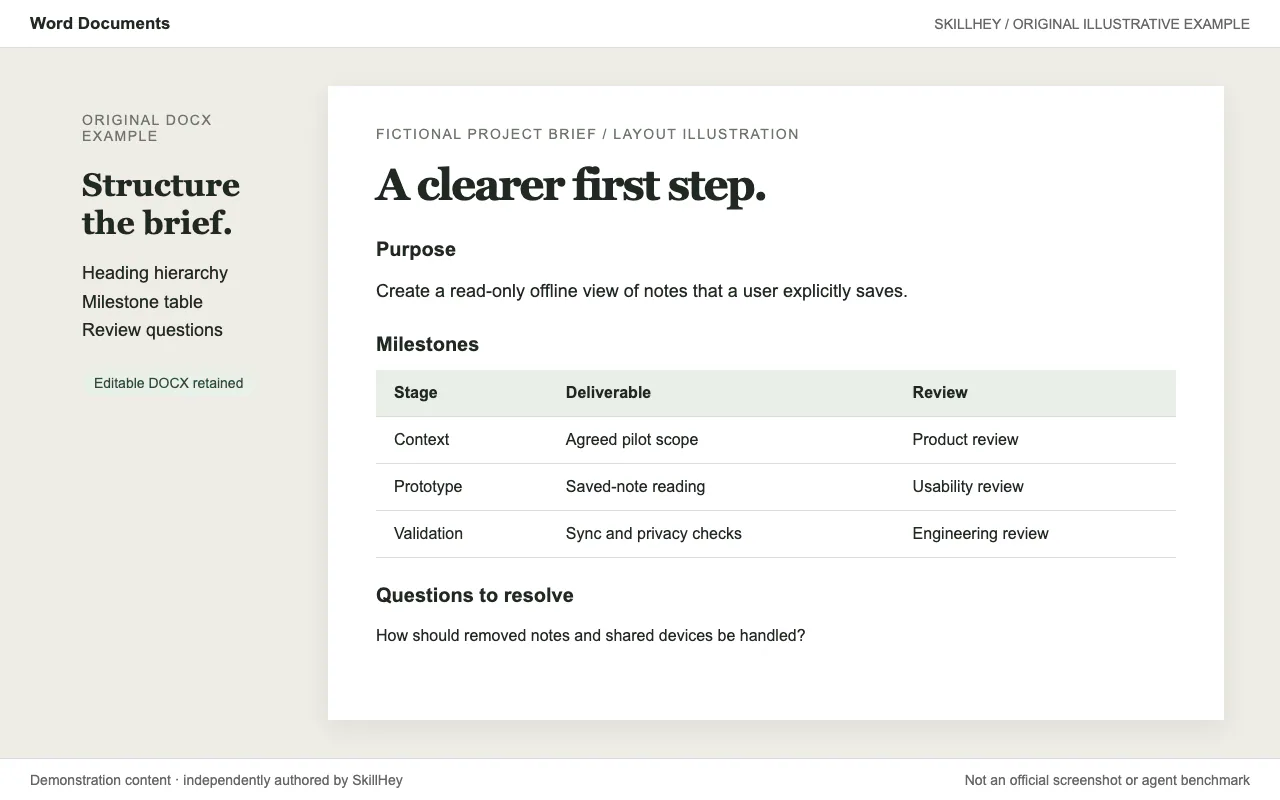
Create, read and edit Word documents, including headings, tables, comments and tracked changes.
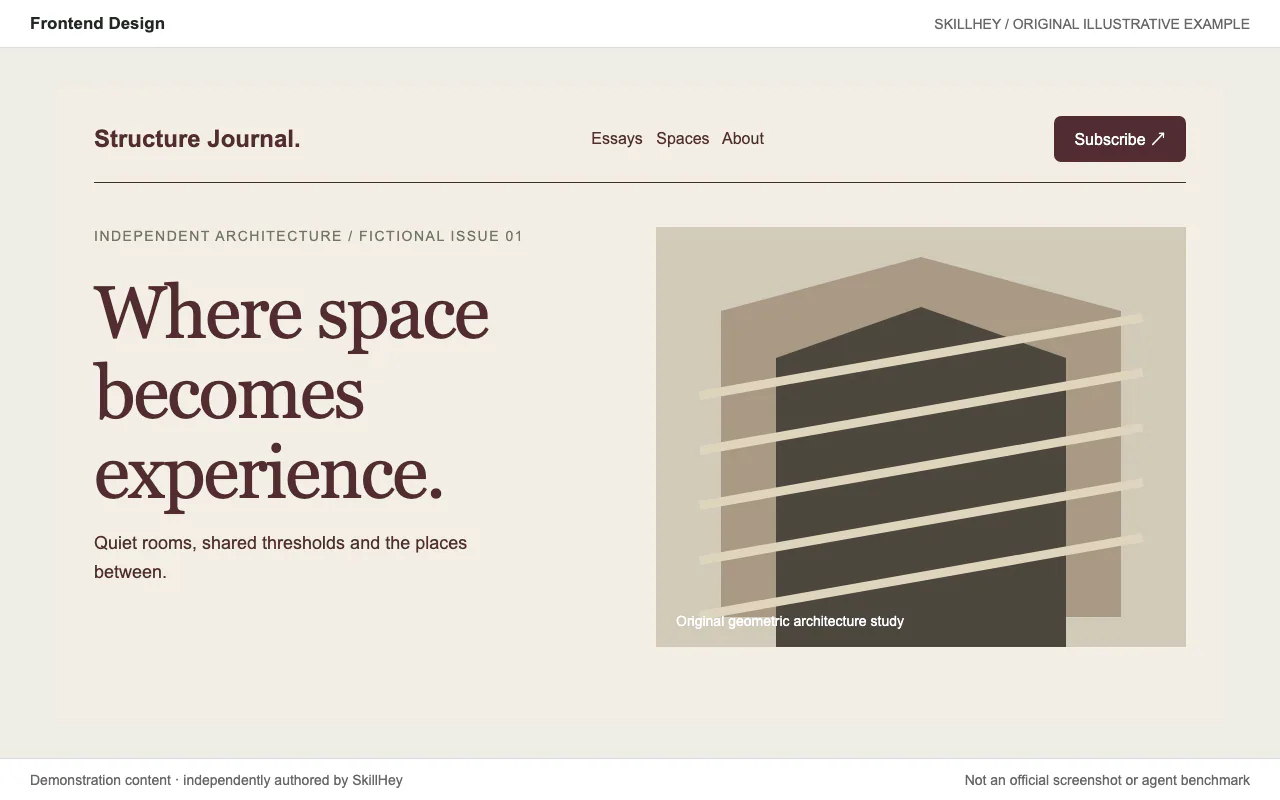
Build distinctive web interfaces with content-informed typography, composition and visual direction.
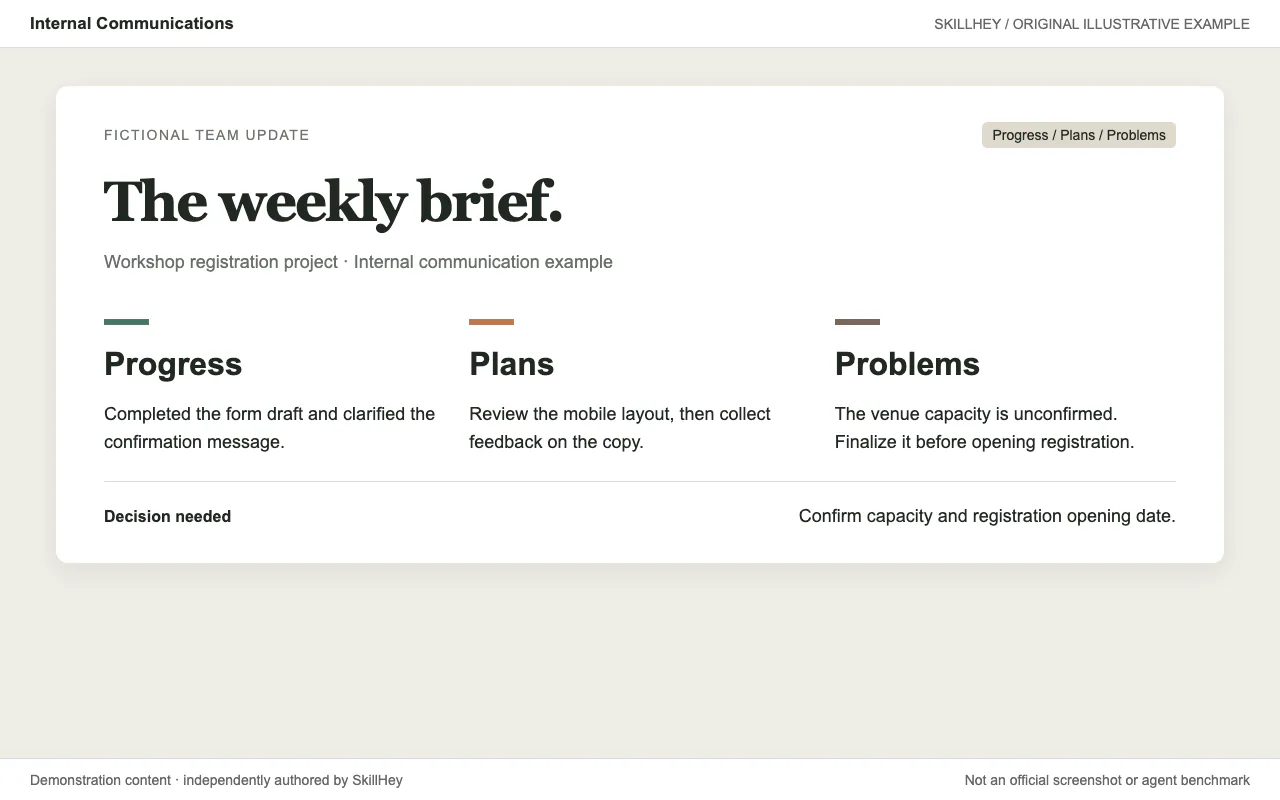
Write internal updates, newsletters and FAQs using communication-specific templates and tone guidance.
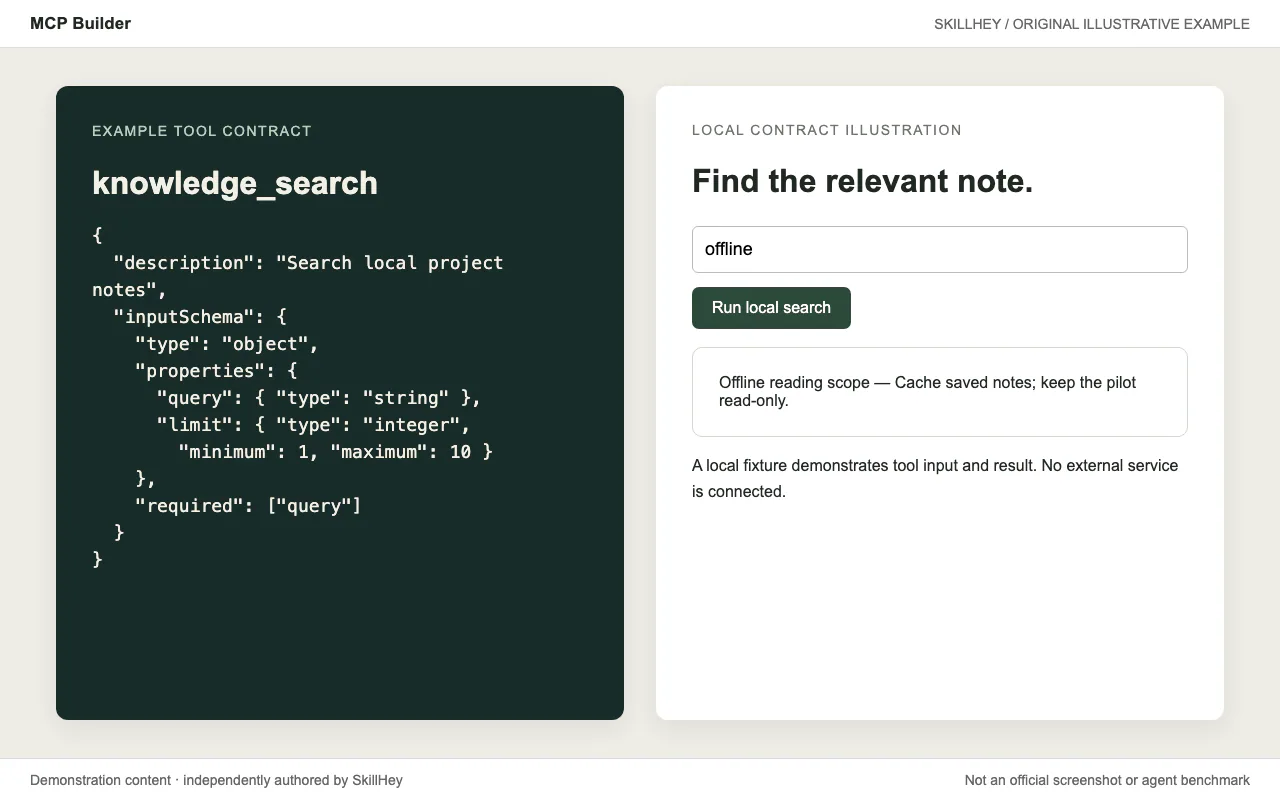
Design and implement MCP servers with discoverable tools, clear schemas and task-based evaluations.
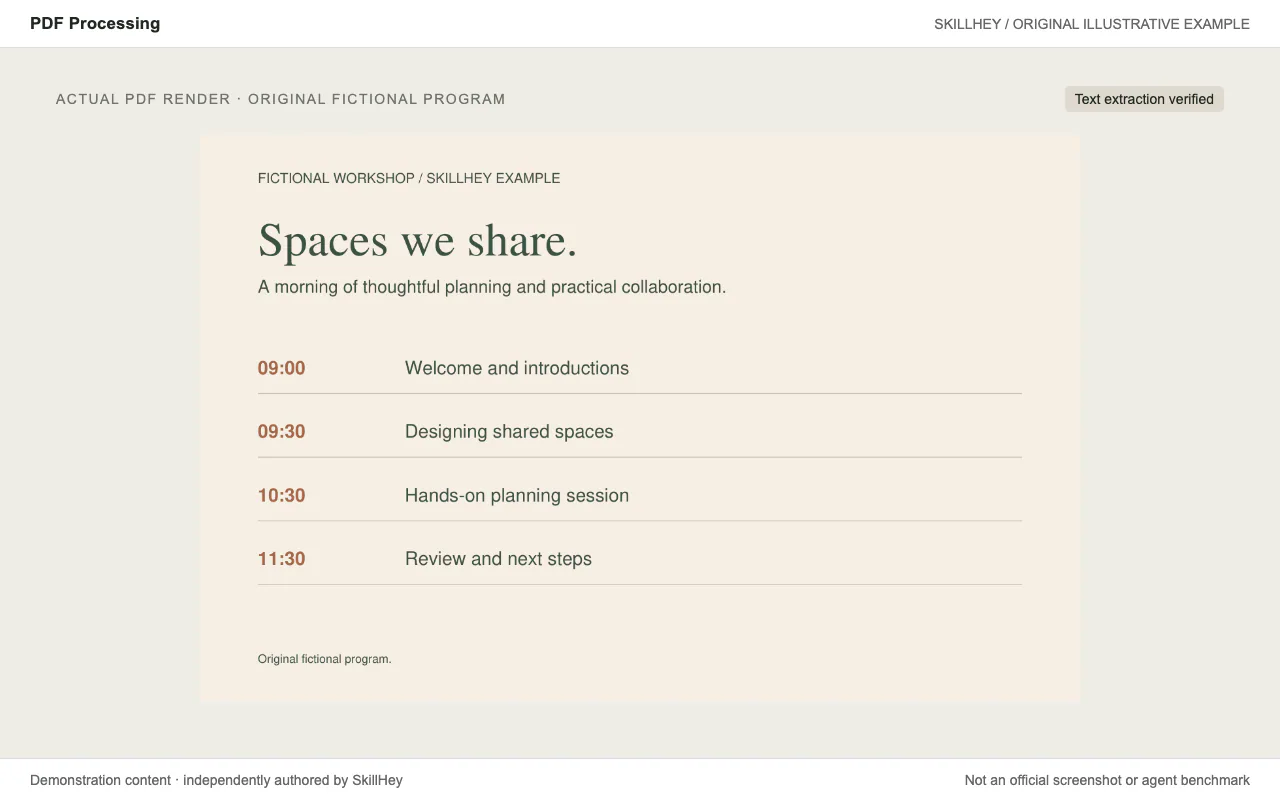
Create and inspect PDFs, extract text and tables, merge pages and process forms or scanned documents.
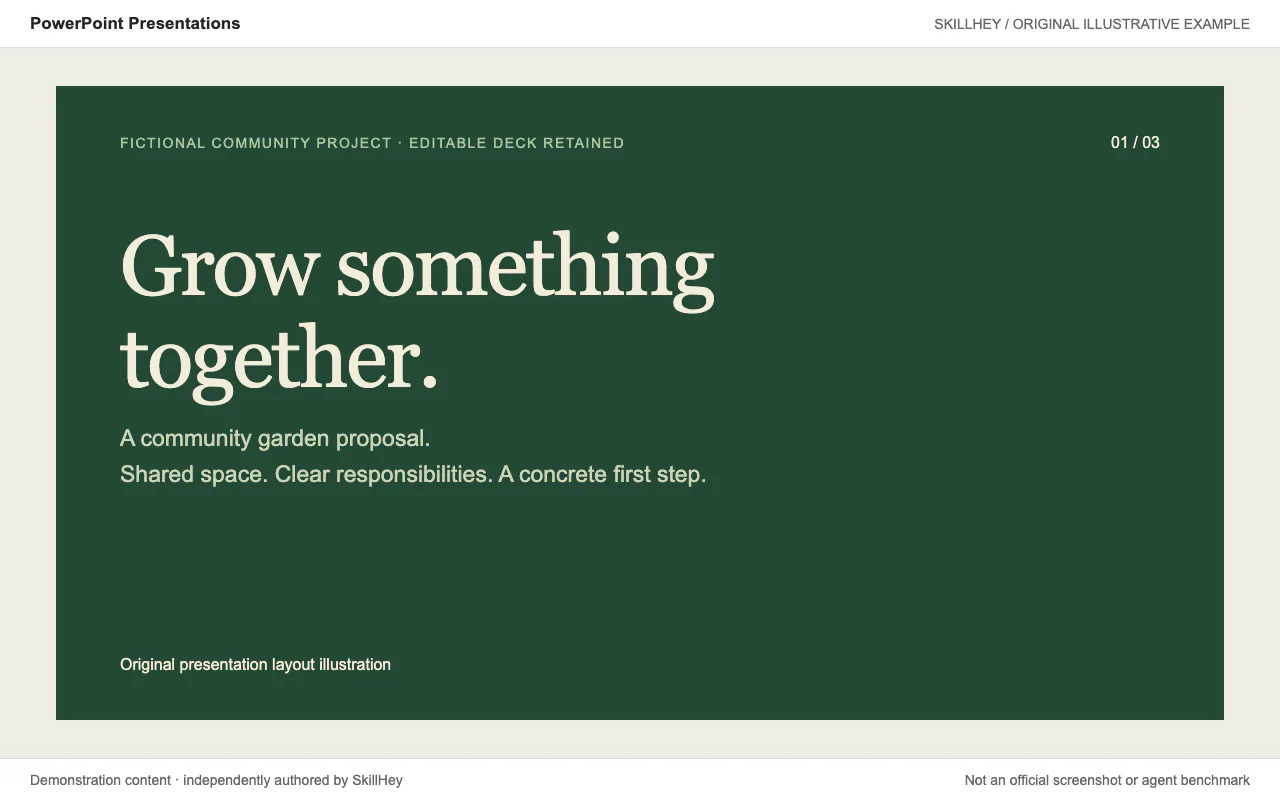
Create and edit PowerPoint decks with varied layouts, editable charts and document validation.
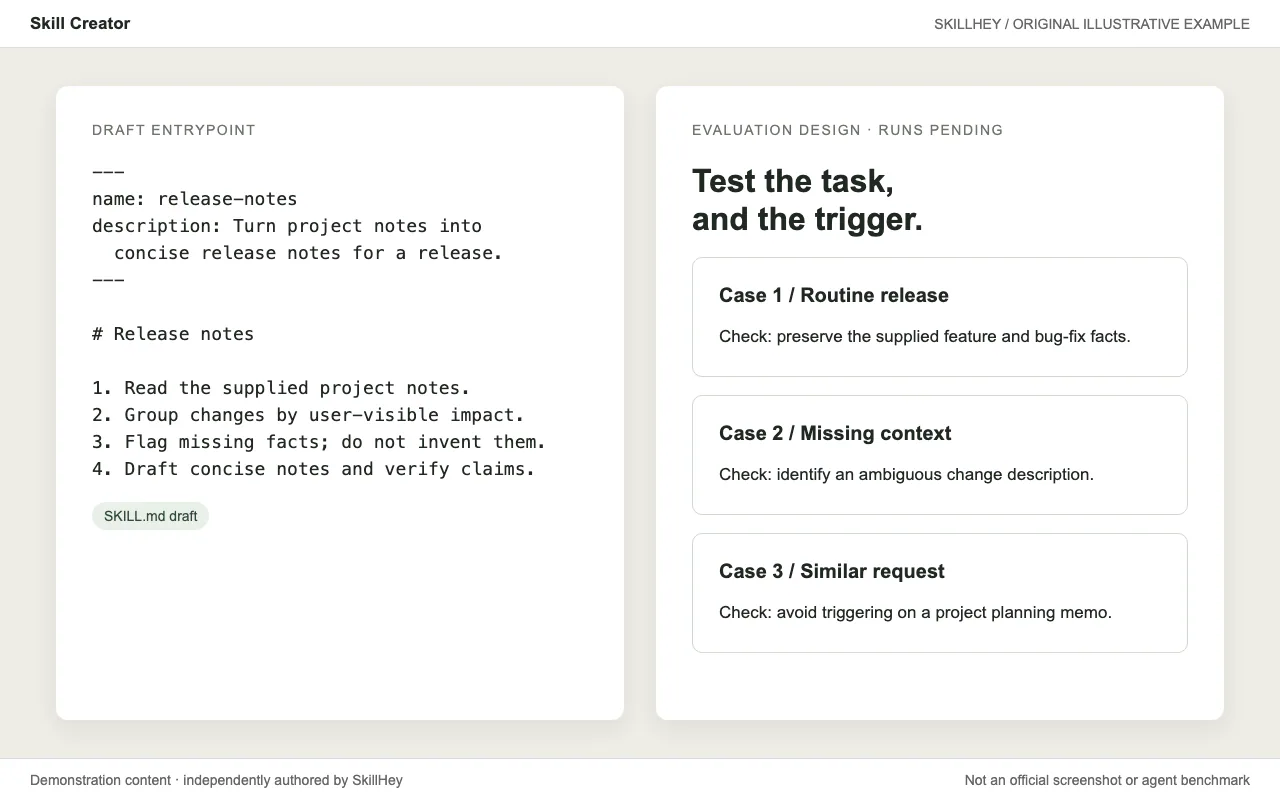
Create and improve reusable skills with test cases, comparative evaluations and trigger-description refinement.
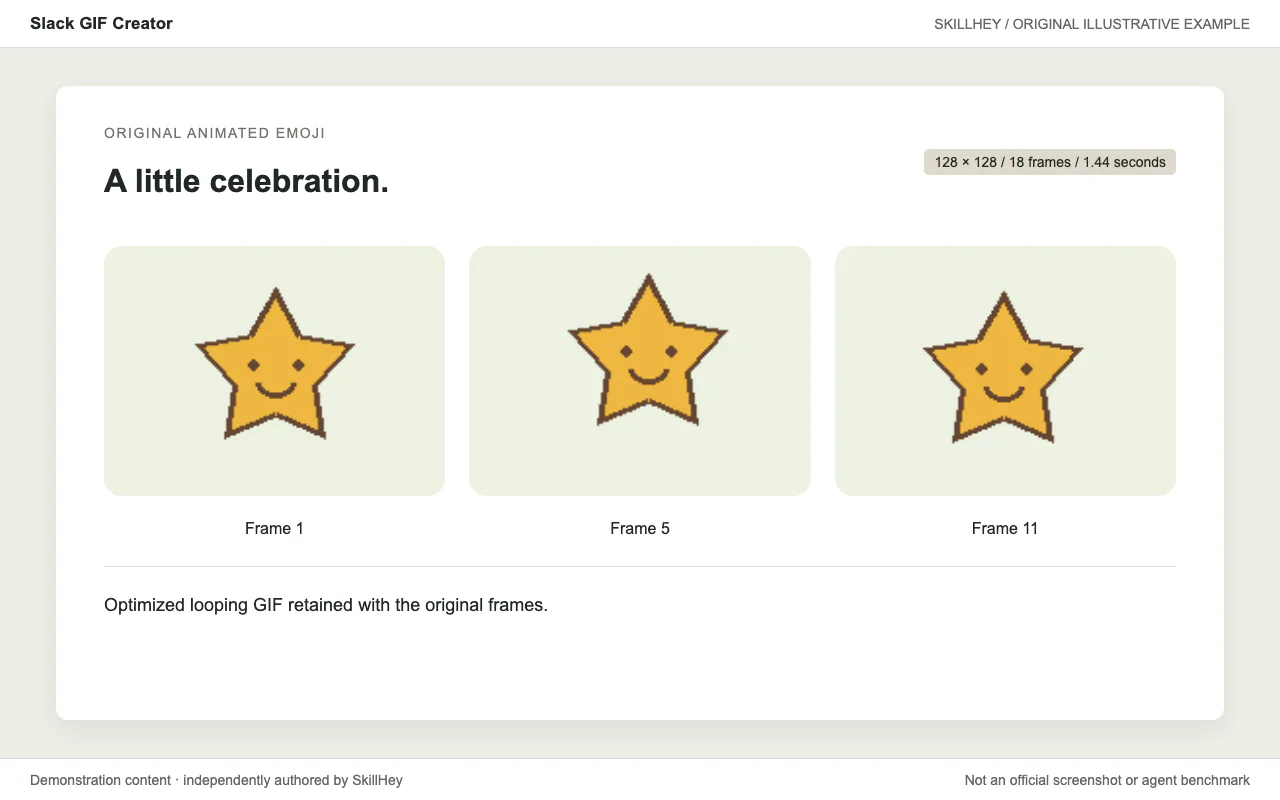
Create short animated GIFs for Slack with frame generation, palette optimization and size validation.
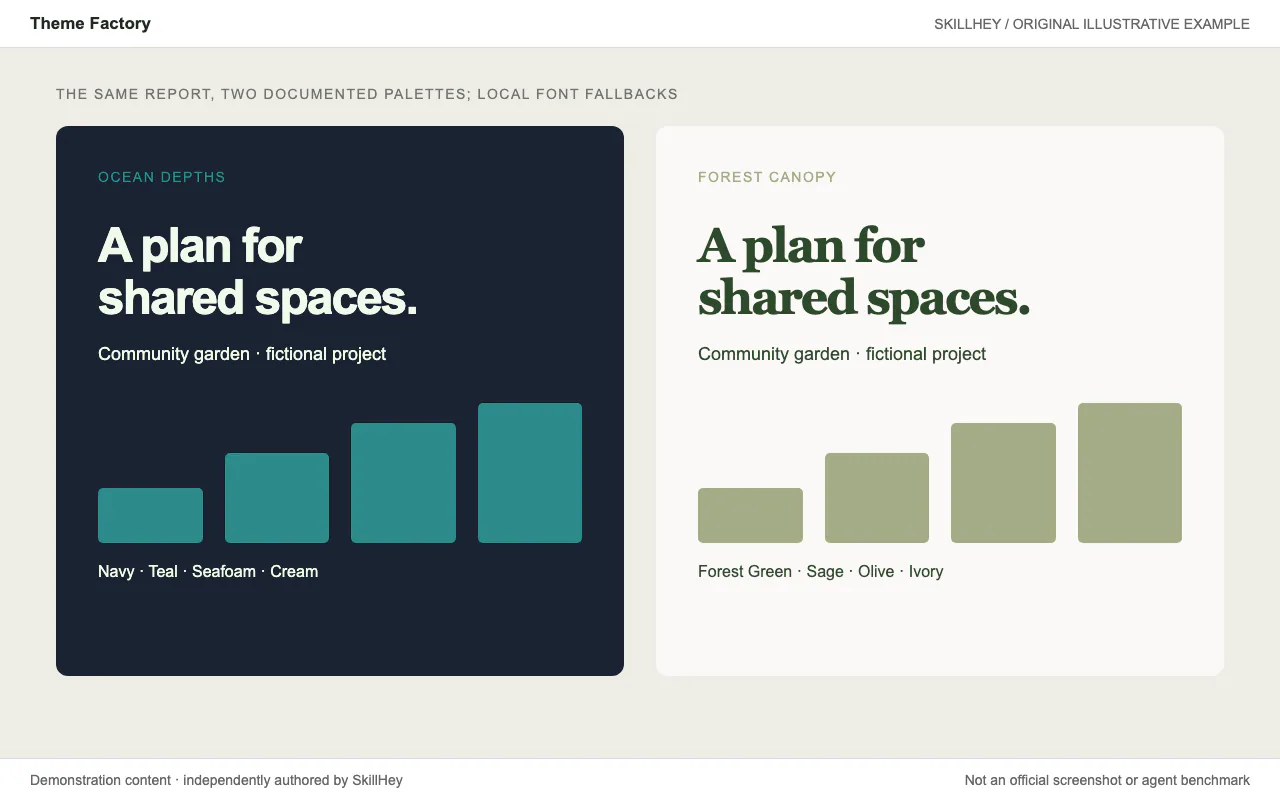
Apply one of ten documented color-and-font themes to existing artifacts, or create a custom theme.
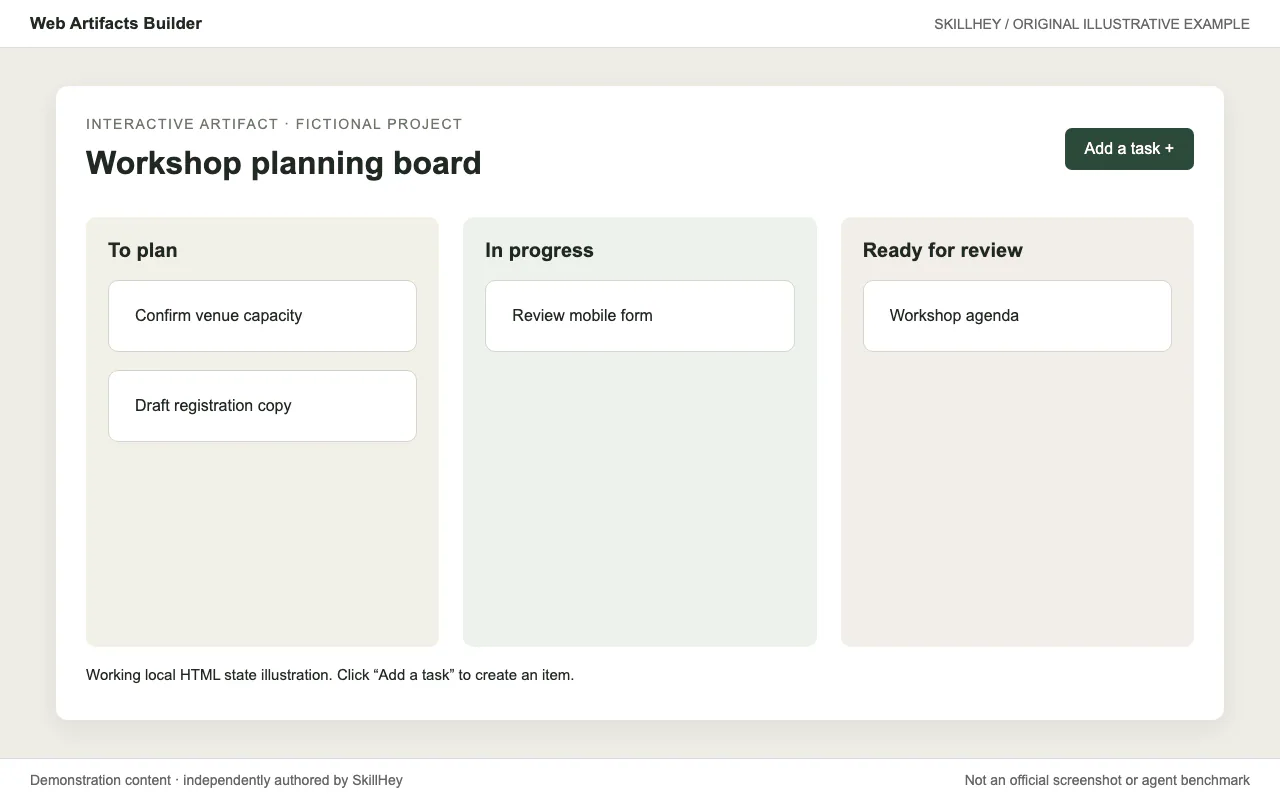
Build multi-component HTML artifacts with React, state management and a bundled delivery workflow.
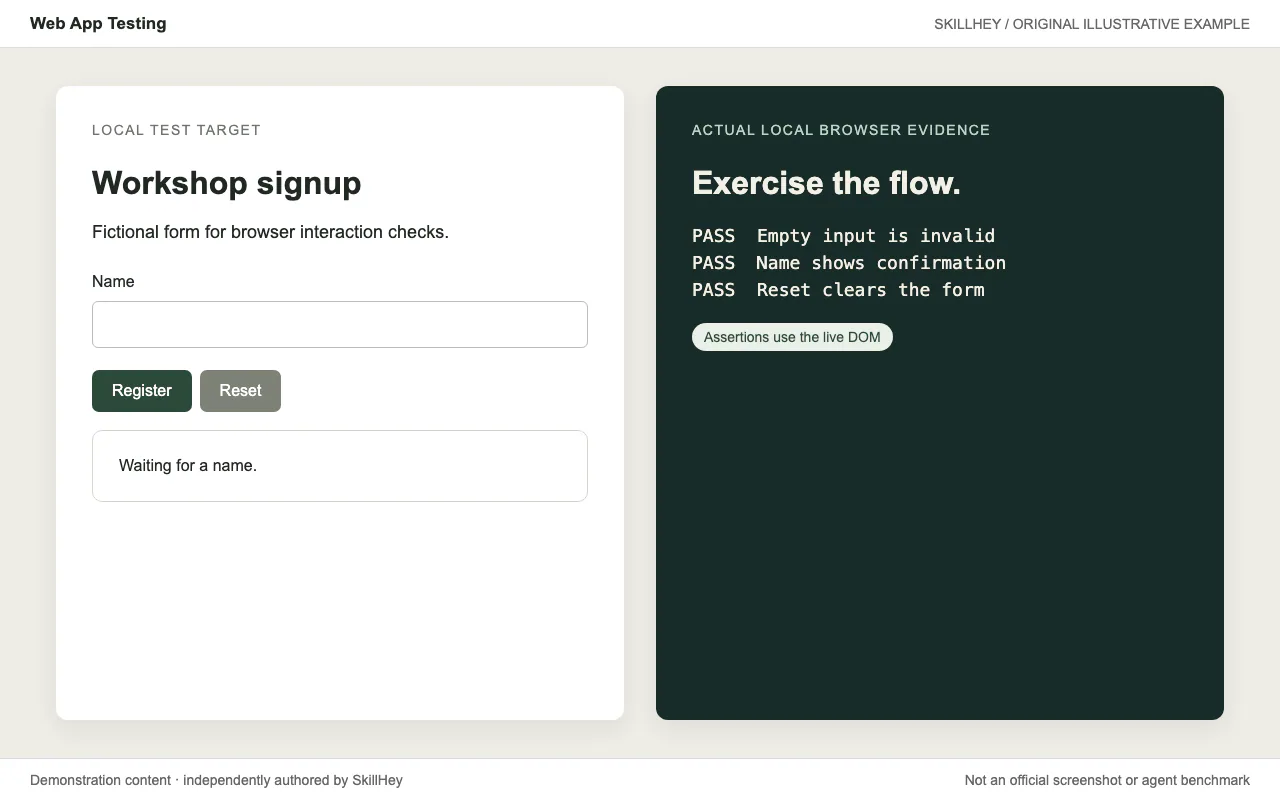
Use Playwright to inspect local web apps, exercise frontend flows and capture screenshots and logs.
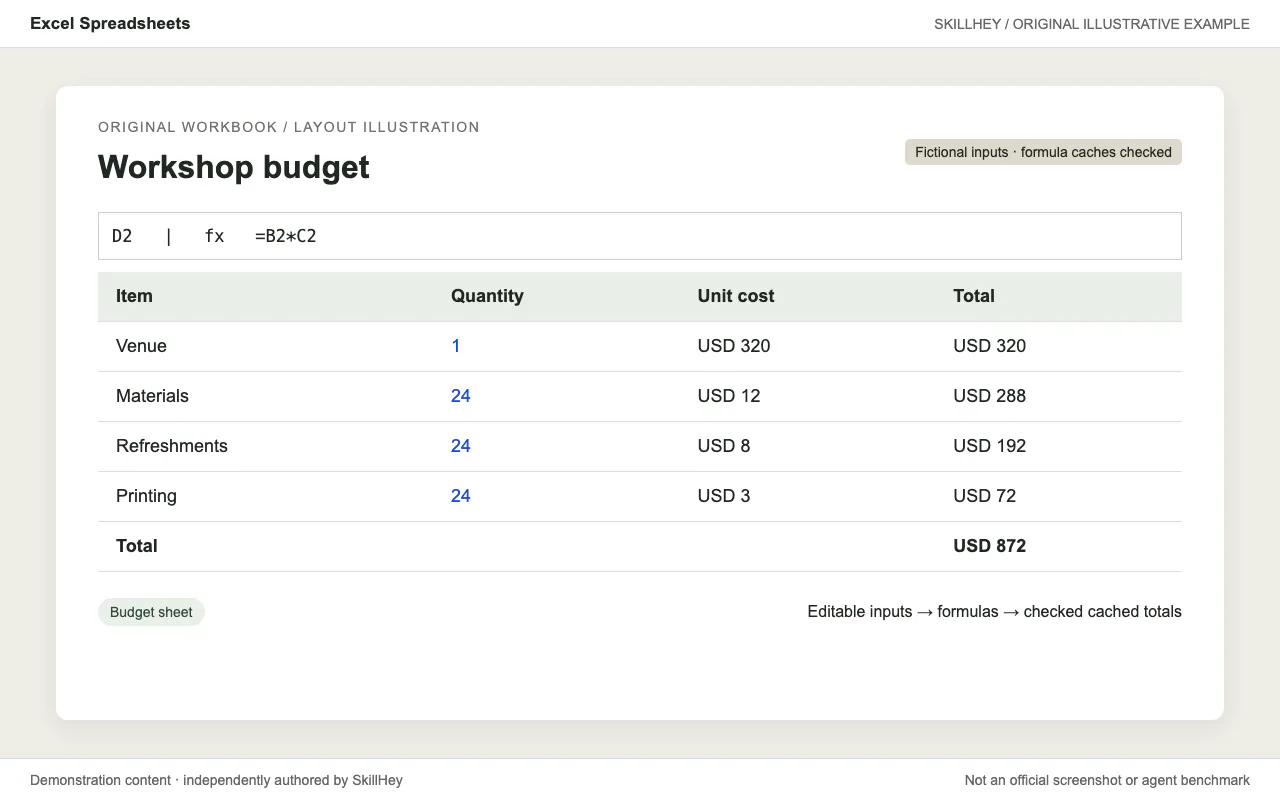
Create and edit spreadsheets with explicit assumptions, consistent formulas, formatting and recalculation checks.