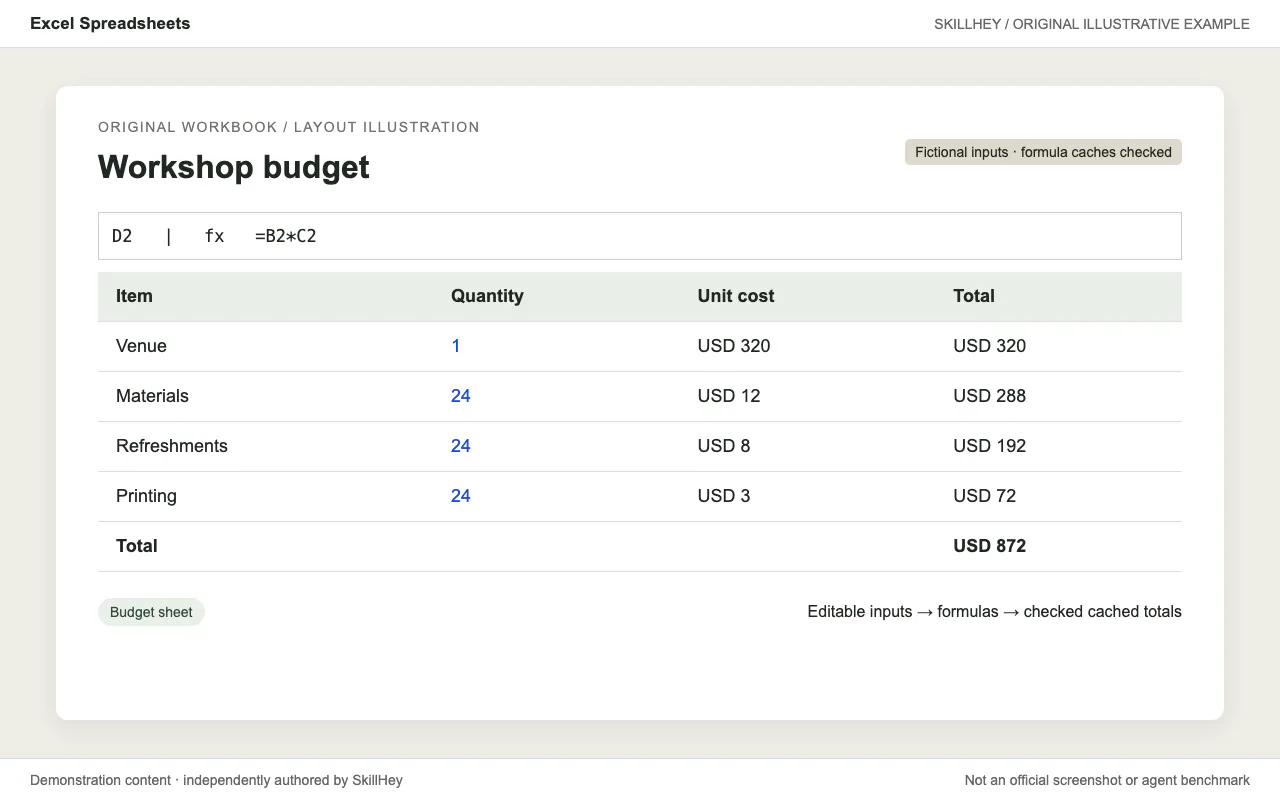
Fictional event-budget worksheet with editable quantities and prices and a formula total of 872; an XLSX is retained.
Project screenshotsAbout this Skill
Create and edit spreadsheets with explicit assumptions, consistent formulas, formatting and recalculation checks. openpyxl or equivalent spreadsheet tooling; LibreOffice and the supplied recalculation script when formulas are used.
Why we picked it
Useful for a spreadsheet that keeps its calculations when inputs change. It emphasizes formulas, readable formatting, recalculation and checking both formula expressions and stored values.
What it helps with
- Create an editable event budget.
- Clean and restructure tabular data.
- Repair or extend workbook formulas.
How this skill works
1. Inspect input data and preserve existing formulas
Inspect workbook structure and choose openpyxl for formulas and formatting or pandas for bulk data.
2. Build formatted workbooks with referenced assumptions
Keep assumptions in editable cells and use formulas for derived totals instead of hardcoded results.
3. Recalculate formulas and check for errors before delivery
Recalculate and check for formula errors, then inspect the workbook's formatting and values.
An example task
Try this brief: “Build a fictional event budget with editable quantities, unit costs and calculated totals.”
The preview is an original SkillHey illustration of this task. Its content is fictional and is not an official Anthropic screenshot or an agent benchmark.
Second example
Try this brief: “Create a fictional stock planning worksheet with editable demand and a formula-based reorder quantity.”
Install this skill or its official plugin
For this skill alone, copy its complete directory into the project Skills root using the command above. The final entry is .claude/skills/xlsx/SKILL.md. Keep references, scripts and assets with it.
| Command | What it helps with |
|---|---|
/plugin marketplace add anthropics/skills | Register the official Claude Code marketplace. |
/plugin install document-skills@anthropic-agent-skills | Install the official plugin. This may include other skills; see its manifest. |
Official repository and plugin manifestClaude Code skill installation documentation
Dependencies and license
openpyxl or equivalent spreadsheet tooling; LibreOffice and the supplied recalculation script when formulas are used.
The recipe is free to access; running an agent or external service may have its own costs.
The document skills are source-available under their own license. Review the upstream LICENSE.txt for applicable terms.
Official xlsx instructionsOfficial repository and plugin manifest
Before you use it
- openpyxl or equivalent spreadsheet tooling; LibreOffice and the supplied recalculation script when formulas are used.
Supported agents
Frequently asked questions
Is this a separate skill?
Yes. xlsx has its own SKILL.md and directory. It also belongs to the Anthropic Official Skills topic.
Official sources
Based on official documentation, with practical scenarios suggested by SkillHey.