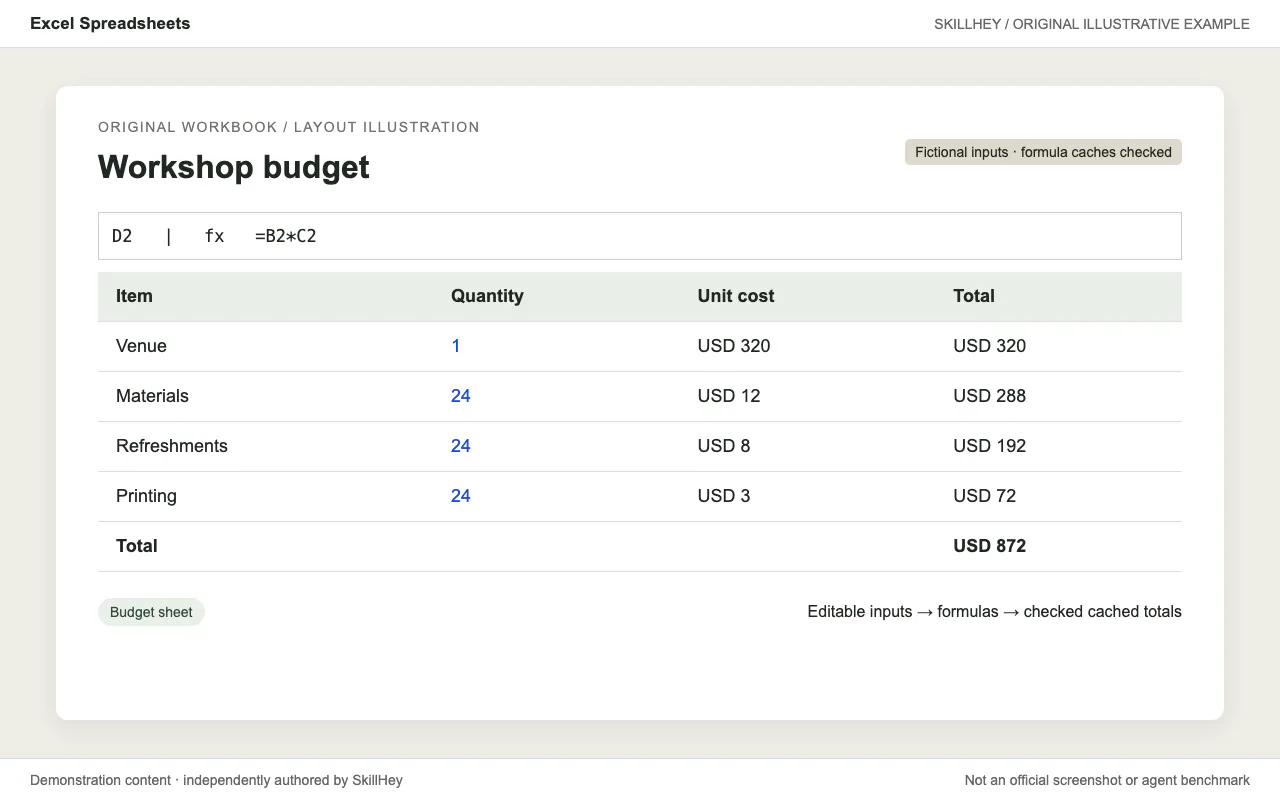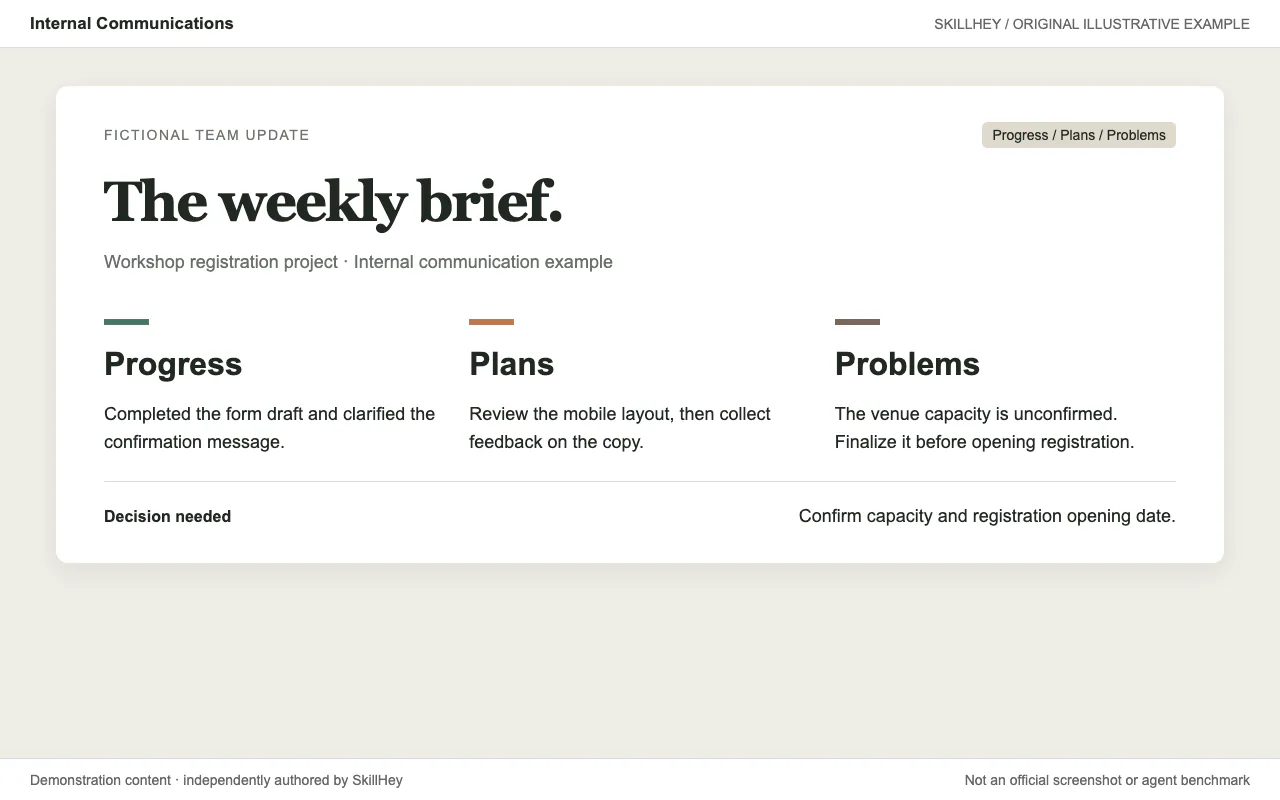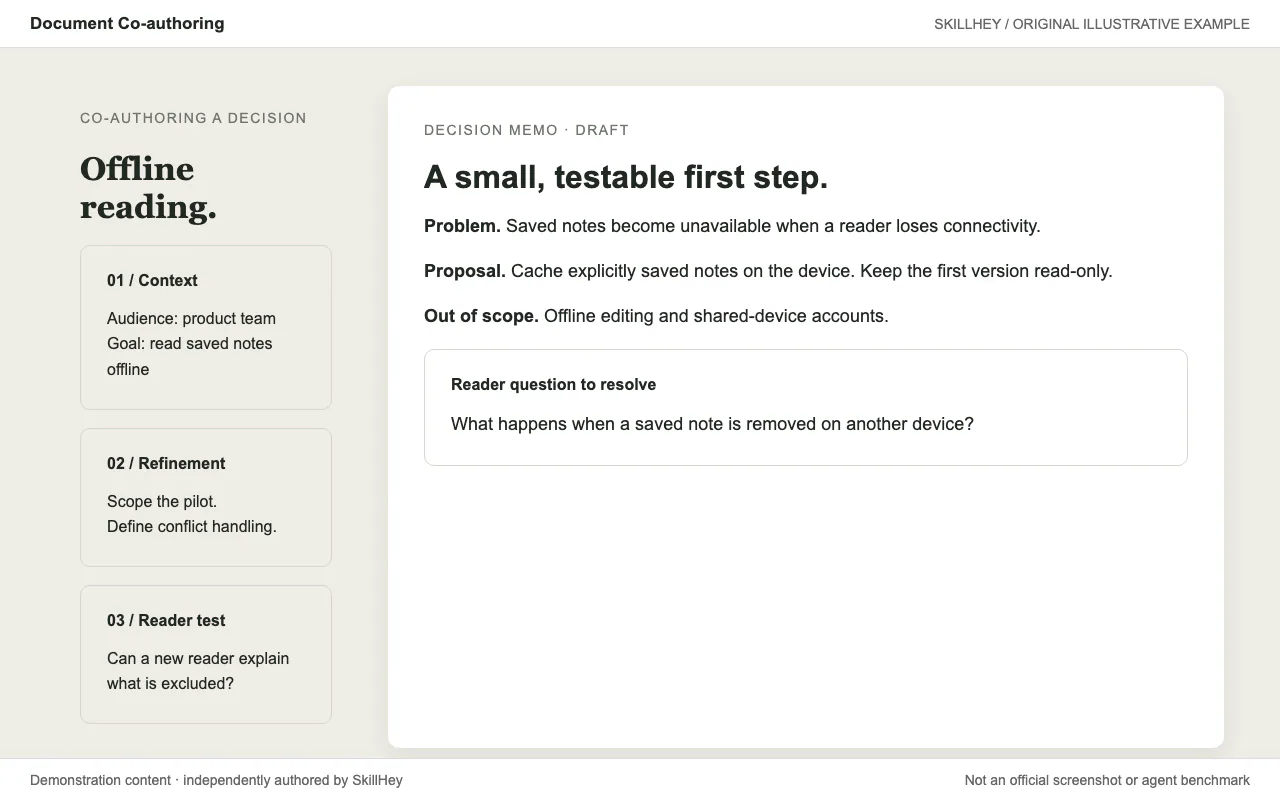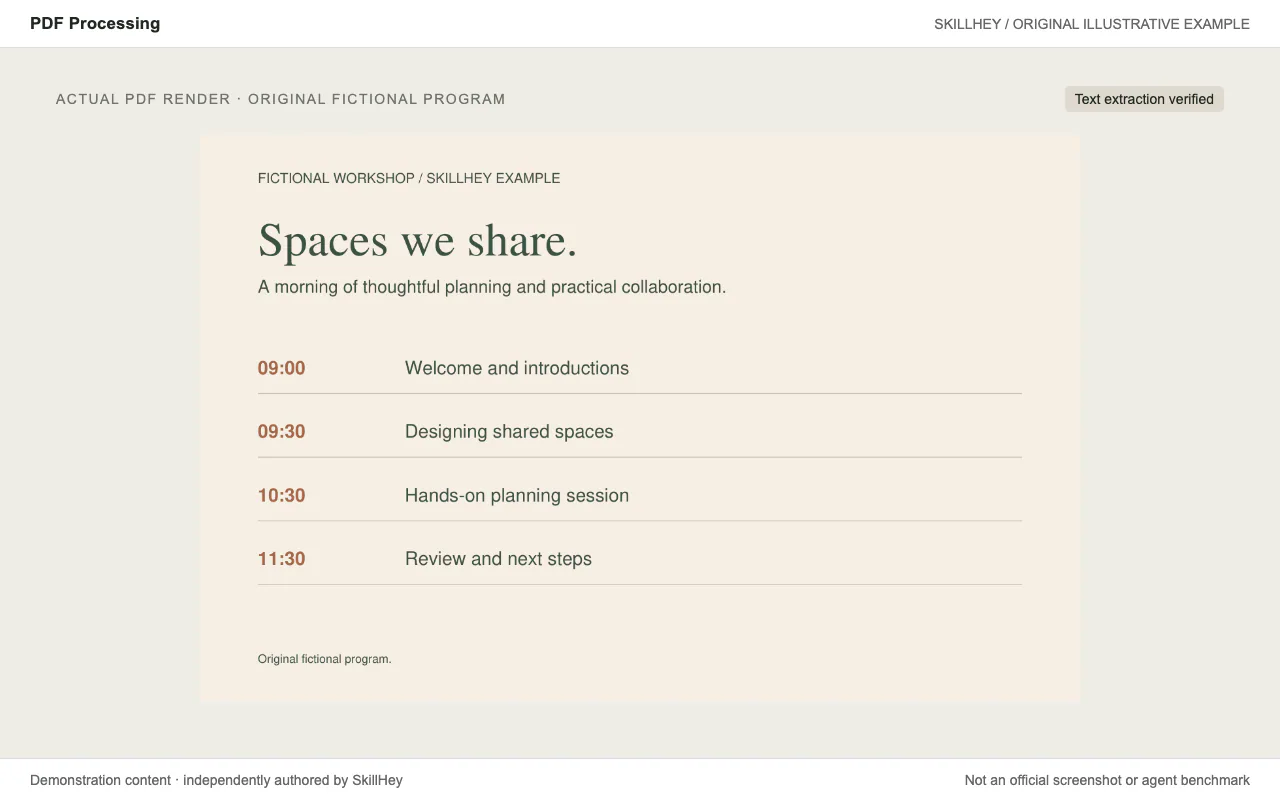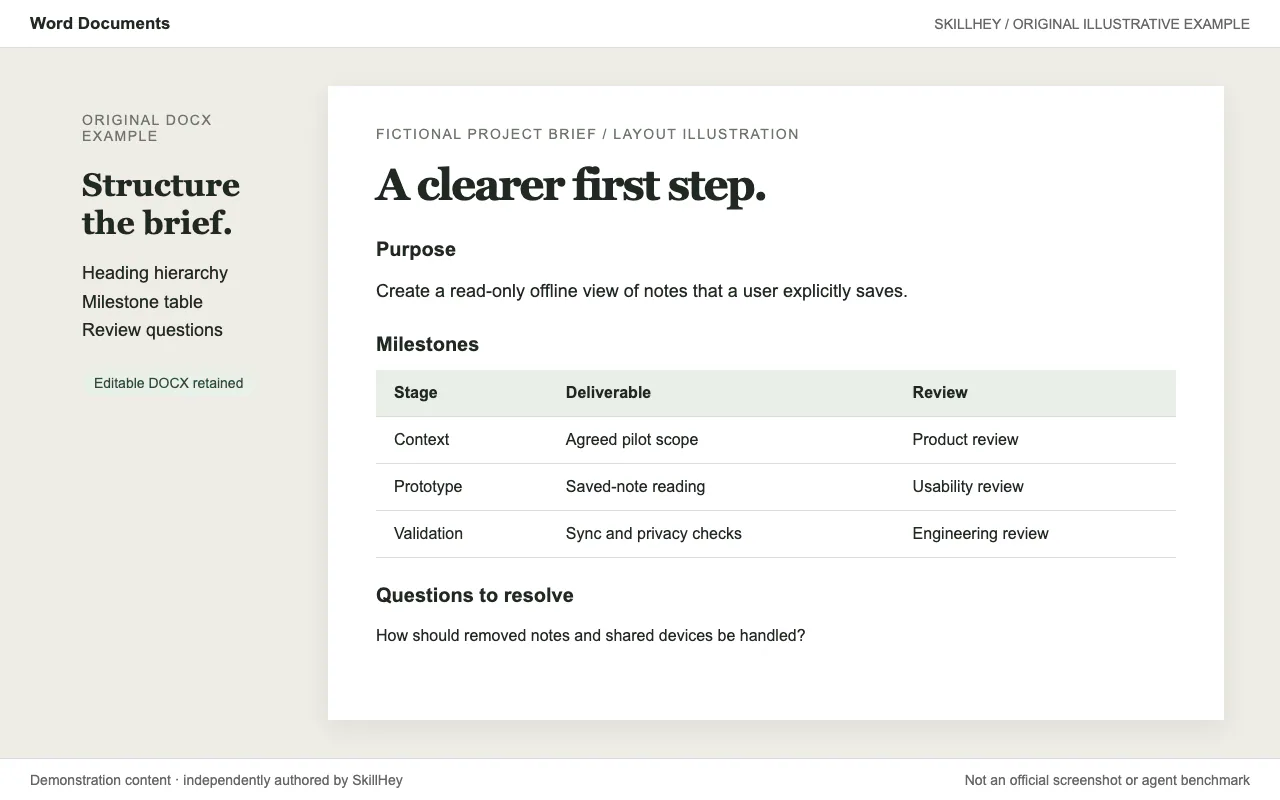
Two-page Word project brief layout illustration with heading levels and a milestone table; an editable DOCX is retained.
Project screenshotsAbout this Skill
Create, read and edit Word documents, including headings, tables, comments and tracked changes. The workflow uses docx for new files and supporting Python/office utilities for editing and rendering.
Why we picked it
Useful when the deliverable must remain editable in Word. It distinguishes creating a document, reading it and modifying its XML, with practical rules for headings, lists, tables and package validation.
What it helps with
- Create a project brief in Word.
- Edit an existing document or template.
- Work with comments and tracked changes.
How this skill works
1. Create structured DOCX documents with deliberate layout
Choose creation with docx-js, text extraction with pandoc, or XML editing for an existing file.
2. Edit existing OOXML while preserving document structure
Build real heading and numbering structures, and set page dimensions and table widths explicitly.
3. Validate the package and visually inspect rendered pages
Validate the package and inspect a rendered document for layout errors.
An example task
Try this brief: “Create a two-page project brief with a heading hierarchy and a milestone table.”
The preview is an original SkillHey illustration of this task. Its content is fictional and is not an official Anthropic screenshot or an agent benchmark.
Second example
Try this brief: “Create a Word acceptance checklist with heading levels, owners and review criteria.”
Install this skill or its official plugin
For this skill alone, copy its complete directory into the project Skills root using the command above. The final entry is .claude/skills/docx/SKILL.md. Keep references, scripts and assets with it.
| Command | What it helps with |
|---|---|
/plugin marketplace add anthropics/skills | Register the official Claude Code marketplace. |
/plugin install document-skills@anthropic-agent-skills | Install the official plugin. This may include other skills; see its manifest. |
Official repository and plugin manifestClaude Code skill installation documentation
Dependencies and license
The workflow uses docx for new files and supporting Python/office utilities for editing and rendering.
The recipe is free to access; running an agent or external service may have its own costs.
The document skills are source-available under their own license. Review the upstream LICENSE.txt for applicable terms.
Official docx instructionsOfficial repository and plugin manifest
Before you use it
- The workflow uses docx for new files and supporting Python/office utilities for editing and rendering.
Supported agents
Frequently asked questions
Is this a separate skill?
Yes. docx has its own SKILL.md and directory. It also belongs to the Anthropic Official Skills topic.
Official sources
Based on official documentation, with practical scenarios suggested by SkillHey.