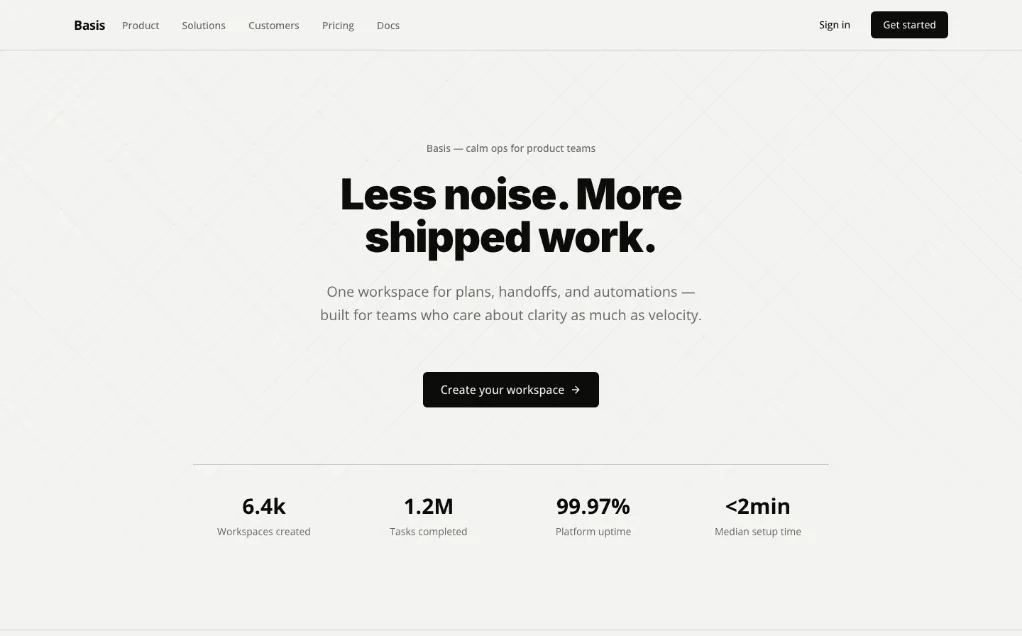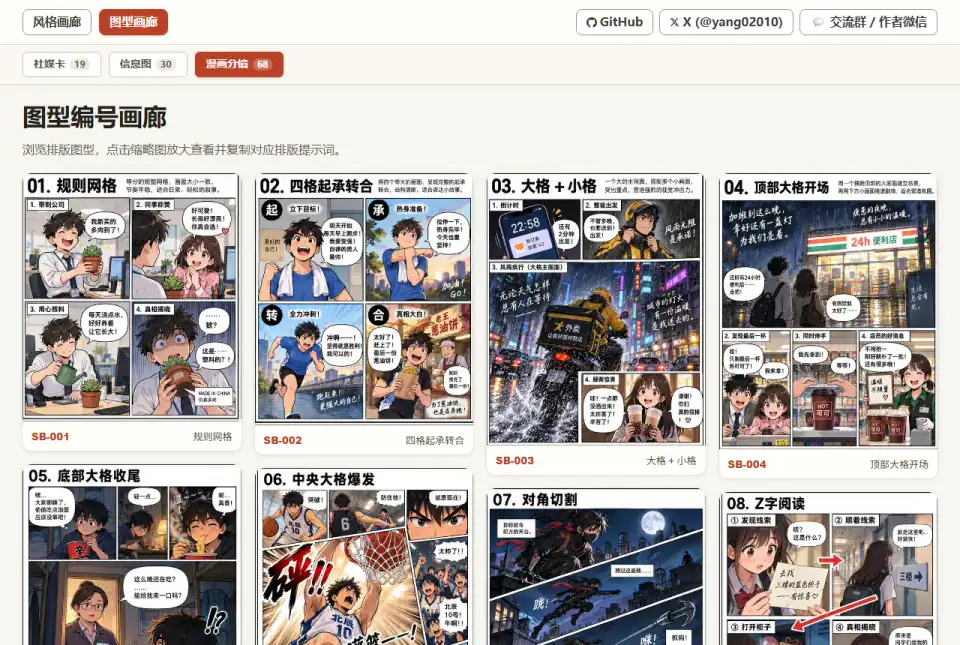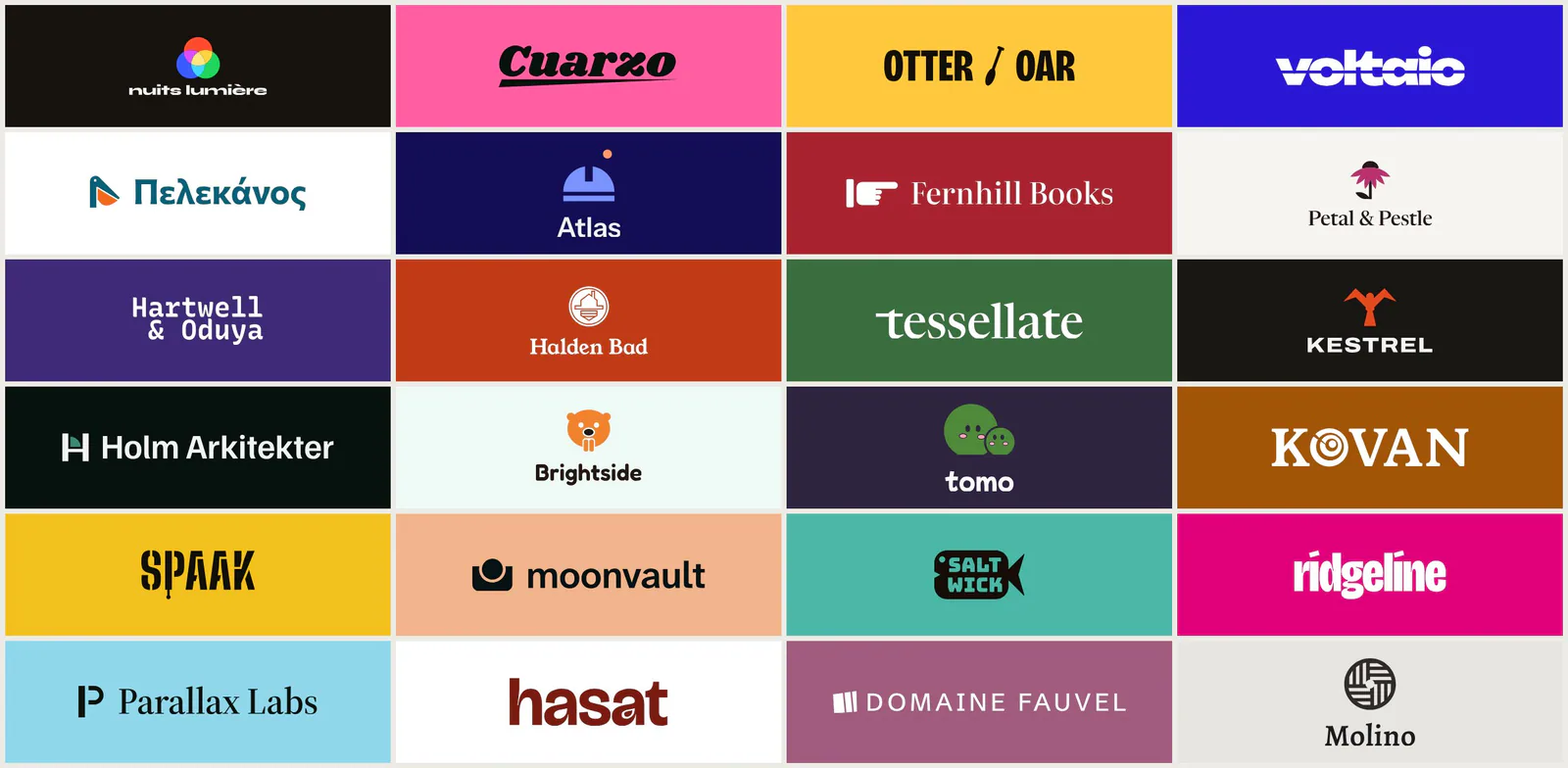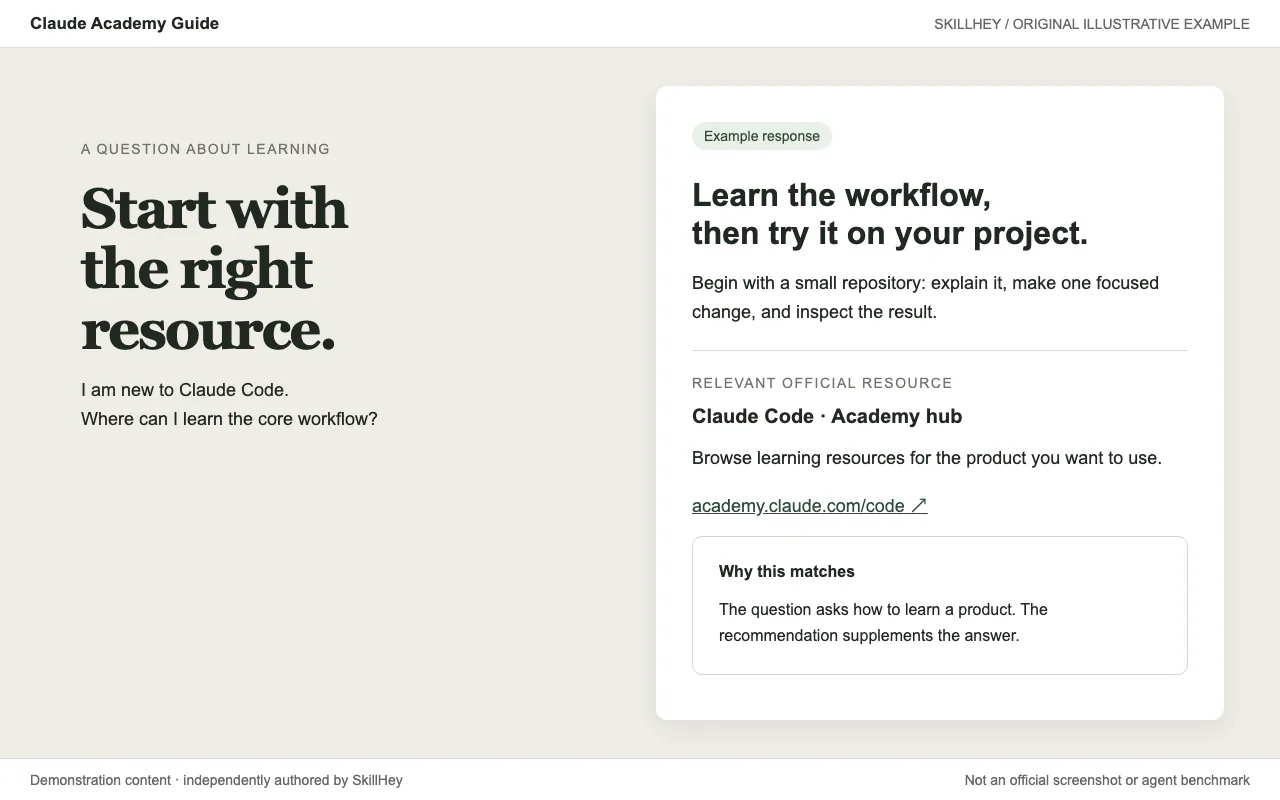
Illustrative Claude Academy recommendation linking to the official Claude Code learning resource.
Schermate del progettoInformazioni sullo Skill
Apply one of ten documented color-and-font themes to existing artifacts, or create a custom theme. An existing artifact and its rendering tools; theme fonts need to be available or substituted explicitly.
SKILL.md
Autore: Anthropic · anthropics/skills · Nessuna licenza indicata · SKILL.md @ e4bb5d9
---
name: theme-factory
description: Toolkit for styling artifacts with a theme. These artifacts can be slides, docs, reportings, HTML landing pages, etc. There are 10 pre-set themes with colors/fonts that you can apply to any artifact that has been creating, or can generate a new theme on-the-fly.
license: Complete terms in LICENSE.txt
---


# Theme Factory Skill

This skill provides a curated collection of professional font and color themes themes, each with carefully selected color palettes and font pairings. Once a theme is chosen, it can be applied to any artifact.

## Purpose

To apply consistent, professional styling to presentation slide decks, use this skill. Each theme includes:
- A cohesive color palette with hex codes
- Complementary font pairings for headers and body text
- A distinct visual identity suitable for different contexts and audiences

## Usage Instructions

To apply styling to a slide deck or other artifact:

1. **Show the theme showcase**: Display the `theme-showcase.pdf` file to allow users to see all available themes visually. Do not make any modifications to it; simply show the file for viewing.
2. **Ask for their choice**: Ask which theme to apply to the deck
3. **Wait for selection**: Get explicit confirmation about the chosen theme
4. **Apply the theme**: Once a theme has been chosen, apply the selected theme's colors and fonts to the deck/artifact

## Themes Available

The following 10 themes are available, each showcased in `theme-showcase.pdf`:

1. **Ocean Depths** - Professional and calming maritime theme
2. **Sunset Boulevard** - Warm and vibrant sunset colors
3. **Forest Canopy** - Natural and grounded earth tones
4. **Modern Minimalist** - Clean and contemporary grayscale
5. **Golden Hour** - Rich and warm autumnal palette
6. **Arctic Frost** - Cool and crisp winter-inspired theme
7. **Desert Rose** - Soft and sophisticated dusty tones
8. **Tech Innovation** - Bold and modern tech aesthetic
9. **Botanical Garden** - Fresh and organic garden colors
10. **Midnight Galaxy** - Dramatic and cosmic deep tones

## Theme Details

Each theme is defined in the `themes/` directory with complete specifications including:
- Cohesive color palette with hex codes
- Complementary font pairings for headers and body text
- Distinct visual identity suitable for different contexts and audiences

## Application Process

After a preferred theme is selected:
1. Read the corresponding theme file from the `themes/` directory
2. Apply the specified colors and fonts consistently throughout the deck
3. Ensure proper contrast and readability
4. Maintain the theme's visual identity across all slides

## Create your Own Theme
To handle cases where none of the existing themes work for an artifact, create a custom theme. Based on provided inputs, generate a new theme similar to the ones above. Give the theme a similar name describing what the font/color combinations represent. Use any basic description provided to choose appropriate colors/fonts. After generating the theme, show it for review and verification. Following that, apply the theme as described above.
Perché lo abbiamo scelto
Useful when an artifact needs a coherent visual theme. It offers ten documented palette and typography combinations, with the option to create a custom theme after the user chooses a direction.
A cosa serve
- Restyle a report consistently.
- Compare visual themes for a deck.
- Create a custom artifact theme.
How this skill works
1. Present the theme options before applying one
Show the theme showcase and let the user select a suitable direction.
2. Use the chosen palette and typography consistently
Read the chosen theme's exact colors and fonts before applying them.
3. Restyle an existing artifact while preserving its content
Apply the theme consistently across the artifact, or generate a custom theme when requested.
An example task
Try this brief: “Show the same fictional report in Ocean Depths and Forest Canopy themes.”
The preview is an original SkillHey illustration of this task. Its content is fictional and is not an official Anthropic screenshot or an agent benchmark.
Second example
Try this brief: “Create a custom visual theme called Cedar & Linen and apply it to an event invitation.”
Install this skill or its official plugin
For this skill alone, copy its complete directory into the project Skills root using the command above. The final entry is .claude/skills/theme-factory/SKILL.md. Keep references, scripts and assets with it.
| Comando | A cosa serve |
|---|---|
/plugin marketplace add anthropics/skills | Register the official Claude Code marketplace. |
/plugin install example-skills@anthropic-agent-skills | Install the official plugin. This may include other skills; see its manifest. |
Official repository and plugin manifestClaude Code skill installation documentation
Dependencies and license
An existing artifact and its rendering tools; theme fonts need to be available or substituted explicitly.
The recipe is free to access; running an agent or external service may have its own costs.
Review this skill’s LICENSE.txt before redistributing its files.
Official theme-factory instructionsOfficial repository and plugin manifest
Prima di usarlo
- An existing artifact and its rendering tools; theme fonts need to be available or substituted explicitly.
Agenti supportati
Domande frequenti
Is this a separate skill?
Yes. theme-factory has its own SKILL.md and directory. It also belongs to the Anthropic Official Skills topic.
Fonti e riferimenti
Le fonti originali sono collegate qui sotto. Gli spunti pratici sono suggerimenti editoriali di SkillHey.