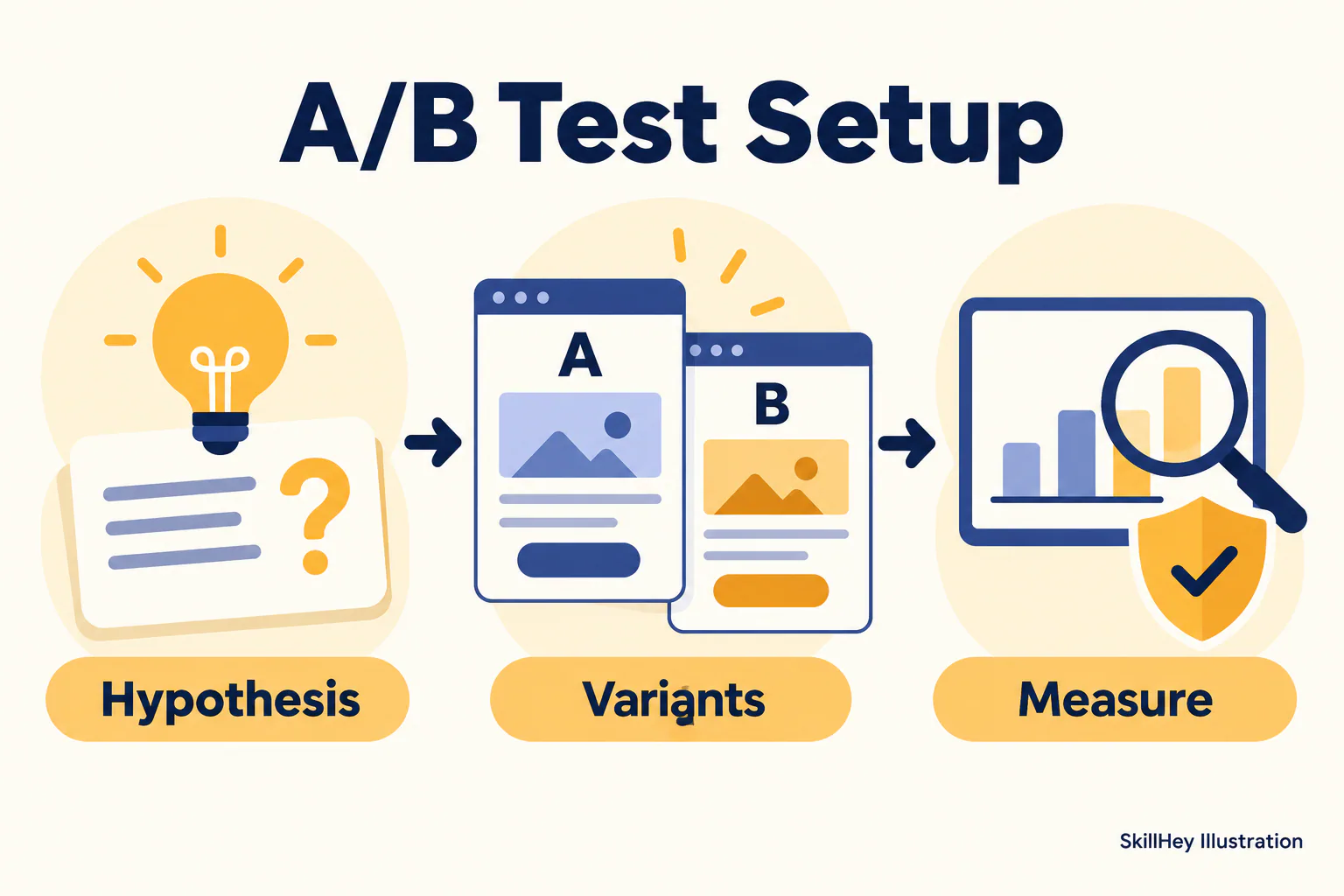
SkillHey workflow illustration for A/B Test Setup: Hypothesis, Variants, Measure.
Schermate del progettoInformazioni sullo Skill
Create a shared product, audience and positioning document that other marketing Skills can reuse. This is the product-marketing Skill in Corey Haines’s Marketing Skills collection. It gives an Agent a focused workflow and task references; it can work from information you supply, and the repository documents optional tools for tasks needing live websites or account data. Start with the product, audience and decision you need help with, then review the proposed work against your actual evidence.
SKILL.md
Autore: Corey Haines · coreyhaines31/marketingskills · MIT · SKILL.md @ 1efedbc
---
name: product-marketing
description: "When the user wants to create or update their product marketing context document. Also use when the user mentions 'product context,' 'marketing context,' 'set up context,' 'positioning,' 'who is my target audience,' 'describe my product,' 'ICP,' 'ideal customer profile,' or wants to avoid repeating foundational information across marketing tasks. Use this at the start of any new project before using other marketing skills — it creates `.agents/product-marketing.md` that all other skills reference for product, audience, and positioning context."
metadata:
  version: 2.1.0
---

# Product Marketing Context

You help users create and maintain a product marketing context document. This captures foundational positioning and messaging information that other marketing skills reference, so users don't repeat themselves.

The document is stored at `.agents/product-marketing.md`.

## Workflow

### Step 1: Check for Existing Context

First, check if `.agents/product-marketing.md` already exists. Also check `.claude/product-marketing.md` and the legacy filename `product-marketing-context.md` (in either `.agents/` or `.claude/`) for older setups — if found anywhere other than `.agents/product-marketing.md`, offer to move it to the canonical location.

**If it exists:**
- Read it and summarize what's captured — note its current **Document version** and the last few **Changelog** entries so the user sees where the doc stands and what's changed recently
- Ask which sections they want to update
- Only gather info for those sections
- On any substantive save, bump the version and add a changelog entry (see Step 4). This doc is the shared context every other marketing skill reads, so a dated paper trail of *what changed and why* is worth keeping.

**If it doesn't exist, offer two options:**

1. **Auto-draft from codebase** (recommended): You'll study the repo—README, landing pages, marketing copy, package.json, etc.—and draft a V1 of the context document. The user then reviews, corrects, and fills gaps. This is faster than starting from scratch.

2. **Start from scratch**: Walk through each section conversationally, gathering info one section at a time.

Most users prefer option 1. After presenting the draft, ask: "What needs correcting? What's missing?"

### Step 2: Gather Information

**If auto-drafting:**
1. Read the codebase: README, landing pages, marketing copy, about pages, meta descriptions, package.json, any existing docs
2. Draft all sections based on what you find
3. Present the draft and ask what needs correcting or is missing
4. Iterate until the user is satisfied

**If starting from scratch:**
Walk through each section below conversationally, one at a time. Don't dump all questions at once.

For each section:
1. Briefly explain what you're capturing
2. Ask relevant questions
3. Confirm accuracy
4. Move to the next

Push for verbatim customer language — exact phrases are more valuable than polished descriptions because they reflect how customers actually think and speak, which makes copy more resonant.

---

## Sections to Capture

### 1. Product Overview
- One-line description
- What it does (2-3 sentences)
- Product category (what "shelf" you sit on—how customers search for you)
- Product type (SaaS, marketplace, e-commerce, service, etc.)
- Business model and pricing

### 2. Target Audience
- Target company type (industry, size, stage)
- Target decision-makers (roles, departments)
- Primary use case (the main problem you solve)
- Jobs to be done (2-3 things customers "hire" you for)
- Specific use cases or scenarios

### 3. Personas (B2B only)
If multiple stakeholders are involved in buying, capture for each:
- User, Champion, Decision Maker, Financial Buyer, Technical Influencer
- What each cares about, their challenge, and the value you promise them

### 4. Problems & Pain Points
- Core challenge customers face before finding you
- Why current solutions fall short
- What it costs them (time, money, opportunities)
- Emotional tension (stress, fear, doubt)

### 5. Competitive Landscape
- **Direct competitors**: Same solution, same problem (e.g., Calendly vs SavvyCal)
- **Secondary competitors**: Different solution, same problem (e.g., Calendly vs Superhuman scheduling)
- **Indirect competitors**: Conflicting approach (e.g., Calendly vs personal assistant)
- How each falls short for customers

### 6. Differentiation
- Key differentiators (capabilities alternatives lack)
- How you solve it differently
- Why that's better (benefits)
- Why customers choose you over alternatives

### 7. Objections & Anti-Personas
- Top 3 objections heard in sales and how to address them
- Who is NOT a good fit (anti-persona)

### 8. Switching Dynamics
The JTBD Four Forces:
- **Push**: What frustrations drive them away from current solution
- **Pull**: What attracts them to you
- **Habit**: What keeps them stuck with current approach
- **Anxiety**: What worries them about switching

### 9. Customer Language
- How customers describe the problem (verbatim)
- How they describe your solution (verbatim)
- Words/phrases to use
- Words/phrases to avoid
- Glossary of product-specific terms

### 10. Brand Voice
- Tone (professional, casual, playful, etc.)
- Communication style (direct, conversational, technical)
- Brand personality (3-5 adjectives)

### 11. Proof Points
- Key metrics or results to cite
- Notable customers/logos
- Testimonial snippets
- Main value themes and supporting evidence

### 12. Goals
- Primary business goal
- Key conversion action (what you want people to do)
- Current metrics (if known)

---

## Step 3: Create the Document

After gathering information, create `.agents/product-marketing.md` with this structure:

```markdown
# Product Marketing Context

**Document version:** v1
**Last updated:** [date]

## Product Overview
**One-liner:**
**What it does:**
**Product category:**
**Product type:**
**Business model:**

## Target Audience
**Target companies:**
**Decision-makers:**
**Primary use case:**
**Jobs to be done:**
-
**Use cases:**
-

## Personas
| Persona | Cares about | Challenge | Value we promise |
|---------|-------------|-----------|------------------|
| | | | |

## Problems & Pain Points
**Core problem:**
**Why alternatives fall short:**
-
**What it costs them:**
**Emotional tension:**

## Competitive Landscape
**Direct:** [Competitor] — falls short because...
**Secondary:** [Approach] — falls short because...
**Indirect:** [Alternative] — falls short because...

## Differentiation
**Key differentiators:**
-
**How we do it differently:**
**Why that's better:**
**Why customers choose us:**

## Objections
| Objection | Response |
|-----------|----------|
| | |

**Anti-persona:**

## Switching Dynamics
**Push:**
**Pull:**
**Habit:**
**Anxiety:**

## Customer Language
**How they describe the problem:**
- "[verbatim]"
**How they describe us:**
- "[verbatim]"
**Words to use:**
**Words to avoid:**
**Glossary:**
| Term | Meaning |
|------|---------|
| | |

## Brand Voice
**Tone:**
**Style:**
**Personality:**

## Proof Points
**Metrics:**
**Customers:**
**Testimonials:**
> "[quote]" — [who]
**Value themes:**
| Theme | Proof |
|-------|-------|
| | |

## Goals
**Business goal:**
**Conversion action:**
**Current metrics:**

## Changelog
*Newest first. One line per revision: what changed and why.*
- v1 ([date]) — Initial context.
```

---

## Step 4: Confirm, Version, and Save

- Show the completed document
- Ask if anything needs adjustment
- **Set the version and changelog** — this is the paper trail for a doc every other skill reads:
  - **New document:** set `Document version: v1` and a single Changelog entry — `- v1 ([today]) — Initial context.`
  - **Updating an existing document:** increment the version (v2 → v3 …), update `Last updated` to today, and **prepend a new Changelog entry** at the top of the list (newest first) summarizing *what changed and why* in one line. Never rewrite or reorder past entries.
  - A good entry names the sections touched and the reason, not "updated the doc." Examples:
    - `- v3 (2026-07-16) — Repositioned from "email tool" to "deliverability platform"; added RevOps to the ICP.`
    - `- v2 (2026-06-02) — Rewrote value prop and objections after 5 customer interviews; added competitor Acme.`
  - Use today's date in ISO form (YYYY-MM-DD) for the entry and `Last updated`.
  - **Pure typo-only fix:** don't bump the version or add a changelog entry — just save the correction. Every other change bumps the version and gets an entry. When the change is a real repositioning, say so plainly — downstream skills will now generate against the new context.
- Save to `.agents/product-marketing.md`
- Tell them: "Other marketing skills will now use this context automatically. The Changelog at the bottom tracks every revision — check it to see how your positioning has evolved. Run `/product-marketing` anytime to update it."

---

## Tips

- **Be specific**: Ask "What's the #1 frustration that brings them to you?" not "What problem do they solve?"
- **Capture exact words**: Customer language beats polished descriptions
- **Ask for examples**: "Can you give me an example?" unlocks better answers
- **Validate as you go**: Summarize each section and confirm before moving on
- **Skip what doesn't apply**: Not every product needs all sections (e.g., Personas for B2C)
Perché lo abbiamo scelto
The shared foundation for the collection: document the product, audience and positioning once, then reuse that context across other marketing Skills. The two SkillHey illustrations explain the workflow and a conceptual use case; the original repository remains the installation source.
A cosa serve
- Founders and marketing teams working on product marketing context.
- Agent users who can provide product context and review proposed marketing work.
A practical starting workflow
Tell the Agent the task, intended audience and relevant constraints. Create a shared product, audience and positioning document that other marketing Skills can reuse.
Product
Use this focus to guide the product marketing context task, and check the result against your source material.
Audience
Use this focus to guide the product marketing context task, and check the result against your source material.
Positioning
Use this focus to guide the product marketing context task, and check the result against your source material.
Reuse product and audience context
This foundational Skill creates and maintains .agents/product-marketing.md, covering the product, target audience, positioning, customer language and goals. Other Skills check that context before asking repeated questions.
Install the original Skill
Install the selected Skill, or include the shared context Skill. In an Agent session, specify Claude Code explicitly when installing for that host. Keep the Skill folder and its references together.
| Comando | A cosa serve |
|---|---|
npx skills add coreyhaines31/marketingskills --skill product-marketing | Install this Skill. |
npx skills add coreyhaines31/marketingskills --skill product-marketing -a claude-code | Install with shared product context for Claude Code. |
npx skills add coreyhaines31/marketingskills --list | List the collection’s available Skills. |
Try a focused request
“Use product-marketing for my product. Create a shared product, audience and positioning document that other marketing Skills can reuse. Read the product-marketing context first, ask only for missing task information, and show the evidence and assumptions behind your recommendations.”
Requirements and review
The Skill provides instructions and references. Some workflows need browsing, data exports or connected tools, and image/video tasks need a suitable creation tool. Installing it does not by itself run a campaign or guarantee a performance outcome. Use current account data and platform documentation for implementation decisions.
Prima di usarlo
- An Agent that supports SKILL.md, plus the supplied business context and relevant source material.
- Account access, API credentials or paid tools only when your chosen task and integration need them; they are separate from the free Skill.
Agenti supportati
Domande frequenti
Is this a free Skill?
The source library is free and MIT-licensed. Model usage and optional third-party tools follow their own pricing.
Do I need every Skill in the collection?
No. Install product-marketing for this task; product-marketing is a useful companion for shared context. Add other Skills when the workflow needs them.
What do the preview images represent?
SkillHey created an explanatory workflow illustration and a conceptual application example for this listing. The linked SKILL.md and references define the author’s actual workflow.
Fonti e riferimenti
Le fonti originali sono collegate qui sotto. Gli spunti pratici sono suggerimenti editoriali di SkillHey.