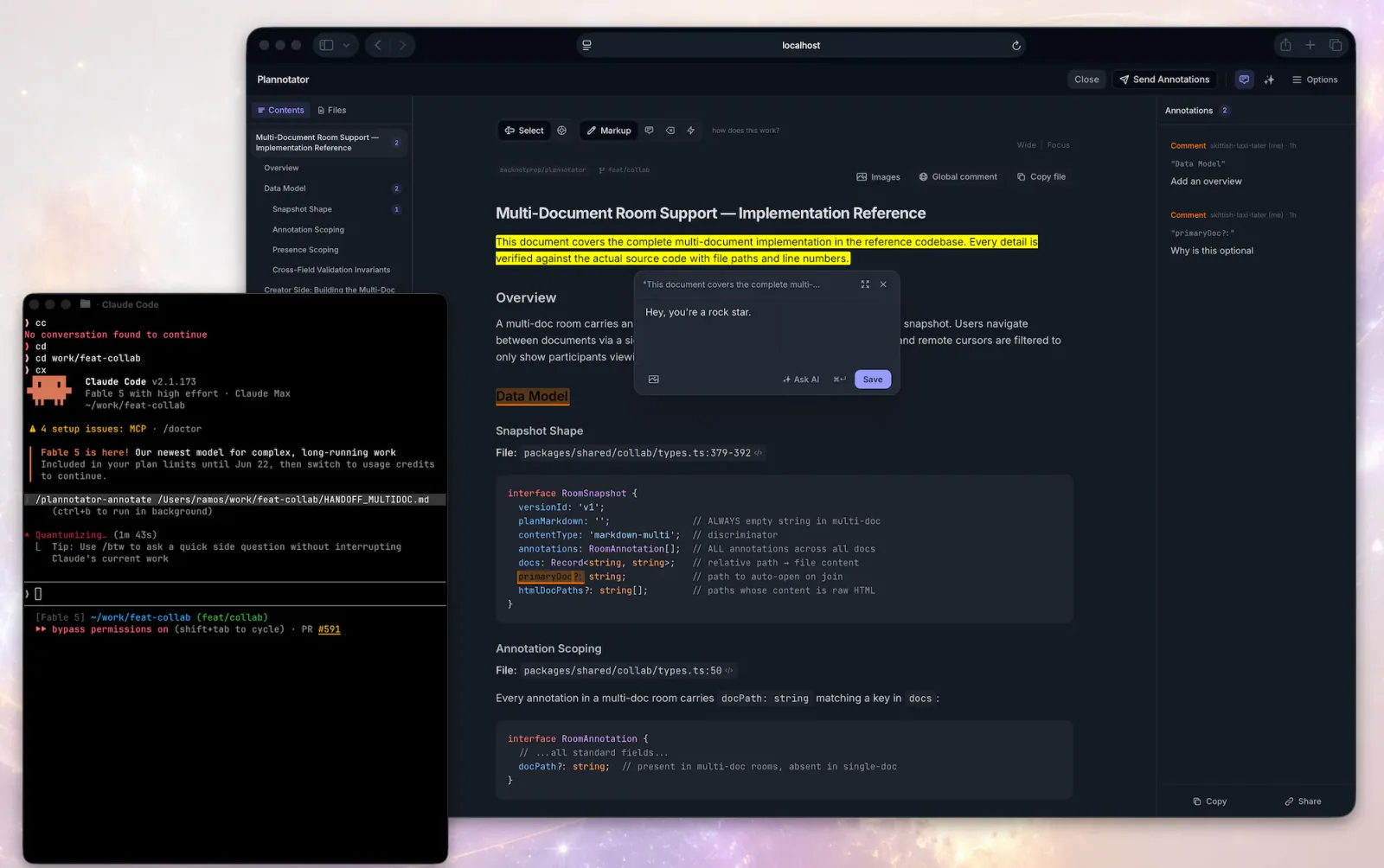
Plannotator inline annotation interface
Schermate del progettoInformazioni sullo Skill
Open Plannotator's browser-based code review UI for the current worktree, another directory, or a pull request URL, then act on the feedback that comes back.
SKILL.md
Autore: backnotprop · backnotprop/plannotator · Apache-2.0 · SKILL.md @ 5fb90d0
---
name: plannotator-review
description: Open Plannotator's browser-based code review UI for the current worktree, another directory, or a pull request URL, then act on the feedback that comes back.
disable-model-invocation: true
---

# Plannotator Review

Use this skill when the user wants to review current code changes in Plannotator instead of reading a diff inline.

Run:

```bash
plannotator review [--base <ref>] [--diff-type <type>] [directory-or-pr-url]
```

Reviewing one layer of a stacked branch? Pass `--base <the branch immediately below yours>` so the review shows only what this layer adds, instead of everything since `main`. Both flags are session-only (the reviewer can change either in the UI; nothing is persisted) and git-only.

To review another repository or worktree, pass its directory (relative to the current session or absolute), e.g. `plannotator review ../feature-worktree`. Quote paths containing spaces. Feedback names the selected directory; apply changes there.

Behavior:

1. Launch the command with Bash.
2. Wait for it to finish.
3. If it returns feedback or annotations, address them in the same conversation.
4. If it returns an approval/LGTM-style message, acknowledge that review passed and continue.
5. If the session closes without feedback (the output is "Review session closed without feedback." or empty), acknowledge it in one sentence and stop. Do not begin any work: closing the session is not approval.

Do not ask the user to copy shell commands into chat. Run the command yourself.
Perché lo abbiamo scelto
Upstream Plannotator workflow. Open Plannotator's browser-based code review UI for the current worktree, another directory, or a pull request URL, then act on the feedback that comes back.
Prima di usarlo
- Install Plannotator and the dependencies of the selected workflow. Maintenance tasks require the Plannotator working tree; visual explanations may also use visual-explainer.
Fonti e riferimenti
Le fonti originali sono collegate qui sotto. Gli spunti pratici sono suggerimenti editoriali di SkillHey.
