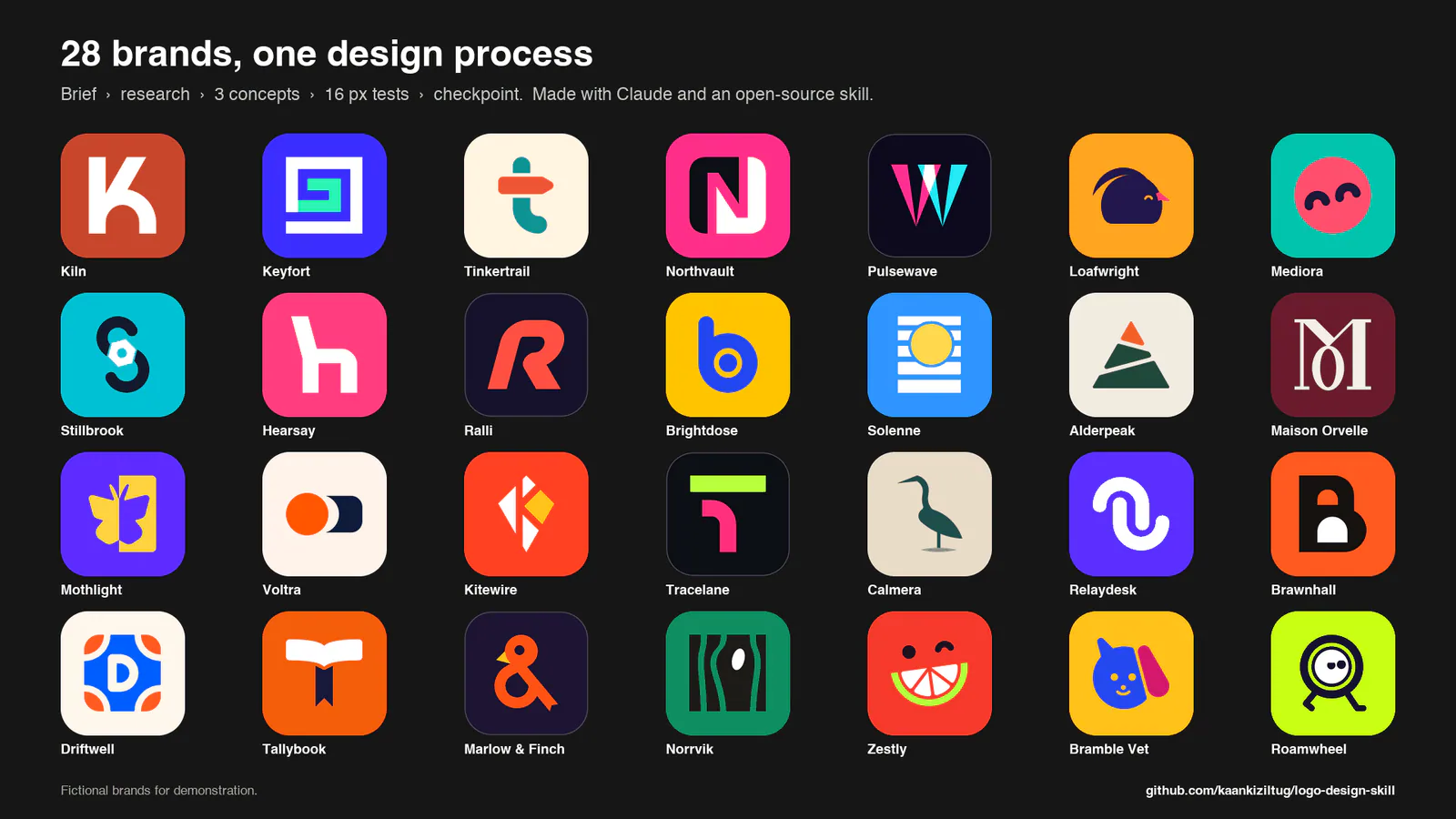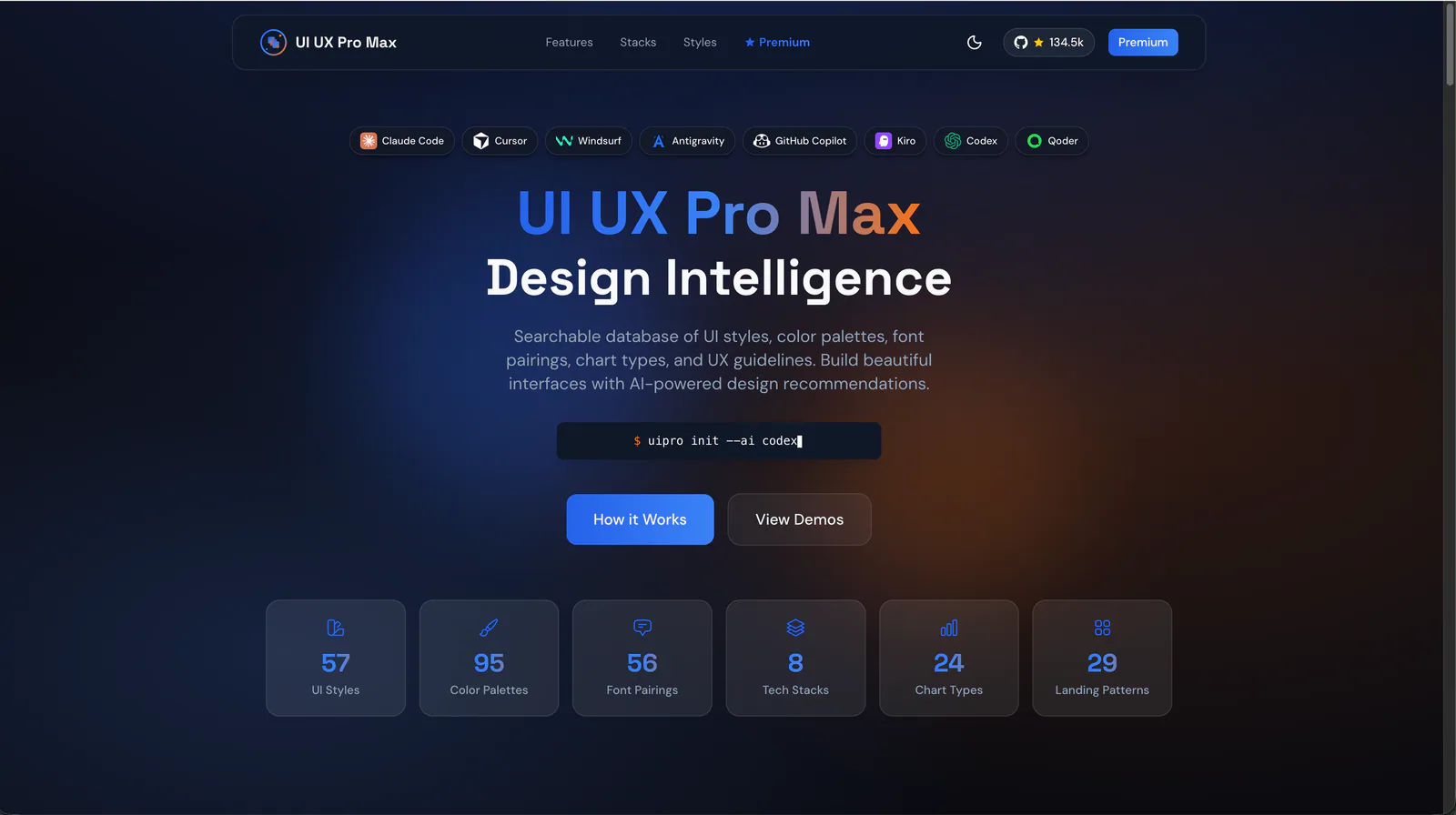
UI UX Pro Max website introduction — user-supplied screenshot; website figures may differ from the current repository.
Schermate del progettoInformazioni sullo Skill
Define brand voice, messaging and visual identity guidelines and review assets for consistency.
SKILL.md
Autore: Next Level Builder · nextlevelbuilder/ui-ux-pro-max-skill · MIT · SKILL.md @ e59ff37
---
name: brand
description: Brand voice, visual identity, messaging frameworks, asset management, brand consistency. Activate for branded content, tone of voice, marketing assets, brand compliance, style guides.
argument-hint: "[update|review|create] [args]"
metadata:
  author: claudekit
  version: "1.0.0"
---

# Brand

Brand identity, voice, messaging, asset management, and consistency frameworks.

## When to Use

- Brand voice definition and content tone guidance
- Visual identity standards and style guide development
- Messaging framework creation
- Brand consistency review and audit
- Asset organization, naming, and approval
- Color palette management and typography specs

## Script Paths

Script paths in this skill and its `references/` are relative to the directory that contains this SKILL.md, not to the project: `scripts/<file>` is this skill's own `scripts/` folder, and `../<skill>/scripts/<file>` is a sibling sub-skill installed alongside it. Build the full path from that directory (Claude Code reports it as the skill's base directory when the skill loads) and keep the working directory at the project root — the scripts read and write project files such as `docs/brand-guidelines.md`, `assets/design-tokens.json` or `src/` relative to it.

## Quick Start

**Inject brand context into prompts:**
```bash
node scripts/inject-brand-context.cjs
node scripts/inject-brand-context.cjs --json
```

**Validate an asset:**
```bash
node scripts/validate-asset.cjs <asset-path>
```

**Extract/compare colors:**
```bash
node scripts/extract-colors.cjs --palette
node scripts/extract-colors.cjs <image-path>
```

## Brand Sync Workflow

```bash
# 1. Edit docs/brand-guidelines.md (or use /brand update)
# 2. Sync to design tokens
node scripts/sync-brand-to-tokens.cjs
# 3. Verify
node scripts/inject-brand-context.cjs --json | head -20
```

The sync stops when it detects existing token files, `:root` custom properties
or Tailwind v4 `@theme` variables in common CSS entry points and their local
CSS imports, or Tailwind theme colors and presets. Review the reported source
before proceeding. If the detected files are the managed
`assets/design-tokens.*` outputs from an earlier sync and replacing them is
intentional, re-run with `--force`.

**Files synced:**
- `docs/brand-guidelines.md` → Source of truth
- `assets/design-tokens.json` → Token definitions
- `assets/design-tokens.css` → CSS variables

## Subcommands

| Subcommand | Description | Reference |
|------------|-------------|-----------|
| `update` | Update brand identity and sync to all design systems | `references/update.md` |

## References

| Topic | File |
|-------|------|
| Voice Framework | `references/voice-framework.md` |
| Visual Identity | `references/visual-identity.md` |
| Messaging | `references/messaging-framework.md` |
| Consistency | `references/consistency-checklist.md` |
| Guidelines Template | `references/brand-guideline-template.md` |
| Asset Organization | `references/asset-organization.md` |
| Color Management | `references/color-palette-management.md` |
| Typography | `references/typography-specifications.md` |
| Logo Usage | `references/logo-usage-rules.md` |
| Approval Checklist | `references/approval-checklist.md` |

## Scripts

| Script | Purpose |
|--------|---------|
| `scripts/inject-brand-context.cjs` | Extract brand context for prompt injection |
| `scripts/sync-brand-to-tokens.cjs` | Sync brand-guidelines.md → design-tokens.json/css |
| `scripts/validate-asset.cjs` | Validate asset naming, size, format |
| `scripts/extract-colors.cjs` | Extract and compare colors against palette |

## Templates

| Template | Purpose |
|----------|---------|
| `templates/brand-guidelines-starter.md` | Complete starter template for new brands |

## Routing

1. Parse subcommand from `$ARGUMENTS` (first word)
2. Load corresponding `references/{subcommand}.md`
3. Execute with remaining arguments
Perché lo abbiamo scelto
A bundled design workflow from UI UX Pro Max. Instructions and dependencies were reviewed from source; this listing does not claim a completed design run.
Install
Claude Code
From the project directory, install this skill.
npx skills add nextlevelbuilder/ui-ux-pro-max-skill --skill brand -a claude-code --copyCodex
From the project directory, install this skill.
npx skills add nextlevelbuilder/ui-ux-pro-max-skill --skill brand -a codex --copyCursor
From the project directory, install this skill.
npx skills add nextlevelbuilder/ui-ux-pro-max-skill --skill brand -a cursor --copyManual copy
Copy the complete .claude/skills/brand folder from the original repository into the project skills directory: .claude/skills/ for Claude Code or .agents/skills/ for Codex and Cursor.
Install the full pack
In Claude Code, install the UI UX Pro Max plugin and its bundled design skills.
/plugin marketplace add nextlevelbuilder/ui-ux-pro-max-skill
/plugin install ui-ux-pro-max@ui-ux-pro-max-skill
Prima di usarlo
- The UI UX Pro Max CLI and a supported coding assistant. Install the package and initialize it for your assistant in the project.
- The task relies on its bundled references; some workflows also use sibling Skills, scripts or project assets.
Agenti supportati
Fonti e riferimenti
Le fonti originali sono collegate qui sotto. Gli spunti pratici sono suggerimenti editoriali di SkillHey.