Annotate screenshots and diagrams with arrows, labels, highlights and callouts.
21Stelle0Fork
Ultimo push del repository
Workflow originali per siti web, immagini, presentazioni e contenuti in movimento.
Annotate screenshots and diagrams with arrows, labels, highlights and callouts.
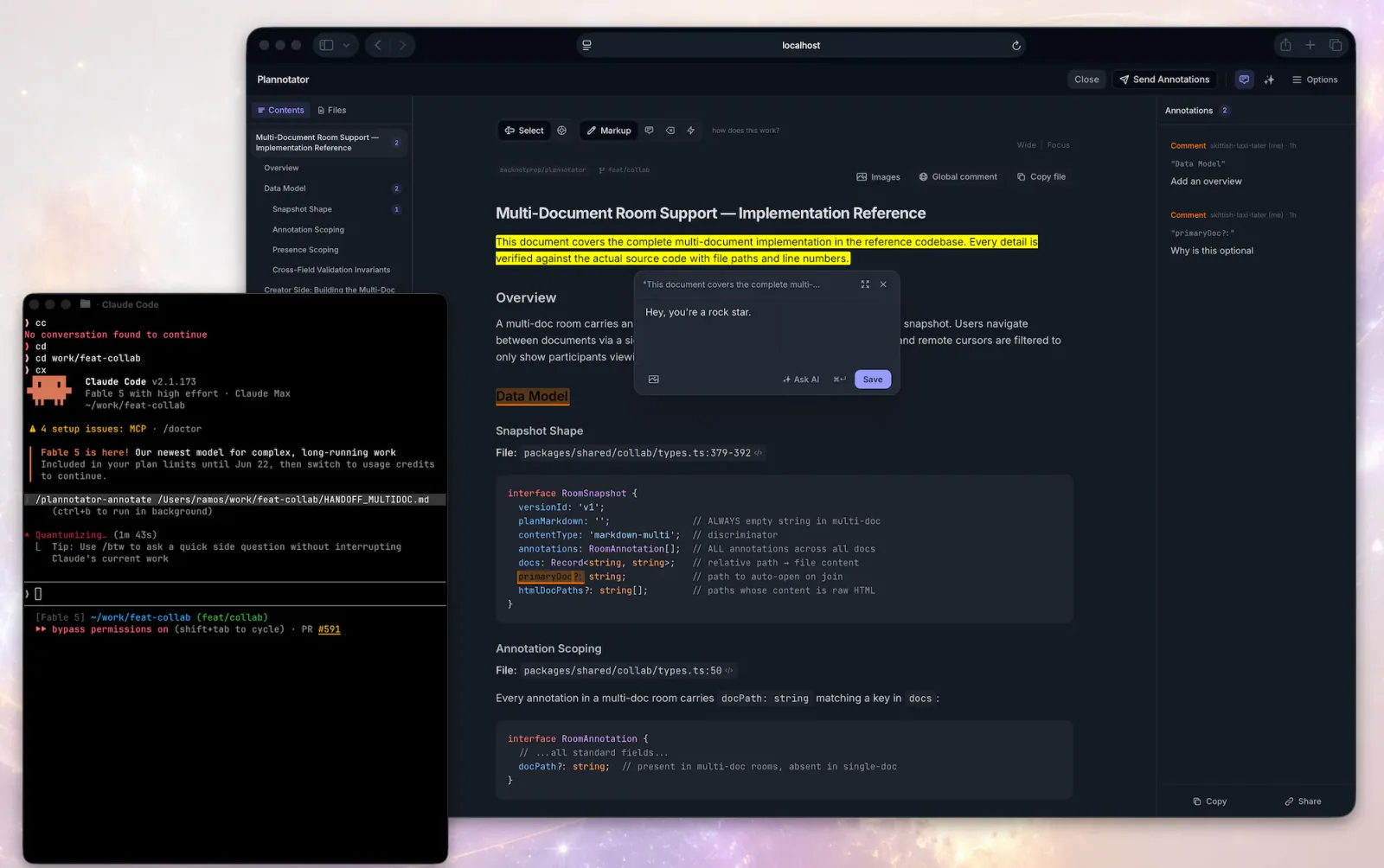
Open Plannotator on the latest rendered assistant message and use the returned annotations to revise that message or continue.
Two workflows for visual UI feedback: connect the Agentation toolbar to a React or Next.js project, then add specific design-review annotations in a visible desktop browser.
Query biological databases from Python to retrieve protein annotations and pathway records, cross-reference compounds, and map identifiers across services.
Use the gget CLI or Python package to look up gene annotations, expression data, protein structures, and enrichment results across bioinformatics resources.
Fit probabilistic models for single-cell omics, including RNA batch integration, label transfer with partial annotations, and multimodal analysis.

Write typed GDScript with the correct node lifecycle, export annotations, onready references, signals, and await.
Open Plannotator's annotation UI for a markdown file, plain-text config file (.yaml, .json, .toml, .ini, .csv, .log, …), HTML file, URL, or folder and then respond to the returned annotations.
Add the Agentation visual-feedback toolbar to a React or Next.js project, choose manual feedback or MCP sync, and verify the selected connection.
Use Plannotator for plan and code review, artifact annotations, archived decisions and asynchronous feedback.
Review a page in a visible desktop browser and add specific design critiques through Agentation, checking that each annotation was saved.
Una piccola raccolta curata con attenzione. Altri skill sono in arrivo.