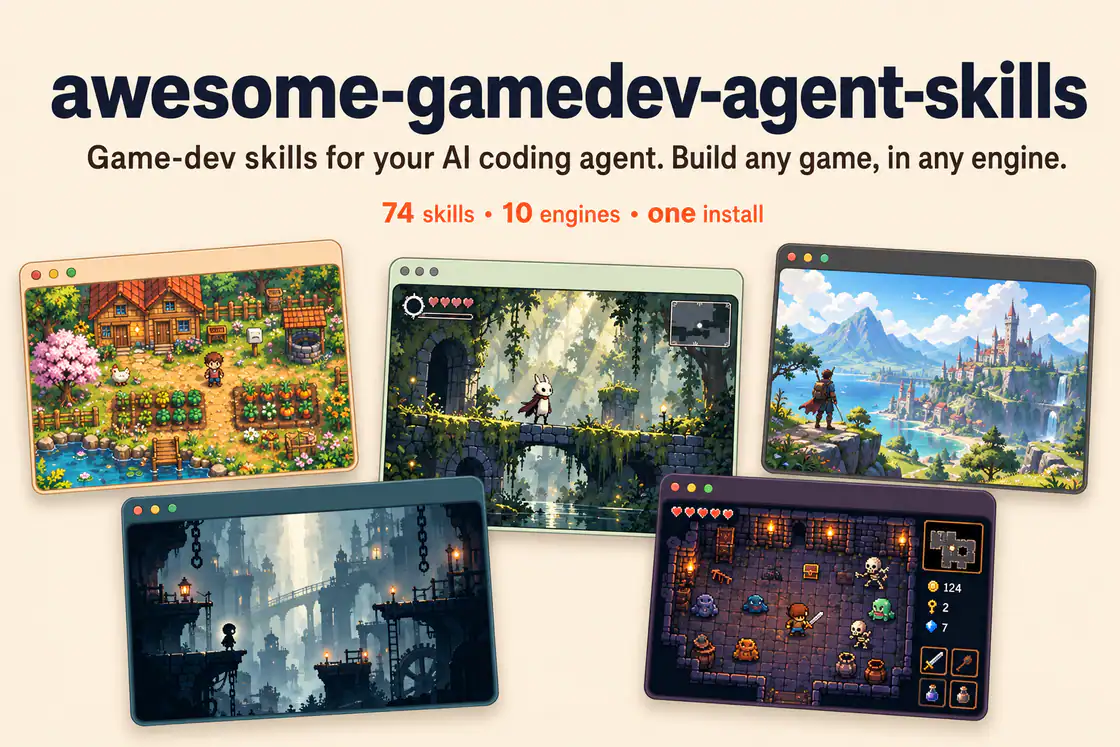
Author-provided banner showing five game scenes. Its 74-skill label reflects an earlier edition; the reviewed catalog contains 76 specialized skills plus a router.
プロジェクトのスクリーンショットこのスキルについて
Configure assemblies, constraints, collision policies, raycasts, overlap queries, forces, cleanup, and network ownership.
おすすめする理由
Provides a focused workflow, implementation patterns, and common failure checks for roblox physics & hit detection. Pair it with the detected engine and any related systems required by the task.
役立つこと
- Use when your game task needs roblox physics & hit detection.
What this skill helps you build
Configure assemblies, constraints, collision policies, raycasts, overlap queries, forces, cleanup, and network ownership.
Use it in your project
Inspect the existing project
Describe the desired behavior and share the relevant project files, engine version, and current failure or target result.
Apply the focused playbook
Configure assemblies, constraints, collision policies, raycasts, overlap queries, forces, cleanup, and network ownership.
Verify in the matching runtime
Run the project or workflow with its actual dependencies and check the changed behavior before accepting the result.
Original roblox-physics instructionsEngine versions and upgrade policy
Shared collection installation
Install the complete upstream collection with its router and keep each skill’s bundled references, scripts, and assets. The dispatcher selects an engine and the smallest relevant task set; a member listing is a focused entry into that shared package.
| コマンド | 用途と使いどころ |
|---|---|
npx skills add gamedev-skills/awesome-gamedev-agent-skills | Keep the router and supporting skill folders available together. |
使う前に
- A Roblox Studio place or Rojo project and access to the relevant server/client test modes. Persistent data and publishing use your own Roblox account.
対応エージェント
資料・参照元
元の資料は以下のリンクから確認できます。実践のヒントは SkillHey による編集上の提案です。