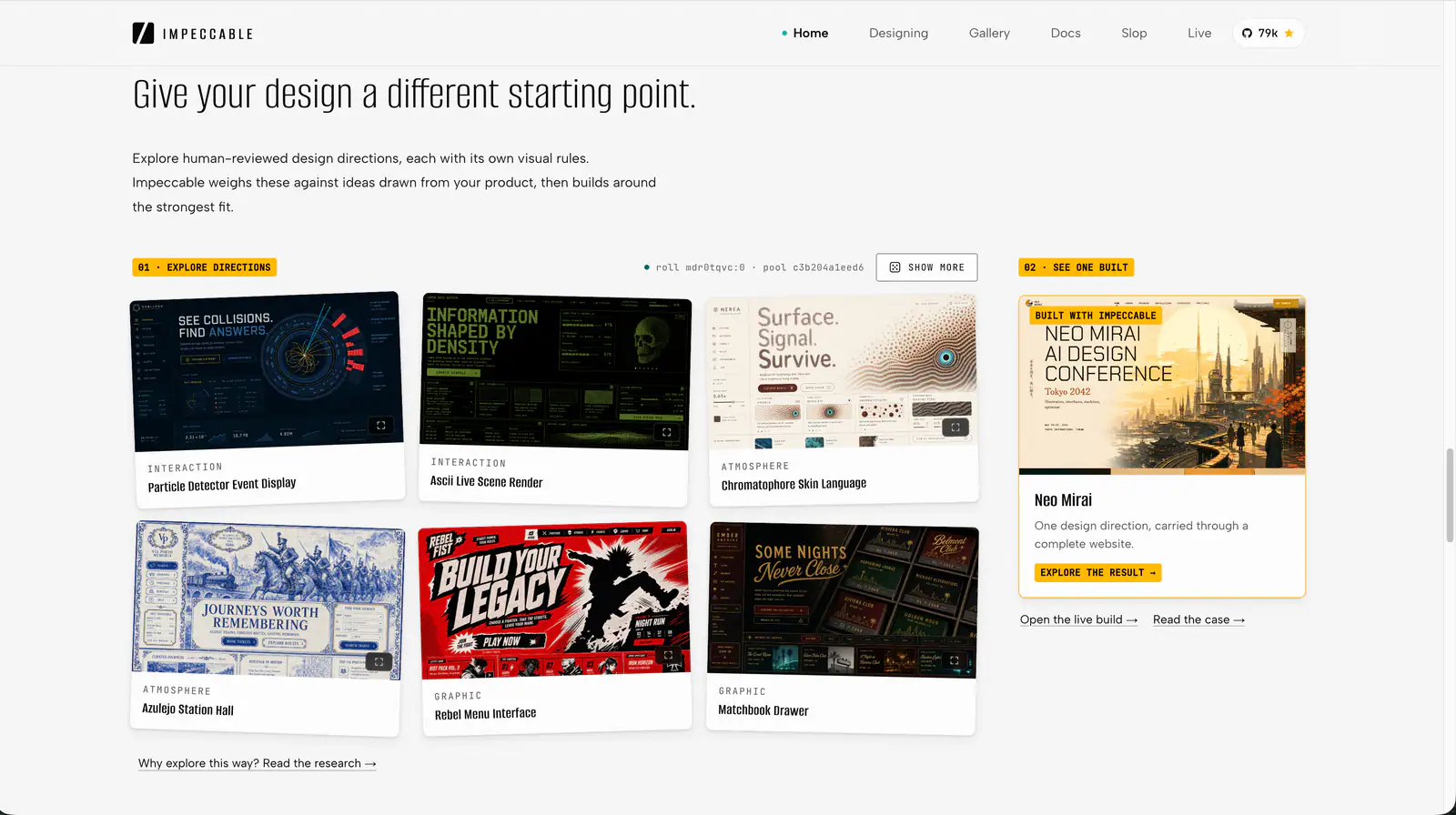
Impeccable is an AI frontend design Skill for building and refining interfaces: typography, layout, accessibility, responsive behavior and browser iteration.
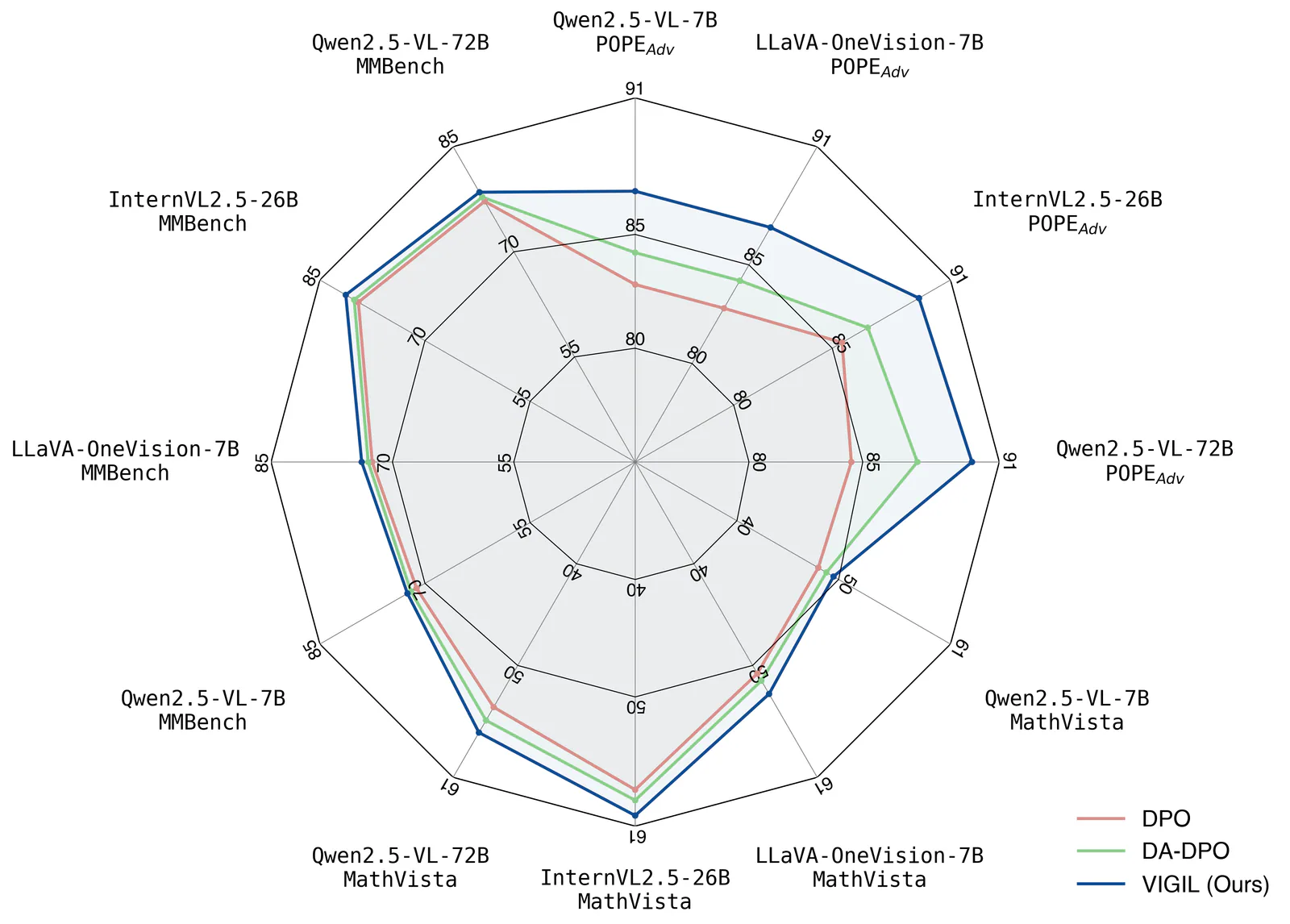
Create publication-style Matplotlib charts with an AI agent, using scientific plotting conventions, reference scripts and print or vector export guidance.
Create animated HTML presentations with a coding agent. Compare visual style previews, build a single-file deck, or turn an existing PowerPoint into web slides.
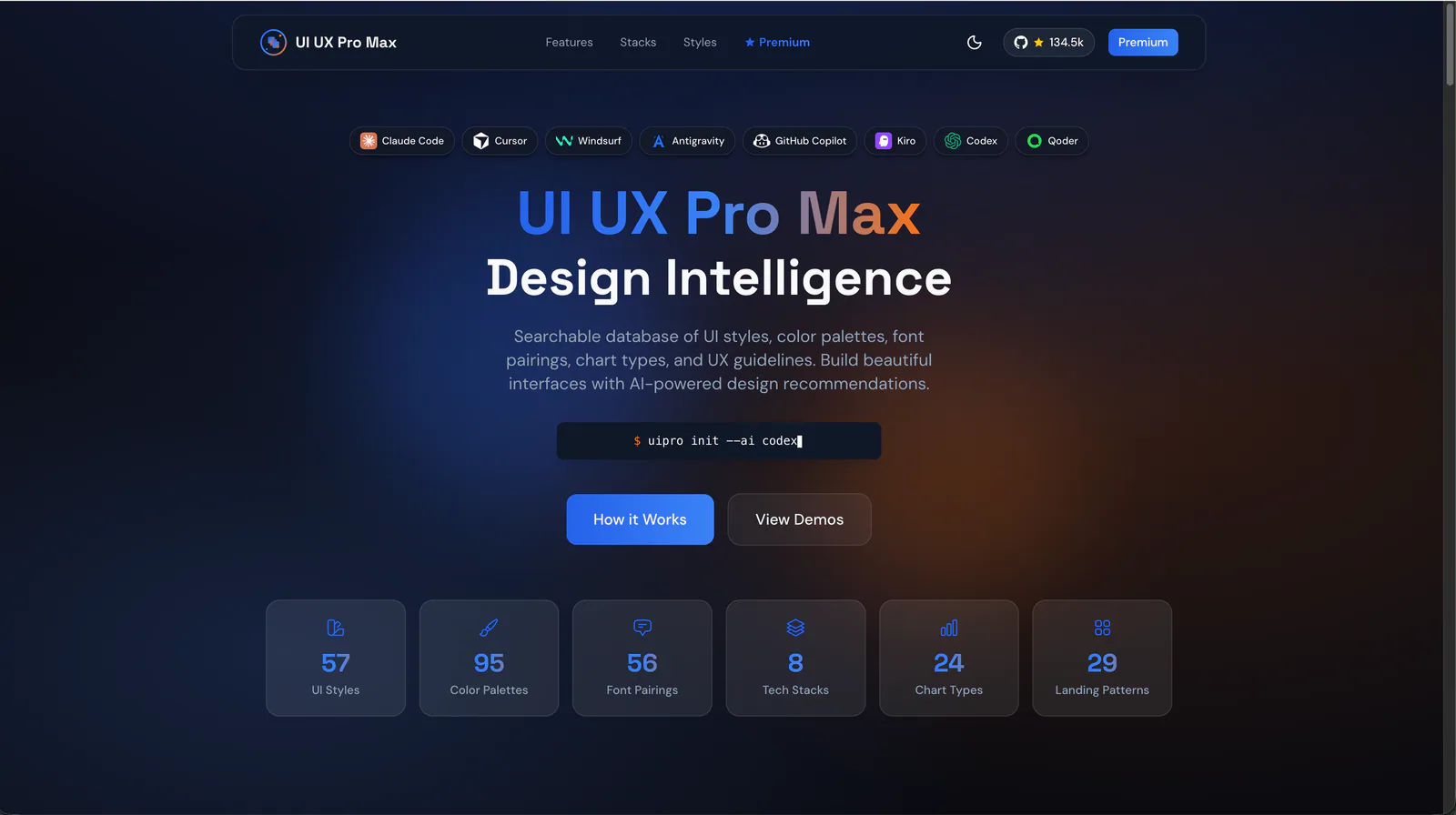
Design guidance for AI coding agents: generate a project design system, search styles, colors and typography, and apply framework-specific UI/UX recommendations to web and app interfaces.
Explore the individual skills in Anthropic’s official repository: documents, visual design, development and reusable workflows. Each entry includes its own introduction and two illustrative examples.
research skill for Claude AI. Grade A. This skill should be used when analyzing weekly price charts for stocks, stock indices, cryptocurrencies, or forex pairs. Use this skill when the user provides chart images and requests technical analysis, trend identification, support/resistance levels, scenario planning, or probability assessments based purely on chart data without consideration of news or fundamental factors.
design skill for Claude AI. Grade A. Mobile app UI design expert for iOS and Android. Use when designing app interfaces, creating design systems, ensuring accessibility, or following platform guidelines. Covers Material Design 3, Human Interface Guidelines, color theory, typography, and 2025 trends.
Prevent and remove generic AI-generated design defaults, incoherent visual choices, and established UI defects while creating, revising, or reviewing websites, apps, screenshots, mockups, and design code. Use as a passive quality gate during UI work or for an explicit anti-slop cleanup; preserve the chosen art direction instead of forcing a neutral redesign.
Use when working with color naming, color theory, color spaces, color definitions, or any task involving color knowledge - palettes, ramps, gradients, conversions, accessibility, perceptual matching, pigment mixing, print-vs-screen color, CSS color syntax, or historical color terminology. Use this skill whenever the user is choosing, comparing, generating, naming, converting, or explaining colors, even if they do not explicitly ask for "color theory."
Web platform design and accessibility guidelines. Use when building web interfaces, auditing accessibility, implementing responsive layouts, or reviewing web UI code. Triggers on tasks involving HTML, CSS, web components, WCAG compliance, responsive design, or web performance.
Audit and fix visual hierarchy, spacing, color, and depth in web UIs. Use when the user mentions "my UI looks off" (or amateur/unprofessional), "fix the design", "Tailwind styling", "color palette", "visual hierarchy", "design system", "spacing scale", or "component styling". Also trigger when building consistent design tokens, creating dark mode themes, improving data-visualization clarity, or polishing UI details before launch. Covers grayscale-first workflow, constrained design scales, shadows, and component styling. For typeface selection, see web-typography. For usability audits, see ux-heuristics.
ai-agents skill for Claude AI. Grade A. Anime and cel-shaded art direction for Blender with hard color breaks, toon shaders, clean silhouettes, and anime proportion language.