Animated job queue state machine with workers, retries and replay controls.
Capturas do projetoSobre este Skill
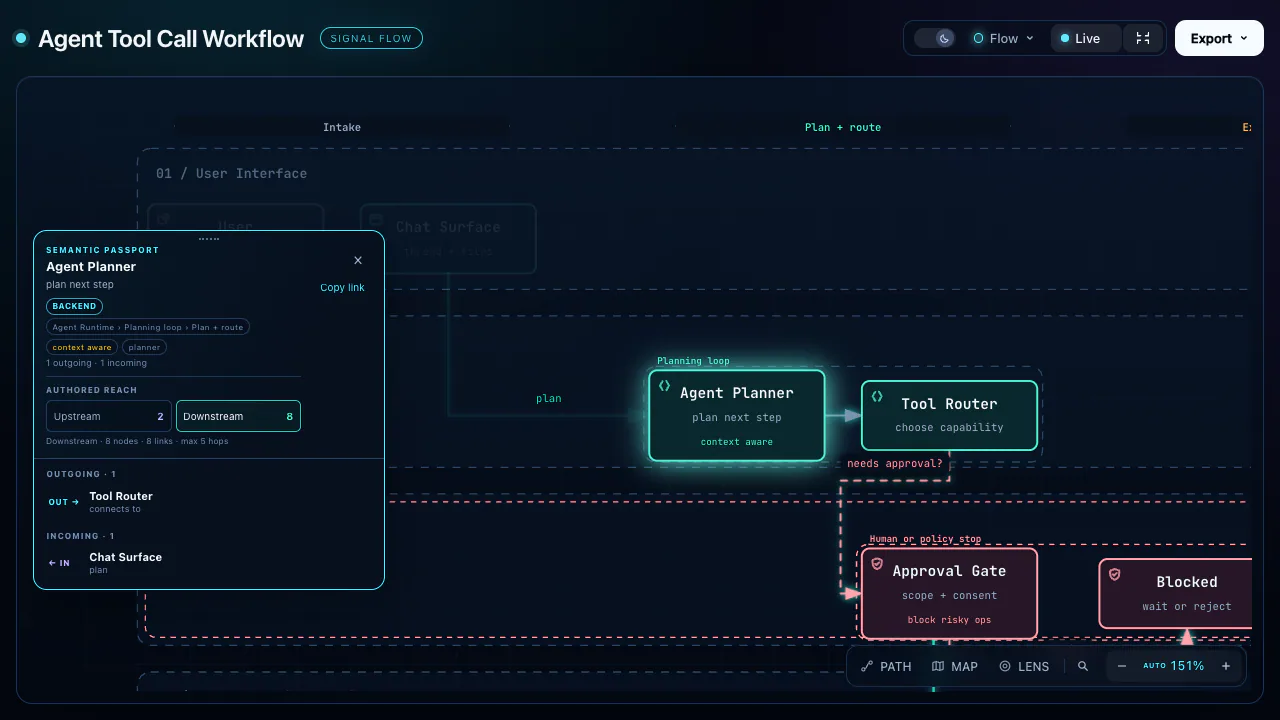
Visual Explainer helps an agent draw the mechanisms behind architecture, code changes and decisions in figure-led HTML. Its shared kit supports animated steps and visual reviews; commands also cover slide decks, comparisons, project recaps and narrated video.
Por que escolhemos
An open-source skill with a shared renderer and task-specific command templates. Install the complete upstream skill directory.
No que ajuda
- Explain an authentication flow or other system architecture with an annotated diagram.
- Review a code diff or check an implementation plan against the codebase.
- Compare options, recap a project, or turn a technical topic into an HTML slide deck.
Outputs and limits
The default deliverable is a self-contained HTML page and its editable source. HTML slides are available on request. PPTX export does not preserve the HTML deck's animations or interactive behavior; video export is optional.
Try a request
Map a system
After installing the skill, ask your agent:
Use visual-explainer to draw our authentication flow, including token refresh and failure paths.
Antes de usar
- A compatible coding agent, Node.js for the shared renderer, and a browser to view HTML. Chrome and playwright-core enable optional browser checks.
- MP4 export additionally requires ffmpeg, Chrome and playwright-core; narration requires a speech API key. PPTX export is a best-effort static conversion.
Agentes compatíveis
Fontes e referências
As fontes originais estão nos links abaixo. As sugestões práticas são recomendações editoriais do SkillHey.