Audits font loading, type scales, measure, spacing, OpenType, and rendered punctuation with 78 scoped rules. Use when asked to "audit typography", "fix the fonts", or "review my type system". For a new visual direction use ui-design Direction; for general UI defects use ui-design Audit.
Audits font loading, type scales, measure, spacing, OpenType, and rendered punctuation with 78 scoped rules. Use when asked to "audit typography", "fix the fonts", or "review my type system". For a new visual direction use ui-design Direction; for general UI defects use ui-design Audit.
Почему мы его выбрали
Summarized from the original mblode/agent-skills SKILL.md by mblode; the original upstream instructions were used.
Для каких задач подходит
Use this workflow when the task matches the original Typography Audit instructions.
Перед использованием
Read the original SKILL.md and referenced files in mblode/agent-skills.
Источники и материалы
Ссылки на оригинальные материалы приведены ниже. Практические идеи предложены редакцией SkillHey.
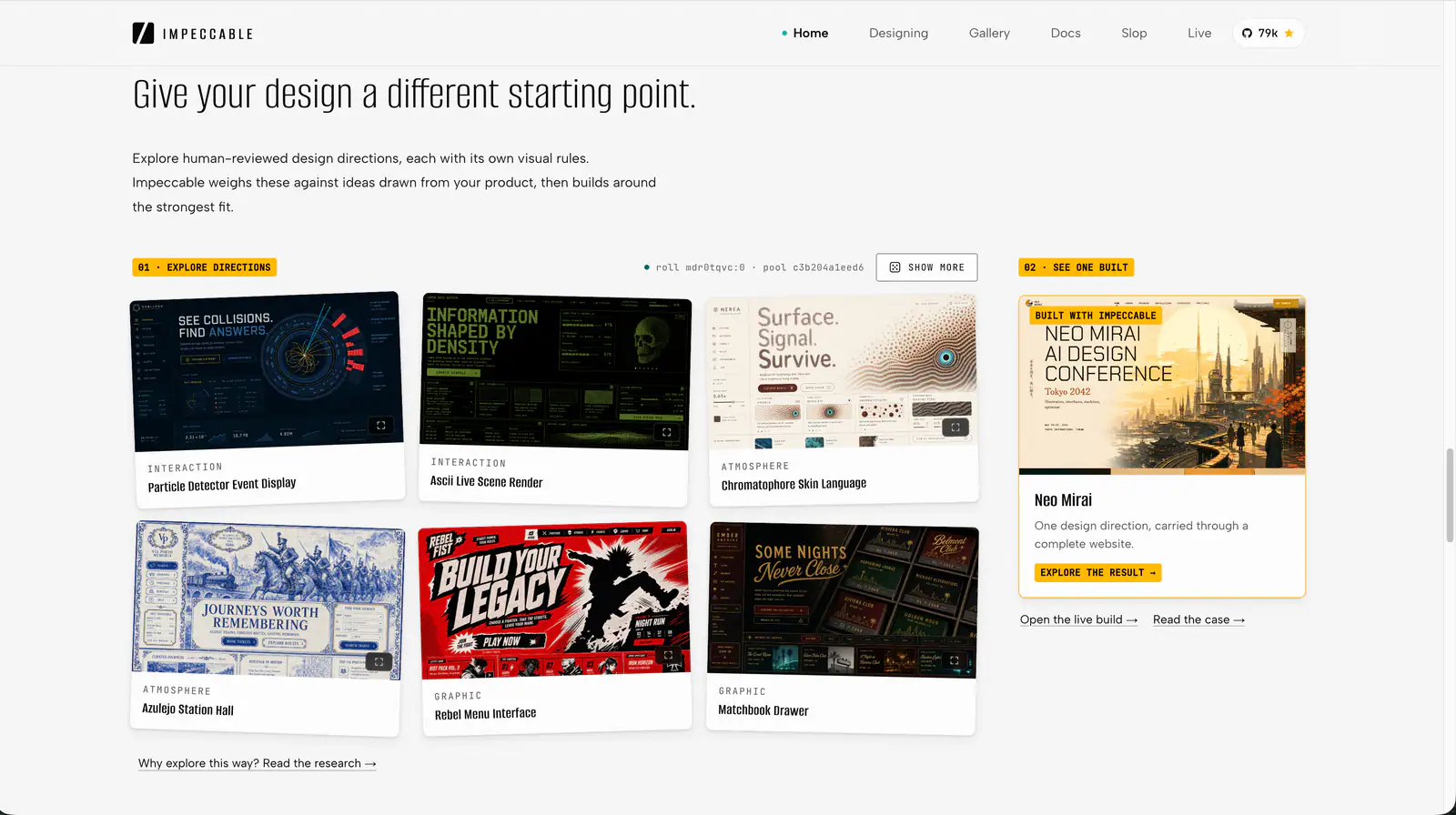
Impeccable is an AI frontend design Skill for building and refining interfaces: typography, layout, accessibility, responsive behavior and browser iteration.
Prevent and remove generic AI-generated design defaults, incoherent visual choices, and established UI defects while creating, revising, or reviewing websites, apps, screenshots, mockups, and design code. Use as a passive quality gate during UI work or for an explicit anti-slop cleanup; preserve the chosen art direction instead of forcing a neutral redesign.
Survey a codebase's animation and motion code as a senior motion advisor, then produce a prioritized audit and self-contained implementation plans for other agents (or cheaper models) to execute. Read-only on source code — it plans improvements, it does not apply them. Use when the user asks to "improve the animations", "audit the motion", "make this app feel better", or wants a roadmap of animation fixes rather than a review of a single diff.
Structured UI design review — existing code (React/JSX, CSS, Tailwind) and, when behaviour matters, the running app in a real browser — reported as a prioritised Before / After / Why table. Covers visual hierarchy, spacing, typography, colour & contrast, component states, motion, responsiveness, accessibility, multi-page flow & navigation, and interaction continuity — grounded in Refactoring UI and Emil Kowalski's principles. For animation/jank/FPS, focus order, and cross-page UX it can drive Chrome via chrome-devtools-mcp to capture what a screenshot can't. Trigger when the user asks to "review this UI", "design review", "critique this component/screen/page or multi-page flow", asks why something "looks off", "looks AI-generated", or "looks like a wireframe", or wants to raise visual polish. For building UI from scratch use web-taste; for the full animation set see emilkowal-animations.