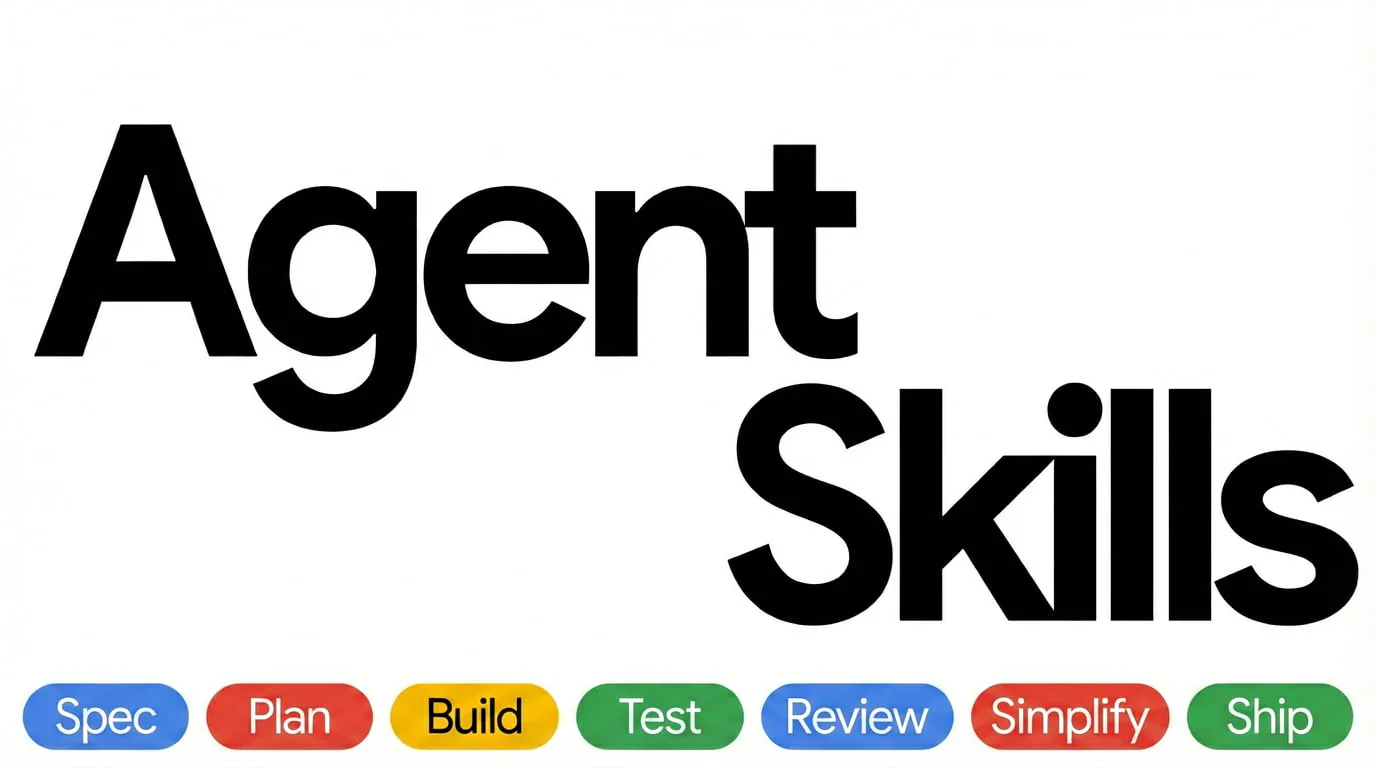
Agent Skills cover with Spec, Plan, Build, Test, Review, Simplify and Ship workflow labels.
Captures du projetÀ propos de ce Skill
Inspect DOM, console, network and runtime behavior through Chrome DevTools MCP to investigate browser bugs. Connect Chrome DevTools MCP, reproduce the user path and gather DOM, console and network evidence before judging the result.
Pourquoi ce choix
A task workflow in Addy's Agent Skills. Follow the upstream instructions and retain referenced shared files; host capabilities and project configuration determine which steps can run.
À quoi il sert
- A UI behaves differently in the browser than the source code suggests.
Workflow and deliverables
Connect Chrome DevTools MCP, reproduce the user path and gather DOM, console and network evidence before judging the result.
Browser observations, screenshots or traces and a scenario-based verification record tied to actual runtime behavior.
Install with the required references
Install the complete pack through a documented repository integration when shared references are needed. A per-skill skills CLI install copies only skills/<name>/ and can omit the repository-level references/ checklists; keep the needed shared files with the workflow.
Avant de l’utiliser
- An Agent that can load Skill Markdown and access your project. File edits, shell commands, builds and checks depend on the selected workflow and its environment.
- Use your project's own runtimes, dependencies and verification commands. The Skill files provide instructions and do not install those project tools.
- Install the complete pack through a documented repository integration when shared references are needed. A per-skill skills CLI install copies only skills/<name>/ and can omit the repository-level references/ checklists; keep the needed shared files with the workflow.
- Requires a configured Chrome DevTools MCP server and access to the browser under investigation.
Agents compatibles
Sources et références
Les sources originales sont liées ci-dessous. Les pistes pratiques sont des suggestions de la rédaction de SkillHey.