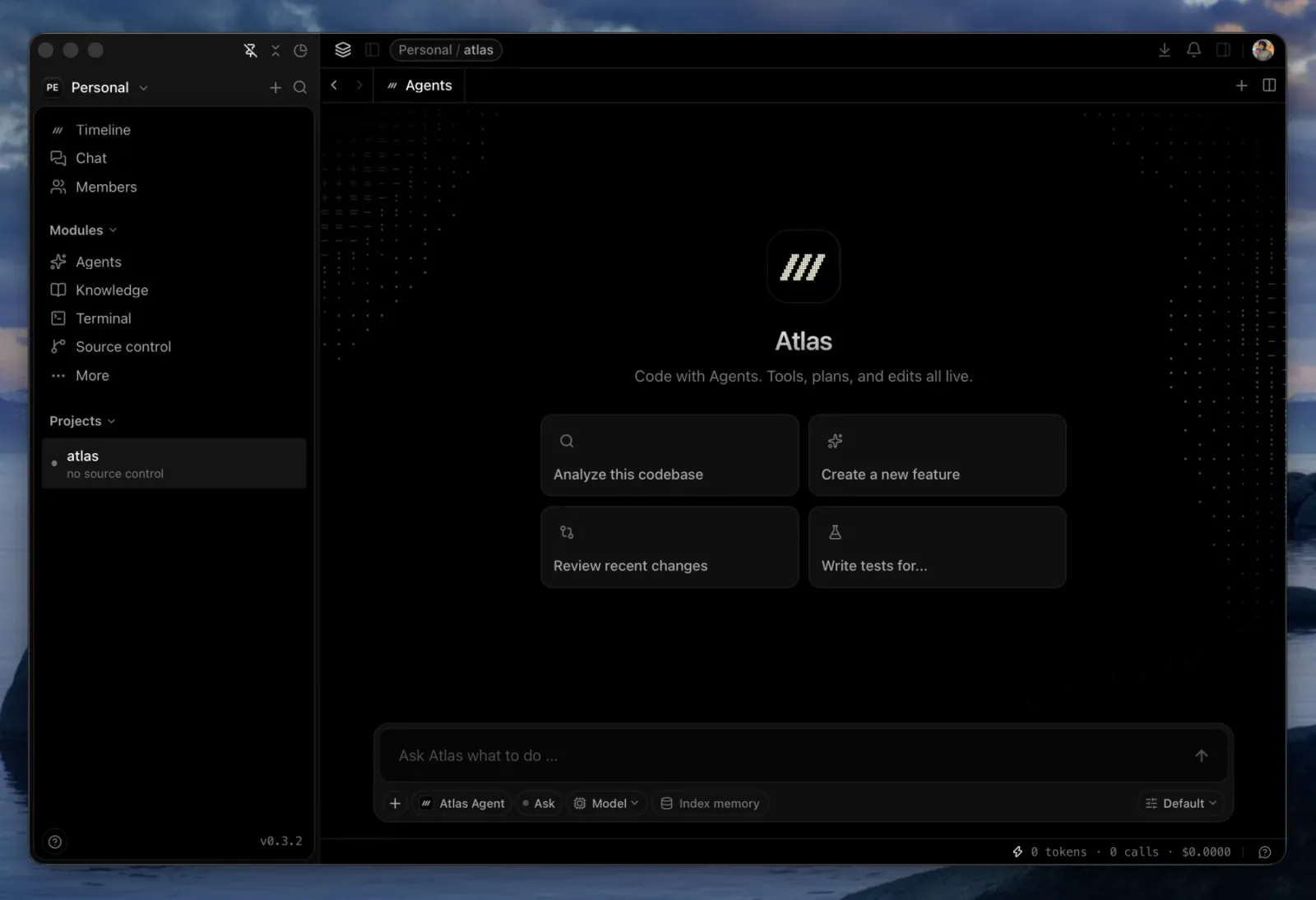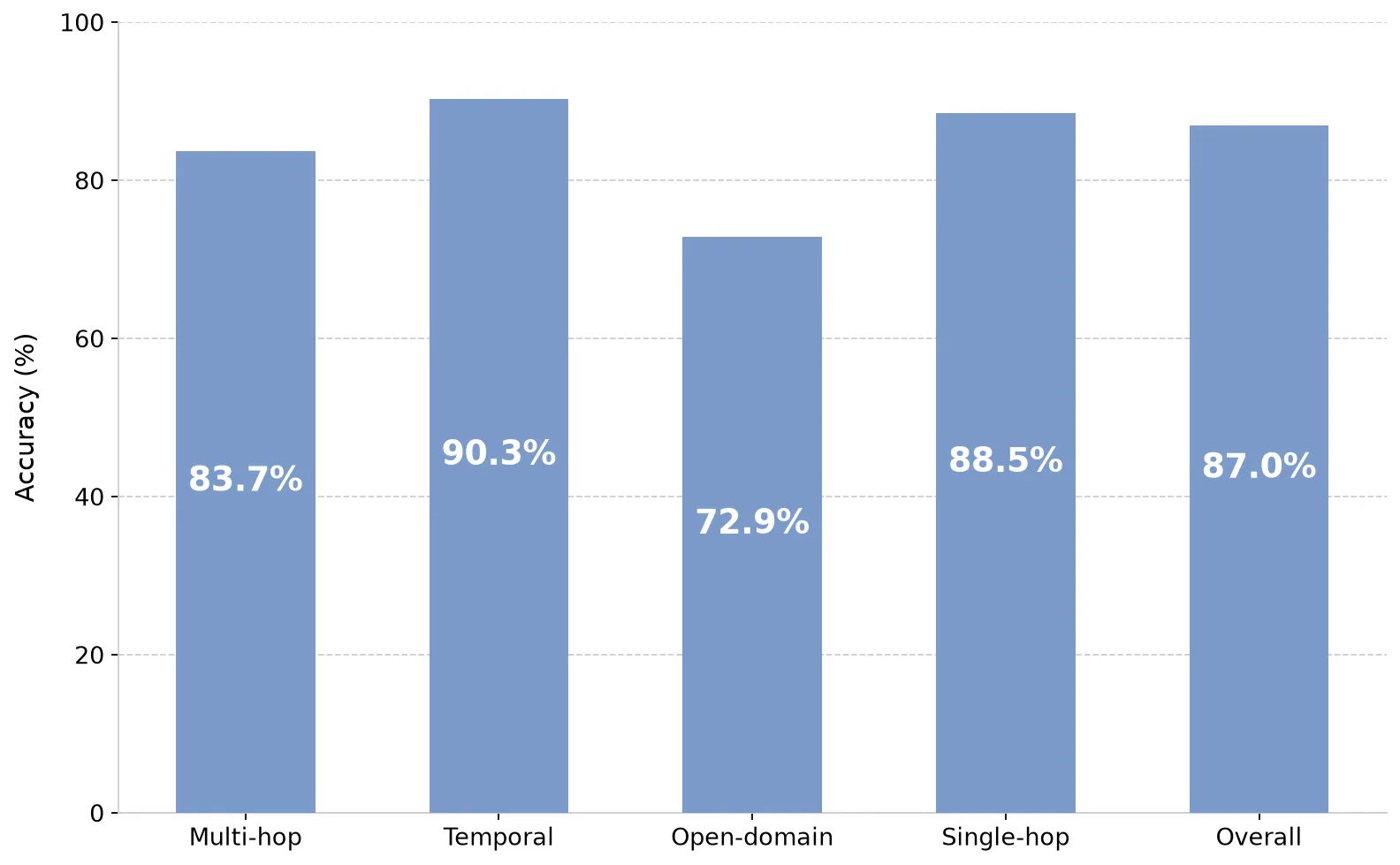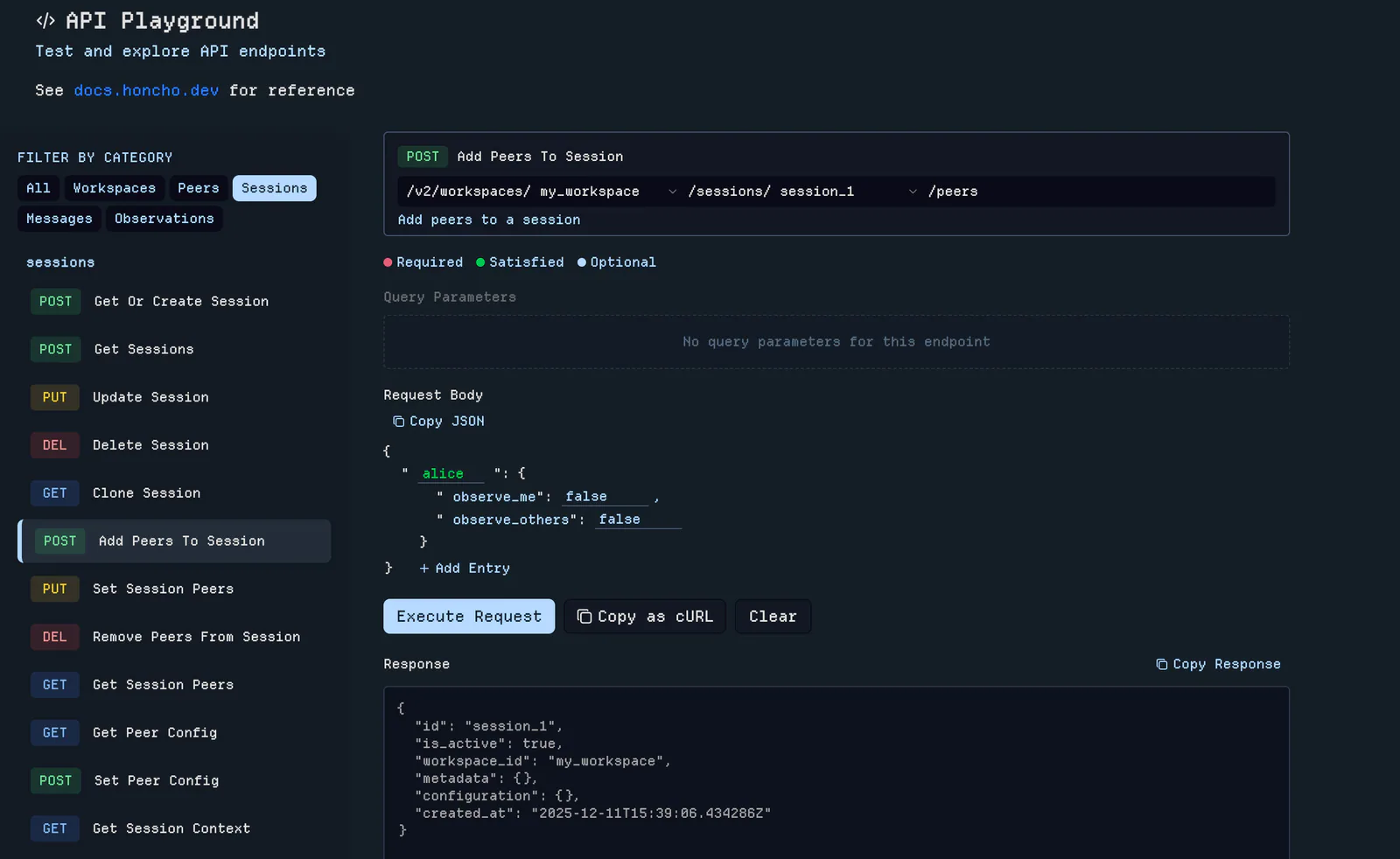
Official Claude-Mem demonstration: a coding session beside a browser showing persistent observations.
Captures du projetÀ propos de ce Skill
Search Screenpipe OCR or audio history and optionally preserve selected findings in Claude-Mem.
Pourquoi ce choix
A reusable workflow from the Claude-Mem project. It is listed separately to explain this task; shared runtime and helper dependencies remain part of the upstream installation. The inherited gallery demonstrates the memory system, not this task’s specific output.
À quoi il sert
- Recall a meeting, desktop activity, or information seen in another application.
How the workflow runs
Step 1
Choose a topic, time window, and screen-text or audio source.
Step 2
Search bounded results and read only the relevant matches.
Step 3
Answer with evidence and save only selected context when requested.
Expected result
A time-scoped recall answer and optional selected memory records.
Try a concrete request
Example request
After installing the required integration, ask your agent:
Find what we discussed about the launch in yesterday’s recorded meeting.
Avant de l’utiliser
- Screenpipe running locally with recording permissions and Node.js 20+. Saving selected context also needs a local Claude-Mem worker.
- Use the original upstream files and follow the documented host integration. Model or third-party service usage can carry separate costs.
Agents compatibles
Sources et références
Les sources originales sont liées ci-dessous. Les pistes pratiques sont des suggestions de la rédaction de SkillHey.