À propos de ce Skill
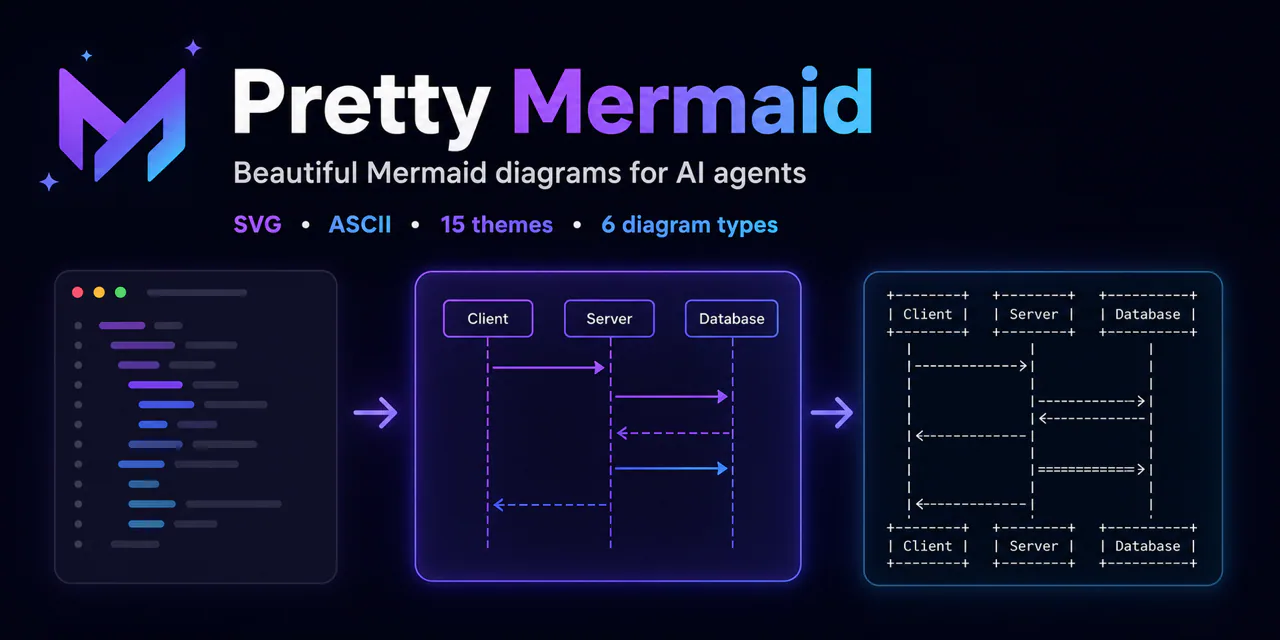
Claude Mermaid combines a Mermaid MCP server and a diagramming Skill. Its instructions select a diagram type, open a live preview, reuse a preview ID during revisions and save the final result. The author documents SVG, PNG and PDF export and includes a live-reload demonstration in the README.
Pourquoi ce choix
The included Skill guides diagram selection, iterative previews and saving. Live preview and export require the companion MCP server. The author's README includes a demonstration; this listing has not run the workflow.
À quoi il sert
- Draft a sequence diagram for an authentication flow and refine it with a browser preview.
- Create flowcharts, entity relationship diagrams or architecture diagrams for documentation.
From diagram to export
The Skill uses mermaid_preview to iterate on a named diagram and mermaid_save to save the result. Its guidance covers flowcharts, sequence, class, entity relationship, state and Gantt diagrams; the author's demo is available in the repository README.
Avant de l’utiliser
- Install and configure the companion Mermaid MCP server; the author's recommended Claude Code plugin sets it up automatically.
- A browser is used for the interactive live preview; npm installation and non-Claude clients require the configuration described in the README.
Agents compatibles
Sources et références
Les sources originales sont liées ci-dessous. Les pistes pratiques sont des suggestions de la rédaction de SkillHey.