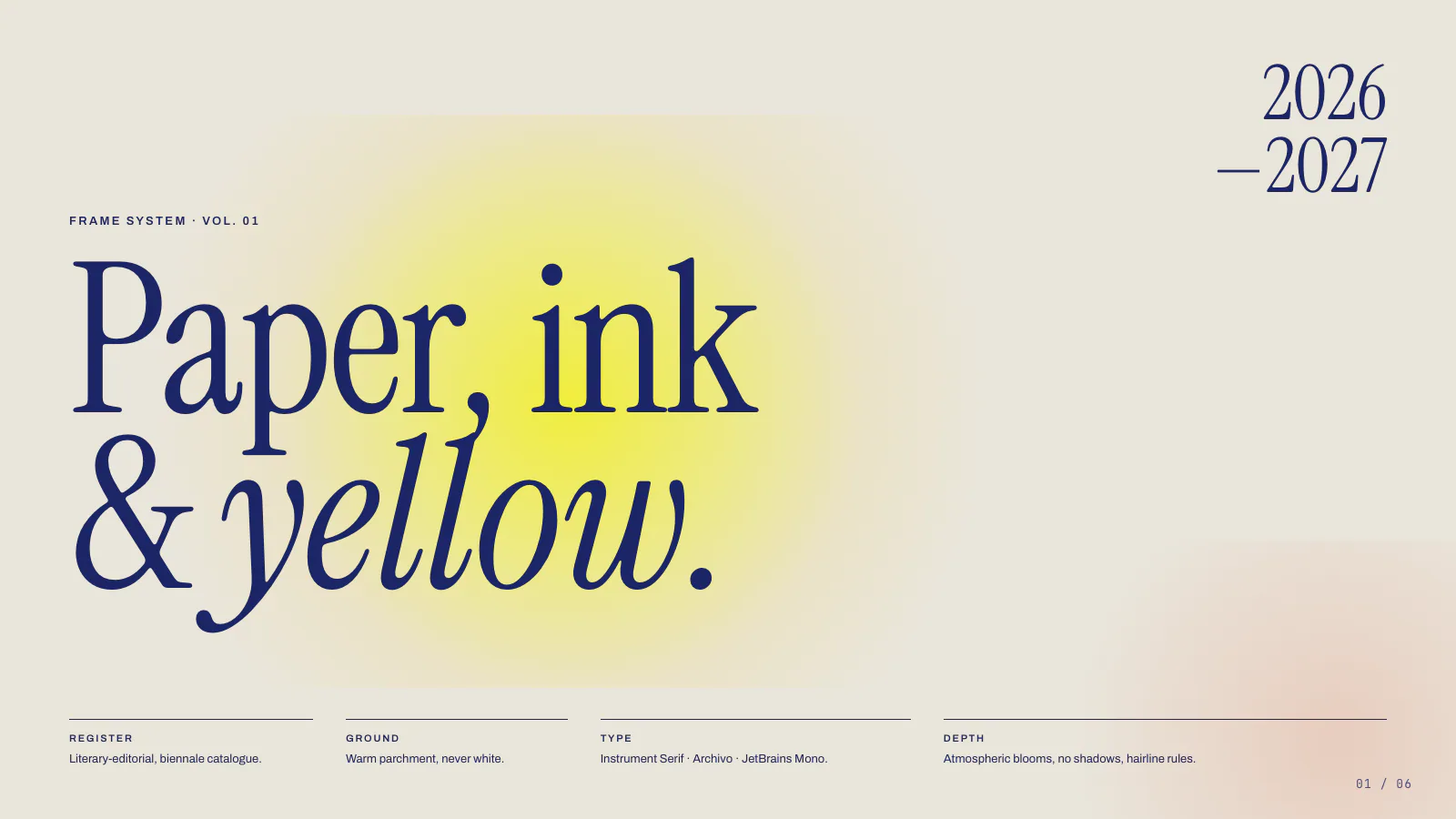
Biennale Yellow design template shown in the HyperFrames README.
Captures du projetÀ propos de ce Skill
Official HyperFrames workflows for design-led motion graphics and video outputs.
Pourquoi ce choix
An HTML video framework with a CLI, frame review and an editable project format.
Skills de cette collection
2 skills- Voir →
motion-graphics — dispatch entry
A short, design-led motion graphic where motion is the message — kinetic typography, stat count-up, chart/data-viz hit, logo sting / brand lockup, lower-third / callout / social overlay, animated map (highlight regions, connect places, zoom to a location), animated tweet / news-article / headline, webpage / UI animation (scroll, cursor, callouts), or fusing a real image's geometry into a chart. Usually under 10s (up to ~30s), no narration or live-action subject; renders to MP4 or transparent overlay. Longer / narrated / multi-scene → /general-video. Unclear → /hyperframes.
- Voir →
HyperFrames
Create editable videos from timed HTML scenes using the HyperFrames CLI and preview workflow.
À quoi il sert
- Build a video from timed HTML scenes and keep its source editable.
Avant de l’utiliser
- Install the shared core Skills and the HyperFrames CLI; local rendering also needs the documented browser and media tools.
Sources et références
Les sources originales sont liées ci-dessous. Les pistes pratiques sont des suggestions de la rédaction de SkillHey.