Style responsive interfaces with Tailwind CSS guidance suited to the installed major version.
3,7 kÉtoiles386Forks
Dernier push du dépôt
Des workflows originaux pour sites web, images, présentations et animations.
Style responsive interfaces with Tailwind CSS guidance suited to the installed major version.
Configure UnoCSS presets, utility rules and shortcuts in a web project.
Use when working with color naming, color theory, color spaces, color definitions, or any task involving color knowledge - palettes, ramps, gradients, conversions, accessibility, perceptual matching, pigment mixing, print-vs-screen color, CSS color syntax, or historical color terminology. Use this skill whenever the user is choosing, comparing, generating, naming, converting, or explaining colors, even if they do not explicitly ask for "color theory."
Web platform design and accessibility guidelines. Use when building web interfaces, auditing accessibility, implementing responsive layouts, or reviewing web UI code. Triggers on tasks involving HTML, CSS, web components, WCAG compliance, responsive design, or web performance.
Structured UI design review — existing code (React/JSX, CSS, Tailwind) and, when behaviour matters, the running app in a real browser — reported as a prioritised Before / After / Why table. Covers visual hierarchy, spacing, typography, colour & contrast, component states, motion, responsiveness, accessibility, multi-page flow & navigation, and interaction continuity — grounded in Refactoring UI and Emil Kowalski's principles. For animation/jank/FPS, focus order, and cross-page UX it can drive Chrome via chrome-devtools-mcp to capture what a screenshot can't. Trigger when the user asks to "review this UI", "design review", "critique this component/screen/page or multi-page flow", asks why something "looks off", "looks AI-generated", or "looks like a wireframe", or wants to raise visual polish. For building UI from scratch use web-taste; for the full animation set see emilkowal-animations.
Guides Material UI theming and design tokens (createTheme, ThemeProvider, palette, colorSchemes, cssVariables, theme.vars, dark mode, TypeScript augmentation). Use when building or extending a theme, toggling light/dark, or aligning tokens across an app.
Extract a comprehensive design system (DESIGN.md) directly from frontend source code — React, Vue, Svelte, Angular, plain HTML/CSS, or any web framework. Analyzes component files, stylesheets, Tailwind configs, theme definitions, and design tokens to produce a rich, Stitch-compatible design system document. Use this skill whenever the user wants to reverse-engineer a design system from an existing codebase, audit the visual language of a project, extract design tokens from source files, or understand the styling patterns in a frontend repo — even if they just say "what does this app look like?" or "pull out the design from this code."
Polish frontend interfaces with concrete rules for typography, nested corners, shadows, icons, hit areas and restrained motion, plus structured quick or full reviews.
Audit and fix animation performance issues including layout thrashing, compositor properties, scroll-linked motion, and blur effects. Use when animations stutter, transitions jank, or reviewing CSS/JS animation performance.
Find Motion and CSS animation guidance, spring curves and performance-audit workflows.
Select, pair, and implement typefaces for web projects. Use when the user mentions "font pairing", "which typeface", "line height", "responsive typography", "web font loading", "type hierarchy", "variable fonts", "FOUT/FOIT", "typographic scale", or "the text is hard to read". Also trigger when choosing between system fonts and web fonts, optimizing font-loading performance, or designing readable long-form content. Covers readability evaluation, CSS implementation, and performance optimization. For overall UI design systems, see refactoring-ui. For dramatic typographic experiences, see top-design.
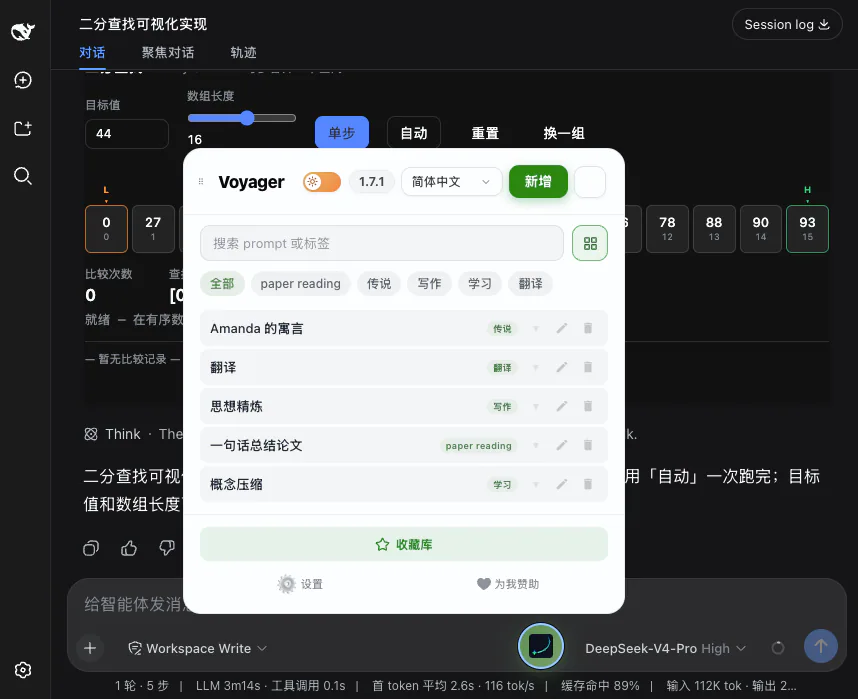
Write and validate JSON and CSS plugins that customize supported AI chat interfaces in Voyager.
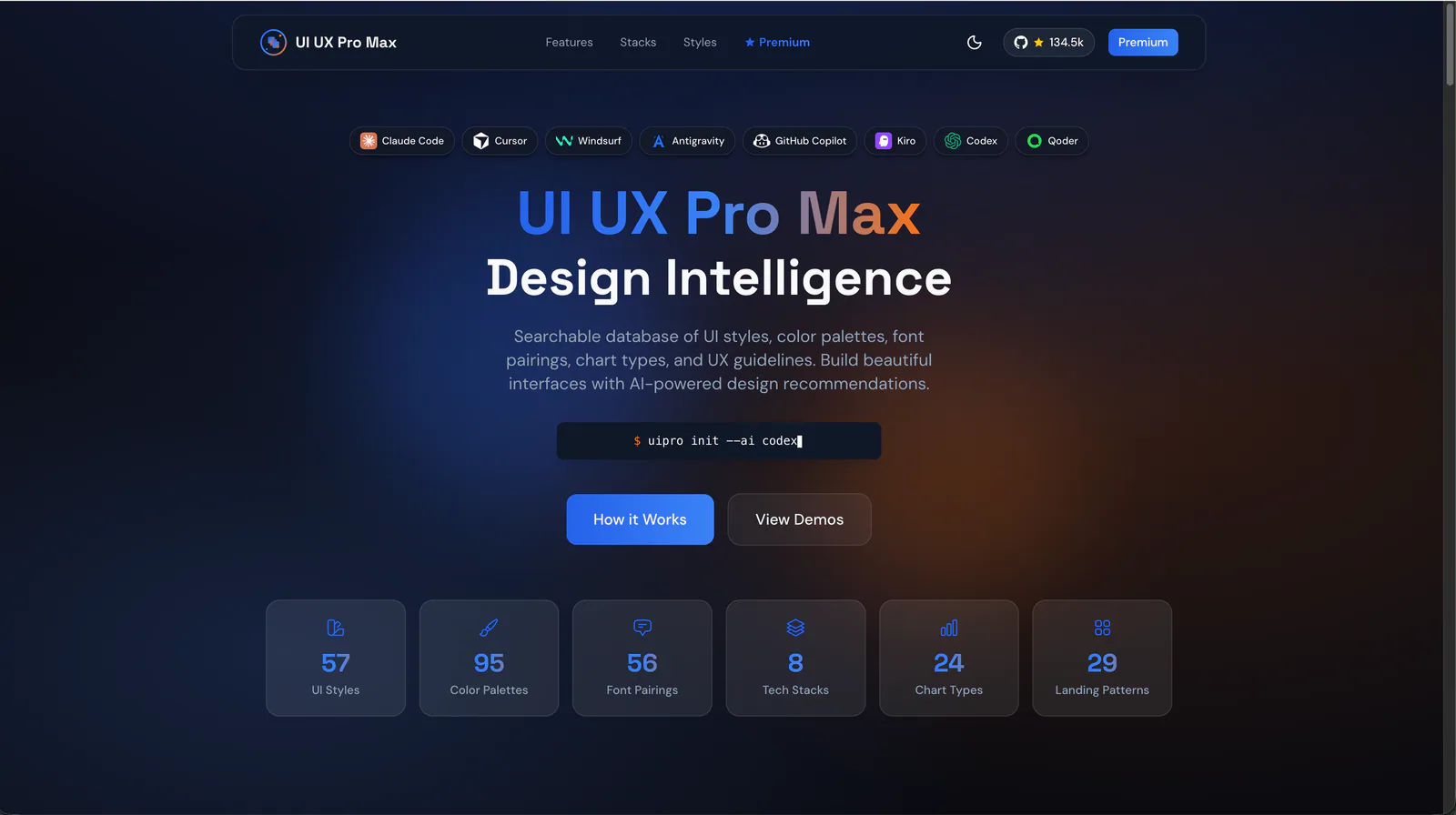
Build responsive interface components with shadcn/ui, Tailwind CSS and design-system guidance.
Polish interface surfaces, icons and motion using the existing UI system.
Deterministic design critique for HTML/CSS screens. Runs 73 slop guards extracted from the set of rules professional designers use in production-grade designs to catch the tells that make UI read as AI-generated (gradient-clipped headlines, the default indigo accent, puffy shadows, emoji icons, fake dot charts and decorated gauges, badges floated over the hero, eyebrow kickers above the H1, fake magazine mastheads, colored edge-stripe rails, two-tone headlines, over-designed list rows, layout-collapse bugs, em-dash copy, placeholder imagery), auto-fixes what can be safely rewritten, and reports the rest with concrete edits. Use whenever generated or hand-written HTML/CSS is about to be shown, exported, shipped, or committed, or when asked to critique a design, check it for slop, or give a second opinion on a generated screen.
Generate complete, accessible colour palettes from a single brand hex. Produces 11-shade scale (50-950), semantic tokens, dark mode variants, Tailwind v4 CSS output, WCAG contrast checks. Use whenever the user supplies a brand hex and asks for a palette, mentions setting up a design system, wants Tailwind theme colours from a brand colour, or asks to check colour accessibility / contrast.
Extract a public website’s colors, typography and other design primitives into starter JSON and CSS tokens.
Work with Tailwind CSS v4 using a locally synchronized documentation snapshot, migration notes and implementation guidance.
Set and review type scales, spacing, font features and text wrapping.
Create and validate JSON and CSS plugins for supported AI chat interfaces.
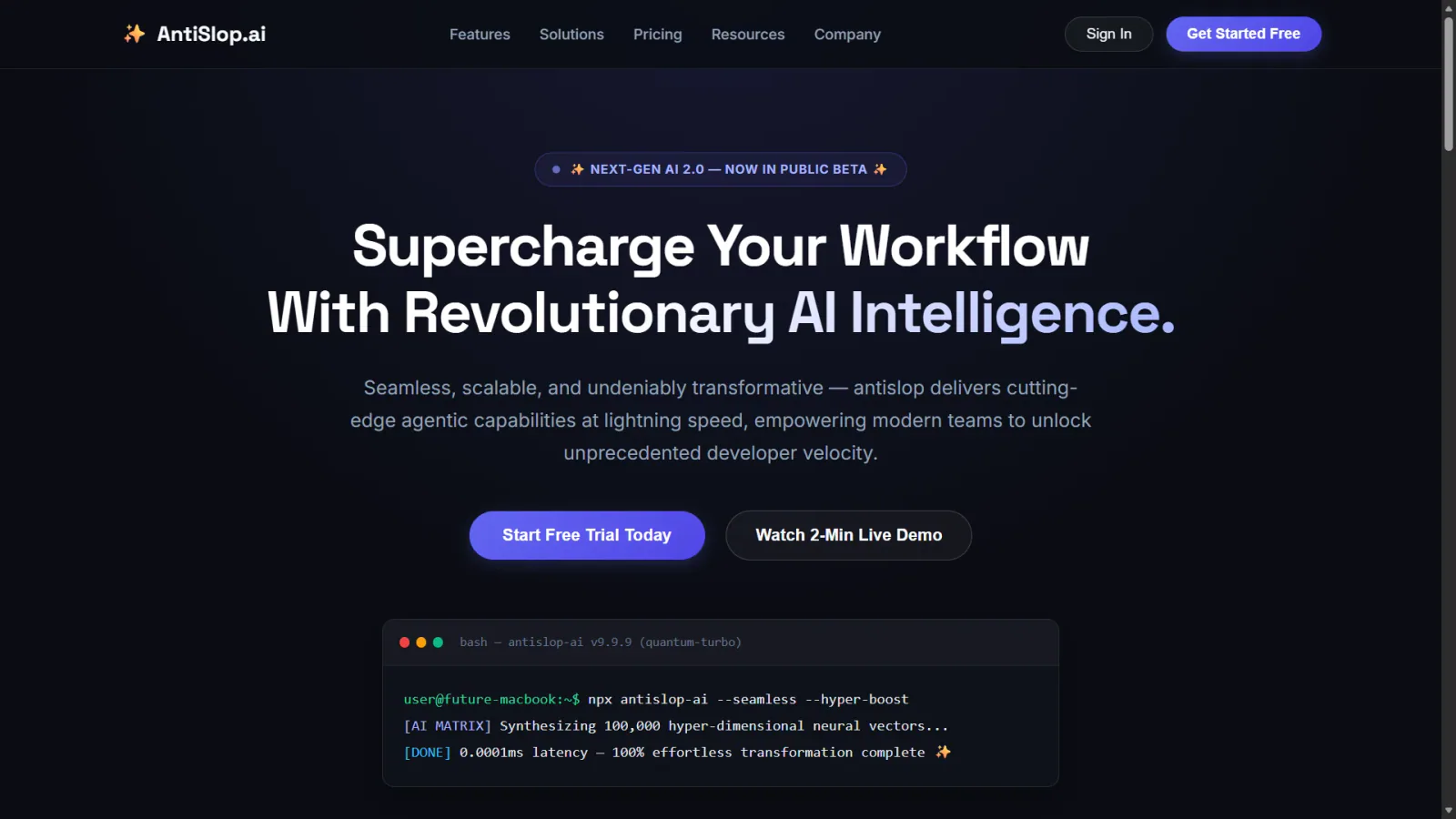
Adapt grids, overflow, wrapping and tap targets across mobile and desktop layouts.
Web UI accessibility lead. Use before writing or changing HTML, JSX, TSX, Vue, Svelte, CSS or templates. Picks specialists and merges their findings.
UI/UX best practices for web interfaces. Use when reviewing animations, CSS, audio, typography, UX patterns, prefetching, or icon implementations. Covers 11 categories from animation principles to typography. Outputs file:line findings.
ai-agents skill for Claude AI. Grade A. Apple Liquid Glass design system. Use when building UI with translucent, depth-aware glass morphism following Apple's design language. Provides CSS tokens, component patterns, dark/light mode, and animation specs.