Gratuit
Web et interfaces
Better Layout
Review grouping, alignment, reading order and responsive layouts.
12,1 kÉtoiles468Forks
Dernier push du dépôt
Jakub Krehel
Des workflows originaux pour sites web, images, présentations et animations.
Review grouping, alignment, reading order and responsive layouts.
Adapt grids, overflow, wrapping and tap targets across mobile and desktop layouts.
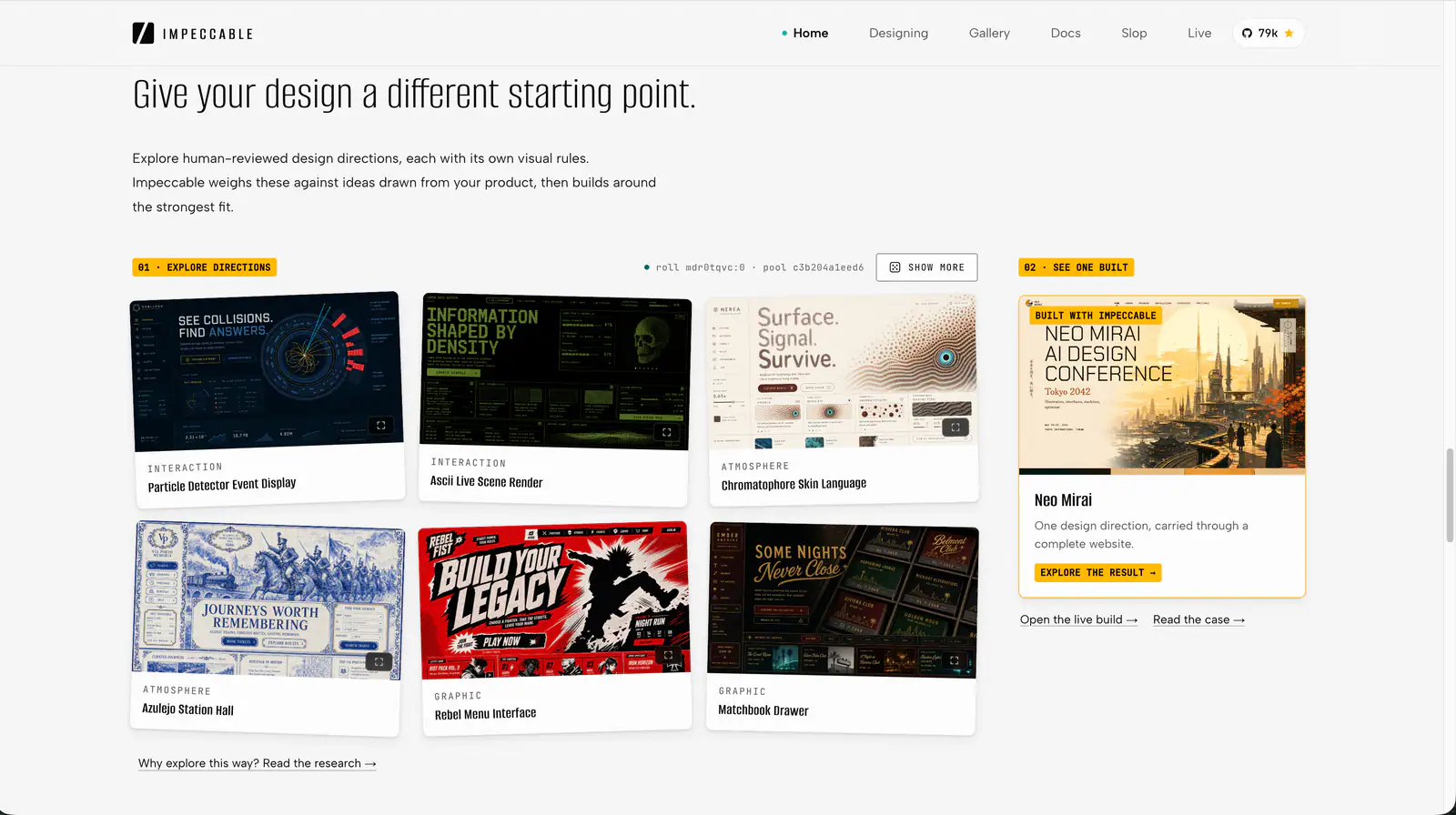
Impeccable is an AI frontend design Skill for building and refining interfaces: typography, layout, accessibility, responsive behavior and browser iteration.
Create mathematical explanations and 3D animations in Python, inspect their layout and timing, and export MP4 videos with editable scene source.
Quickly deslop UI code by fixing spacing, hierarchy, typography, and small layout issues. Use when the interface needs a fast cleanup or polish pass.
Review a screen or flow across accessibility, layout, copy, typography, color and UI polish.
Apply focused rules for interface design, mobile layout, accessibility, writing and code comments.
Web platform design and accessibility guidelines. Use when building web interfaces, auditing accessibility, implementing responsive layouts, or reviewing web UI code. Triggers on tasks involving HTML, CSS, web components, WCAG compliance, responsive design, or web performance.
Review and improve SwiftUI state management, layouts, accessibility and performance, with Instruments trace guidance.
Build beautiful, native-feeling Expo screens. Covers Apple HIG styling, semantic colors, native controls, SF Symbols, media, visual effects, gradients, storage, and responsive layout. For routing and navigation, use the expo-router skill; for motion and animation, use the expo-animation skill.
Create strategic HTML presentation slides using layouts, design tokens and Chart.js visualizations.
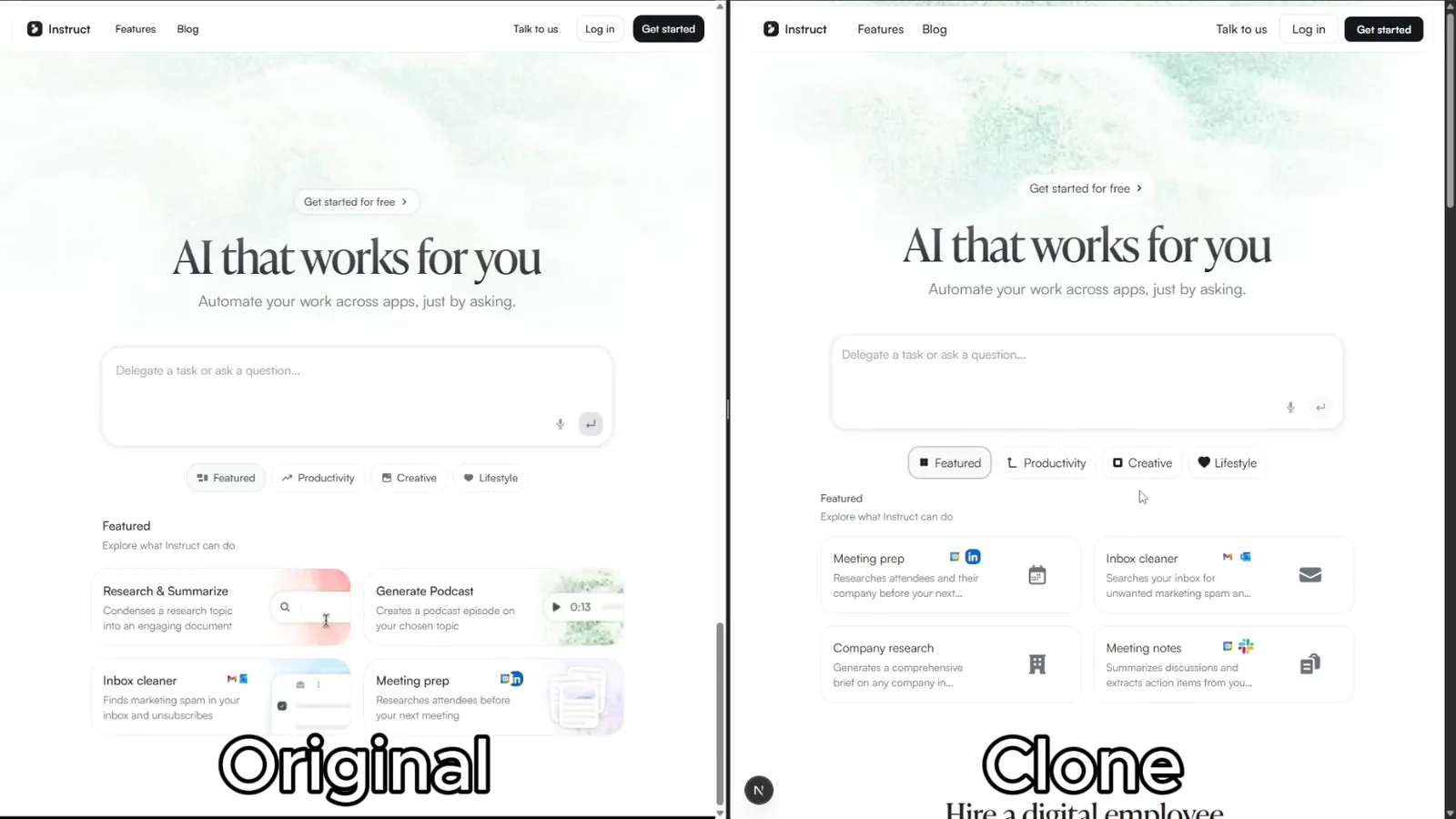
Rebuild reference websites as editable Next.js pages with an AI coding agent. Inspect responsive layouts, assets and interactions, then compare the result with the source.
Create animated and explorable diagrams from compact JSON specifications, with scripted layout, styling, motion, and export workflows.
Apply Material Design 3 guidance to components, themes and layouts, with a primary focus on Jetpack Compose.
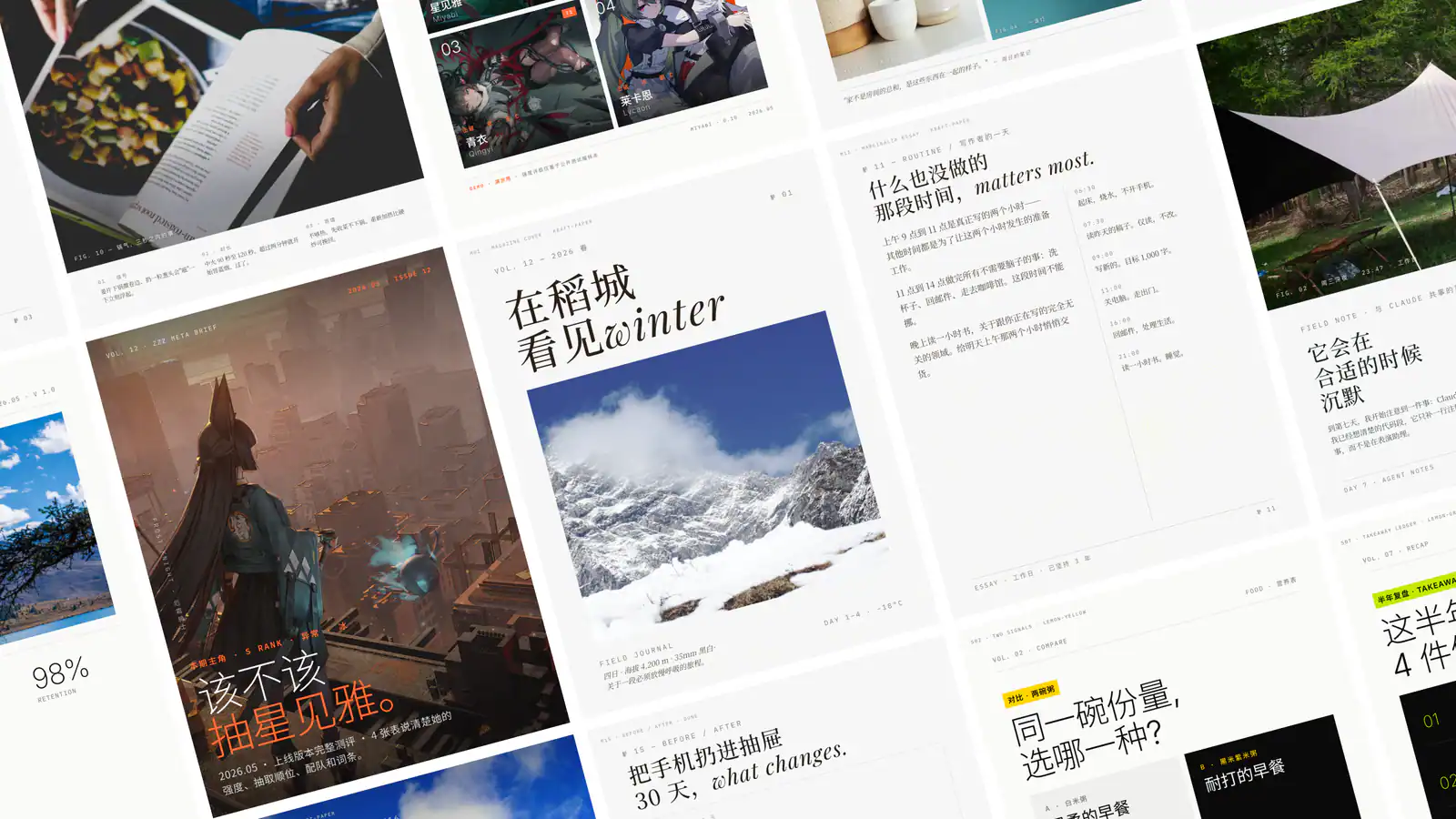
Create Guizang-style social cards, WeChat covers, and Live Photo layouts from supplied material.
Walk through a live web app AS a real user to find usability + behavioural bugs that static reviews miss. REQUIRES proof of interaction (typing, clicking, sending, observing) before any verdict — a sweep that didn't interact terminates with verdict 'Incomplete'. Walks threads, exercises every element, runs the multi-pane stress matrix, visual polish sweep, component perfection checklist, automated a11y (axe-core), pragmatic performance budget (LCP/CLS/INP), scenario battery (11 scenarios), and stress recipes including the real-flavour data battery. Hard gates: console errors/warnings = 0, network 5xx = 0, layout collapse = 0, axe Critical/Serious = 0, perf budget green. Audit-the-audit meta-check rejects rushed reports. Each finding has reproduction steps, evidence path, and suspected code location. Trigger with 'ux audit', 'walkthrough', 'qa sweep', 'audit the app', 'dogfood this', 'check all pages', 'find what's broken', 'stress the UI'.
Create reports, invoices and other PDFs with React components, reusable layouts, SVG graphics and controlled page breaks.
Instructions to make or update an app's UI so that it adapts to different Android devices including phones, tablets, foldables, laptops, desktop, TV, Auto and XR. It includes how to handle different window sizes, pointing devices (such as mouse) and text entry devices (such as keyboard) using the Compose MediaQuery API. It also covers multi-pane layouts using Navigation3 Scenes, adaptive UI components (such as buttons) with varying target sizes, and adaptive layouts (including navigation areas - nav rails and nav bars) using the Compose Grid and FlexBox APIs.
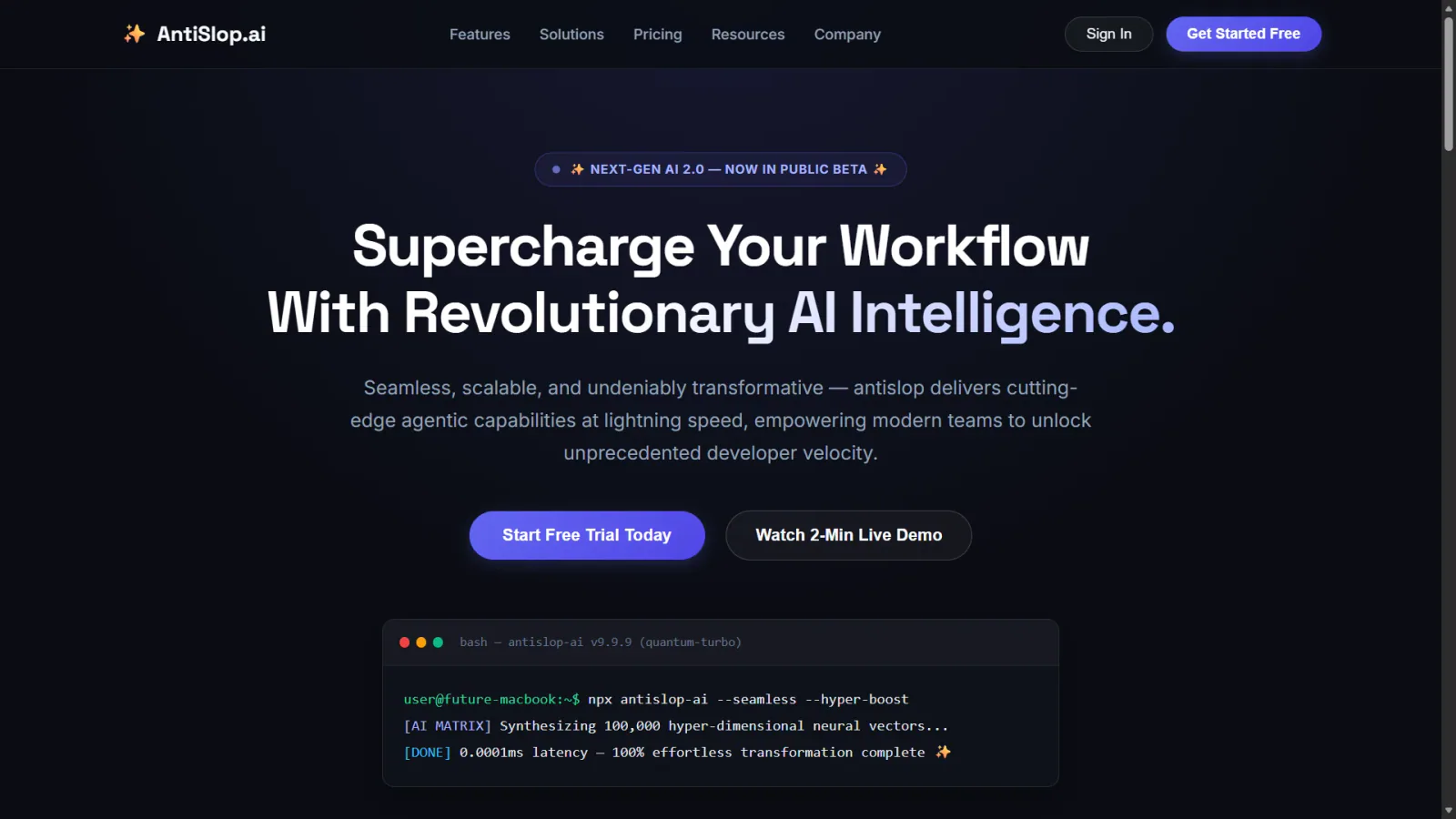
Use for UI design and implementation work to avoid generic AI-looking interfaces. Provides anti-slop rules, a required discovery phase before coding, and guidance for layout, typography, color, motion, accessibility, dashboards, tables, landing pages, theming, and polish. Trigger when editing UI code or reviewing and refining components, pages, screens, layouts, animations, responsive behavior, or design systems.
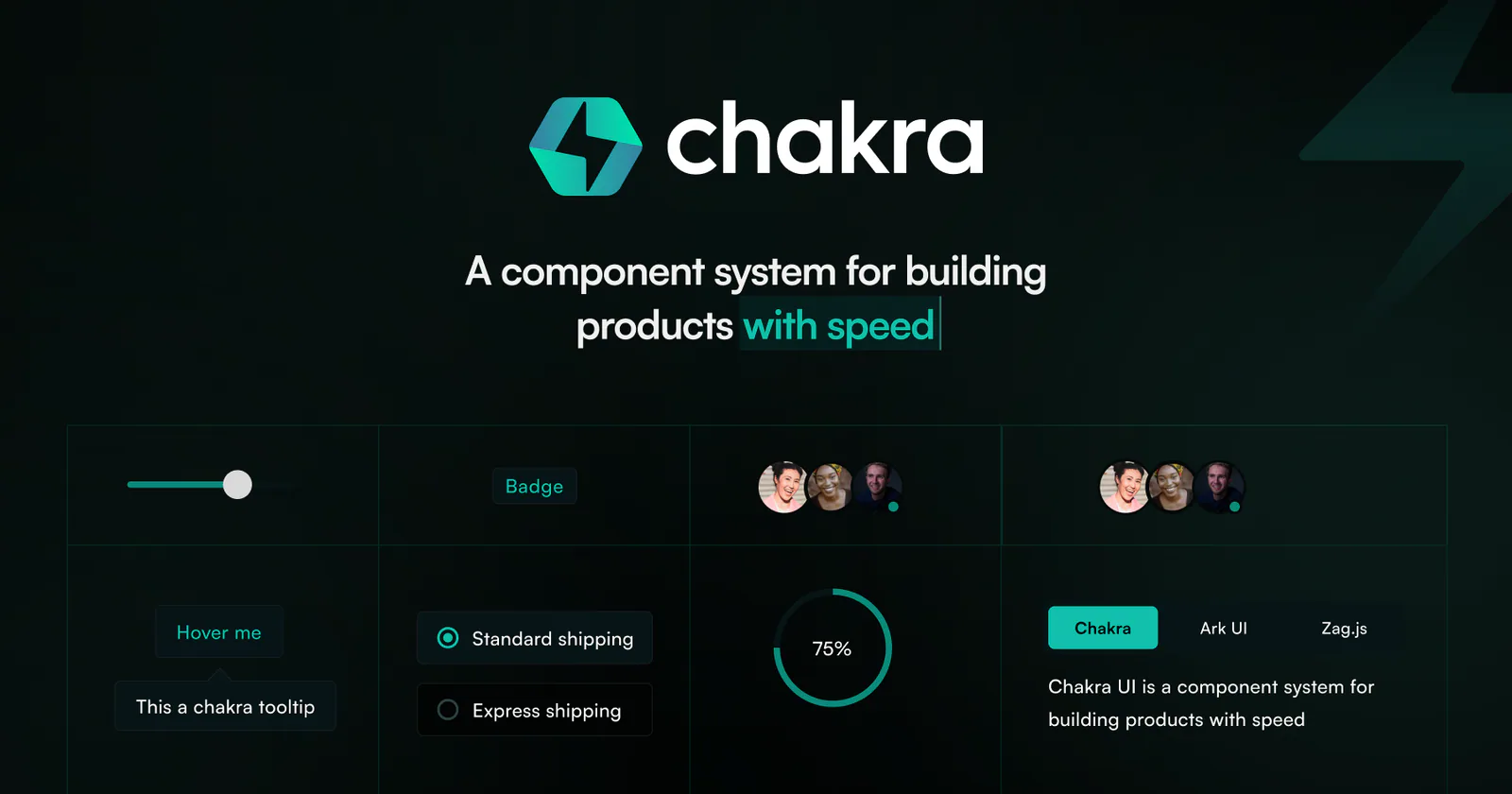
Build responsive Chakra UI v3 components, page layouts, providers, and reusable themes.
Audit and fix animation performance issues including layout thrashing, compositor properties, scroll-linked motion, and blur effects. Use when animations stutter, transitions jank, or reviewing CSS/JS animation performance.
A security-scanned skill for authoring custom Cursor commands: file layout, triggers, and working examples your agent can apply directly.
design skill for Claude AI. Grade A. SwiftUI frontend visual design skill. Creates beautiful, distinctive iOS/macOS interfaces that avoid generic AI slop patterns. Covers design direction, layout systems, typography, color, spacing, brand integration, and design review. Use when designing new SwiftUI views, reviewing UI quality, creating iOS prototypes, choosing visual styles, improving app aesthetics, or when the UI looks generic or AI-generated.
Create component-based HTML emails with React Email, reusable layout and styling, local previews, and rendered output for a sending provider.