Official Claude-Mem demonstration: a coding session beside a browser showing persistent observations.
Schermate del progettoInformazioni sullo Skill
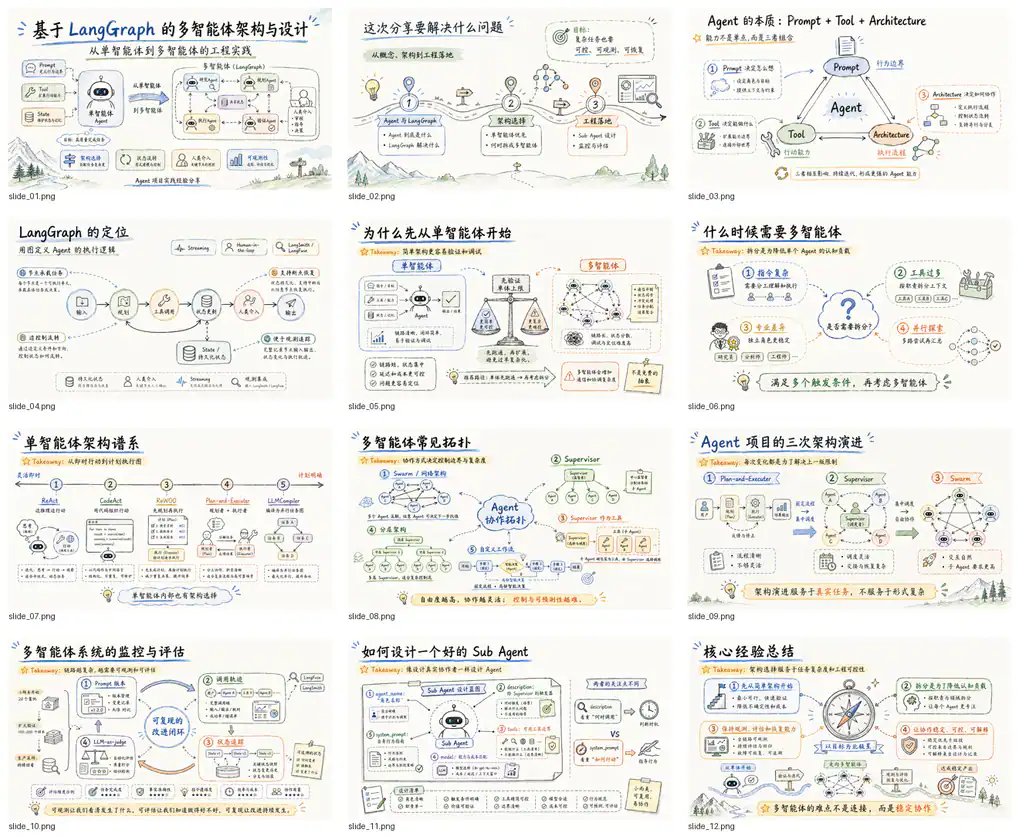
Send one source document to NotebookLM and start a kawaii narrative slide deck using notebooklm-py.
SKILL.md
Autore: Alex Newman (thedotmack) · thedotmack/claude-mem · Apache-2.0 · SKILL.md @ 82d3602
---
name: wowerpoint
description: Turn one document into a kawaii NotebookLM slide deck. Use for "wowerpoint this", "make a deck about <file>", "turn this report into slides", or any request to render a single document as shareable narrative slides.
---

# Wowerpoint

One doc in, one deck out. Slide-deck only — videos and podcasts from the same engine are noticeably worse and out of scope; refer the user to the `notebooklm` CLI directly if they want those.

## Triggers

- "Wowerpoint <file>"
- "Make a slide deck about <file>"
- "Turn this report into slides"
- "Kawaii-deck this"

## Setup (one-time per machine)

If `notebooklm auth check` returns 0 and `command -v jq` resolves, skip.

```bash
uv tool install --with playwright --force notebooklm-py
$(uv tool dir)/notebooklm-py/bin/playwright install chromium
```

`jq` is required by the workflow's JSON parsing; install if missing (`brew install jq` on macOS, or your distro's package manager).

Then the user authenticates interactively — do not script. Tell them to type `! notebooklm login` so the OAuth ENTER lands in their terminal.

## Workflow

### 1. The source doc

You need exactly one source doc. If it doesn't exist or is too thin to carry a deck, **write it first** — use mem-search and sequential thinking to make it comprehensive (long-form, narrative, several thousand words is normal). Do not paper over a weak source by adding more sources.

### 2. Auth pre-flight

```bash
notebooklm auth check 2>&1 | tail -5
```

Exit 1 with `Run 'notebooklm login' to authenticate.` = halt and tell the user.

### 3. Create notebook, add the source

```bash
NOTEBOOK_ID=$(notebooklm create "<title>" --json | jq -r .notebook.id)
notebooklm source add "<doc-path>" --notebook "$NOTEBOOK_ID" --json
```

Title: H1 of the source doc, or its filename stem; append a date for dated work.

`create` returns the id at `.notebook.id`; a wrong key gives an empty string and a silent downstream failure.

### 4. Generate the deck

```bash
notebooklm generate slide-deck "<PROMPT>" --format detailed --length default --notebook "$NOTEBOOK_ID" --json --retry 2
```

### 5. End your turn

Print the notebook URL:

```text
https://notebooklm.google.com/notebook/<NOTEBOOK_ID>
```

NotebookLM sends the user a notification when the deck is ready.

## The prompt

One sentence. Default:

```text
Use kawaii characters to tell the story of <subject>. Keep it warm and clear.
```

Replace `<subject>` with a one-phrase description from the source doc's H1 or the user's framing. If the user supplies their own prompt, pass it through verbatim — don't expand it.

## Failure modes

- **`pip: command not found`** — modern macOS doesn't ship pip on PATH. Use `uv tool install`.
- **`Playwright not installed`** — install `notebooklm-py` with `--with playwright`, then `playwright install chromium`.
- **`Run 'notebooklm login' to authenticate`** — only the user can complete OAuth.
- **Rate-limit (`GENERATION_FAILED` or "No result found for RPC ID")** — `--retry 2` handles transients; persistent failure means wait 5–10 minutes or fall back to the web UI.
- **Source upload denied for sensitive docs** — confirm before adding sources containing credentials, customer data, or unreleased product info. NotebookLM is a Google service.
- **`--length long` does not exist** — only `default|short`. If the user asks for "long slides," use `default` and explain.
- **No `--style` flag** — kawaii lives in the prompt text.

## Operational tips

- **Rerun cheaply** — once the notebook + source exist, regenerating with a different prompt only repeats generation. Reuse `NOTEBOOK_ID`.
- **Web UI fallback** — if generation is rate-limited >30 minutes, open the notebook URL and trigger generation in the UI.
Perché lo abbiamo scelto
A reusable workflow from the Claude-Mem project. It is listed separately to explain this task; shared runtime and helper dependencies remain part of the upstream installation. The inherited gallery demonstrates the memory system, not this task’s specific output.
A cosa serve
- Turn a substantial document into a warm, character-led slide presentation.
How the workflow runs
Step 1
Check authentication and confirm the single source document is ready.
Step 2
Create a notebook, upload the source, and wait until processing completes.
Step 3
Start a slide deck with a short visual prompt and return the notebook URL.
Expected result
A NotebookLM slide-deck generation job and notebook URL. PDF download is a separate explicit request.
Try a concrete request
Example request
After installing the required integration, ask your agent:
Turn this report into a kawaii narrative slide deck in NotebookLM.
Prima di usarlo
- A NotebookLM account with interactive login, notebooklm-py, uv, Playwright Chromium, jq, and one suitable source document. Generation availability depends on the service.
- Use the original upstream files and follow the documented host integration. Model or third-party service usage can carry separate costs.
Agenti supportati
Fonti e riferimenti
Le fonti originali sono collegate qui sotto. Gli spunti pratici sono suggerimenti editoriali di SkillHey.