Frontend Slides
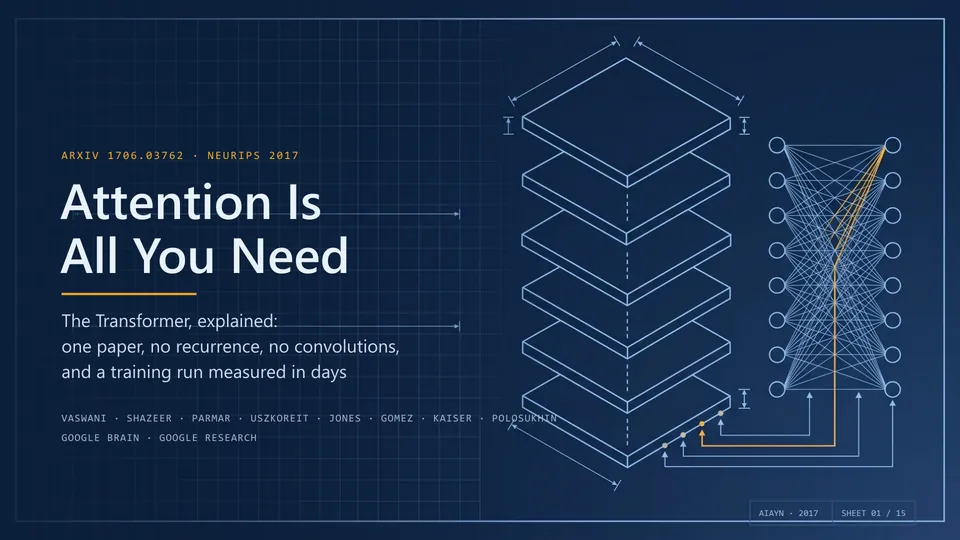
Create animated HTML presentations with a coding agent. Compare visual style previews, build a single-file deck, or turn an existing PowerPoint into web slides.
Find skills for working with documents, from extracting source material to producing finished files.
58 skillsCreate animated HTML presentations with a coding agent. Compare visual style previews, build a single-file deck, or turn an existing PowerPoint into web slides.
Turn articles, reports, papers, and outlines into visually consistent image-based PPTX decks.
Convert Markdown into styled, WeChat-compatible HTML with support for code, math and diagrams.
Design relevant popup offers, triggers and dismissal behavior with measurement plans.
Create animated HTML presentations with a coding agent. Compare visual style previews, build a single-file deck, or turn an existing PowerPoint into web slides.
Turn articles, reports, papers, and outlines into visually consistent image-based PPTX decks.
Convert Markdown into styled, WeChat-compatible HTML with support for code, math and diagrams.
Design relevant popup offers, triggers and dismissal behavior with measurement plans.
Draft Chinese invention patent and technical disclosure materials from research evidence, including claims and prior-art comparisons.
Create and edit spreadsheets with explicit assumptions, consistent formulas, formatting and recalculation checks.
Rebuild scanned Chinese books as structured Word documents using MinerU OCR, title mapping and proofreading against the original pages.
Plan illustrations at useful points in an article, keep the visual style consistent and insert supplied images into Markdown.
Turn a visual philosophy into original poster art and carefully composed PNG or PDF designs.
Turn experiment images, voice notes and text into structured Markdown logs with YAML metadata and optional Obsidian or Feishu integration.
Fetch web pages and PDFs, then return clean Markdown, summaries, or cited extracts.
Create single-file HTML presentations in editorial magazine or Swiss style, with horizontal navigation, speaker notes, rehearsal timers and a synchronized audience window.
Make targeted edits in an explicitly selected draft file and verify the resulting text.
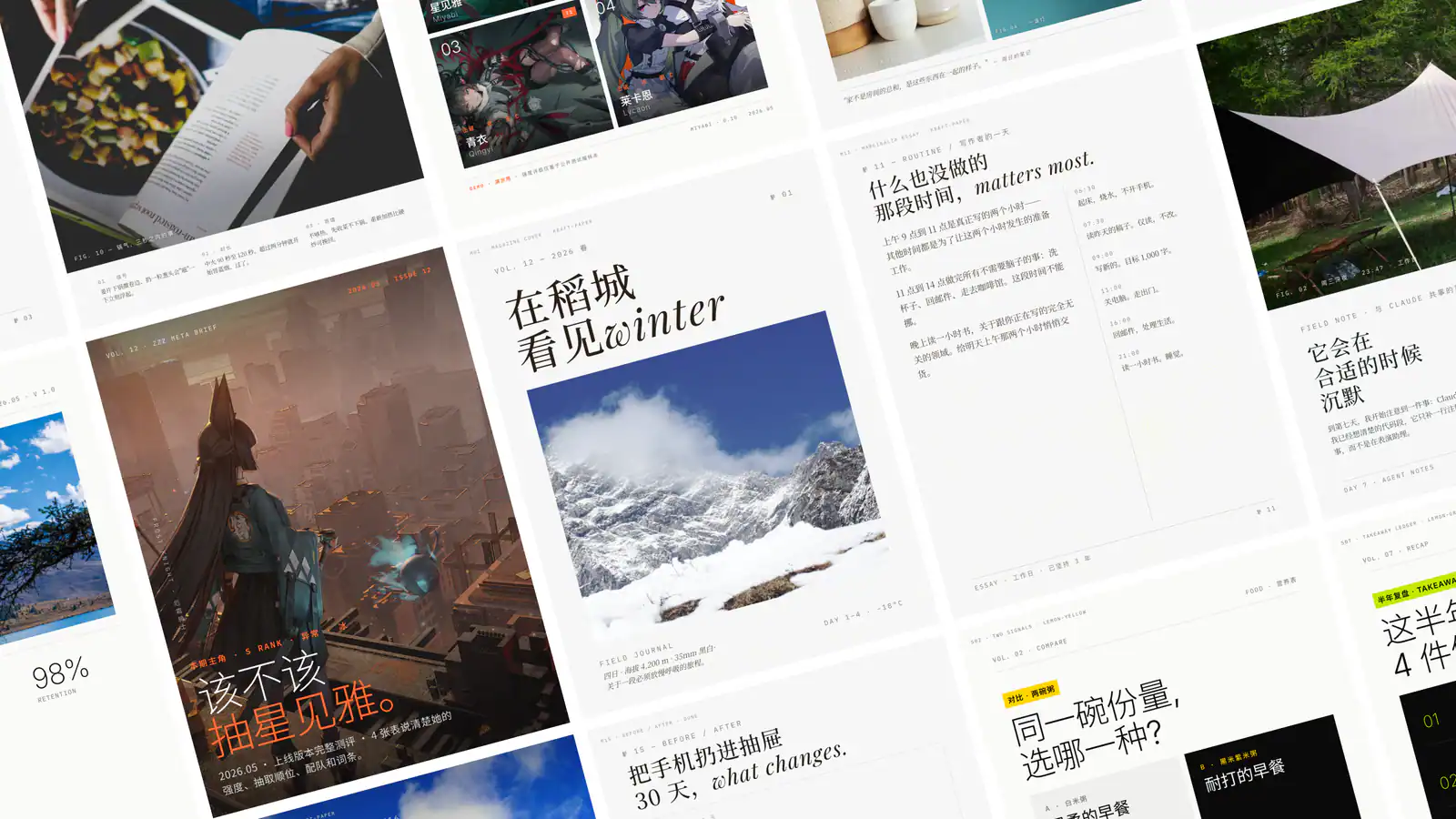
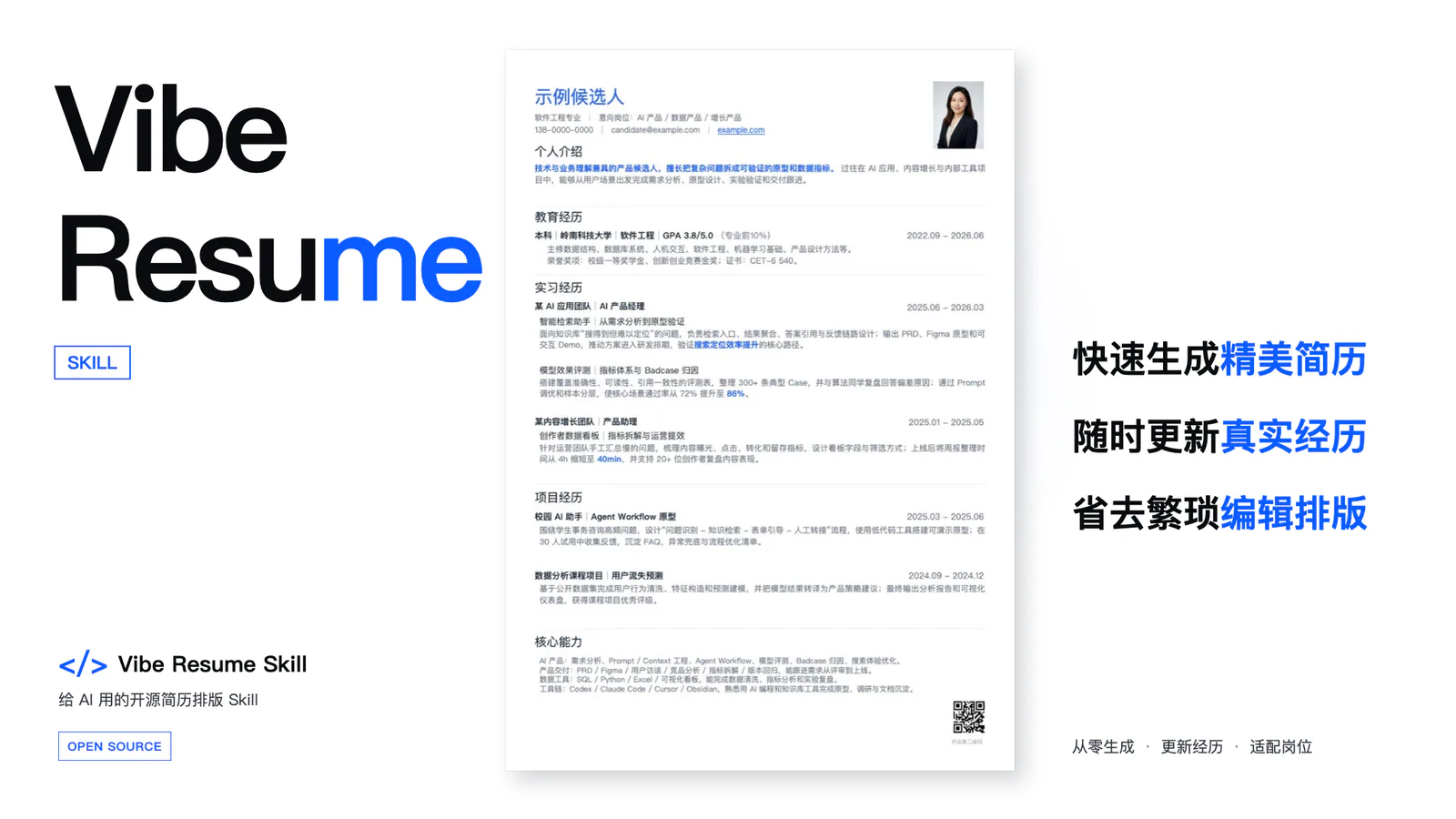
Create and tailor one-page HTML and PDF resumes with 12 templates and a YAML-based workflow. Free for non-commercial use.
Create and edit Obsidian Flavored Markdown with wikilinks, embeds, callouts, properties, and other Obsidian-specific syntax.
Create buyer-specific collateral, objection responses, demo outlines and sales playbook drafts.
Review registration fields, error states and verification steps to identify signup friction.
Create reports, invoices and other PDFs with React components, reusable layouts, SVG graphics and controlled page breaks.
Screen study titles, abstracts and full texts against confirmed eligibility criteria, with adjudication, PRISMA counts and an Excel log.
Plan academic presentations around evidence and argument structure for conference talks, seminars, thesis defenses, and research briefings.
Create source-linked Chinese-English Markdown paper readers with aligned text, figures, tables and equations.
Use common PDF utilities and Python libraries to read, create, split and merge documents.
Read supported web pages through a browser-backed CLI and save their content as Markdown.
Export Markdown files to PDF and other document formats through a local CLI, with Pandoc and Typst used for PDF rendering.
Turn scientific papers or reading notes into Chinese PPTX research presentations with source figures and speaker notes.
Convert accessible X posts, threads and articles to Markdown with metadata.
Draft manuscript sections and initial-submission materials from supplied evidence, or restructure a scientific argument.
Co-author proposals, specifications and decision documents through context gathering, refinement and reader testing.
Create and inspect PDFs, extract text and tables, merge pages and process forms or scanned documents.
Generate dimensioned PDF engineering drawings from part geometry, with projected views, hole callouts and a title block.
Study a topic through concept mapping, Feynman explanations, self-tests, associations, and a running Markdown notebook with Mermaid maps and optional Word notes.
Combine multiple dbs-save archives into a shareable Markdown report of diagnoses and conclusions.
Parse PDFs, scans and Office files into Markdown with MinerU, with OCR, formula and table extraction, batch processing and optional local parsing.
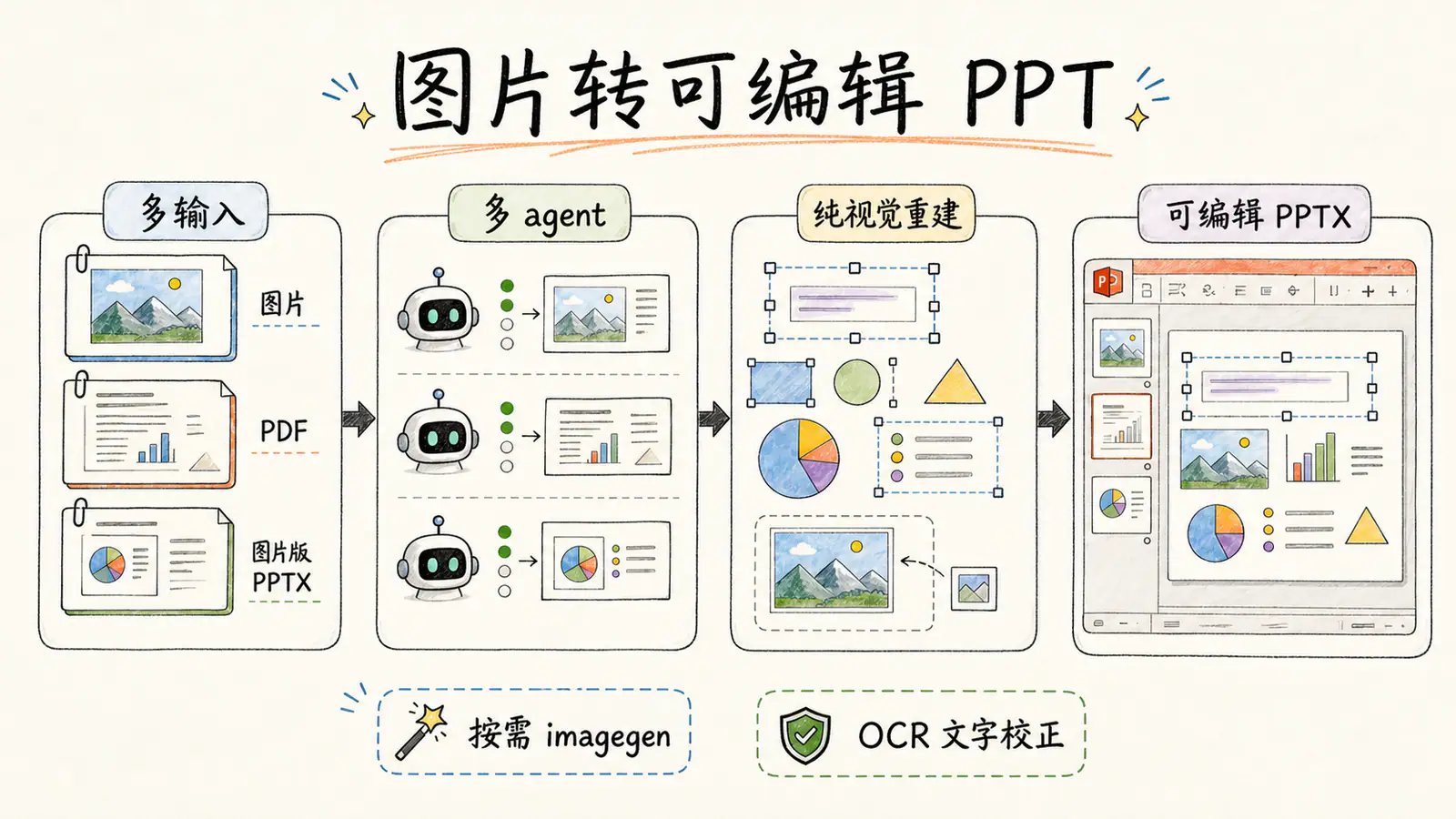
Rebuild slide images, scanned PDFs and image-based PPTX into editable PowerPoint text, tables and shapes, with separate visual assets and validation.
Translate an English paper PDF into a Chinese image-based PDF, preserving page layout and checking each translated page.
Create scientific figures in Python or R, with multi-panel layout checks, editable outputs and optional AI schematic drafts.
Reconstruct slide images, scanned PDFs and image-only decks as object-level editable PowerPoint, with render comparisons.
Build consulting presentations from HTML slide parts with a design rulebook, automated checks, PDF output and an optional editable PowerPoint conversion.
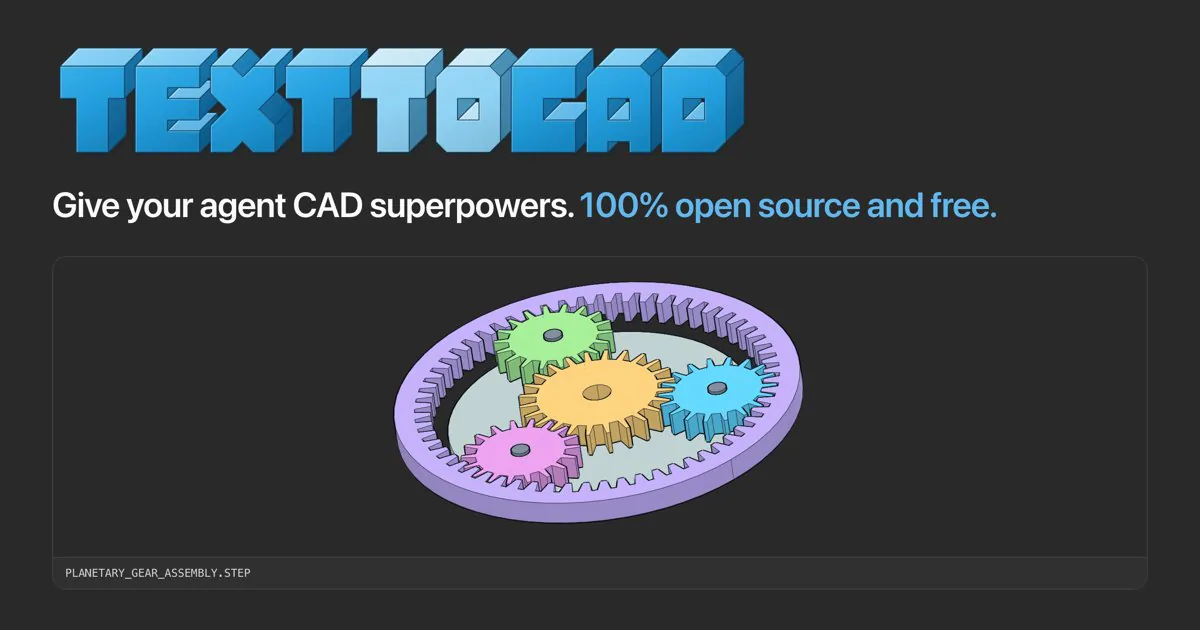
Equip text-only agents with image questions, OCR, target localization, cropping, SVG tracing, and screenshot comparison tools.
Plan, draft and revise academic papers, check citations, and prepare LaTeX, PDF or Word documents through Pandoc.
Convert Markdown into HTML that can be copied into the WeChat Official Account editor, with fifteen built-in visual styles.
Organize plain text or Markdown with headings, summaries, lists and formatting into a formatted Markdown file.
Create, read and edit Word documents, including headings, tables, comments and tracked changes.
Create editable PowerPoint presentations from documents, reuse presentation templates and revise existing PPTX files through a local Python workflow.
Send one source document to NotebookLM and start a kawaii narrative slide deck using notebooklm-py.
Create Marp presentations from Markdown with SVG charts, dashboard components and reference decks, then export to HTML, PDF or PowerPoint.
Turn documents into browser-editable presentations with per-page controls, built-in themes and exports to offline HTML, PDF and editable PPTX.
Create template-driven HTML data visualizations, full-page reports, and HTML or PDF presentations with consistent typography and chart styles.
Choose PDF skills for text extraction, page operations, document creation and paper reading. Compare specific workflows, dependencies and useful handoff checks.
Compare presentation skills for editable PowerPoint, image-based PPTX and HTML slides. Find a workflow for your source material, revisions and final handoff.
Find skills for working with documents, from extracting source material to producing finished files.