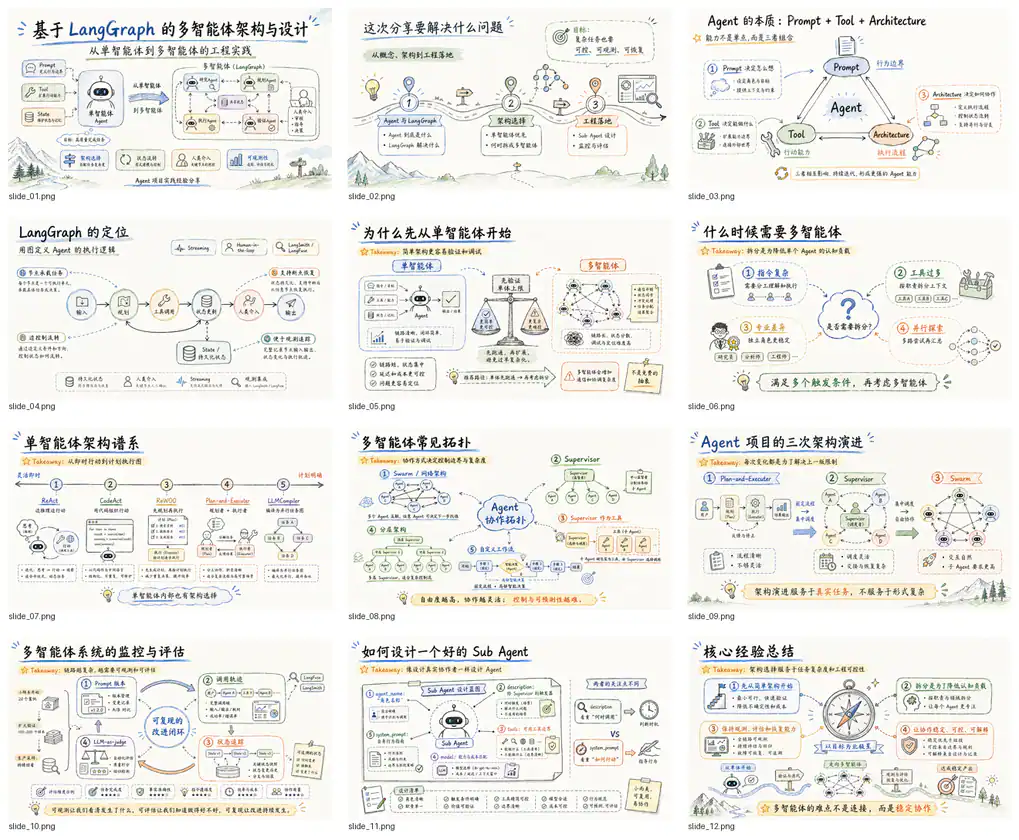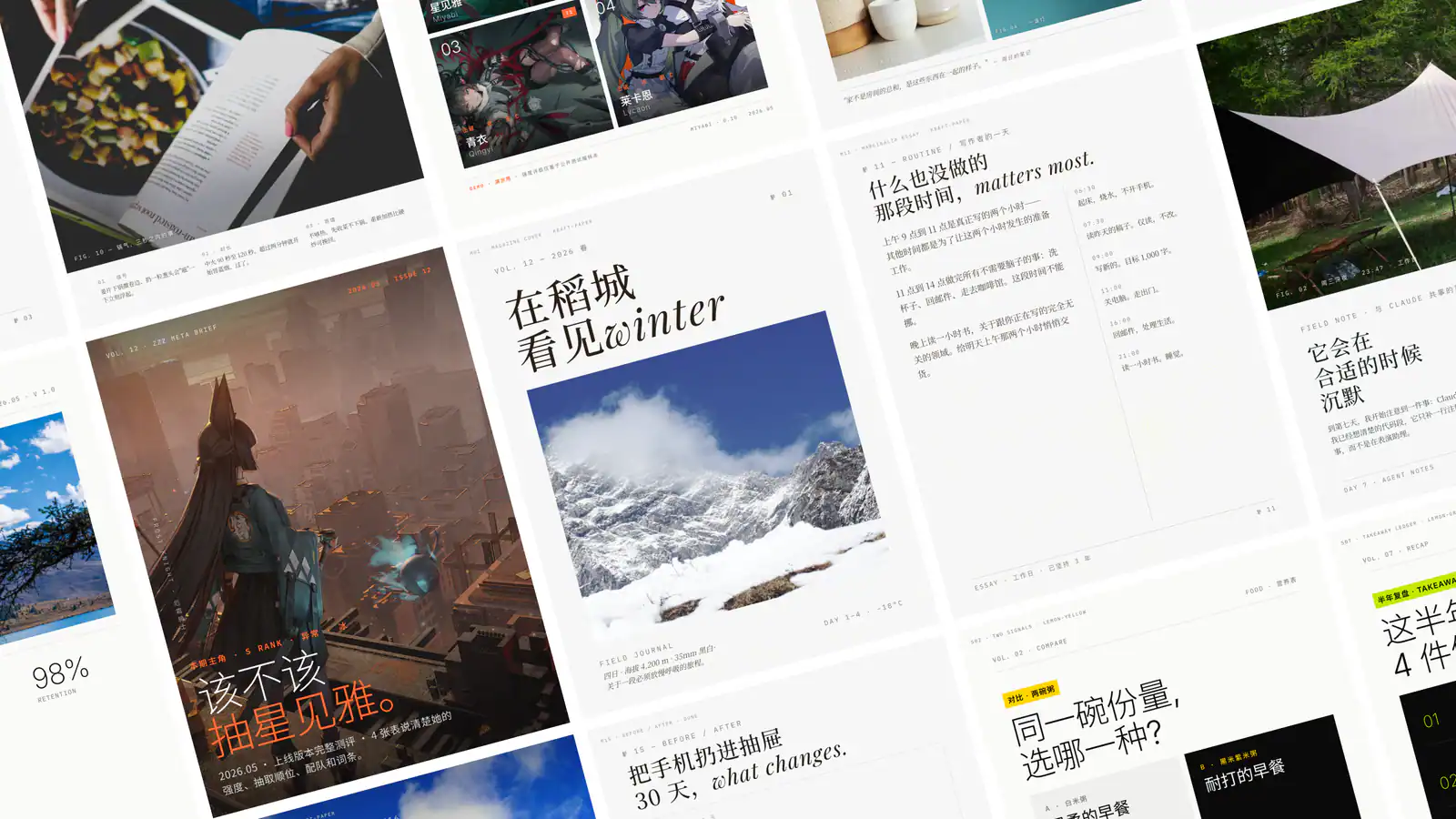
Official Claude-Mem demonstration: a coding session beside a browser showing persistent observations.
Project screenshotsAbout this Skill
Send one source document to NotebookLM and start a kawaii narrative slide deck using notebooklm-py.
Why we picked it
A reusable workflow from the Claude-Mem project. It is listed separately to explain this task; shared runtime and helper dependencies remain part of the upstream installation. The inherited gallery demonstrates the memory system, not this task’s specific output.
What it helps with
- Turn a substantial document into a warm, character-led slide presentation.
How the workflow runs
Step 1
Check authentication and confirm the single source document is ready.
Step 2
Create a notebook, upload the source, and wait until processing completes.
Step 3
Start a slide deck with a short visual prompt and return the notebook URL.
Expected result
A NotebookLM slide-deck generation job and notebook URL. PDF download is a separate explicit request.
Try a concrete request
Example request
After installing the required integration, ask your agent:
Turn this report into a kawaii narrative slide deck in NotebookLM.
Before you use it
- A NotebookLM account with interactive login, notebooklm-py, uv, Playwright Chromium, jq, and one suitable source document. Generation availability depends on the service.
- Use the original upstream files and follow the documented host integration. Model or third-party service usage can carry separate costs.
Supported agents
Sources & references
Original sources are linked below. Practical starting points are editorial suggestions from SkillHey.