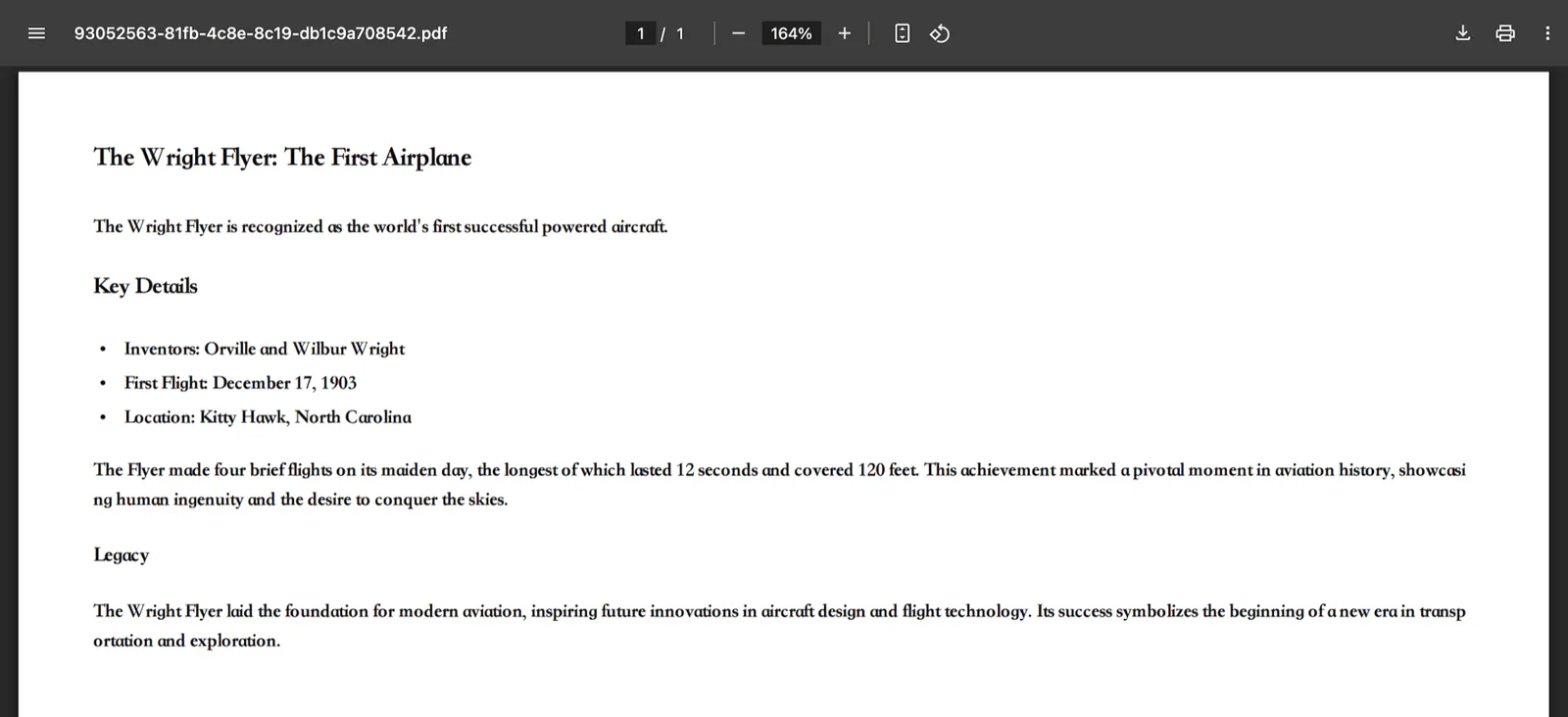
Author README example: a Markdown document exported to PDF and displayed in a PDF viewer.
Project screenshotsAbout this Skill
Install the Agent Skill instructions and the md-exporter Python package, then convert Markdown input files with named CLI commands. The reviewed PDF implementation converts Markdown through Pandoc and Typst and includes font assets for multilingual output. Installing the Skill alone does not install the command-line runtime.
Why we picked it
A concrete file-to-file workflow for converting an agent’s Markdown draft into a shareable PDF, with additional Office and data exports.
What it helps with
- Turn a Markdown research draft into a PDF.
- Export tables or the same draft into additional Office and data formats.
- Keep conversion as a repeatable local file-to-file command.
Workflow
Prepare Markdown
Write the document as a local Markdown file with the required headings, lists and tables.
Convert with the CLI
Use md_to_pdf for PDF, or another documented export command for the required format.
Review the document
Check page rendering, fonts, tables and any images before delivery.
Installation and runtime
Install the Skill instructions, then provision the documented runtime dependencies before running a task.
| Command | What it helps with |
|---|---|
pip install md-exporter | Install the separate CLI runtime. |
markdown-exporter md_to_pdf input.md output.pdf | Convert a local Markdown file into a PDF. |
markdown-exporter md_to_pdf -h | Inspect current PDF command options. |
Scope and practical limits
This Skill exports Markdown. It does not extract or OCR an existing PDF; those are separate tasks.
License and source
The project is distributed under Apache-2.0. Agent subscriptions, external services and optional integrations have their own requirements.
Before you use it
- Python 3.12+ and the md-exporter package for the reviewed version.
- The PDF route uses Pandoc and Typst; allow the package’s rendering and font dependencies to install.
- CLI commands accept input file paths. Inspect the exported pages, especially fonts, tables and long text.
Supported agents
Sources & references
Original sources are linked below. Practical starting points are editorial suggestions from SkillHey.