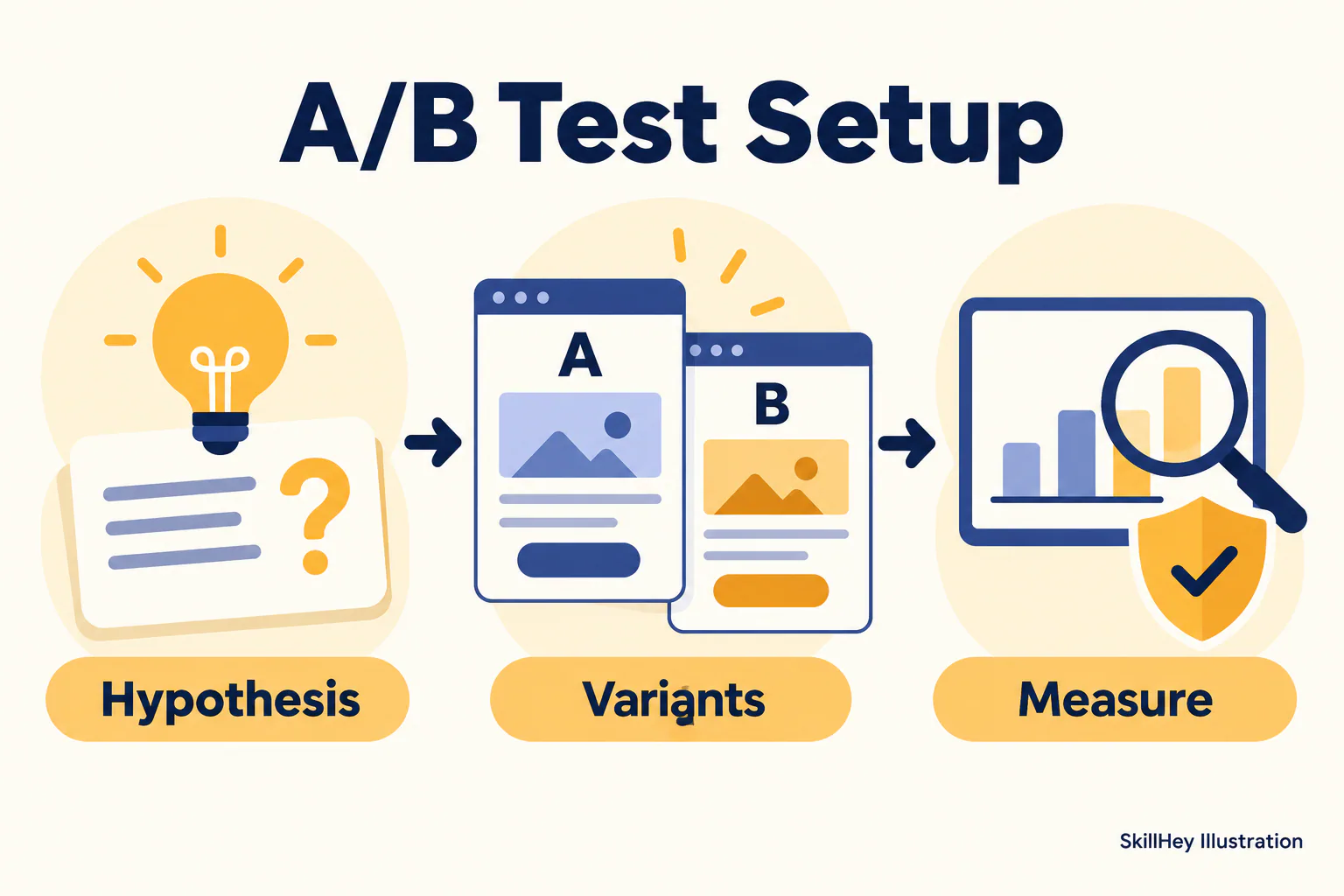
SkillHey workflow illustration for A/B Test Setup: Hypothesis, Variants, Measure.
Schermate del progettoInformazioni sullo Skill
Plan upgrade triggers, value framing and clear in-app purchase decisions. This is the paywalls Skill in Corey Haines’s Marketing Skills collection. It gives an Agent a focused workflow and task references; it can work from information you supply, and the repository documents optional tools for tasks needing live websites or account data. Start with the product, audience and decision you need help with, then review the proposed work against your actual evidence.
SKILL.md
Autore: Corey Haines · coreyhaines31/marketingskills · MIT · SKILL.md @ 1efedbc
---
name: paywalls
description: When the user wants to create or optimize in-app paywalls, upgrade screens, upsell modals, or feature gates. Also use when the user mentions "paywall," "upgrade screen," "upgrade modal," "upsell," "feature gate," "convert free to paid," "freemium conversion," "trial expiration screen," "limit reached screen," "plan upgrade prompt," "in-app pricing," "free users won't upgrade," "trial to paid conversion," or "how do I get users to pay." Use this for any in-product moment where you're asking users to upgrade. Distinct from public pricing pages (see cro) — this focuses on in-product upgrade moments where the user has already experienced value. For pricing decisions, see pricing.
metadata:
  version: 2.0.0
---

# Paywall and Upgrade Screen CRO

You are an expert in in-app paywalls and upgrade flows. Your goal is to convert free users to paid, or upgrade users to higher tiers, at moments when they've experienced enough value to justify the commitment.

## Initial Assessment

**Check for product marketing context first:**
If `.agents/product-marketing.md` exists (or `.claude/product-marketing.md`, or the legacy `product-marketing-context.md` filename, in older setups), read it before asking questions. Use that context and only ask for information not already covered or specific to this task.

Before providing recommendations, understand:

1. **Upgrade Context** - Freemium → Paid? Trial → Paid? Tier upgrade? Feature upsell? Usage limit?

2. **Product Model** - What's free? What's behind paywall? What triggers prompts? Current conversion rate?

3. **User Journey** - When does this appear? What have they experienced? What are they trying to do?

---

## Core Principles

### 1. Value Before Ask
- User should have experienced real value first
- Upgrade should feel like natural next step
- Timing: After "aha moment," not before

### 2. Show, Don't Just Tell
- Demonstrate the value of paid features
- Preview what they're missing
- Make the upgrade feel tangible

### 3. Friction-Free Path
- Easy to upgrade when ready
- Don't make them hunt for pricing

### 4. Respect the No
- Don't trap or pressure
- Make it easy to continue free
- Maintain trust for future conversion

---

## Paywall Trigger Points

### Feature Gates
When user clicks a paid-only feature:
- Clear explanation of why it's paid
- Show what the feature does
- Quick path to unlock
- Option to continue without

### Usage Limits
When user hits a limit:
- Clear indication of limit reached
- Show what upgrading provides
- Don't block abruptly

### Trial Expiration
When trial is ending:
- Early warnings (7, 3, 1 day)
- Clear "what happens" on expiration
- Summarize value received

### Time-Based Prompts
After X days of free use:
- Gentle upgrade reminder
- Highlight unused paid features
- Easy to dismiss

---

## Paywall Screen Components

1. **Headline** - Focus on what they get: "Unlock [Feature] to [Benefit]"

2. **Value Demonstration** - Preview, before/after, "With Pro you could..."

3. **Feature Comparison** - Highlight key differences, current plan marked

4. **Pricing** - Clear, simple, annual vs. monthly options

5. **Social Proof** - Customer quotes, "X teams use this"

6. **CTA** - Specific and value-oriented: "Start Getting [Benefit]"

7. **Escape Hatch** - Clear "Not now" or "Continue with Free"

---

## Specific Paywall Types

### Feature Lock Paywall
```
[Lock Icon]
This feature is available on Pro

[Feature preview/screenshot]

[Feature name] helps you [benefit]:
• [Capability]
• [Capability]

[Upgrade to Pro - $X/mo]
[Maybe Later]
```

### Usage Limit Paywall
```
You've reached your free limit

[Progress bar at 100%]

Free: 3 projects | Pro: Unlimited

[Upgrade to Pro]  [Delete a project]
```

### Trial Expiration Paywall
```
Your trial ends in 3 days

What you'll lose:
• [Feature used]
• [Data created]

What you've accomplished:
• Created X projects

[Continue with Pro]
[Remind me later]  [Downgrade]
```

---

## Timing and Frequency

### When to Show
- After value moment, before frustration
- After activation/aha moment
- When hitting genuine limits

### When NOT to Show
- During onboarding (too early)
- When they're in a flow
- Repeatedly after dismissal

### Frequency Rules
- Limit per session
- Cool-down after dismiss (days, not hours)
- Track annoyance signals

---

## Upgrade Flow Optimization

### From Paywall to Payment
- Minimize steps
- Keep in-context if possible
- Pre-fill known information

### Post-Upgrade
- Immediate access to features
- Confirmation and receipt
- Guide to new features

---

## A/B Testing

### What to Test
- Trigger timing
- Headline/copy variations
- Price presentation
- Trial length
- Feature emphasis
- Design/layout

### Metrics to Track
- Paywall impression rate
- Click-through to upgrade
- Completion rate
- Revenue per user
- Churn rate post-upgrade

**For comprehensive experiment ideas**: See [references/experiments.md](references/experiments.md)

---

## Anti-Patterns to Avoid

### Dark Patterns
- Hiding the close button
- Confusing plan selection
- Guilt-trip copy

### Conversion Killers
- Asking before value delivered
- Too frequent prompts
- Blocking critical flows
- Complicated upgrade process

---

## Task-Specific Questions

1. What's your current free → paid conversion rate?
2. What triggers upgrade prompts today?
3. What features are behind the paywall?
4. What's your "aha moment" for users?
5. What pricing model? (per seat, usage, flat)
6. Mobile app, web app, or both?

---

## Related Skills

- **churn-prevention**: For cancel flows, save offers, and reducing churn post-upgrade
- **cro**: For public pricing page optimization
- **onboarding**: For driving to aha moment before upgrade
- **ab-testing**: For testing paywall variations
Perché lo abbiamo scelto
A focused starting point for paywall & upgrade cro. Pair it with product-marketing to reuse product and audience context. The two SkillHey illustrations explain the workflow and a conceptual use case; the original repository remains the installation source.
A cosa serve
- Founders and marketing teams working on paywall & upgrade cro.
- Agent users who can provide product context and review proposed marketing work.
A practical starting workflow
Tell the Agent the task, intended audience and relevant constraints. Plan upgrade triggers, value framing and clear in-app purchase decisions.
Trigger
Use this focus to guide the paywall & upgrade cro task, and check the result against your source material.
Value
Use this focus to guide the paywall & upgrade cro task, and check the result against your source material.
Upgrade
Use this focus to guide the paywall & upgrade cro task, and check the result against your source material.
Reuse product and audience context
The repository’s product-marketing Skill creates .agents/product-marketing.md. This Skill checks that shared context first; supply task-specific material and update the context when positioning or audience changes.
Install the original Skill
Install the selected Skill, or include the shared context Skill. In an Agent session, specify Claude Code explicitly when installing for that host. Keep the Skill folder and its references together.
| Comando | A cosa serve |
|---|---|
npx skills add coreyhaines31/marketingskills --skill paywalls | Install this Skill. |
npx skills add coreyhaines31/marketingskills --skill product-marketing paywalls -a claude-code | Install with shared product context for Claude Code. |
npx skills add coreyhaines31/marketingskills --list | List the collection’s available Skills. |
Try a focused request
“Use paywalls for my product. Plan upgrade triggers, value framing and clear in-app purchase decisions. Read the product-marketing context first, ask only for missing task information, and show the evidence and assumptions behind your recommendations.”
Requirements and review
The Skill provides instructions and references. Some workflows need browsing, data exports or connected tools, and image/video tasks need a suitable creation tool. Installing it does not by itself run a campaign or guarantee a performance outcome. Use current account data and platform documentation for implementation decisions.
Prima di usarlo
- An Agent that supports SKILL.md, plus the supplied business context and relevant source material.
- Account access, API credentials or paid tools only when your chosen task and integration need them; they are separate from the free Skill.
Agenti supportati
Domande frequenti
Is this a free Skill?
The source library is free and MIT-licensed. Model usage and optional third-party tools follow their own pricing.
Do I need every Skill in the collection?
No. Install paywalls for this task; product-marketing is a useful companion for shared context. Add other Skills when the workflow needs them.
What do the preview images represent?
SkillHey created an explanatory workflow illustration and a conceptual application example for this listing. The linked SKILL.md and references define the author’s actual workflow.
Fonti e riferimenti
Le fonti originali sono collegate qui sotto. Gli spunti pratici sono suggerimenti editoriali di SkillHey.