Automation Skills for AI Agents: Recurring Work, Browsers and CI
Last updated: 2026-11-10
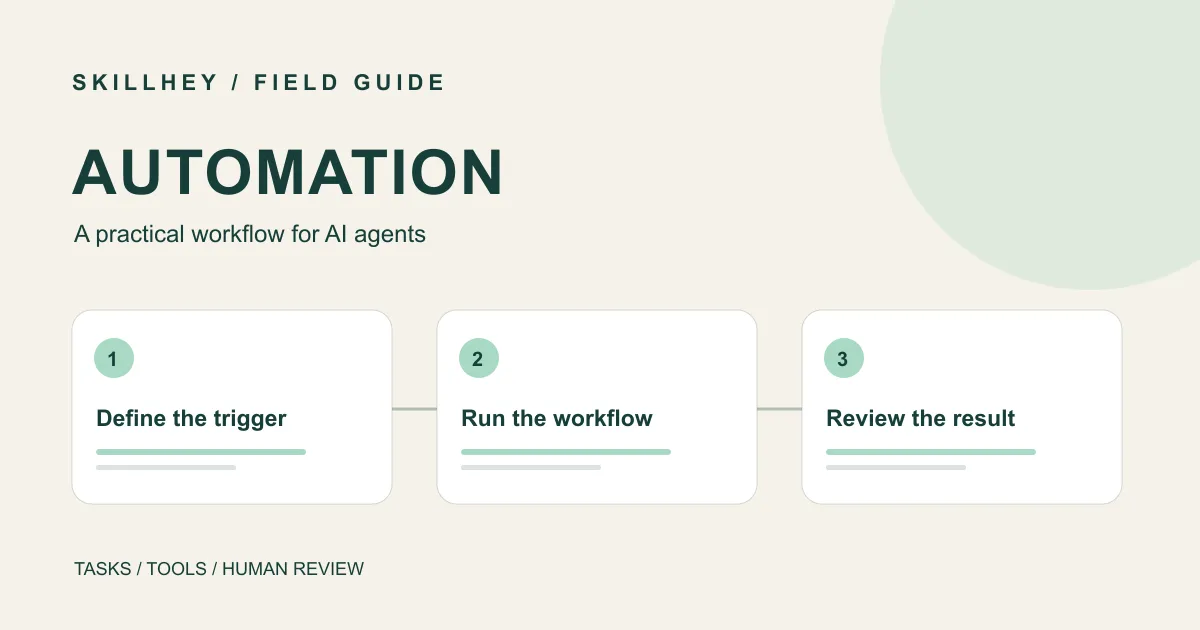
The right automation depends on what repeats. Marketing Loops helps specify a recurring marketing process, Nature Literature Pipeline focuses on literature monitoring, Browser Harness connects an agent to a browser, and CI/CD and Automation addresses software delivery pipelines.
These Skills guide different tasks. Their published instructions describe workflows and dependencies; they do not establish that a scheduler, browser session, account integration or deployment already exists in your environment. This guide draws on source documentation and catalog records, not a comparative execution test.
Pick the repeated job
Marketing Loops
Define recurring agent workflows with cadence, inputs, outputs and review boundaries.
59,9 milEstrelasnpx skills add coreyhaines31/marketingskills --skill marketing-loopsInstallation options
npx skills add coreyhaines31/marketingskills --skill product-marketing marketing-loops -a claude-codenpx skills add coreyhaines31/marketingskills --list
Nature Literature Pipeline
Automate literature discovery, configurable scoring, reading, delivery and local archival through a scheduled workflow.
53,3 milEstrelasnpx skills add Yuan1z0825/nature-skills --agent codex --skill nature-literature-pipeline --yes --copyInstallation options
npx skills add Yuan1z0825/nature-skills --agent claude-code --skill nature-literature-pipeline --yes --copy
CI/CD and Automation
Build CI pipelines with ordered quality gates, failure feedback, deployment strategies and rollback paths.
116,3 milEstrelasnpx skills add addyosmani/agent-skills --skill ci-cd-and-automationAgent support
Declared by the skill author
| Skill | Agent support |
|---|---|
| Marketing Loops | Claude Code, Codex CLI, Cursor, GitHub Copilot, DeepSeek Harness, Gemini CLI, Grok Build, Hermes Agent, OpenCode, Pi, Kiro, Rovo Dev, Qoder, Mistral Vibe, Google Antigravity |
| Nature Literature Pipeline | Claude Code, Codex CLI, Hermes Agent, OpenCode |
| Browser Harness | Claude Code, Codex CLI, Cursor |
| CI/CD and Automation | Claude Code, Codex CLI, Cursor, GitHub Copilot, Gemini CLI, OpenCode, Kiro, Google Antigravity |
A full list is a declaration, not a test.
| Need | Starting point | What to define |
|---|---|---|
| Repeat a marketing review | Marketing Loops | Cadence, input, output and reviewer |
| Monitor new literature | Nature Literature Pipeline | Search sources, scoring rules and delivery |
| Operate a browser | Browser Harness | Authorized session, target page and permitted actions |
| Check and deliver code | CI/CD and Automation | Quality gates, deployment target and recovery |
Specify the loop before scheduling it
Marketing Loops describes recurring agent workflows with cadence, inputs, outputs and review boundaries. The upstream task is useful when a team repeats a process such as gathering content ideas or reviewing a campaign. Write the trigger and expected artifact first: for example, a weekly draft containing source links and unresolved questions, reviewed by a person before distribution.
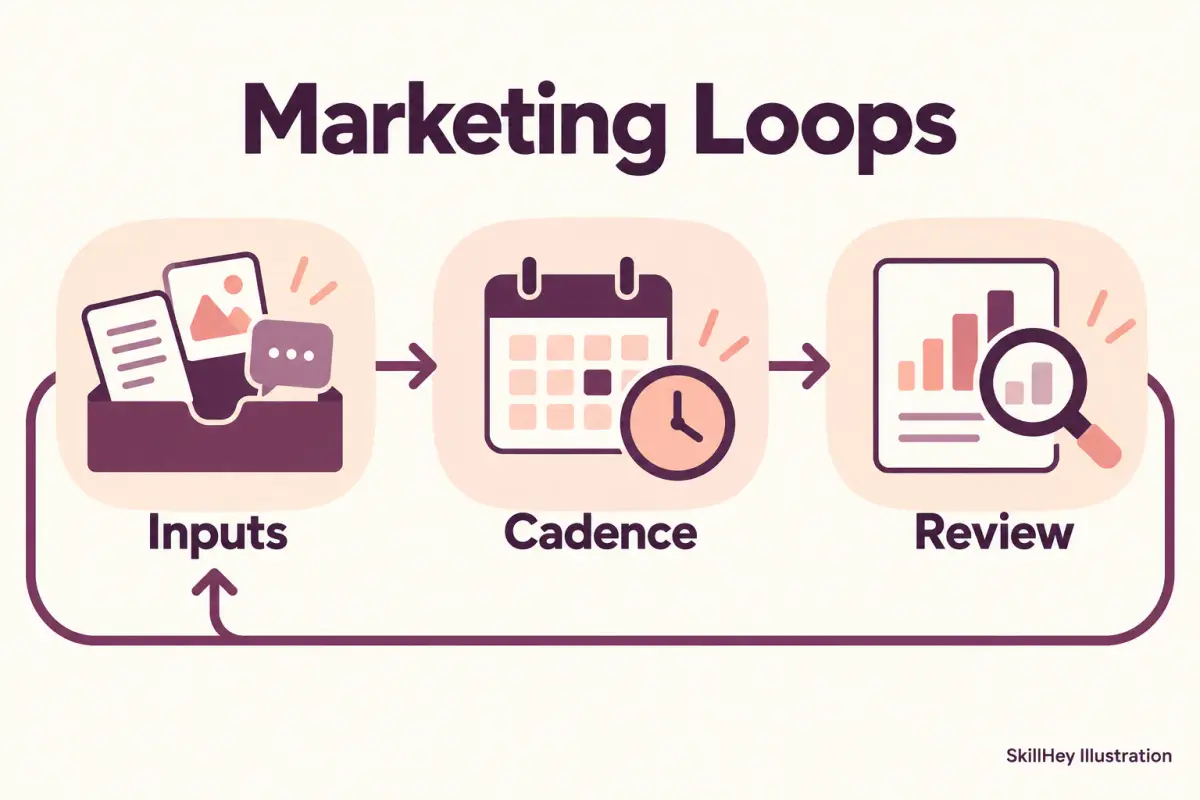
Decide what happens if an input is missing or the same item appears twice. Record the run time, sources, output location and error, so a reviewer can distinguish a quiet week from a failed run. Specify who can alter the schedule and what action requires approval. A Skill can help design the process; execution and scheduling depend on the actual tools you connect.
Monitor a research area
Nature Literature Pipeline describes a scheduled literature workflow covering discovery, configurable scoring, reading, delivery and local archival. Read its upstream instructions and keep the complete required directory and dependencies. Configure the sources, access and delivery mechanism for your environment.
Start with a narrow search, a documented time window and a destination for results. Check the search log and a sample of included and excluded papers before relying on a recurring report. Scoring can help prioritize reading; it does not establish that a paper is correct or relevant to your decision. The research guide covers question framing and evidence checks in more detail.
Work through an authorized browser session
Browser Harness connects an agent to a real browser through the Chrome DevTools Protocol. The project describes using a browser for interactive and JavaScript-rendered tasks. The connected session and any existing login determine what the agent can access, so use an account and environment appropriate to the task.
Give the agent a bounded objective: identify the page, the data to collect and whether it may submit forms. For an initial run, request a draft or extracted preview and inspect it. Websites change, and a selector or navigation step can fail. Keep a record of failed pages and review a sample of extracted fields before using the result downstream.
Use explicit gates for code delivery
CI/CD and Automation helps plan pipelines with quality gates, failure feedback and deployment or rollback considerations. Its upstream entry is aimed at software delivery rather than a general business workflow. Supply the repository's current commands, target environment and deployment constraints. Check proposed changes against the actual CI provider and project documentation.
An example sequence is a test run, build, review of the resulting artifact and deployment to a chosen environment. Decide what happens when a gate fails and how the last working release can be restored. A generated pipeline configuration should be reviewed and exercised in an appropriate environment before it is trusted for production.
Brief an automation task
Trigger and frequency: [event or schedule]
Input and access: [sources, authorized accounts and time range]
Steps: [what to read, transform and produce]
Output: [destination, format and owner]
Review boundary: [what stays a draft and who approves it]
Failure: [how to report missing input, duplicates and errors]
Start with one representative run and inspect its result. Once the workflow and failure handling are understood, choose the scheduler or integration that fits your environment. Browse the Automation topic for related published Skills.