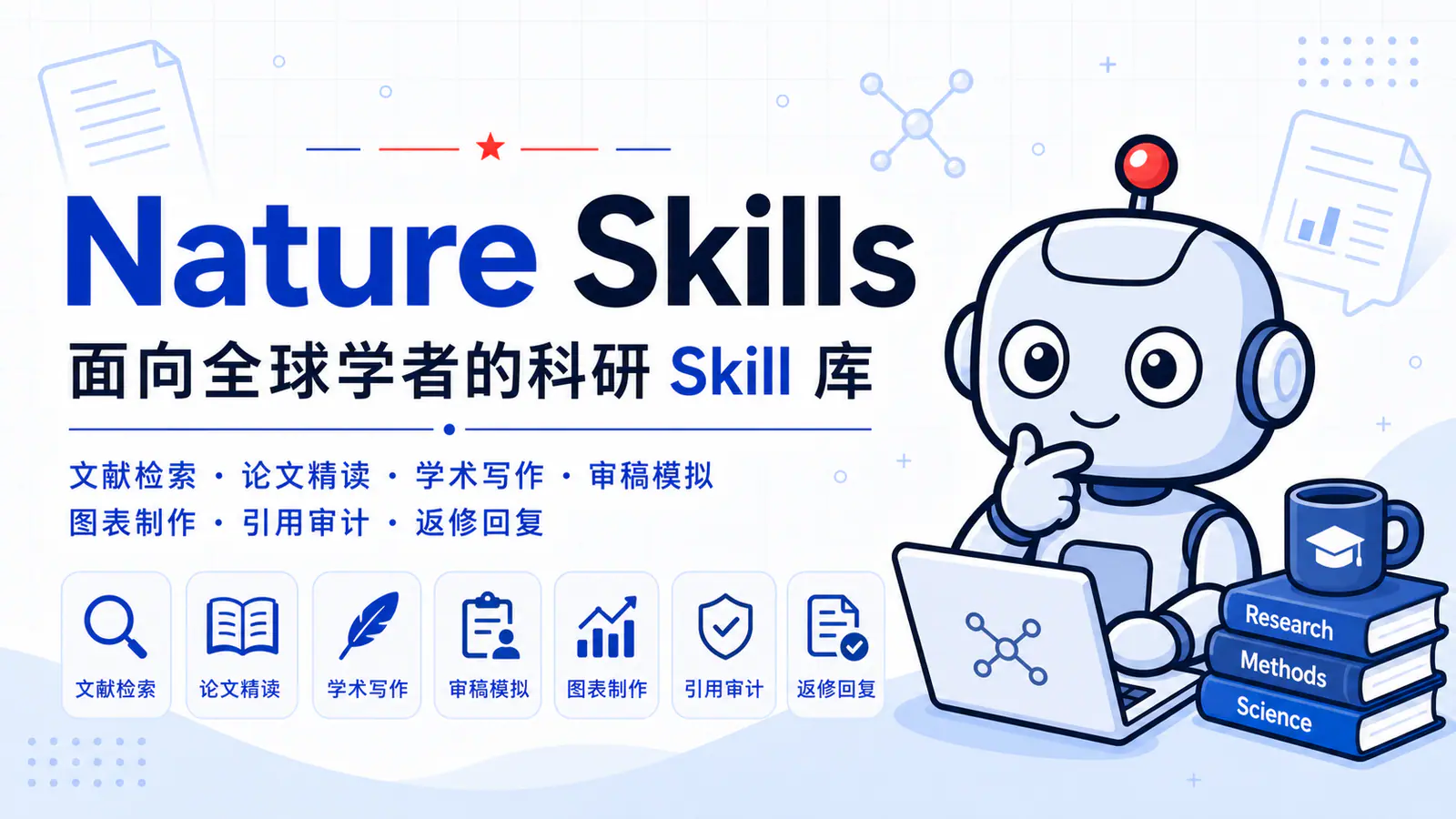
Nature Skills repository banner with a research robot and its literature, writing, review and figure workflows.
Capturas do projetoSobre este Skill
Retrieve academic full text through open-access, publisher API and authorized institutional or browser access.
Por que escolhemos
A focused workflow within Nature Skills. The upstream index labels it Beta. Preserve the complete directory; review the generated result against your own sources.
No que ajuda
- Retrieve academic full text through open-access, publisher API and authorized institutional or browser access.
Purpose and upstream maturity
Retrieve academic full text through open-access, publisher API and authorized institutional or browser access.
The repository index labels this workflow Beta. Read its instructions and references before choosing the tools and reviewing its outputs.
Install the complete workflow
Select the frontmatter name nature-downloader. Preserve scripts, references and assets. Open a fresh agent session after installation.
| Comando | Para que serve |
|---|---|
npx skills add Yuan1z0825/nature-skills --agent codex --skill nature-downloader --yes --copy | Install for Codex in the current project. |
npx skills add Yuan1z0825/nature-skills --agent claude-code --skill nature-downloader --yes --copy | Install for Claude Code in the current project. |
Nature Downloader instructionsRepository installationAgent framework integrations
Antes de usar
- An agent that can read complete local Skill directories and run the tools required by the selected workflow. Upstream documents Claude Code, Codex, OpenCode and Hermes integrations.
- Keep the whole Skill folder, including scripts, references and assets. Preserve the sibling nature-shared package whenever the workflow references it.
- Model access, Python/R packages, MCP services, browser logins and external API credentials are configured separately when required. Installing Skill files does not install these dependencies.
- This workflow declares Node.js 22+ and Python 3; browser-based institutional routes also need the user’s authenticated Chrome session.
Agentes compatíveis
Fontes e referências
As fontes originais estão nos links abaixo. As sugestões práticas são recomendações editoriais do SkillHey.