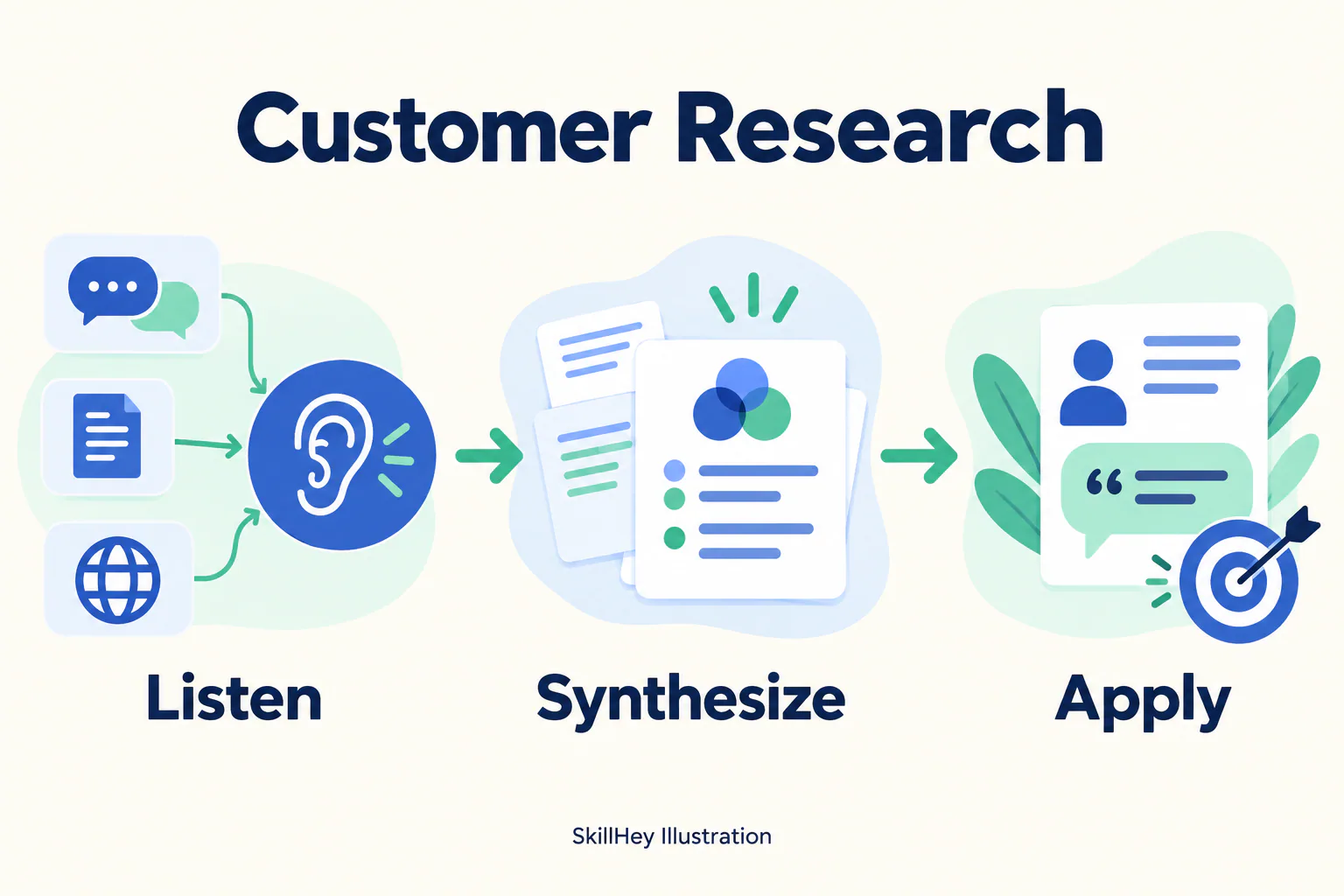
SkillHey workflow illustration for Customer Research: Listen, Synthesize, Apply.
Project screenshotsAbout this Skill
Synthesize interviews, existing assets and online signals into customer themes and language. This is the customer-research Skill in Corey Haines’s Marketing Skills collection. It gives an Agent a focused workflow and task references; it can work from information you supply, and the repository documents optional tools for tasks needing live websites or account data. Start with the product, audience and decision you need help with, then review the proposed work against your actual evidence.
Why we picked it
A focused starting point for customer research. Pair it with product-marketing to reuse product and audience context. The two SkillHey illustrations explain the workflow and a conceptual use case; the original repository remains the installation source.
What it helps with
- Founders and marketing teams working on customer research.
- Agent users who can provide product context and review proposed marketing work.
A practical starting workflow
Tell the Agent the task, intended audience and relevant constraints. Synthesize interviews, existing assets and online signals into customer themes and language.
Listen
Use this focus to guide the customer research task, and check the result against your source material.
Synthesize
Use this focus to guide the customer research task, and check the result against your source material.
Apply
Use this focus to guide the customer research task, and check the result against your source material.
Reuse product and audience context
The repository’s product-marketing Skill creates .agents/product-marketing.md. This Skill checks that shared context first; supply task-specific material and update the context when positioning or audience changes.
Install the original Skill
Install the selected Skill, or include the shared context Skill. In an Agent session, specify Claude Code explicitly when installing for that host. Keep the Skill folder and its references together.
| Command | What it helps with |
|---|---|
npx skills add coreyhaines31/marketingskills --skill customer-research | Install this Skill. |
npx skills add coreyhaines31/marketingskills --skill product-marketing customer-research -a claude-code | Install with shared product context for Claude Code. |
npx skills add coreyhaines31/marketingskills --list | List the collection’s available Skills. |
Try a focused request
“Use customer-research for my product. Synthesize interviews, existing assets and online signals into customer themes and language. Read the product-marketing context first, ask only for missing task information, and show the evidence and assumptions behind your recommendations.”
Requirements and review
The Skill provides instructions and references. Some workflows need browsing, data exports or connected tools, and image/video tasks need a suitable creation tool. Installing it does not by itself run a campaign or guarantee a performance outcome. Use current account data and platform documentation for implementation decisions.
Before you use it
- An Agent that supports SKILL.md, plus the supplied business context and relevant source material.
- Account access, API credentials or paid tools only when your chosen task and integration need them; they are separate from the free Skill.
Supported agents
Frequently asked questions
Is this a free Skill?
The source library is free and MIT-licensed. Model usage and optional third-party tools follow their own pricing.
Do I need every Skill in the collection?
No. Install customer-research for this task; product-marketing is a useful companion for shared context. Add other Skills when the workflow needs them.
What do the preview images represent?
SkillHey created an explanatory workflow illustration and a conceptual application example for this listing. The linked SKILL.md and references define the author’s actual workflow.
Official sources
Based on official documentation, with practical scenarios suggested by SkillHey.