Free
Testing & security
ego Browser Automation
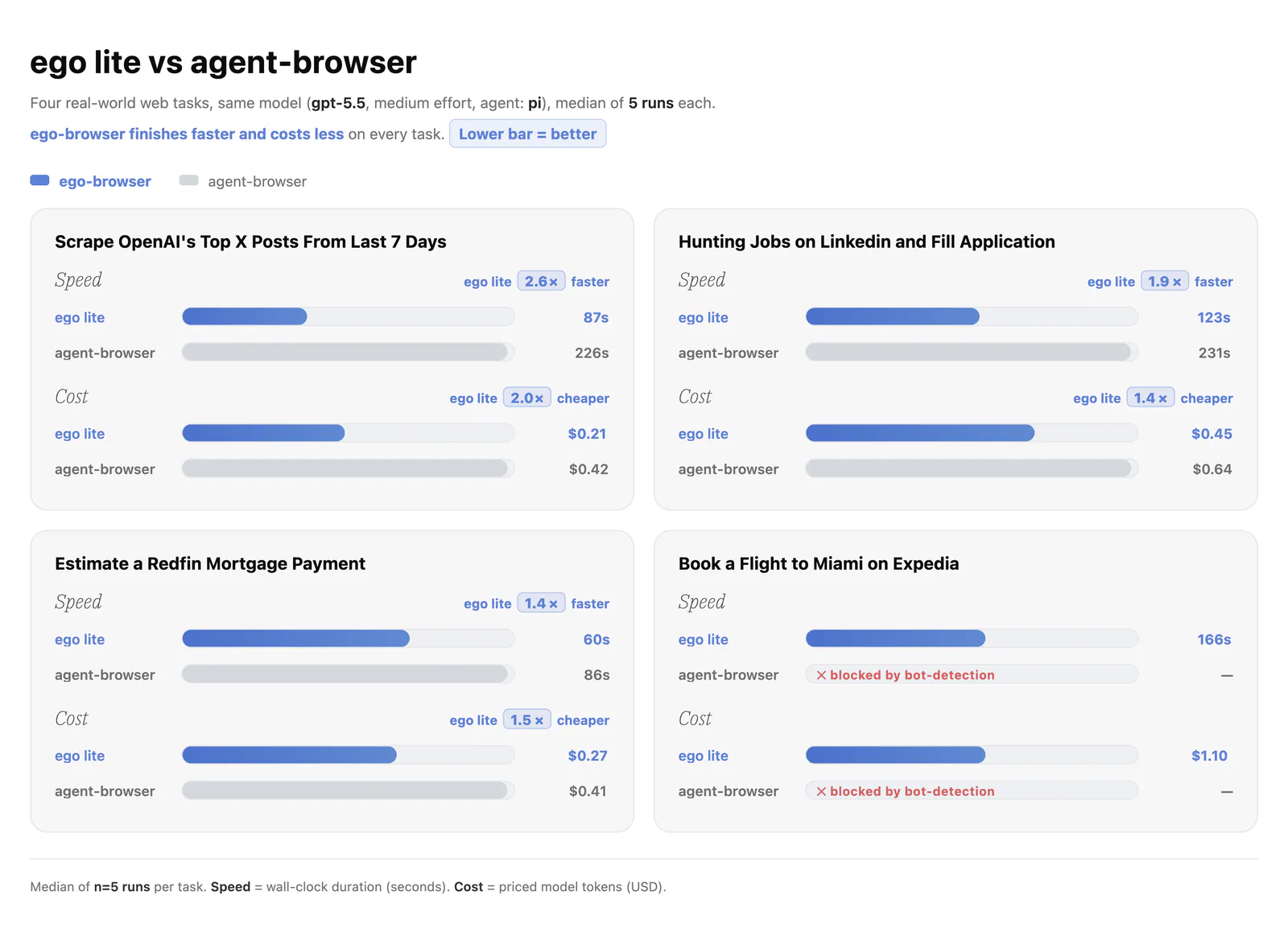
Use ego-browser task spaces and page APIs for browsing, forms, screenshots, extraction and web-app verification.
17.5KStars944Forks
Repository last pushed
citrolabs
Original workflows for websites, images, presentations, and everything in motion.
Use ego-browser task spaces and page APIs for browsing, forms, screenshots, extraction and web-app verification.

Configure export templates and presets, headless builds, platform requirements, and target-device smoke checks.
Operate websites with the agent-browser CLI using snapshots, element references and session state.
Test interactive CLI and TUI prompts, keyboard navigation and rendered terminal output with Microsoft tui-test.
Update the official dbskill collection while preserving other installed skills and user archives.
Control, inspect, test, or automate a physical Android phone connected to OpenMausBot over authorized USB debugging.
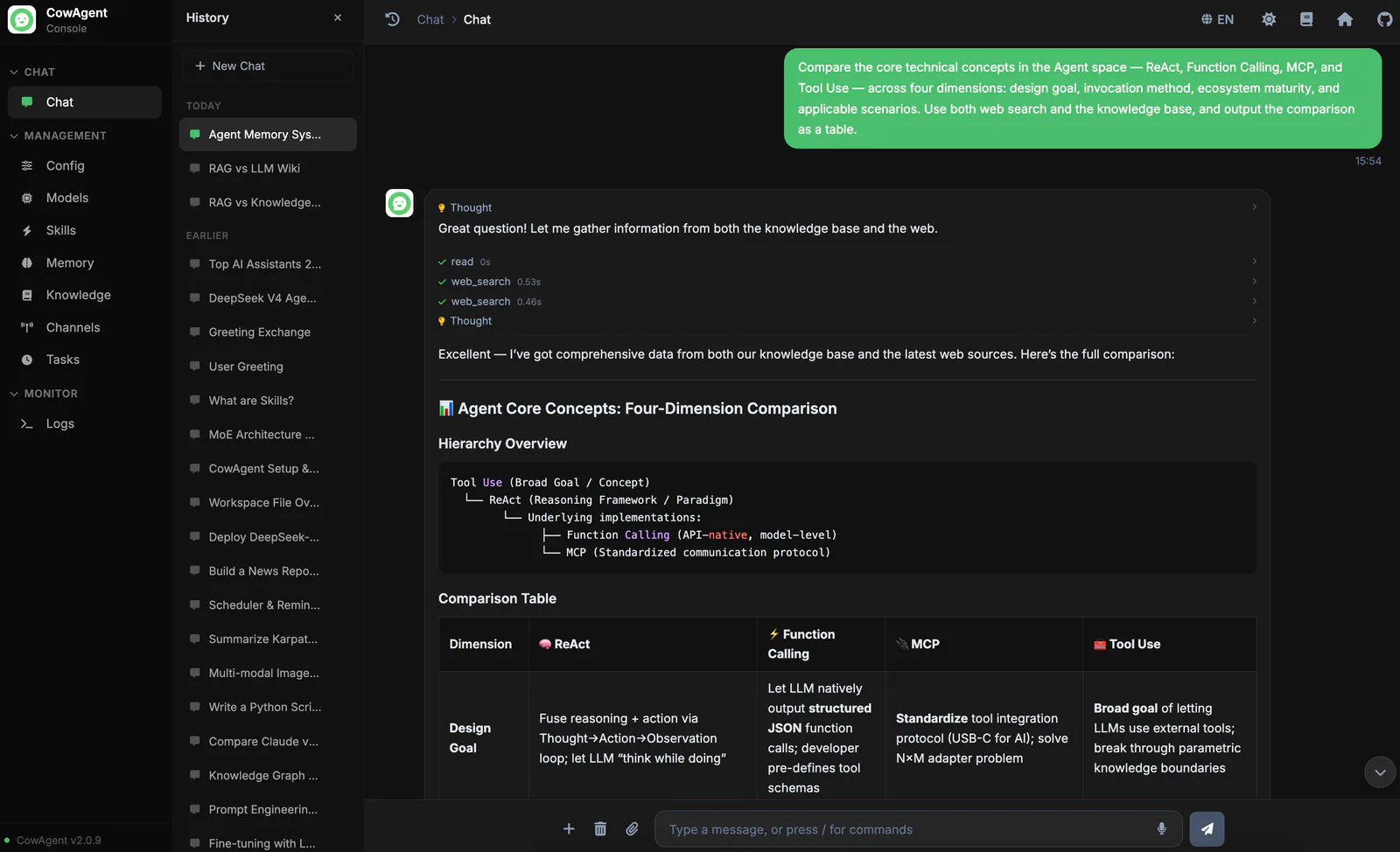
Create, install, and maintain Skills and their supporting resources in a CowAgent workspace.
Coordinate agents, workspaces, handoffs, advisors, committees and user plugins.
Design a project-specific harness with specialist agents, task Skills and a working orchestration structure.
Create, modify and debug sandbox images, setup scripts, update scripts and workspace refreshes.
Collect execution feedback and improve an existing harness, its agents, Skills and orchestration rules.
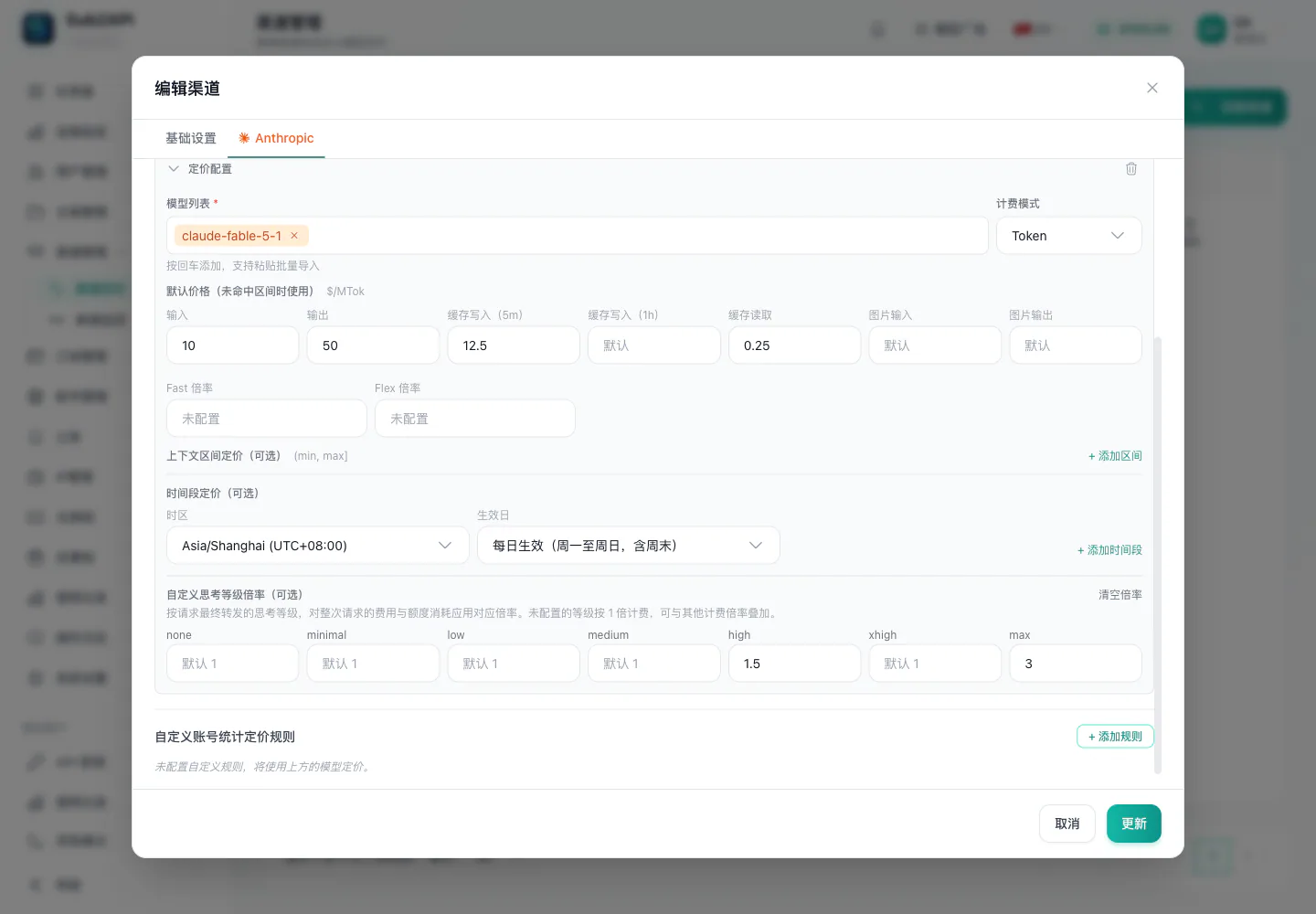
Use the bundled CLI to inspect and manage Sub2API accounts, groups, proxies, redeem codes and administrative settings.
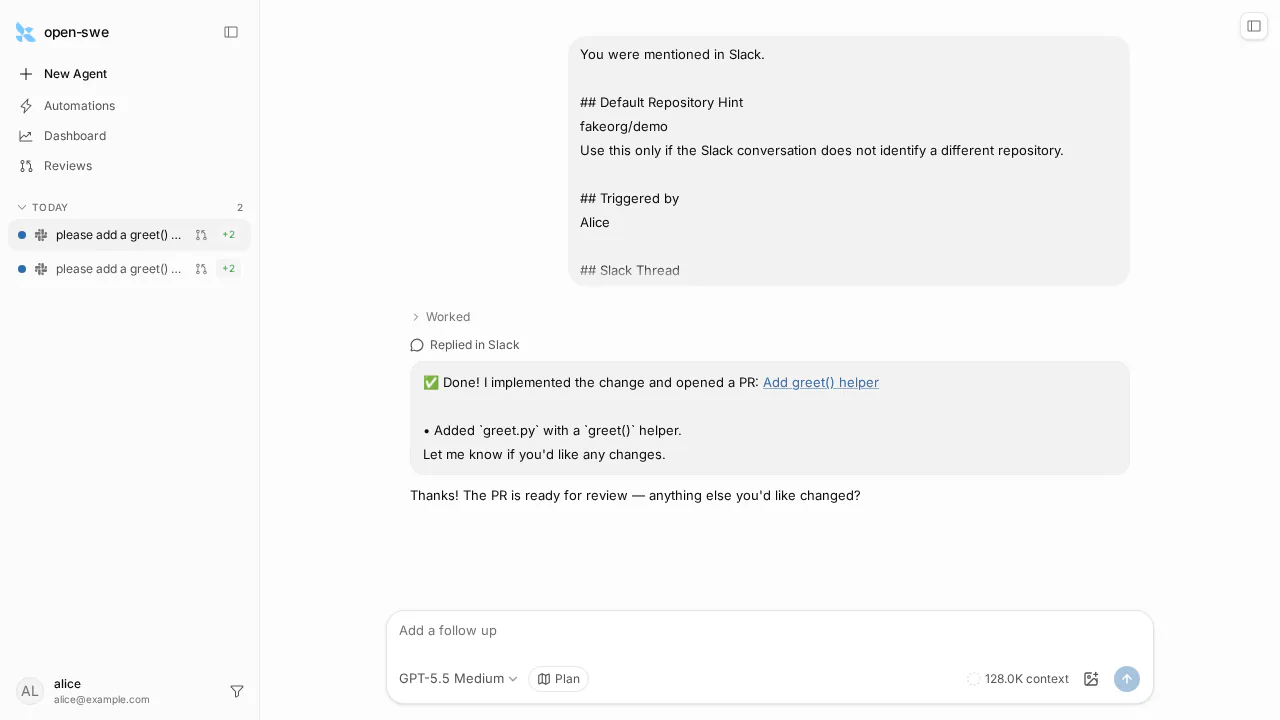
Pull request monitoring, HTML artifacts, Linear tickets and sandbox workspaces for Open SWE.
Inspect and control Herdr workspaces, tabs, panes, commands and coding agents from a Herdr-managed terminal.
Unity Editor automation, package source selection, and Blender model handoff.
Report current Pakistan Standard Time using the example Skill’s timezone convention.
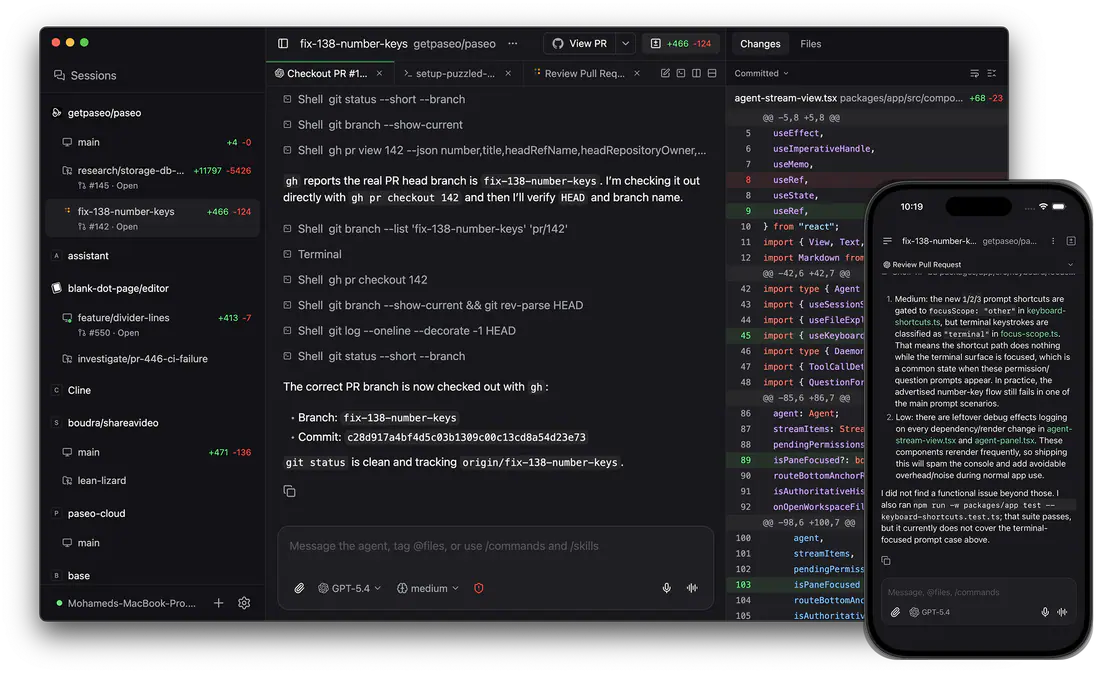
Build and manage trusted local Paseo plugins, hooks, interface extensions, themes and RPCs.
Install, synchronize, inspect, deduplicate, or uninstall individual skills and collections across compatible agent hosts.
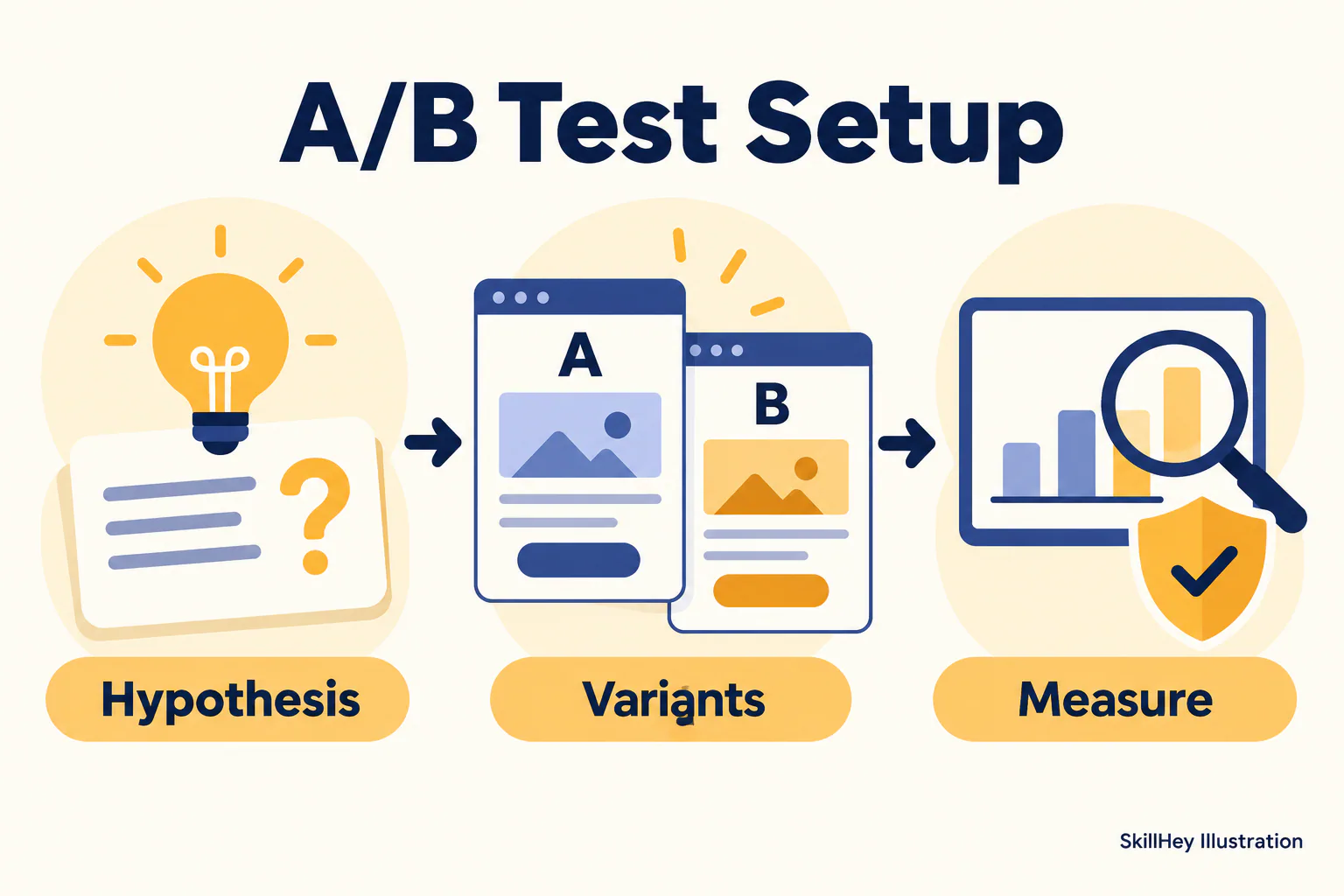
Define recurring agent workflows with cadence, inputs, outputs and review boundaries.
Drive a real browser through agent-browser snapshots and element references to verify web interactions.
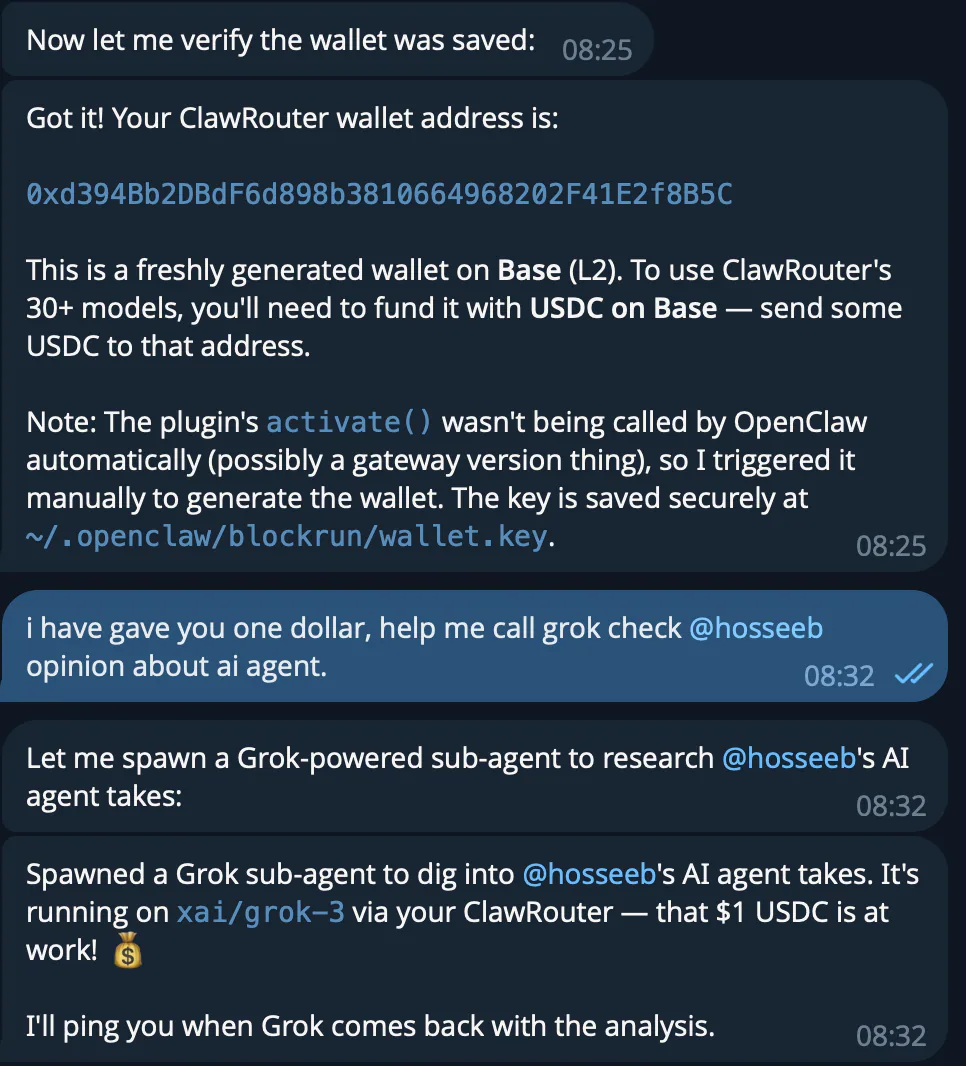
Set up the required wallet and permissions, then follow the upstream confirmation workflow for Polymarket orders and positions.
Manage Paseo projects, workspaces, scripts, agents, schedules and heartbeats through its CLI or MCP.
Browser automation with ego-browser and evidence-based simplification of its runtime code.

Import leads from a chosen Gmail label into the CareerOps job pipeline.