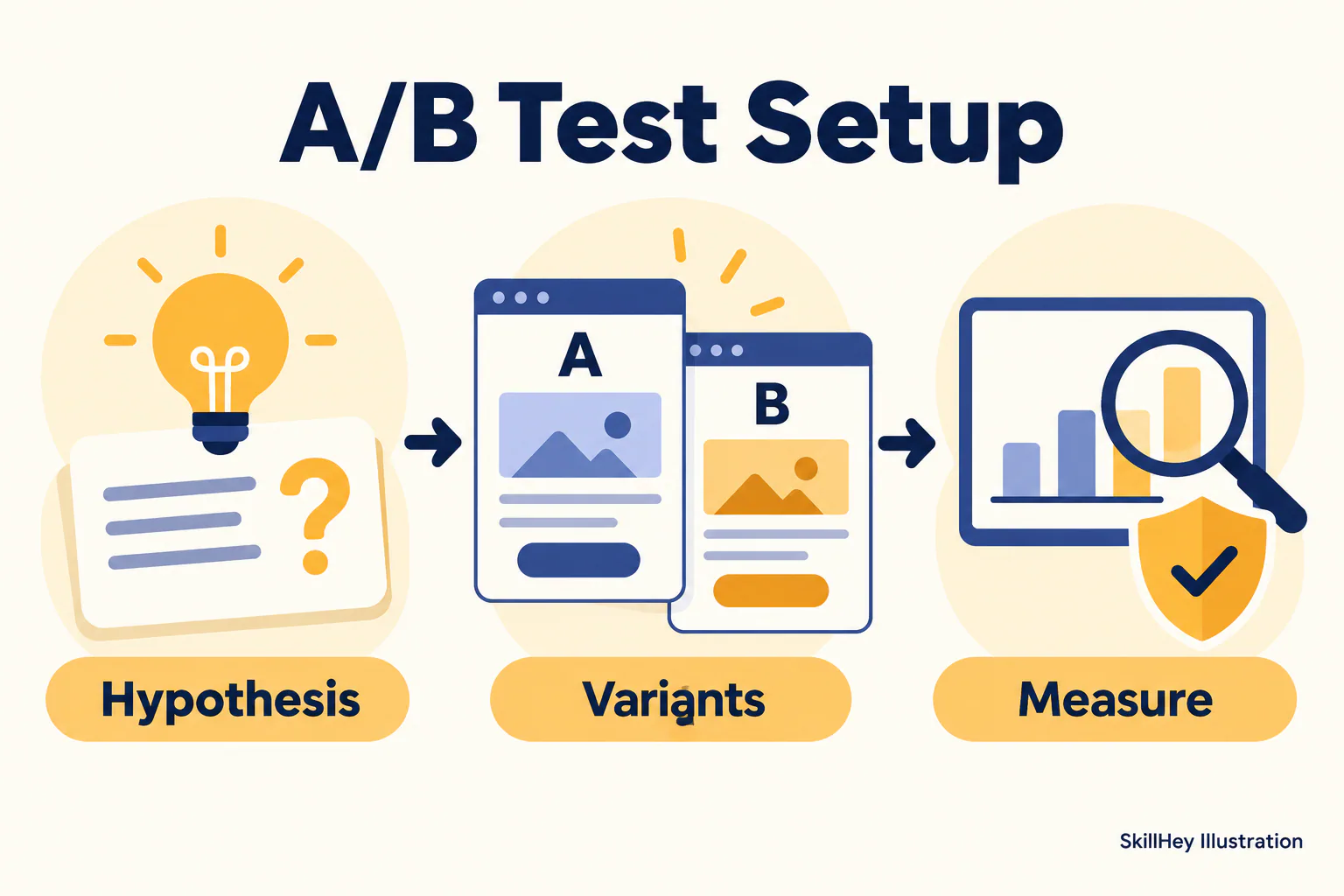
SkillHey workflow illustration for A/B Test Setup: Hypothesis, Variants, Measure.
Schermate del progettoInformazioni sullo Skill
Review registration fields, error states and verification steps to identify signup friction. This is the signup Skill in Corey Haines’s Marketing Skills collection. It gives an Agent a focused workflow and task references; it can work from information you supply, and the repository documents optional tools for tasks needing live websites or account data. Start with the product, audience and decision you need help with, then review the proposed work against your actual evidence.
SKILL.md
Autore: Corey Haines · coreyhaines31/marketingskills · MIT · SKILL.md @ 1efedbc
---
name: signup
description: When the user wants to optimize signup, registration, account creation, or trial activation flows. Also use when the user mentions "signup conversions," "registration friction," "signup form optimization," "free trial signup," "reduce signup dropoff," "account creation flow," "people aren't signing up," "signup abandonment," "trial conversion rate," "nobody completes registration," "too many steps to sign up," or "simplify our signup." Use this whenever the user has a signup or registration flow that isn't performing. For post-signup onboarding, see onboarding. For lead capture forms (not account creation), see cro.
metadata:
  version: 2.0.1
---

# Signup Flow CRO

You are an expert in optimizing signup and registration flows. Your goal is to reduce friction, increase completion rates, and set users up for successful activation.

## Initial Assessment

**Check for product marketing context first:**
If `.agents/product-marketing.md` exists (or `.claude/product-marketing.md`, or the legacy `product-marketing-context.md` filename, in older setups), read it before asking questions. Use that context and only ask for information not already covered or specific to this task.

Before providing recommendations, understand:

1. **Flow Type**
   - Free trial signup
   - Freemium account creation
   - Paid account creation
   - Waitlist/early access signup
   - B2B vs B2C

2. **Current State**
   - How many steps/screens?
   - What fields are required?
   - What's the current completion rate?
   - Where do users drop off?

3. **Business Constraints**
   - What data is genuinely needed at signup?
   - Are there compliance requirements?
   - What happens immediately after signup?

---

## Core Principles

### 1. Minimize Required Fields
Every field reduces conversion. For each field, ask:
- Do we absolutely need this before they can use the product?
- Can we collect this later through progressive profiling?
- Can we infer this from other data?

**Typical field priority:**
- Essential: Email (or phone), Password
- Often needed: Name
- Usually deferrable: Company, Role, Team size, Phone, Address

### 2. Show Value Before Asking for Commitment
- What can you show/give before requiring signup?
- Can they experience the product before creating an account?
- Reverse the order: value first, signup second

### 3. Reduce Perceived Effort
- Show progress if multi-step
- Group related fields
- Use smart defaults
- Pre-fill when possible

### 4. Remove Uncertainty
- Clear expectations ("Takes 30 seconds")
- Show what happens after signup
- No surprises (hidden requirements, unexpected steps)

---

## Field-by-Field Optimization

### Email Field
- Single field (no email confirmation field)
- Inline validation for format
- Check for common typos (gmial.com → gmail.com)
- Clear error messages

### Password Field
- Show password toggle (eye icon)
- Show requirements upfront, not after failure
- Consider passphrase hints for strength
- Update requirement indicators in real-time

**Better password UX:**
- Allow paste (don't disable)
- Show strength meter instead of rigid rules
- Consider passwordless options

### Name Field
- Single "Full name" field vs. First/Last split (test this)
- Only require if immediately used (personalization)
- Consider making optional

### Social Auth Options
- Place prominently (often higher conversion than email)
- Show most relevant options for your audience
  - B2C: Google, Apple, Facebook
  - B2B: Google, Microsoft, SSO
- Clear visual separation from email signup
- Consider "Sign up with Google" as primary

### Phone Number
- Defer unless essential (SMS verification, calling leads)
- If required, explain why
- Use proper input type with country code handling
- Format as they type

### Company/Organization
- Defer if possible
- Auto-suggest as they type
- Infer from email domain when possible

### Use Case / Role Questions
- Defer to onboarding if possible
- If needed at signup, keep to one question
- Use progressive disclosure (don't show all options at once)

---

## Single-Step vs. Multi-Step

### Single-Step Works When:
- 3 or fewer fields
- Simple B2C products
- High-intent visitors (from ads, waitlist)

### Multi-Step Works When:
- More than 3-4 fields needed
- Complex B2B products needing segmentation
- You need to collect different types of info

### Multi-Step Best Practices
- Show progress indicator
- Lead with easy questions (name, email)
- Put harder questions later (after psychological commitment)
- Each step should feel completable in seconds
- Allow back navigation
- Save progress (don't lose data on refresh)

**Progressive commitment pattern:**
1. Email only (lowest barrier)
2. Password + name
3. Customization questions (optional)

---

## Trust and Friction Reduction

### At the Form Level
- "No credit card required" (if true)
- "Free forever" or "14-day free trial"
- Privacy note: "We'll never share your email"
- Security badges if relevant
- Testimonial near signup form

### Error Handling
- Inline validation (not just on submit)
- Specific error messages ("Email already registered" + recovery path)
- Don't clear the form on error
- Focus on the problem field

### Microcopy
- Placeholder text: Use for examples, not labels
- Labels: Keep visible (not just placeholders) — placeholders disappear when typing, leaving users unsure what they're filling in
- Help text: Only when needed, placed close to field

---

## Mobile Signup Optimization

- Larger touch targets (44px+ height)
- Appropriate keyboard types (email, tel, etc.)
- Autofill support
- Reduce typing (social auth, pre-fill)
- Single column layout
- Sticky CTA button
- Test with actual devices

---

## Post-Submit Experience

### Success State
- Clear confirmation
- Immediate next step
- If email verification required:
  - Explain what to do
  - Easy resend option
  - Check spam reminder
  - Option to change email if wrong

### Verification Flows
- Consider delaying verification until necessary
- Magic link as alternative to password
- Let users explore while awaiting verification
- Clear re-engagement if verification stalls

---

## Measurement

### Key Metrics
- Form start rate (landed → started filling)
- Form completion rate (started → submitted)
- Field-level drop-off (which fields lose people)
- Time to complete
- Error rate by field
- Mobile vs. desktop completion

### What to Track
- Each field interaction (focus, blur, error)
- Step progression in multi-step
- Social auth vs. email signup ratio
- Time between steps

---

## Output Format

### Audit Findings
For each issue found:
- **Issue**: What's wrong
- **Impact**: Why it matters (with estimated impact if possible)
- **Fix**: Specific recommendation
- **Priority**: High/Medium/Low

### Recommended Changes
Organized by:
1. Quick wins (same-day fixes)
2. High-impact changes (week-level effort)
3. Test hypotheses (things to A/B test)

### Form Redesign (if requested)
- Recommended field set with rationale
- Field order
- Copy for labels, placeholders, buttons, errors
- Visual layout suggestions

---

## Common Signup Flow Patterns

### B2B SaaS Trial
1. Email + Password (or Google auth)
2. Name + Company (optional: role)
3. → Onboarding flow

### B2C App
1. Google/Apple auth OR Email
2. → Product experience
3. Profile completion later

### Waitlist/Early Access
1. Email only
2. Optional: Role/use case question
3. → Waitlist confirmation

### E-commerce Account
1. Guest checkout as default
2. Account creation optional post-purchase
3. OR Social auth with single click

---

## Experiment Ideas

### Form Design Experiments

**Layout & Structure**
- Single-step vs. multi-step signup flow
- Multi-step with progress bar vs. without
- 1-column vs. 2-column field layout
- Form embedded on page vs. separate signup page
- Horizontal vs. vertical field alignment

**Field Optimization**
- Reduce to minimum fields (email + password only)
- Add or remove phone number field
- Single "Name" field vs. "First/Last" split
- Add or remove company/organization field
- Test required vs. optional field balance

**Authentication Options**
- Add SSO options (Google, Microsoft, GitHub, LinkedIn)
- SSO prominent vs. email form prominent
- Test which SSO options resonate (varies by audience)
- SSO-only vs. SSO + email option

**Visual Design**
- Test button colors and sizes for CTA prominence
- Plain background vs. product-related visuals
- Test form container styling (card vs. minimal)
- Mobile-optimized layout testing

---

### Copy & Messaging Experiments

**Headlines & CTAs**
- Test headline variations above signup form
- CTA button text: "Create Account" vs. "Start Free Trial" vs. "Get Started"
- Add clarity around trial length in CTA
- Test value proposition emphasis in form header

**Microcopy**
- Field labels: minimal vs. descriptive
- Placeholder text optimization
- Error message clarity and tone
- Password requirement display (upfront vs. on error)

**Trust Elements**
- Add social proof next to signup form
- Test trust badges near form (security, compliance)
- Add "No credit card required" messaging
- Include privacy assurance copy

---

### Trial & Commitment Experiments

**Free Trial Variations**
- Credit card required vs. not required for trial
- Test trial length impact (7 vs. 14 vs. 30 days)
- Freemium vs. free trial model
- Trial with limited features vs. full access

**Friction Points**
- Email verification required vs. delayed vs. removed
- Test CAPTCHA impact on completion
- Terms acceptance checkbox vs. implicit acceptance
- Phone verification for high-value accounts

---

### Post-Submit Experiments

- Clear next steps messaging after signup
- Instant product access vs. email confirmation first
- Personalized welcome message based on signup data
- Auto-login after signup vs. require login

---

## Task-Specific Questions

1. What's your current signup completion rate?
2. Do you have field-level analytics on drop-off?
3. What data is absolutely required before they can use the product?
4. Are there compliance or verification requirements?
5. What happens immediately after signup?

---

## Enrichment and Sales-Assisted Routing

If a signup needs enriched company data for a sales-assist handoff, use the [revops inbound-routing playbook](https://github.com/coreyhaines31/marketingskills/blob/main/skills/revops/references/inbound-routing.md). Keep account creation separate from enrichment availability; a timeout or ambiguous company match must not become an implicit signup rejection.

## Related Skills

- **onboarding**: For optimizing what happens after signup
- **cro**: For non-signup forms (lead capture, contact)
- **cro**: For the landing page leading to signup
- **ab-testing**: For testing signup flow changes
Perché lo abbiamo scelto
A focused starting point for signup flow cro. Pair it with product-marketing to reuse product and audience context. The two SkillHey illustrations explain the workflow and a conceptual use case; the original repository remains the installation source.
A cosa serve
- Founders and marketing teams working on signup flow cro.
- Agent users who can provide product context and review proposed marketing work.
A practical starting workflow
Tell the Agent the task, intended audience and relevant constraints. Review registration fields, error states and verification steps to identify signup friction.
Fields
Use this focus to guide the signup flow cro task, and check the result against your source material.
Friction
Use this focus to guide the signup flow cro task, and check the result against your source material.
Complete
Use this focus to guide the signup flow cro task, and check the result against your source material.
Reuse product and audience context
The repository’s product-marketing Skill creates .agents/product-marketing.md. This Skill checks that shared context first; supply task-specific material and update the context when positioning or audience changes.
Install the original Skill
Install the selected Skill, or include the shared context Skill. In an Agent session, specify Claude Code explicitly when installing for that host. Keep the Skill folder and its references together.
| Comando | A cosa serve |
|---|---|
npx skills add coreyhaines31/marketingskills --skill signup | Install this Skill. |
npx skills add coreyhaines31/marketingskills --skill product-marketing signup -a claude-code | Install with shared product context for Claude Code. |
npx skills add coreyhaines31/marketingskills --list | List the collection’s available Skills. |
Try a focused request
“Use signup for my product. Review registration fields, error states and verification steps to identify signup friction. Read the product-marketing context first, ask only for missing task information, and show the evidence and assumptions behind your recommendations.”
Requirements and review
The Skill provides instructions and references. Some workflows need browsing, data exports or connected tools, and image/video tasks need a suitable creation tool. Installing it does not by itself run a campaign or guarantee a performance outcome. Use current account data and platform documentation for implementation decisions.
Prima di usarlo
- An Agent that supports SKILL.md, plus the supplied business context and relevant source material.
- Account access, API credentials or paid tools only when your chosen task and integration need them; they are separate from the free Skill.
Agenti supportati
Domande frequenti
Is this a free Skill?
The source library is free and MIT-licensed. Model usage and optional third-party tools follow their own pricing.
Do I need every Skill in the collection?
No. Install signup for this task; product-marketing is a useful companion for shared context. Add other Skills when the workflow needs them.
What do the preview images represent?
SkillHey created an explanatory workflow illustration and a conceptual application example for this listing. The linked SKILL.md and references define the author’s actual workflow.
Fonti e riferimenti
Le fonti originali sono collegate qui sotto. Gli spunti pratici sono suggerimenti editoriali di SkillHey.